Overview
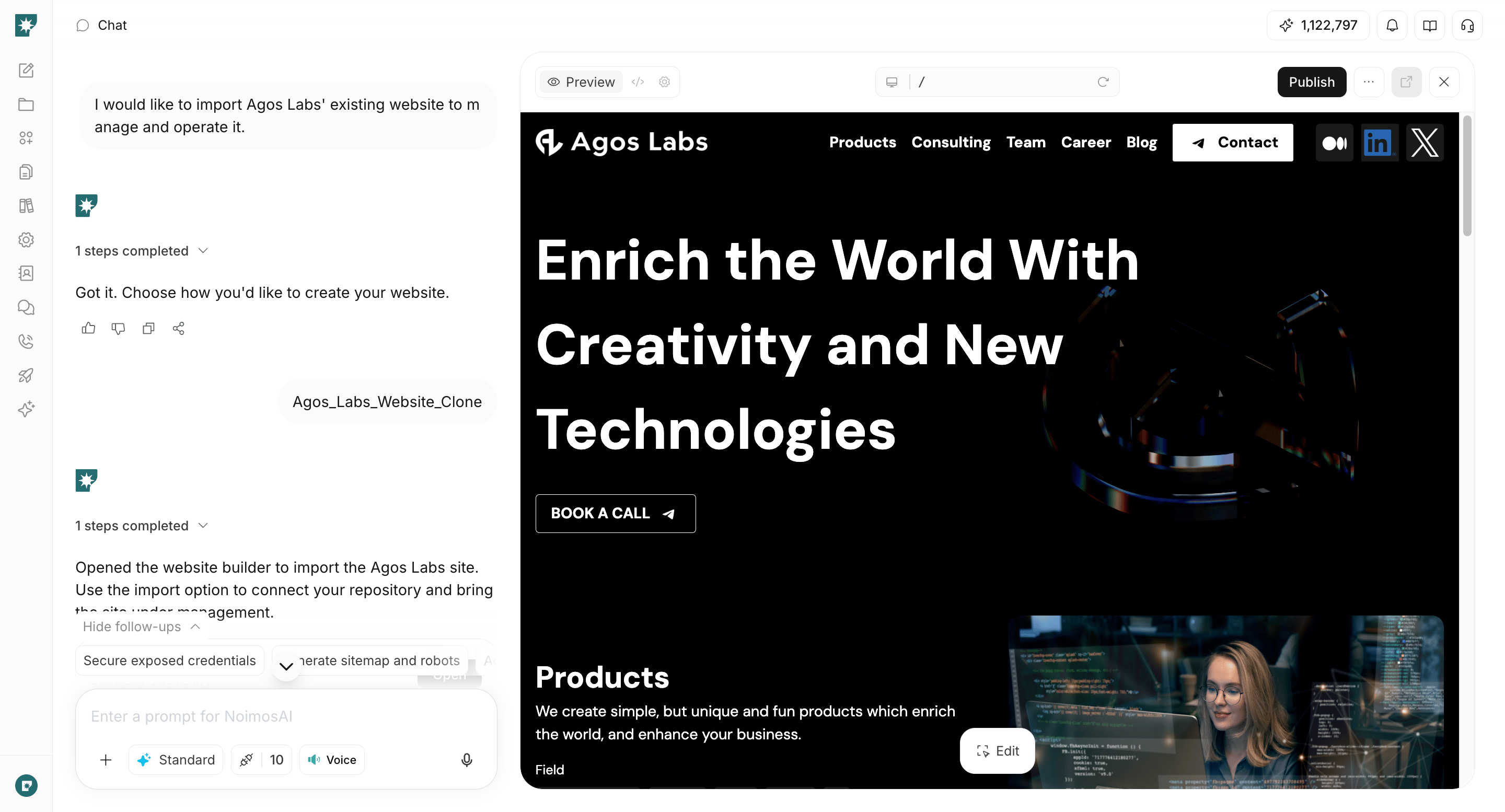
With NoimosAI, you can create an SEO- and GEO-optimized website simply by communicating your goals and requirements through chat. After creation, you can review the content in the preview and adjust the text, structure, design, CTAs, and more. For detailed editing instructions, please see Edit a Website.How to Create a New Website
- Open the chat.
- Enter the purpose of the website you want to create and an overview of your business.
- Attach company information, product details, reference materials, images, etc., as needed.
- Review the generated website in the preview.
- If corrections are needed, refer to Edit a Website and make adjustments.