- Decide which competitors to compare
- Monitor competitor changes and turn findings into improvements
Understand the basics of competitor research
Competitor research is not a way to copy another brand’s tactics. It reveals which products or alternatives customers compare, which criteria they use, and where your product or explanation needs to improve.1. Decide which competitors to compare
Competitors are not only brands selling the same type of product. Options that satisfy the same customer need with different products or methods are also considered competitors.
Choose 3–5 companies that customers are likely to compare and compare them on the same items. If you include too many competitors you won’t be able to track changes, so prioritize brands that are frequently mentioned at purchase time and brands that have a large impact on your business.
2. Monitor competitor changes and turn findings into improvements
Once you’ve chosen competitors, periodically check changes in new products, pricing, product pages, search results, social posts, etc. Instead of re-laying out all information each time, look for what changed since the last check and opportunities your company hasn’t yet addressed. Research results only become useful once you decide the next actions to take. The table below pairs changes found in competitor research with responses your company should confirm and then execute.
When recording information, note the publication date or check date and the supporting URL. Separate confirmed facts from assumptions, and treat estimated data such as competitor site traffic as indicators of trends rather than exact visit counts.
Research competitors with NoimosAI
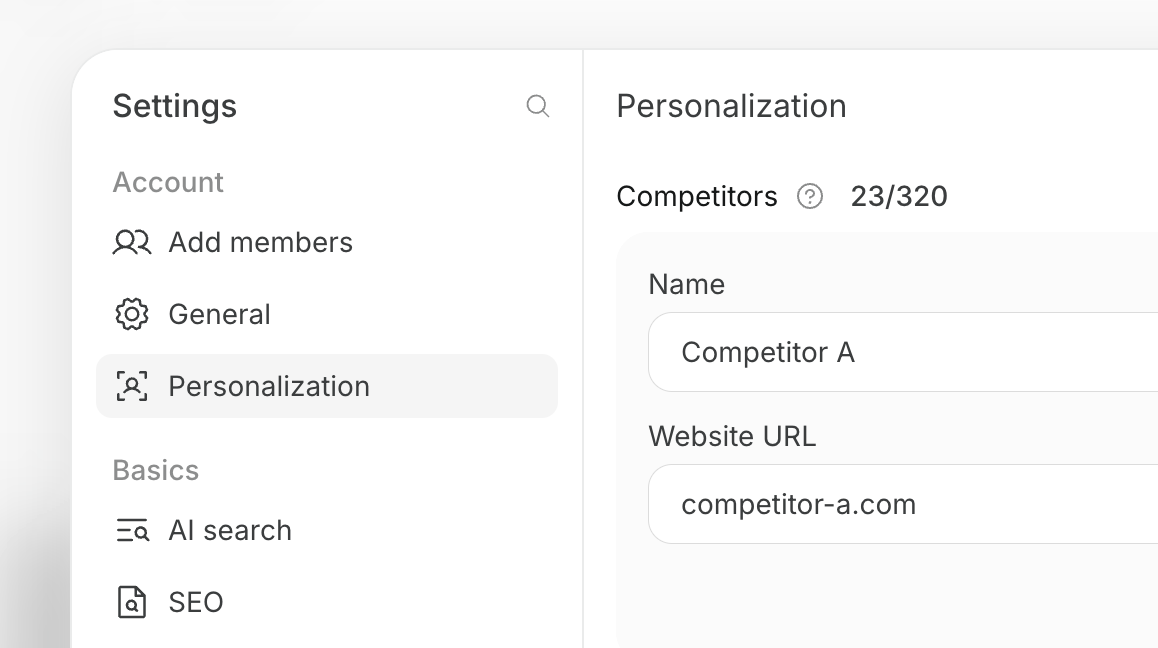
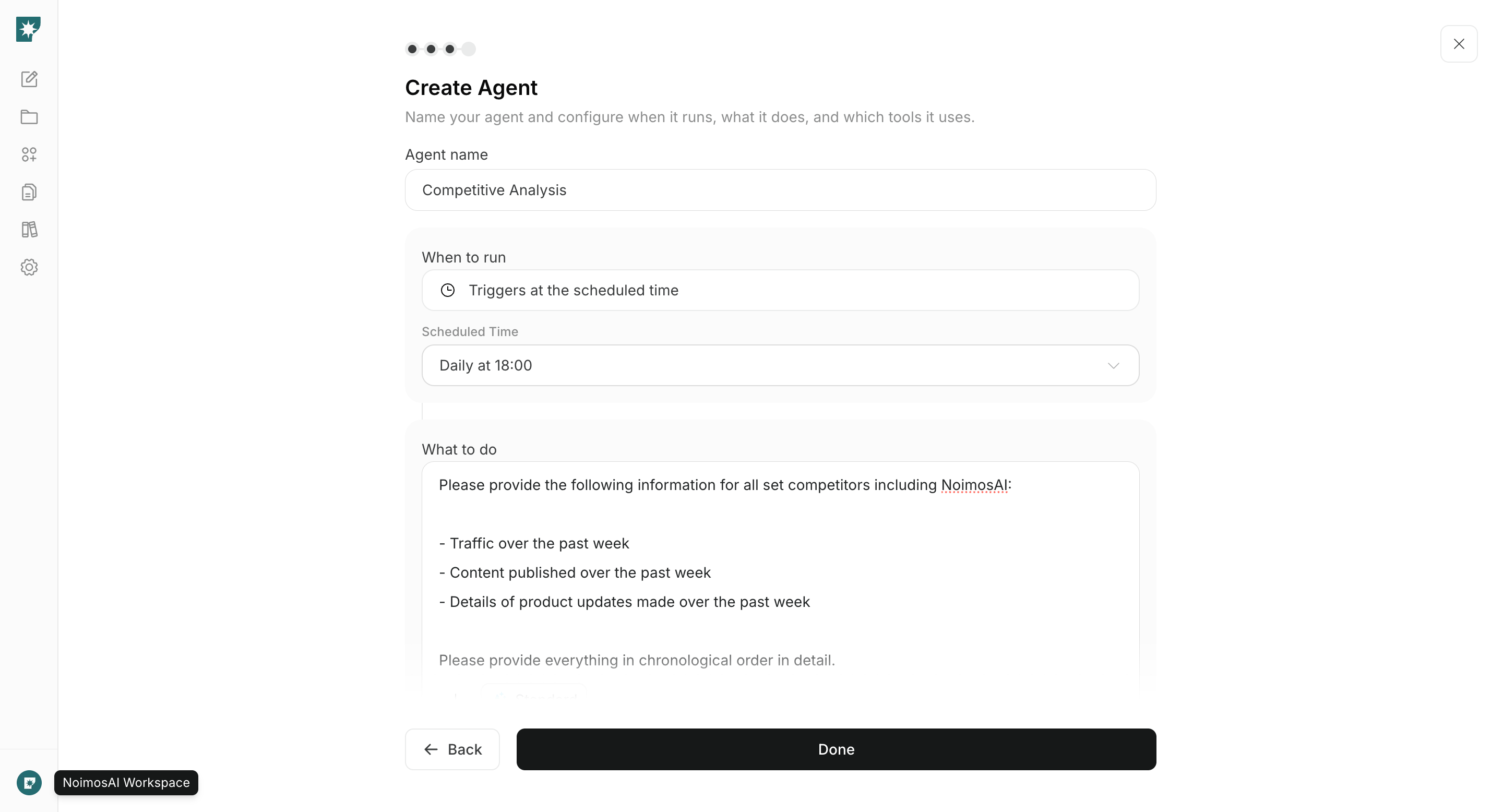
Register the competitors you want to compare in NoimosAI, then create agents that turn relevant competitor changes into specific improvements to your content and pages. For instructions on entering a prompt in chat, see Enter your own prompt.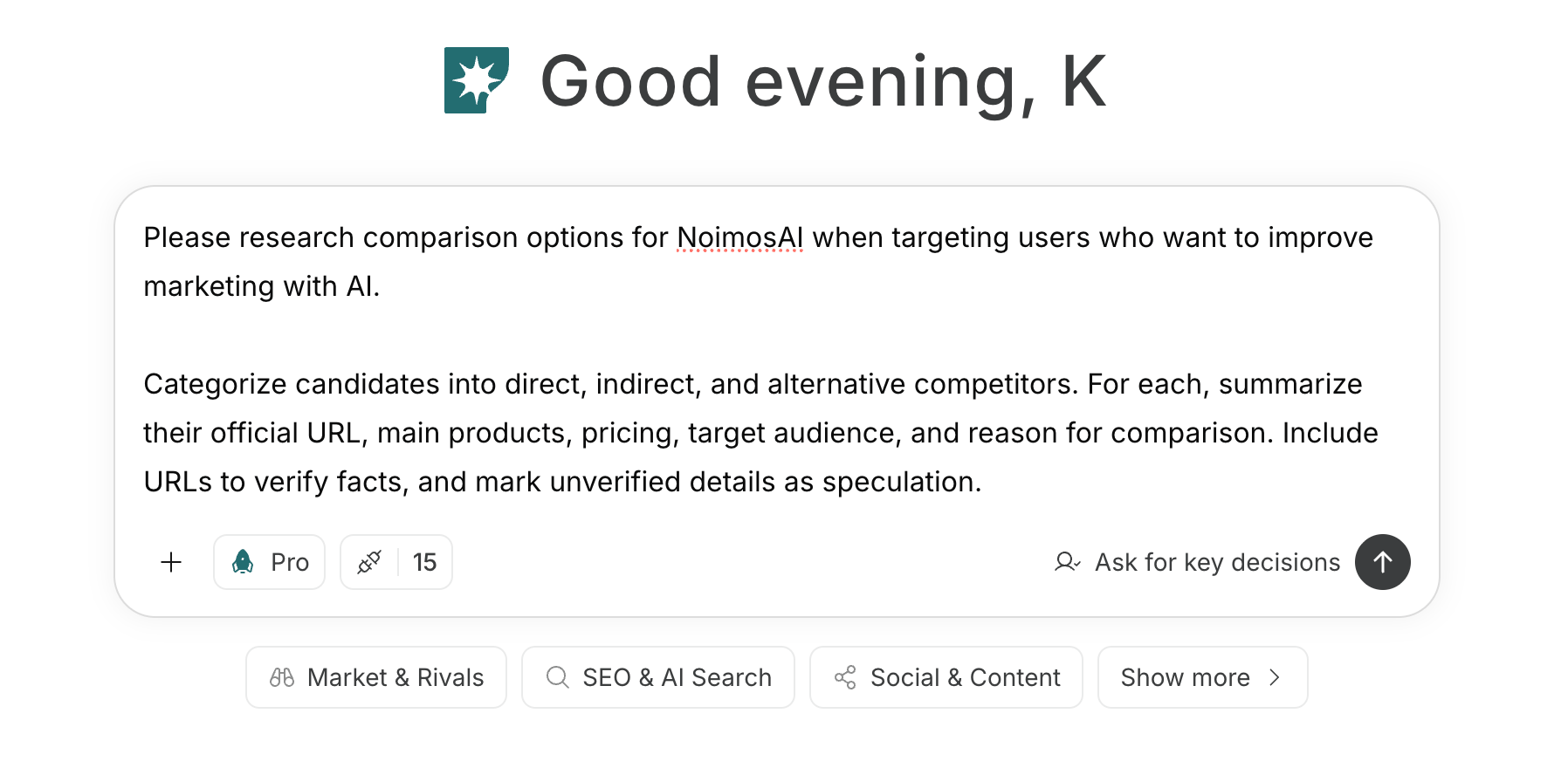
1. Decide which competitors to compare
If you haven’t decided competitors, enter your product, target customers, usage scenarios, and sales regions into chat to organize candidate competitors.Prompt to organize competitor candidates