- Create and improve a website that drives customer action
- Build a foundation that search engines and AI can read
- Improve based on customer behavior
Understand website fundamentals
When creating a new website, decide who you are targeting, what you want to communicate, and what actions you want visitors to take before building. If you already have a website, review content and user flows from the same perspective and fill any gaps. Then, configure technical settings so search engines and AI can read your content, and continue improving based on post-launch data.1. Create and improve a website that drives customer action
First, define the target customers, the value you’ll deliver, and the actions you want visitors to complete on the site. Aim for pages where visitors immediately feel “this is relevant to me” and “this is helpful,” and know “what to do next.” In particular, in the , make sure the following three things are communicated.- Who the product or service is for
- What problem it solves and what change the user will experience
- What to do next (purchase, book, inquire, etc.)
If content is light, combine it as sections on a single page; if you have many products or detailed explanations, split into multiple pages. The priority is clear structure so customers can easily reach the information they need, not simply increasing the number of pages.
2. Make your website easy for search engines and AI to understand
Next, configure the site’s settings and structure so search engines and AI can discover important pages and correctly understand their content. This applies to both new and existing sites. Check site navigation, the information that can be accessed, URLs, and usability separately so search engines and AI can find and read important pages. Reviewing the table below from the top helps separate problems where pages aren’t discovered from problems where discovered pages aren’t read correctly.
After building the site foundation, continue with content creation and ranking improvements in Increase search traffic with SEO, and efforts to increase mentions and citations in AI answers in Get found in AI search with GEO.
3. Improve based on customer behavior
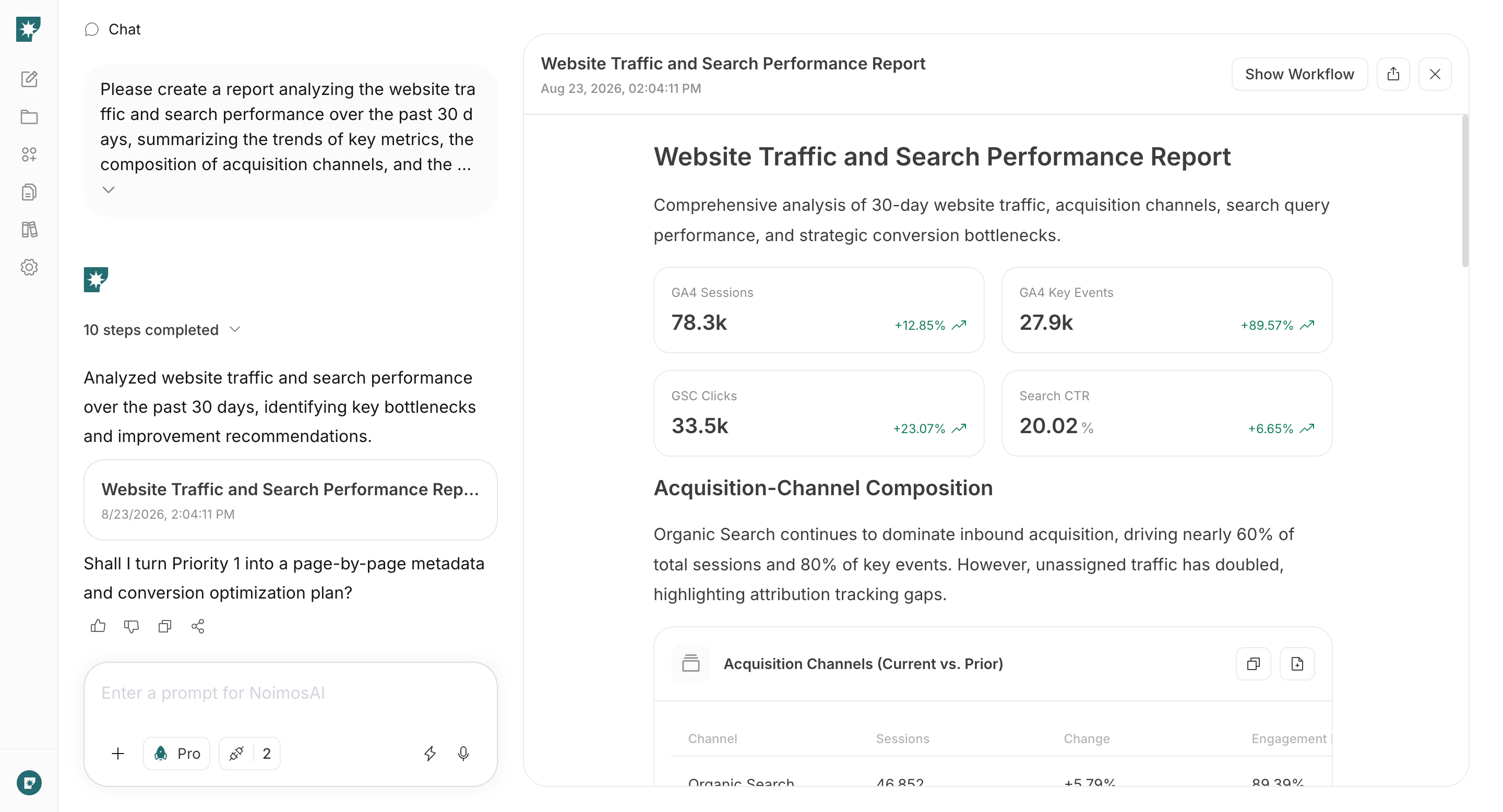
After launch, analyze where visitors came from, which pages they viewed, and whether they progressed to purchase, booking, or inquiry, then iterate. Use data to find problem areas based on actual behavior. Key data to check includes:- Channels visitors used: search, social, ads, AI services, etc.
- Pages frequently viewed and pages rarely viewed
- CTA click counts
- Number of
- Pages or forms where visitors drop off
- Impressions, clicks, and ranking positions in search results
Avoid changing many areas at once because it becomes hard to determine which change produced results. Fix high-impact issues first and compare metrics before and after changes.
Apps you can connect for website analysis
If you only use NoimosAI to create a website, app integrations aren’t required. To analyze post-launch behavior and search performance, connect the following apps.
Google Analytics: Collects visitor paths, viewed pages, CTAs, and purchase/booking/inquiry behavior on your site. Used for the stage of improving based on customer behavior.

Google Search Console: Retrieves , impressions, clicks, rankings, and whether pages are indexed (). Used for both the foundation setup stage and post-launch improvements.
Build and improve your website with NoimosAI
Use chat to create or audit the website, then use an agent to analyze post-launch performance on a recurring schedule. For instructions on entering a prompt in chat, see Enter your own prompt.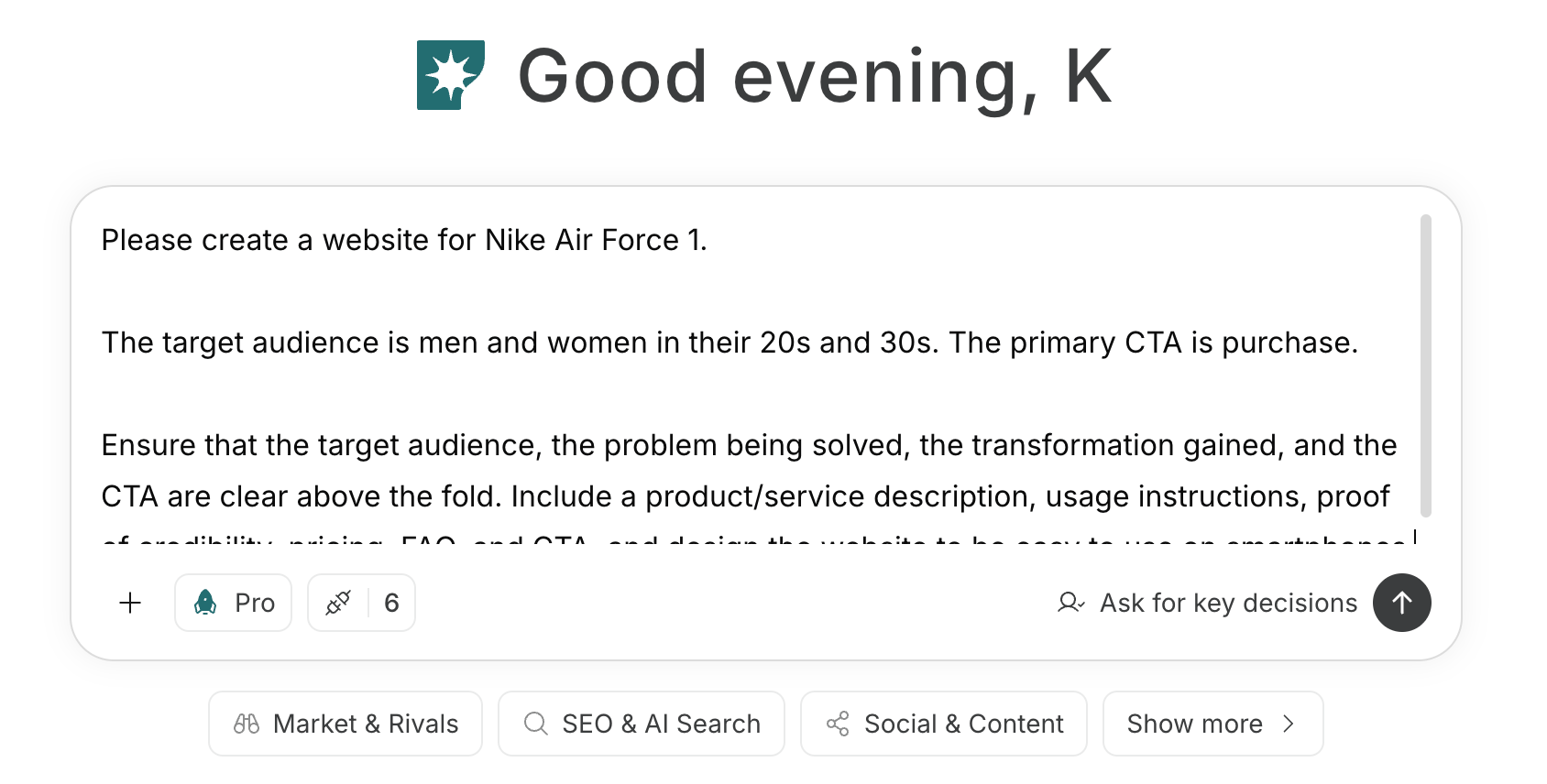
1. Create and improve a website that drives customer action
If you’re building a new website, enter the target customer, the value offered, and the main CTA into chat. NoimosAI will generate page structure, copy, and design; preview and refine the generated site as needed.Prompt for creating a new site
Prompt for improving an existing site
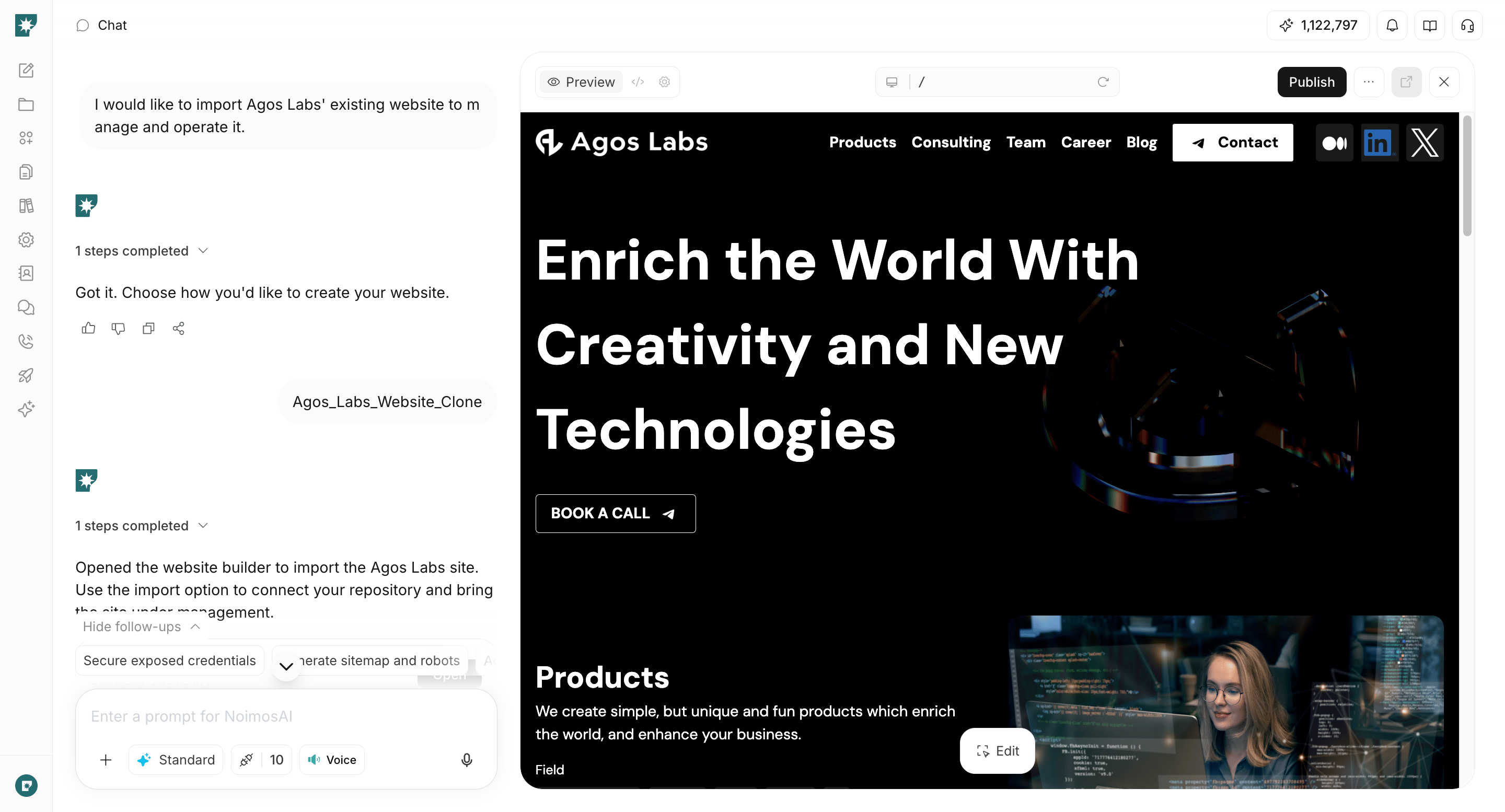
2. Make your website easy for search engines and AI to understand
For both new and existing sites, audit technical conditions before publishing or when improving. Enter your URL in chat to find issues that prevent page fetching and understanding by search engines and AI.Prompt for chat
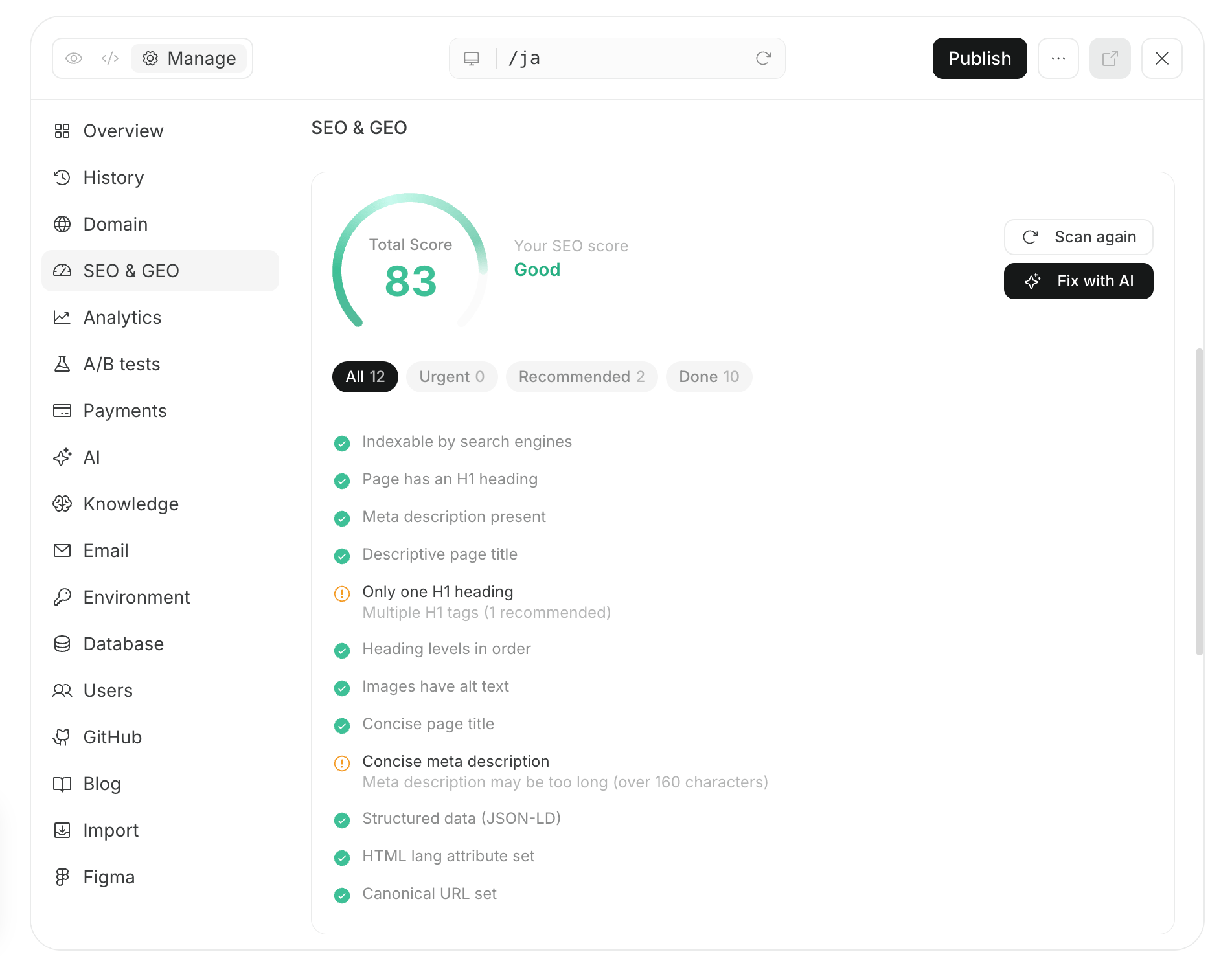
3. Improve based on customer behavior
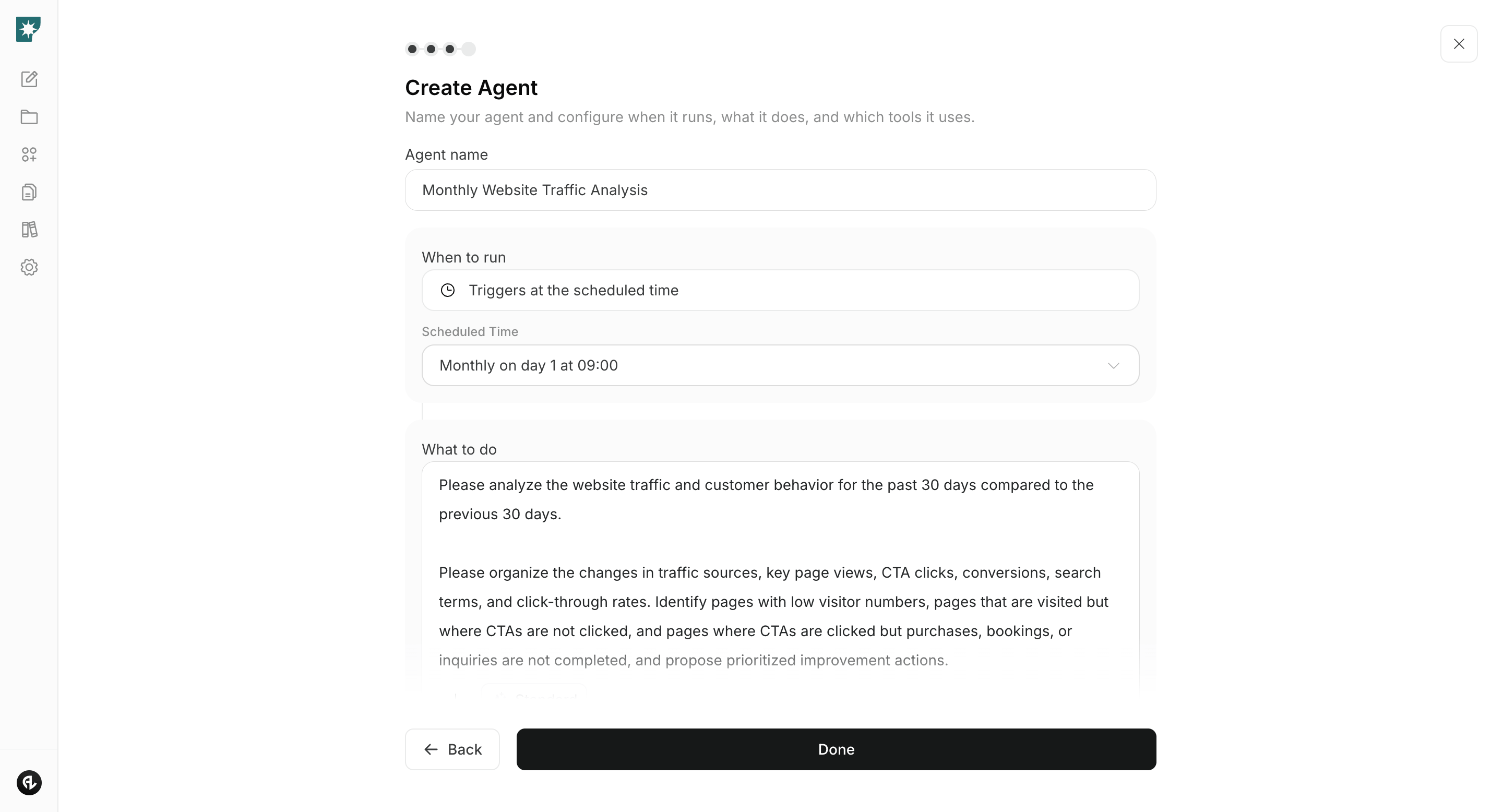
After launch, connect Google Analytics and Google Search Console and create an agent to analyze site traffic, search performance, and behavior leading to purchases, bookings, and inquiries on a monthly schedule. Comparing the most recent 30 days to the previous 30 days makes it easier to find pages and issues to improve.Agent setup
- Trigger: Run on a schedule once per month.
- Tasks:
- Integrations used: Google Analytics, Google Search Console