

- Measure your visibility in AI search
- Make your website easy for AI systems to access and cite
- Create content that AI answers can cite
- Monitor and improve visibility over time
Understand GEO fundamentals
GEO is the practice of increasing accurate mentions and citations of your company in AI-generated answers. It applies not only when customers are choosing a product, but also when they look for usage instructions or troubleshooting after purchase. GEO involves measuring your current visibility, improving your website, publishing the missing content, and tracking changes after publication. The following sections explain the decisions required at each stage.1. Check your visibility in AI search
First, investigate how your company and products are being mentioned or cited in AI search. Use the actual questions customers and users would enter to AI, and verify whether your company appears in the answers and whether your website is shown as a source. Build the test set from questions customers actually ask about product categories, problems, selection criteria, comparisons, usage, and troubleshooting. For product-selection research, run the same unbranded question across multiple AI search services to compare your visibility with competitors. Measure both how often your company appears and how often your own website is cited. The following table explains what each metric reveals.
In addition to the numbers, check which questions do not return your company, how competitors are presented, and which sources AI answers cite. This lets you decide what information to correct on your website and what new content to create.
generate answers from learned patterns and, when search is available, web pages, videos, and other material retrieved at the time of the request. Search-enabled answers may show those sources as citations. Publish clear, consistent official information in accessible formats so AI systems can retrieve it, understand it, and support claims with the correct source.
2. Make your website easy for AI systems to access and cite
Improve your website’s technical setup and information structure so AI systems can retrieve accurate company and product information. Google’s AI search features use pages from the web as sources, so the same website improvements that support also provide a foundation for GEO. AI systems can use public pages only when they can access the URL, read the content, and identify the correct version of the page. Work through the table from top to bottom to distinguish access problems from content, URL, and rendering problems.
Once these elements are in place, AI systems can retrieve your pages and interpret key information about your company and products. Next, publish clear, verifiable content that gives AI answers reliable information to cite.
3. Create content that AI answers can cite
Decide which questions you want official content to answer and how your company or product should be described. Publish not only awareness content but also accurate information about product selection, correct use, pricing, terms, and common problems. Create the types of content that give AI systems reliable information for each user need.
In articles and pages, answer the question at the beginning, then explain the reasoning and steps. To make the content clear to both customers and AI systems, check the following:
- A clear answer is written for one question.
- You can determine what you can learn from each section by reading just the headings.
- Information is organized with FAQs, comparison tables, procedures, and lists as necessary.
- The basis for the answer is provided, including numbers, dates, specific examples, and sources.
- The author and operating company are clearly identified and the information is updated.
- Facts such as product name, price, features, etc. are consistent with other official pages
4. Monitor and improve visibility over time
Use the questions you initially researched to continuously measure visibility in AI search. AI model updates, search feature changes, competitors’ communications, and updates to your own information can cause answers and cited sources to change for the same questions. In continuous measurement, check changes in SOV and ACS trends as well as changes in answer content and cited sources. Key improvement actions based on observed changes are as follows.Apps you can use for GEO
GEO provides the following apps depending on the content you create and the outcomes you want to verify.
Google Search Console: Check whether Google has each page after you update the website.

Google Analytics: Review how visitors from AI search and other sources behave on your website and whether they complete such as purchases, bookings, or inquiries.

WordPress: Reference existing posts and pages and create, publish, and update new posts and FAQs.

note: Use this to reference, create, publish, and update articles published on note.
App integrations are not required for SOV and ACS research or for a public URL . NoimosAI will investigate AI search and the live website.
Put GEO into practice with NoimosAI
Use the following workflow to measure AI search visibility, improve your website, create missing content, and track results after publication. For instructions on entering a prompt in chat, see Enter your own prompt.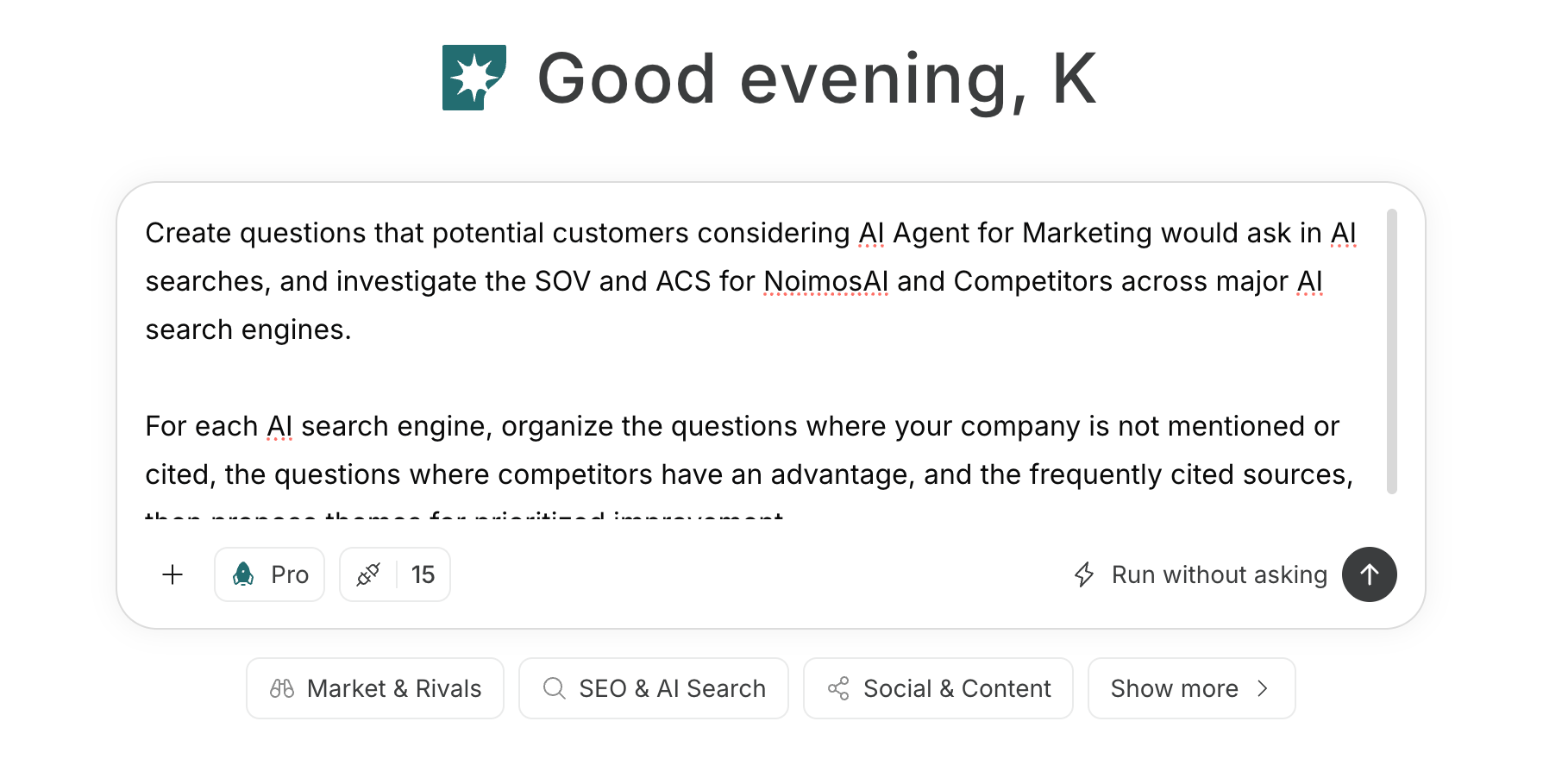
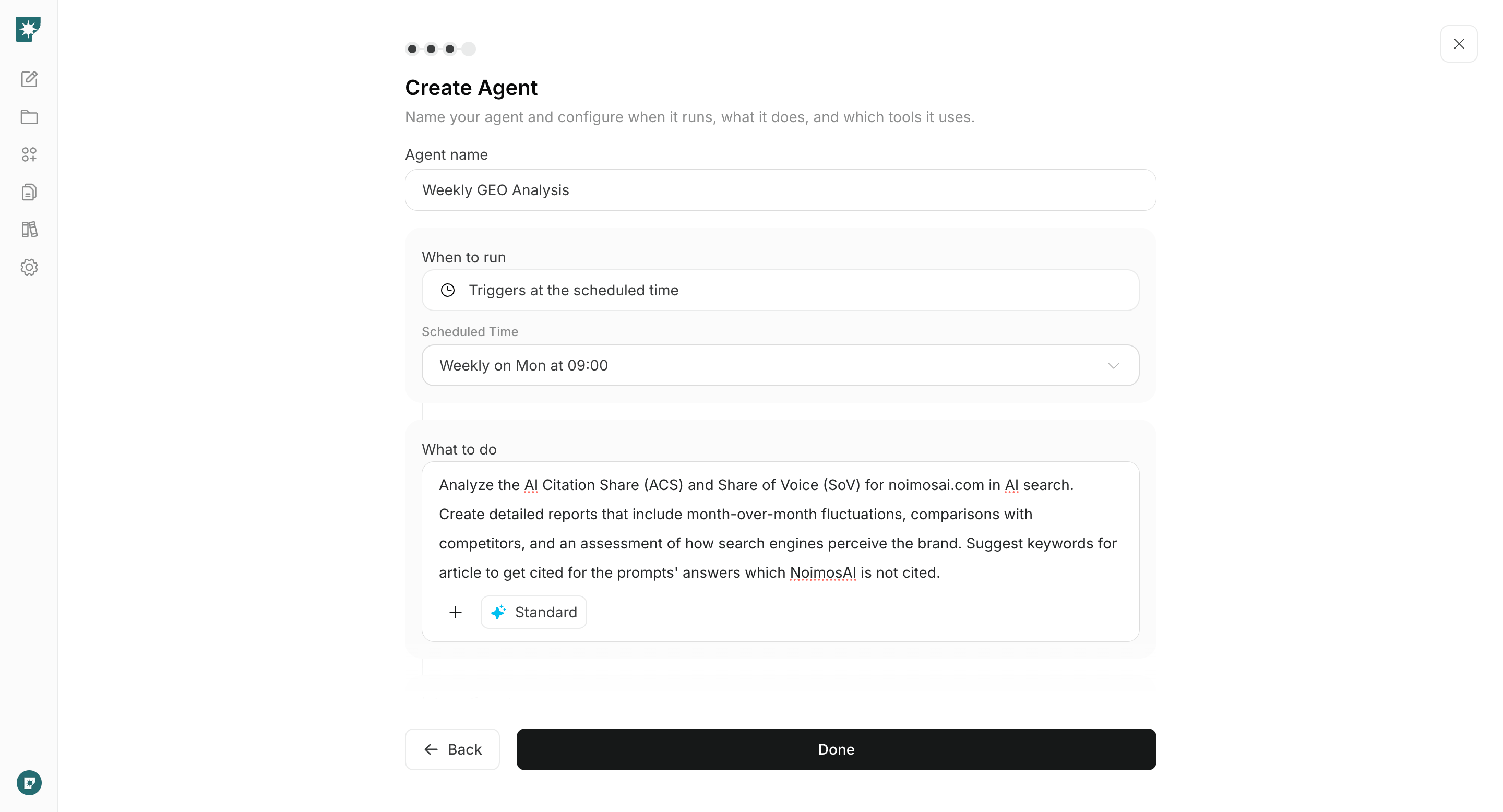
1. Check visibility in AI search
First, investigate your company’s SOV and ACS in chat. For research about product selection, do not include the brand name; use questions that customers would naturally ask about product categories, problems, how to choose, and comparisons. For post-purchase research, use questions that users would ask about how to use the product and how to solve problems.Prompt for chat
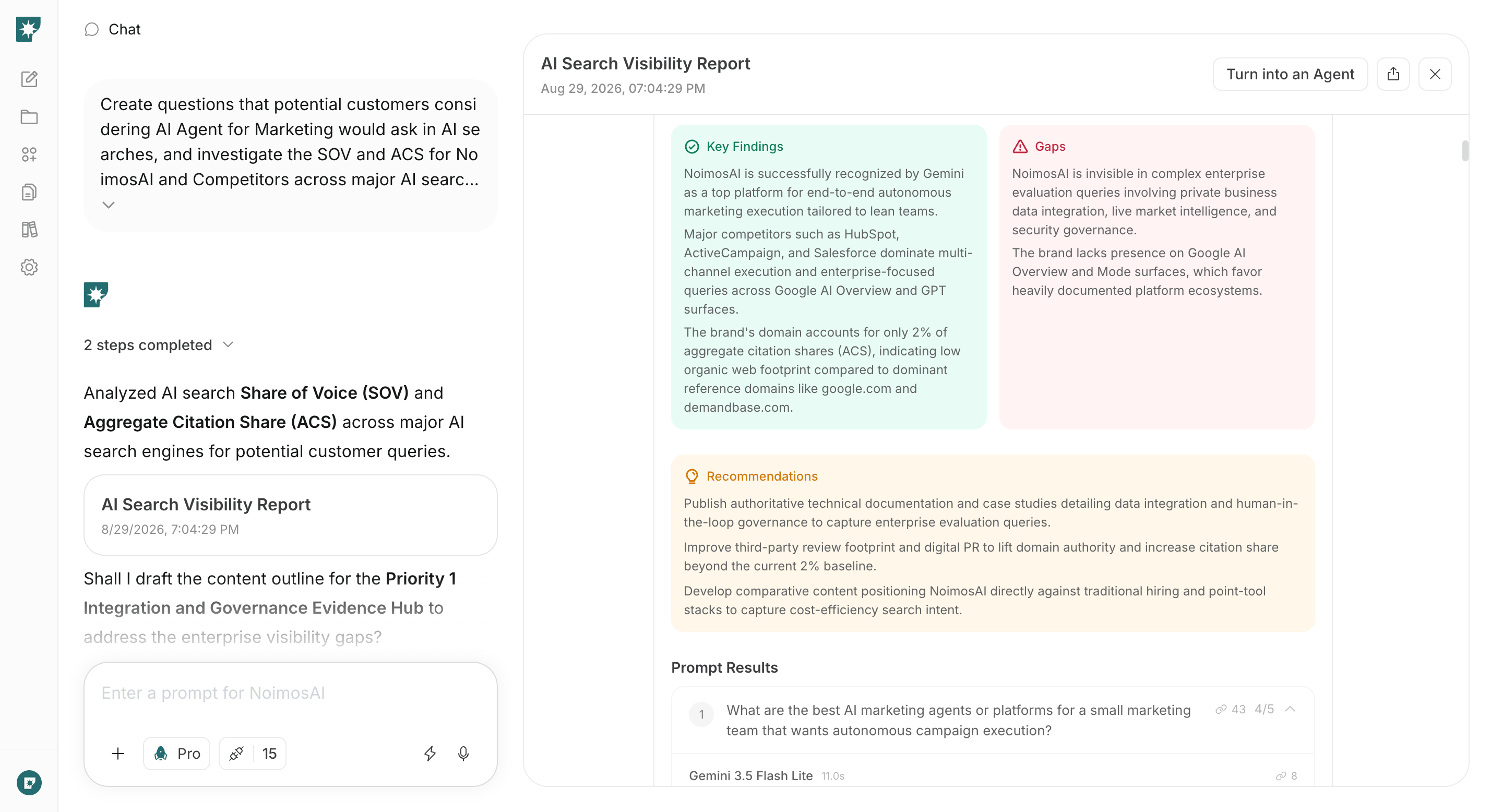
2. Make your website easy for AI systems to access and cite
Enter the public website URL in chat to run a GEO audit. NoimosAI will fetch the pages, test whether important information is discoverable, map relevant URLs, assess the information structure, and flag accuracy or credibility issues that make citation difficult.Prompt for chat
Website Settings > SEO and GEO, review product information and links in the preview, then publish.
After updating your website, verify in Google Search Console that important pages are indexed by Google. For newly created or substantially updated pages, submit an index request via the tool.
3. Create content that AI answers can cite
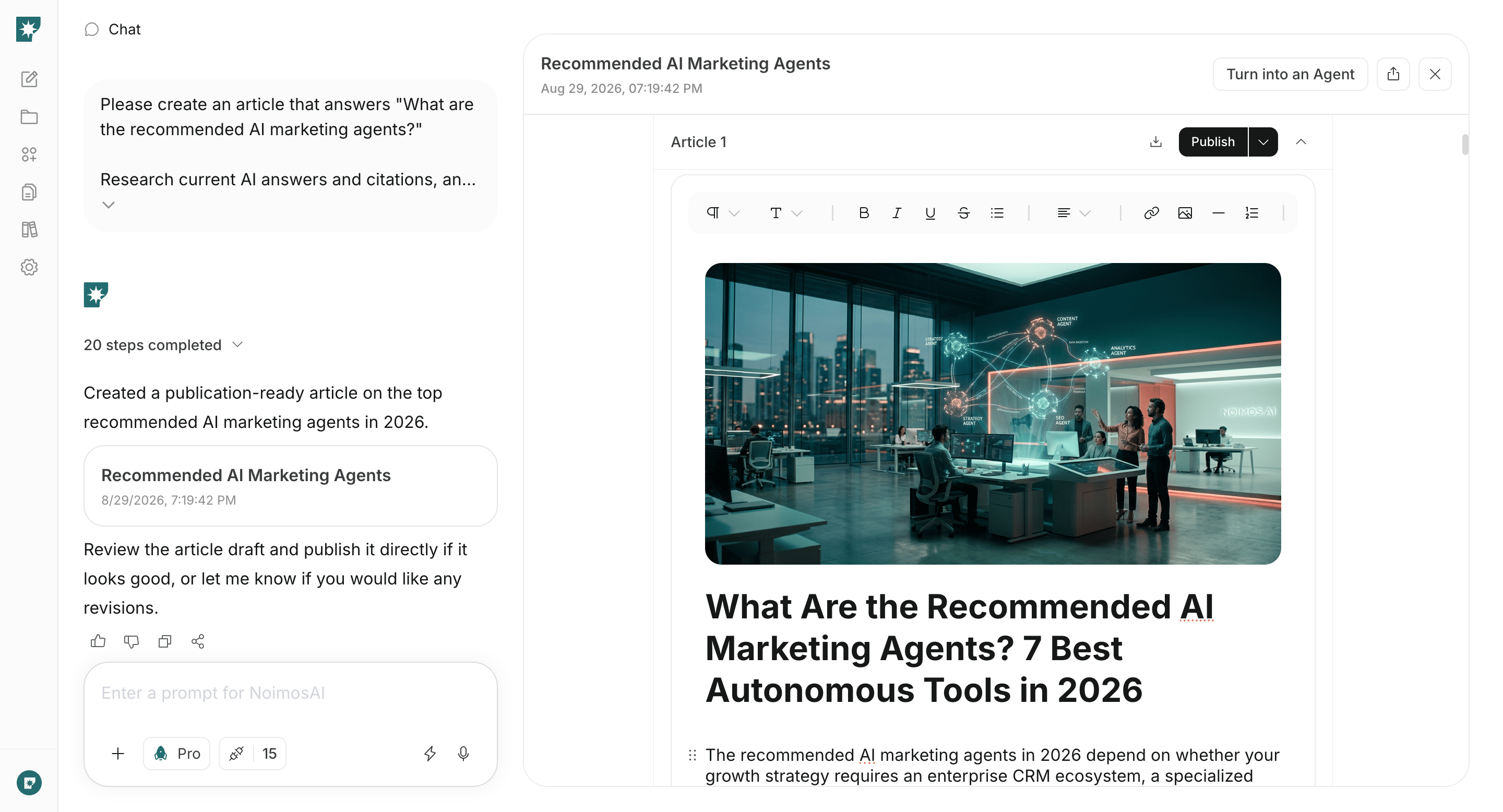
Write and publish articles that answer questions identified in the initial audit where your company was underrepresented. NoimosAI will analyze current AI responses and their sources, then produce a final draft that includes conclusions, supporting evidence, concrete examples, and any required FAQs. If you have product information, research data, case studies, or existing documentation, provide their URLs or files in the chat. Connecting WordPress or note lets NoimosAI reference existing posts and publish the articles it creates.Prompt for chat
4. Monitor and improve visibility over time
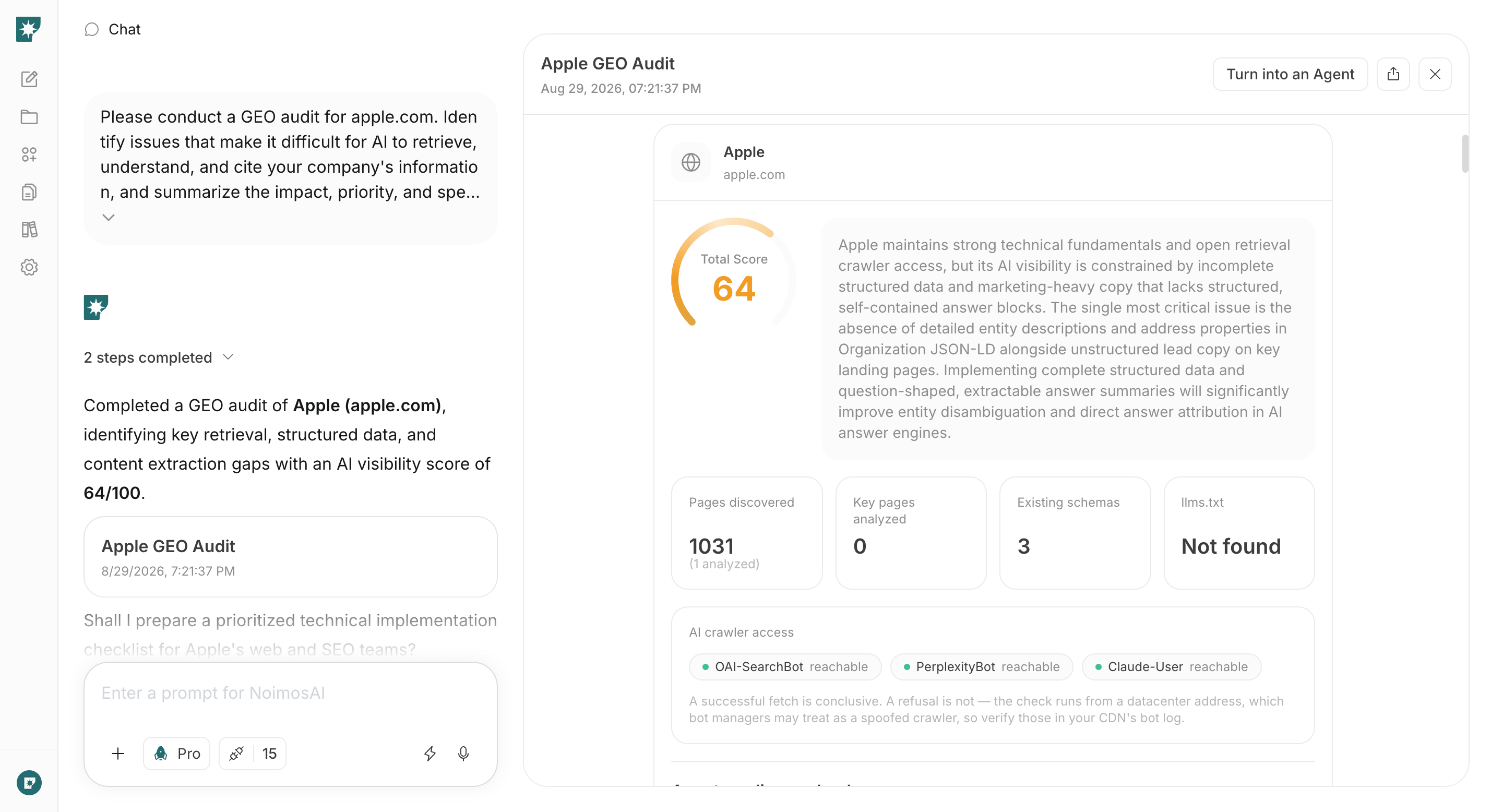
Create an agent to continuously measure visibility using the same queries and AI search. Run it initially about once a week and compare SOV, ACS, answer content, and sources to the previous results.Agent setup
Trigger: Schedule / Weekly Instructions:- If the objective is awareness or customer acquisition, review queries about product categories, comparisons, and how to choose.
- If the objective is solving existing users’ problems, review queries about how to use the product and problem resolution.
- If there is incorrect information, correct the official page or documentation; if your brand does not appear, create articles or FAQs.