- Decide which competitors to compare
- Monitor competitor changes and turn findings into improvements
Understand the basics of competitor research
In competitor research, don’t just compare the number of features. Examine the jobs users want to complete and the conditions that determine adoption. The goal is to decide which value to emphasize and which product experience or marketing tactic to improve next.1. Decide which competitors to compare
Compare not only software in the same category but also alternatives that let users complete the same job in different ways.
Choose 3–5 products that users actually compare and evaluate them using the same criteria. Prioritize products that appear in reviews, search results, or in questions from sales and support.
2. Monitor competitor changes and turn findings into improvements
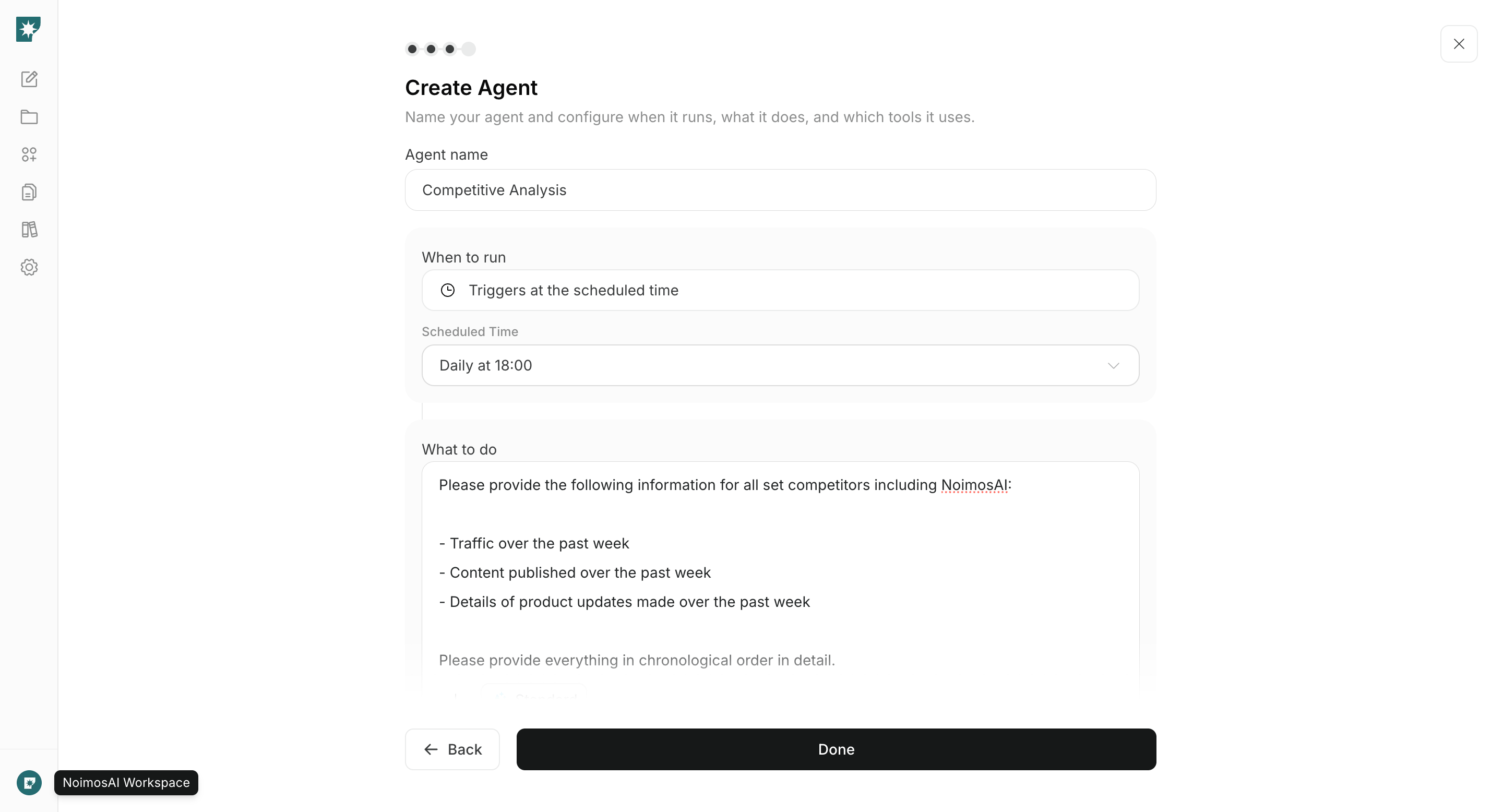
After choosing competitors to compare, regularly check for changes in features, pricing, websites, search results, social posts, and reviews. Identify what changed since the last check and what opportunities your team missed, then decide on concrete responses.
Record the publication or check date and source URLs, and separate confirmed facts from assumptions. Treat estimated values such as traffic as indicators of trends rather than exact user counts.
Research competitors with NoimosAI
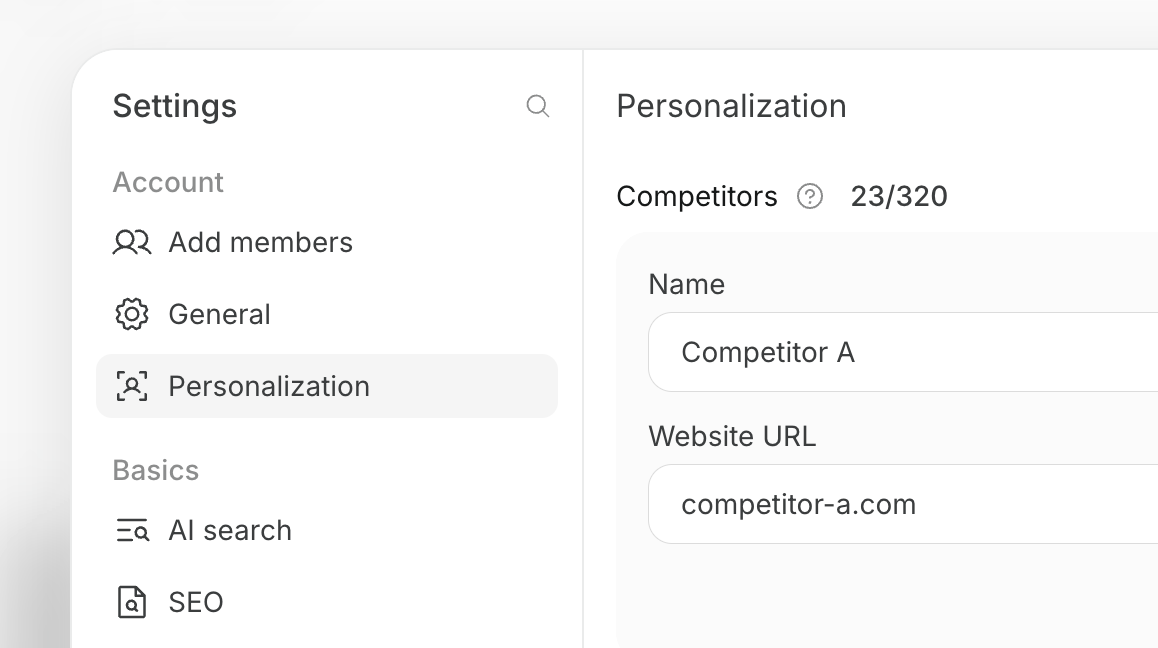
Register competitors in NoimosAI, then create an agent that turns relevant changes into specific improvements to your product, web pages, articles, and posts. For instructions on entering a prompt in chat, see Enter your own prompt.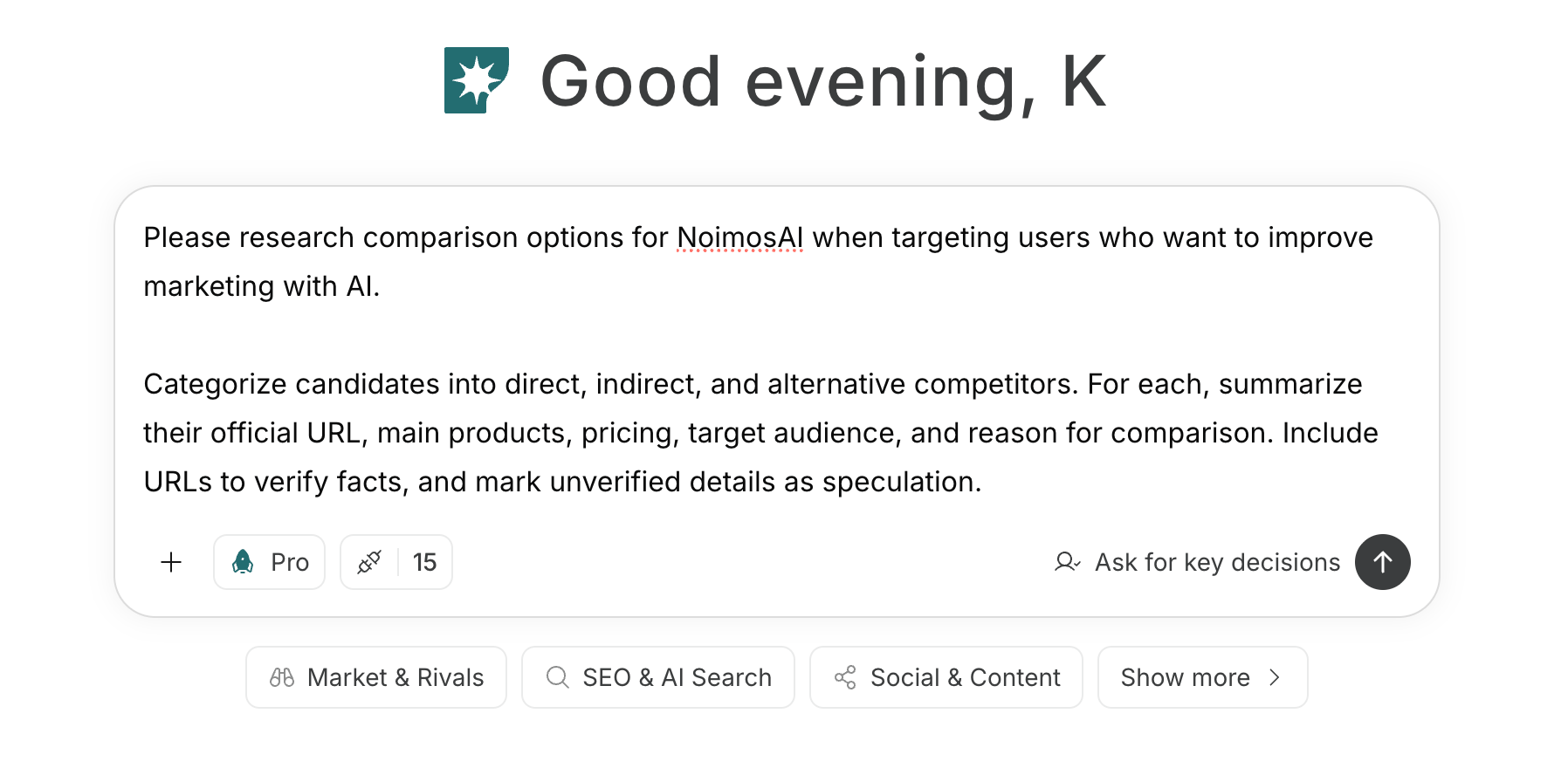
1. Decide which competitors to compare
If you haven’t decided on competitors, enter your product, target users, jobs to be completed, and regions into chat to generate candidates.Prompt for chat