- Measure visibility in AI search
- Make your product information easy for AI systems to access and cite
- Create content that helps with product selection and usage
- Monitor and improve visibility over time
Understand GEO fundamentals
In addition to learned knowledge, AI uses web pages and other resources it retrieves on the fly to answer questions. The foundation of GEO is publishing official pages that clearly state product name, features, pricing, supported environments, and usage instructions so they directly answer user questions.1. Audit visibility in AI search
Start with questions your target users would ask AI and investigate how the answers present your product and its competitors. Include both unbranded selection questions and product-specific questions about setup, use, and troubleshooting.
Main metrics to check are , which indicates your mention share compared to competitors in AI answers, and , which indicates the proportion of cited sources that come from your site. In addition to numbers, verify answer accuracy and the cited pages.
The same question can yield different answers depending on environment, pricing plan, device, and permissions. Narrow to conditions your product actually supports, and save the question, check date, answer, and cited sources. After improvements, compare under the same conditions.
2. Make product information easy for AI systems to access and cite
Make pages retrievable and understandable so AI can identify product information. Reviewing the table from top to bottom helps isolate issues with access to important pages, problems with AI reading product information, and inconsistencies across multiple pages.
If you want your published info included in ChatGPT search results, also confirm you are not blocking OAI-SearchBot from fetching your pages.
3. Create content for product evaluation and use
For questions lacking clear answers in your visibility audit, publish pages that clearly answer them with official information. Choose the page type based on the question’s purpose.
Ensure features, pricing, and procedures match the current product. Do not publish unverified effects or comparisons; include timeframes and conditions with any numeric claims.
On pages aimed at product selection, show target users, use cases, pricing, supported environments, and comparison criteria. On pages for current users, clearly state required plans, permissions, operating systems, versions, and the expected result after each procedure. Remove outdated screens or specifications and show the last-updated date.
4. Monitor and improve visibility over time
Regularly re-run the same questions to track changes in answers, mentions, and cited sources. Assess changes and responses together.Apps you can use for GEO
Use the following apps to check public status and results for GEO.
Google Search Console: Check index status of public pages.

Google Analytics: Check how users coming from AI services progress through sign-up, activation, and paid conversion.

WordPress: Reference existing pages and create, publish, and update new articles and FAQs.
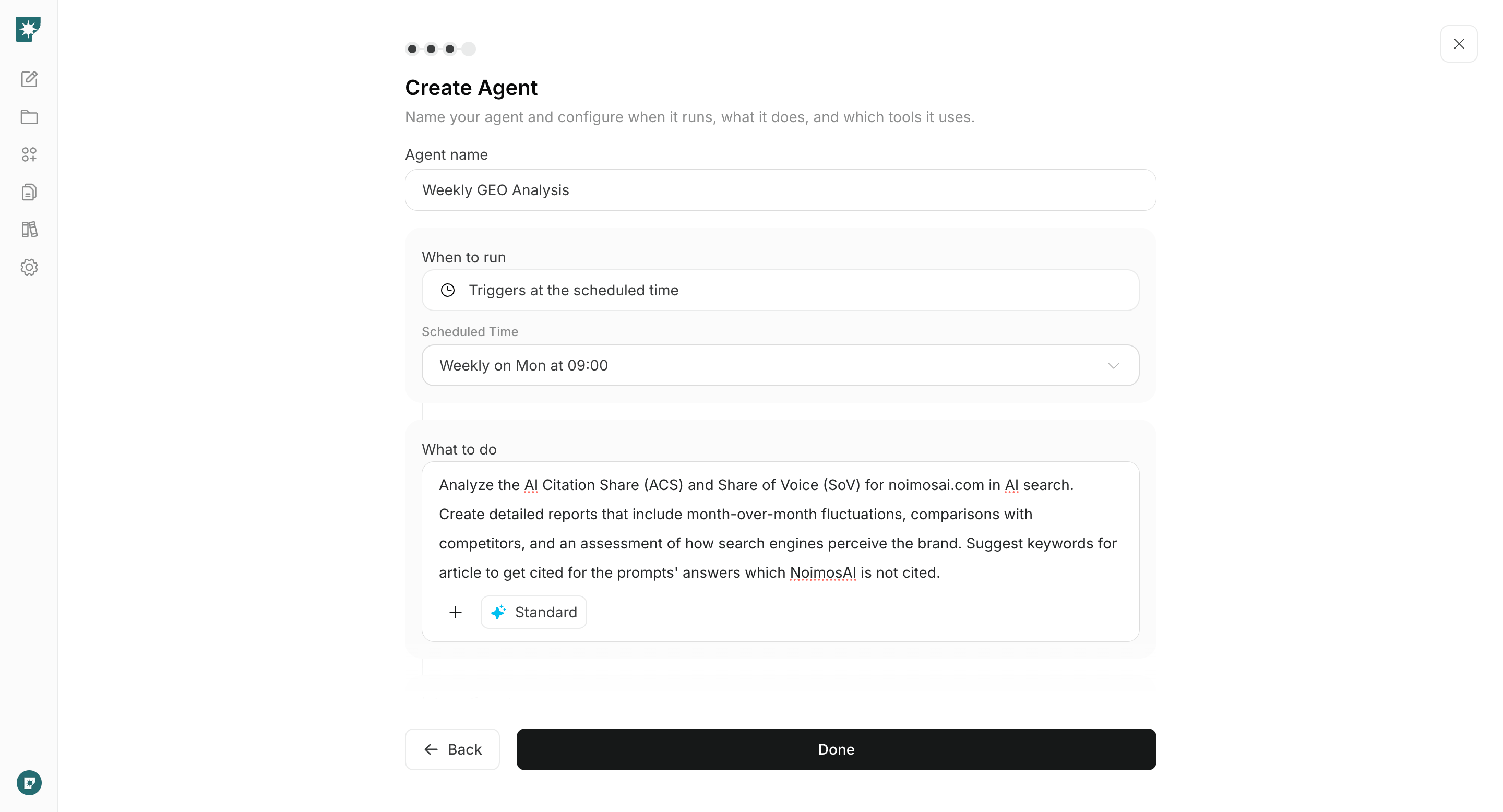
Put GEO into practice with NoimosAI
Measure your current visibility in AI search, prepare your website, publish content that answers the target questions, and repeat the same queries to verify whether visibility improves. For instructions on entering a prompt in chat, see Enter your own prompt.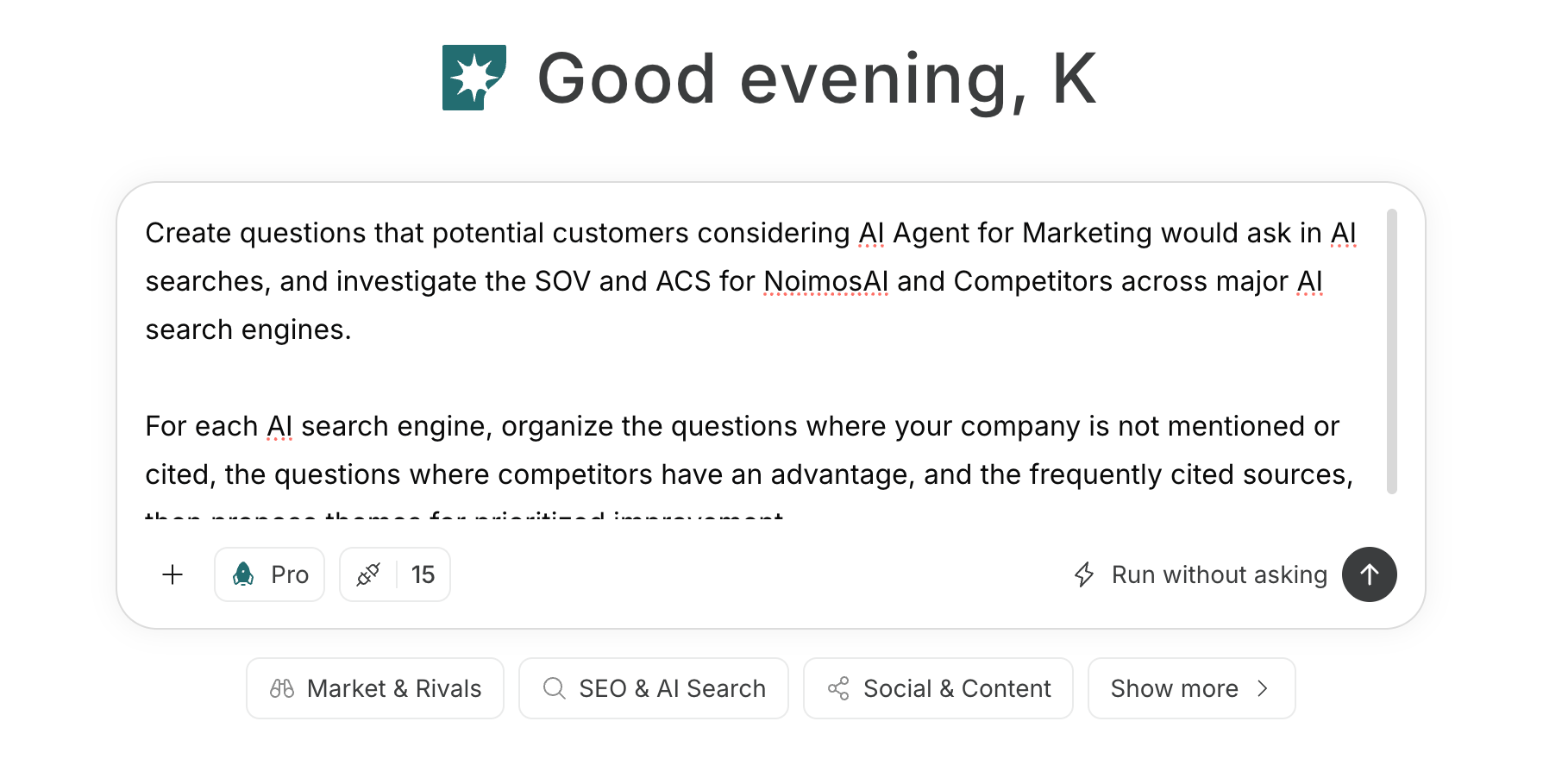
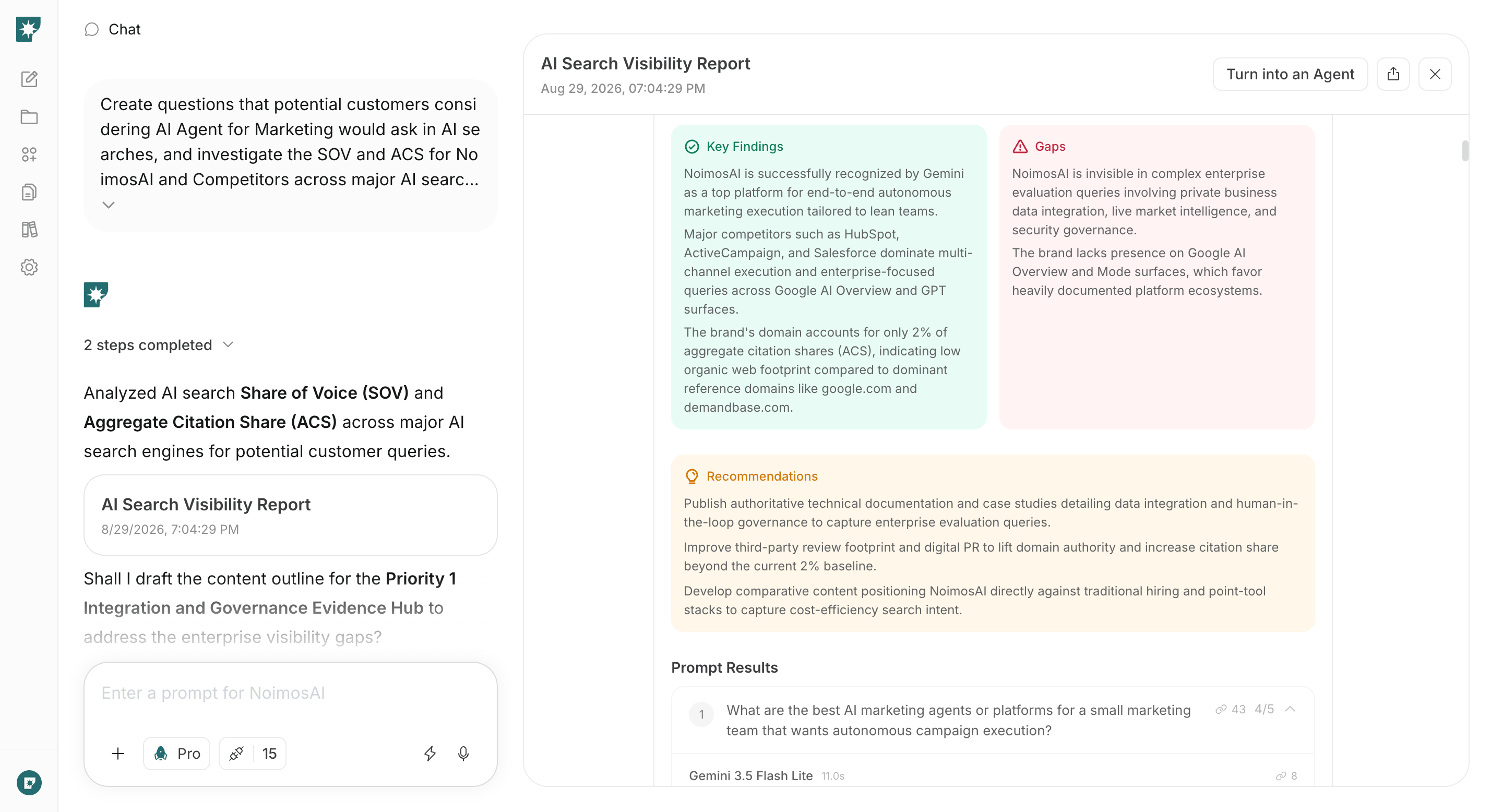
1. Audit visibility in AI search
Enter target user and objective into chat, create pre-selection and in-use questions, and investigate how your product and competitors appear. Compare mentions, explanations, and citations to identify questions where your product is missing or product information is misrepresented.Prompt for chat
2. Make product information easy for AI systems to access and cite
Enter public URLs into chat to audit fetching, discovery, understanding, accuracy, and evidence on each page. Confirm whether AI can retrieve and understand product, features, pricing, supported environments, and usage instructions; then fix high-impact gaps and technical issues first.Prompt for chat
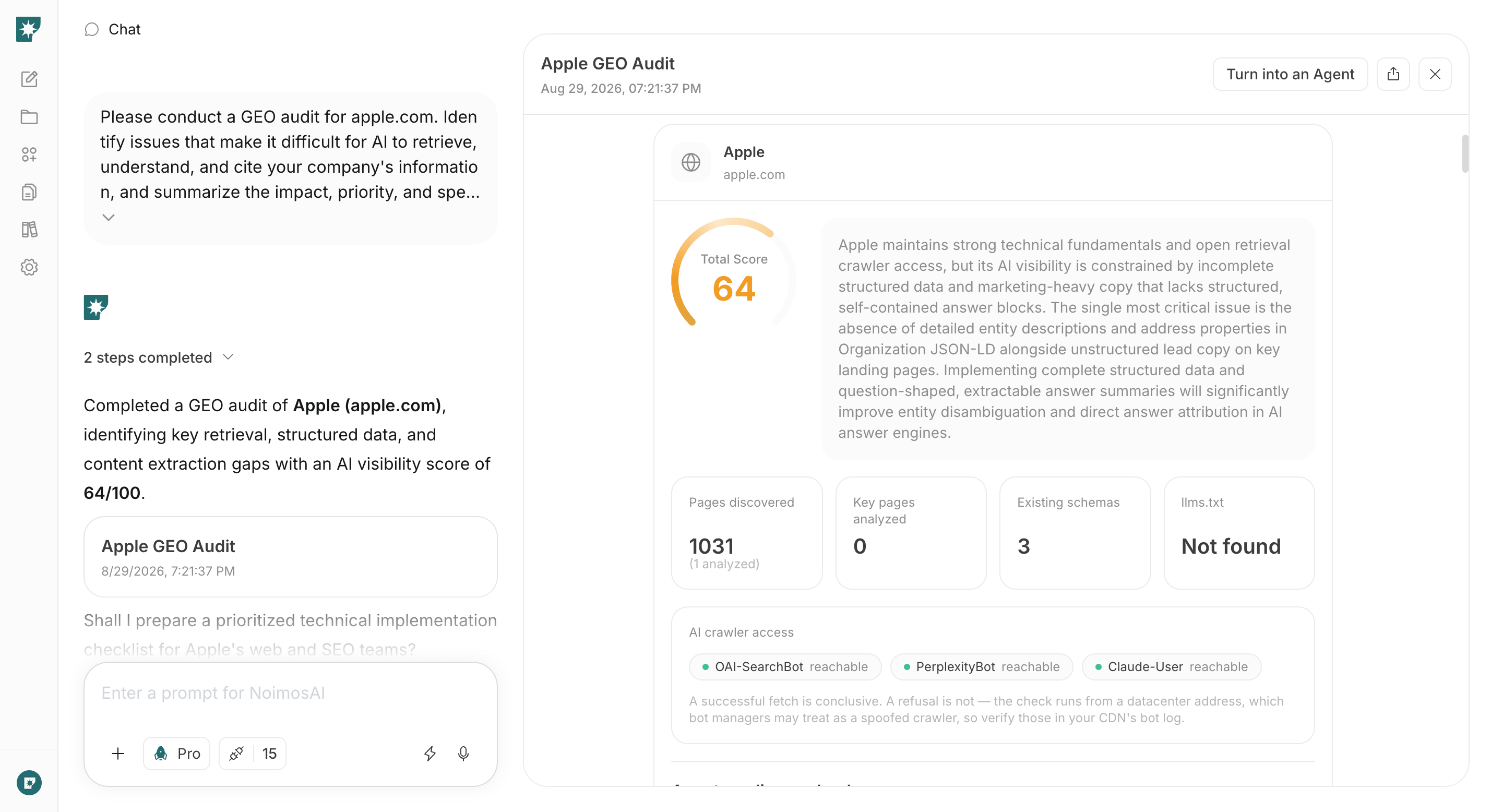
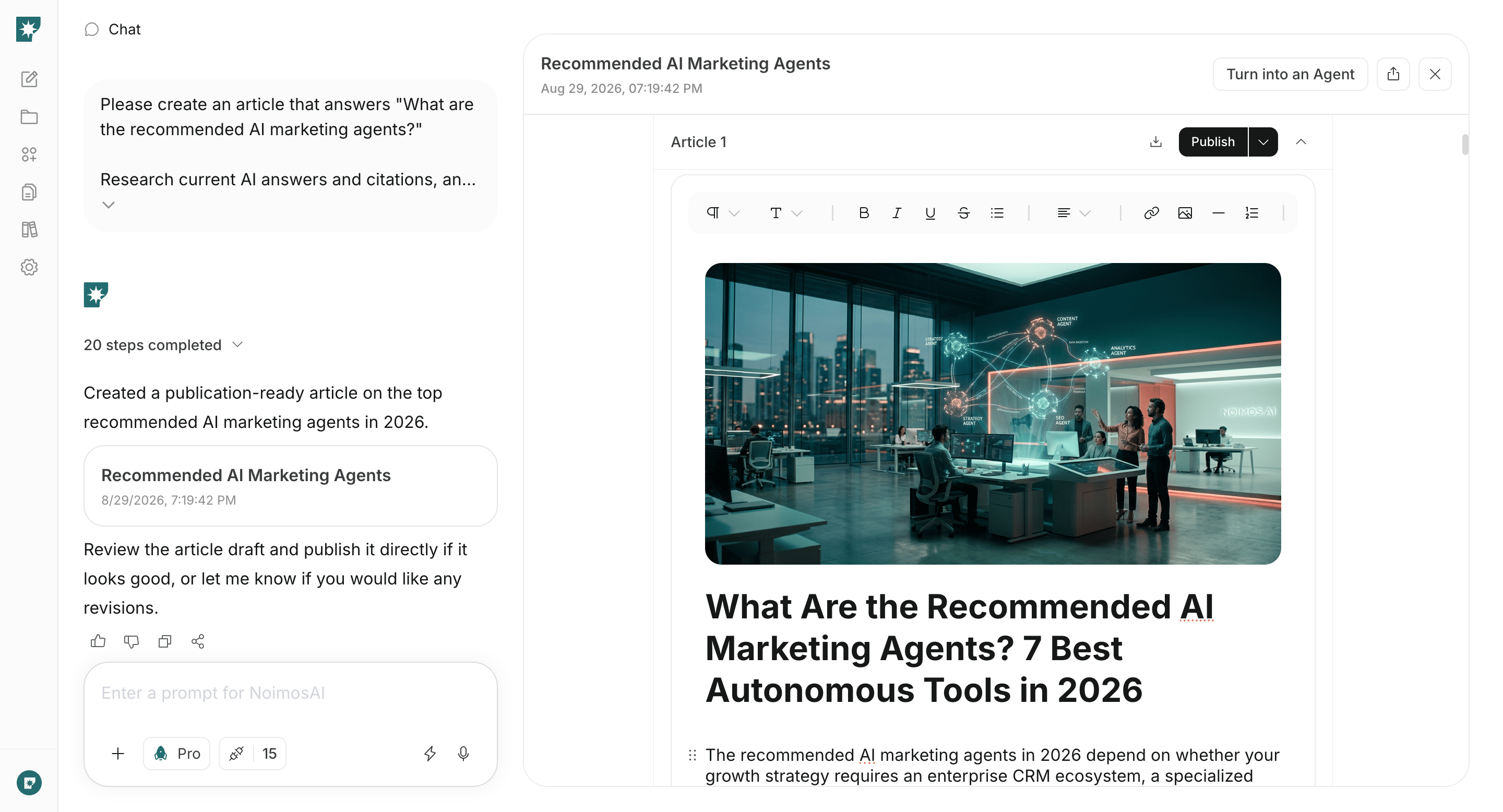
3. Create content for product evaluation and use
Enter the questions and cited sources chosen from your initial audit into chat and have it create public pages suited to those questions. Produce final drafts that include the information and evidence target users need to choose, set up, or troubleshoot the product.Prompt for chat