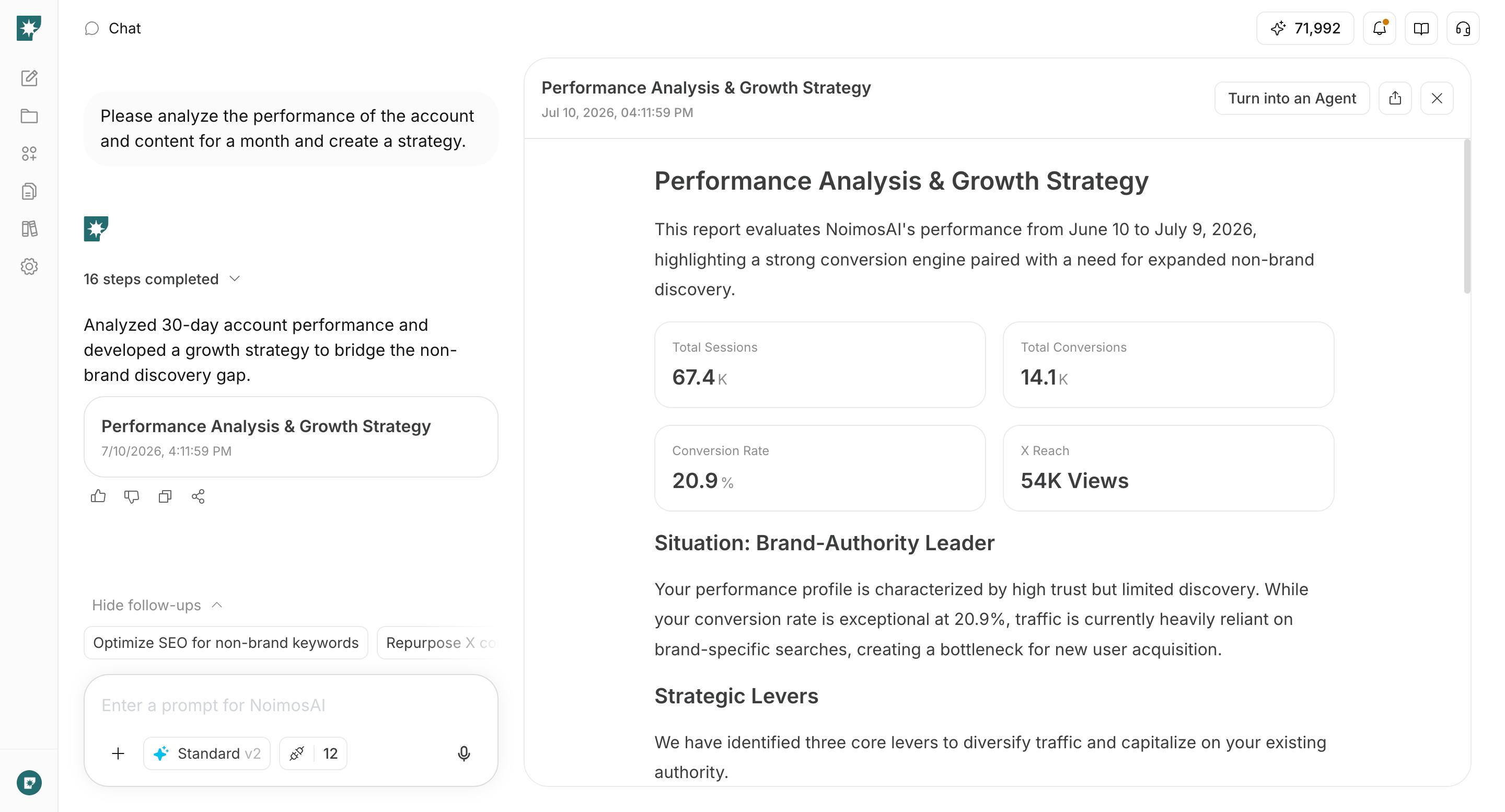
- Choose social media platforms and define your content strategy
- Plan posts using information about the product and users
- Create and publish social media content
- Improve based on performance
Understand social media fundamentals
Social media can introduce your product to new audiences, demonstrate features for prospective users, and deliver updates and usage tips to existing users. Choose platforms based on where your target users spend time and the formats you can produce consistently, then refine your content strategy using post performance.1. Choose social media platforms and define your content strategy
Do not run every social media platform from the start. Prioritize platforms based on where your target users get information, formats that best showcase your product, and the assets you can consistently produce.| Social media platform | Main characteristics and formats | Uses for software and apps |
|---|---|---|
| X | Real-time text, images, video, public conversations | Release announcements, short how-tos, outage and recovery info, conversations with users |
| Page-centered images, video, links, communities | App use cases, events, customer stories, community announcements | |
| Images, multi-photo posts, Reels, Stories | Short demos using the screen, before-and-after results, templates, behind-the-scenes development | |
| Threads | Topic- and text-focused conversations | Product thinking, short usage tips, context behind updates, conversations with users |
| TikTok | Vertical short-form video discovered via recommendations | Short demos showcasing a single feature, usage tips, changes in workflow |
| YouTube | Longer videos and Shorts that are discoverable via search and recommendations | Tutorials, product demos, comparisons, webinars, troubleshooting |
| Pins for searching and saving images and videos | Templates, step-by-step workflows, design examples, usage ideas | |
| LinkedIn (personal) | Text, images, video, and documents about work and expertise | Insights from developers and founders, workplace use cases, background on product updates |
| Mastodon | Community-specific text, images, and video for like-minded groups | Technical updates, open source, conversations with niche communities |
| Bluesky | Real-time, text-focused public conversations | Release information, short usage tips, views on development and the industry |
 X
X Facebook
 Instagram
 Threads
 TikTok
 YouTube
 Pinterest
 LinkedIn (personal)
 Mastodon
 Bluesky
2. Plan posts from product and user information
Plan posts not only from external topics but also starting from information you can get from your own product and users. The main materials for planning are as follows.- New features, improvements, integrations, pricing or plan changes
- The steps, templates, or shortcuts to complete a particular task
- Frequently asked questions before signing up, stumbling blocks during use, inquiries to support
- User case studies, reviews, results achieved using the product
- Published content such as articles, help docs, videos, events
- Past company posts that performed well
- Themes, formats, and opening hooks of competitor posts or videos used for reference
3. Create and publish social media content
Once the plan is decided, create copy, images, and videos suited to the social media platform. When posting the same content to multiple social media platforms, adjust length, opening lines, aspect ratio, title, and destination link as needed. For product posts, confirm the following points:- It’s clear which users and which jobs it helps
- It shows not just the feature name but the operation and the result obtained
- It matches the current UI, features, pricing, and supported environments
- There is an appropriate destination link for the post’s purpose, such as sign-up, feature page, help, or app store
- You have the rights to use users’ posts, images, and reviews
4. Improve based on performance
After publishing, check whether people saw the post, showed interest, or progressed toward using the product.
Because metric definitions vary by social media platform, do not compare raw numbers across different platforms. First identify the top-performing posts within each platform, then apply themes, formats, openings, and CTAs common to multiple high-performing posts to your next planning cycle.
Social media apps you can connect
NoimosAI connects to the social media platforms you use to create, publish, and analyze posts. Click each app name to view connection requirements and usage instructions.X: Use posts, published conversations, reactions, and account performance for planning, publishing, and analysis.
Facebook: Use Facebook Page posts, comments, and Page performance for publishing and analysis.
Instagram: Use posts, images, videos, comments, and account performance for creating, publishing, and analysis.
Threads: Use posts, published conversations, and reactions for planning, publishing, and analysis.
TikTok: Use videos, comments, and account performance for creating, publishing, and analysis.
YouTube: Use videos, Shorts, comments, and channel performance for planning, preparing to publish, and analysis.
Pinterest: Use Pins, saves, and clicks performance for creating, publishing, and analysis.
LinkedIn (Personal): Use personal profile posts and performance for publishing and analysis.
Mastodon: Use posts and reactions for community-focused publishing and analysis.
Bluesky: Use posts, published conversations, and reactions for planning, publishing, and analysis.

Google Analytics: Check how users who come from social media platforms proceed through sign-up, product activation, and conversion to paid plans.
Facebook uses Facebook Pages. For Instagram, prepare an Instagram Business account connected to a Facebook Page and the required permissions. Check each app’s Help Center for detailed requirements.
Manage social media with NoimosAI
Choose your social media channels and content strategy, plan posts using product and user insights, publish the content, and use performance data to improve future posts. For instructions on entering a prompt in chat, see Enter your own prompt.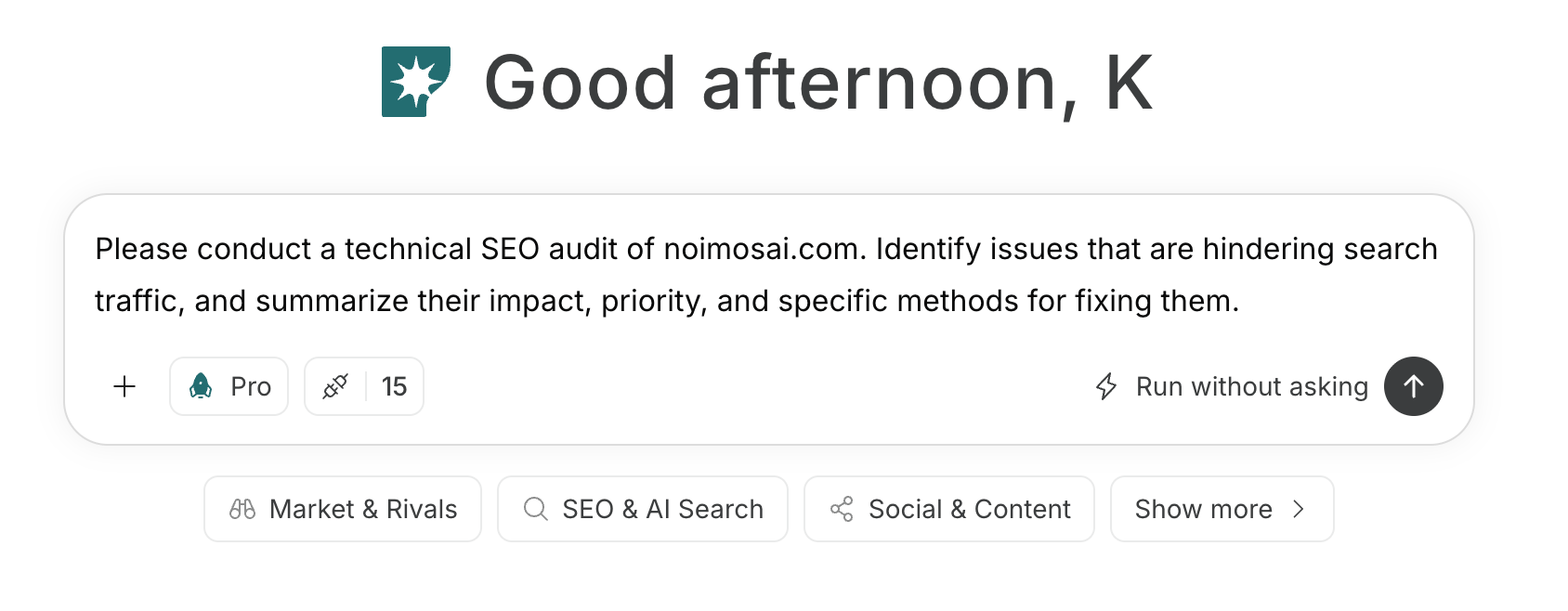
1. Choose social media platforms and define your content strategy
Enter the target users, product, business goals, and available assets in chat. Ask NoimosAI to recommend priority social media platforms and messaging themes based on each platform’s formats and discovery patterns. Define the action each type of post should encourage, such as signing up, installing, or completing the first workflow.Prompt for chat
2. Plan posts using product and user information
Enter a new feature, how-to topic, user question, existing content item, or reference post in chat. Define the target users, value to communicate, facts and assets available, and suitable platforms and formats. Choose only concepts supported by product information or evidence you can publish.Prompt for chat
Social listening setup
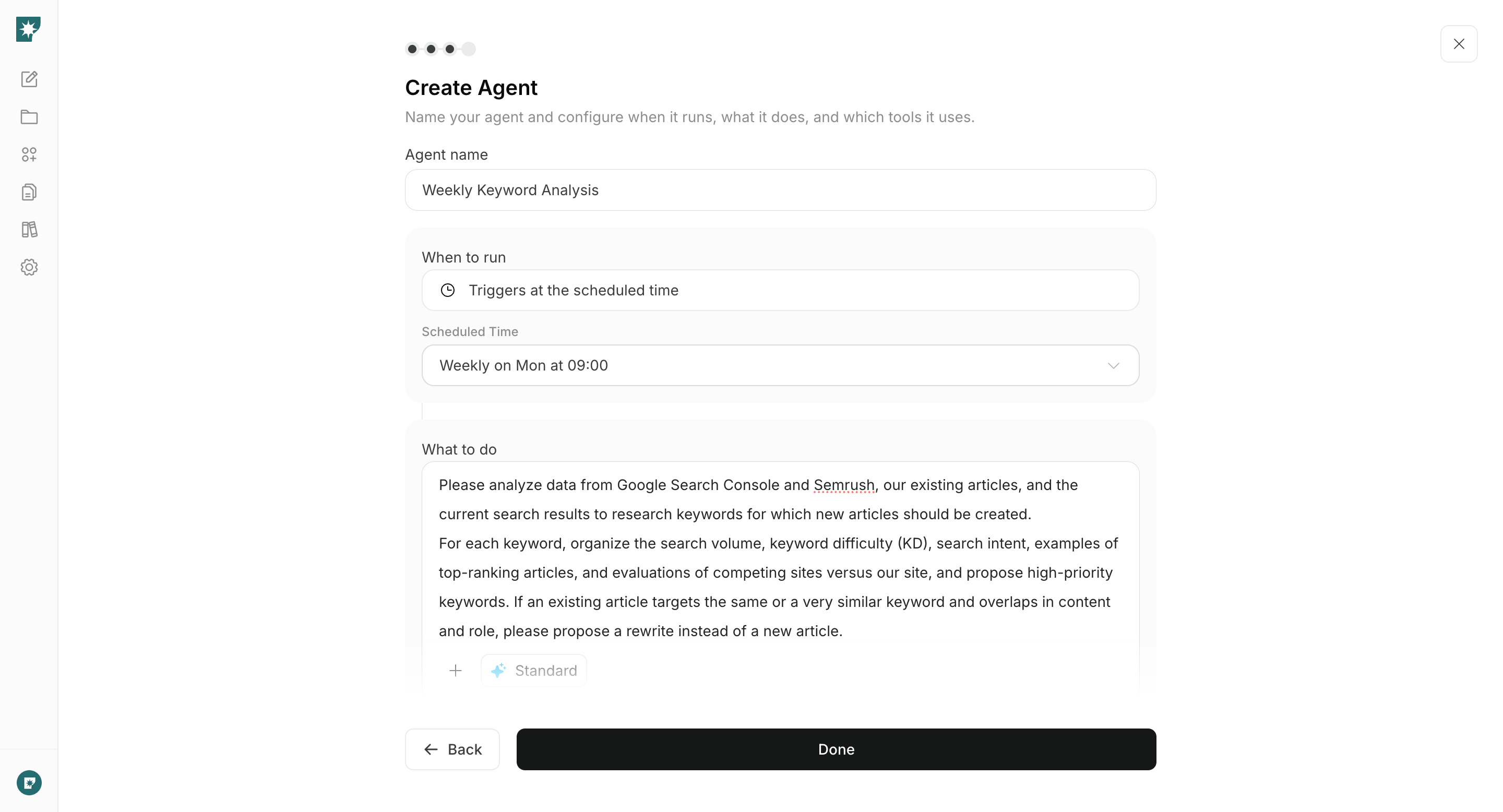
Trigger: Schedule / Daily Instructions:3. Create and publish social media content
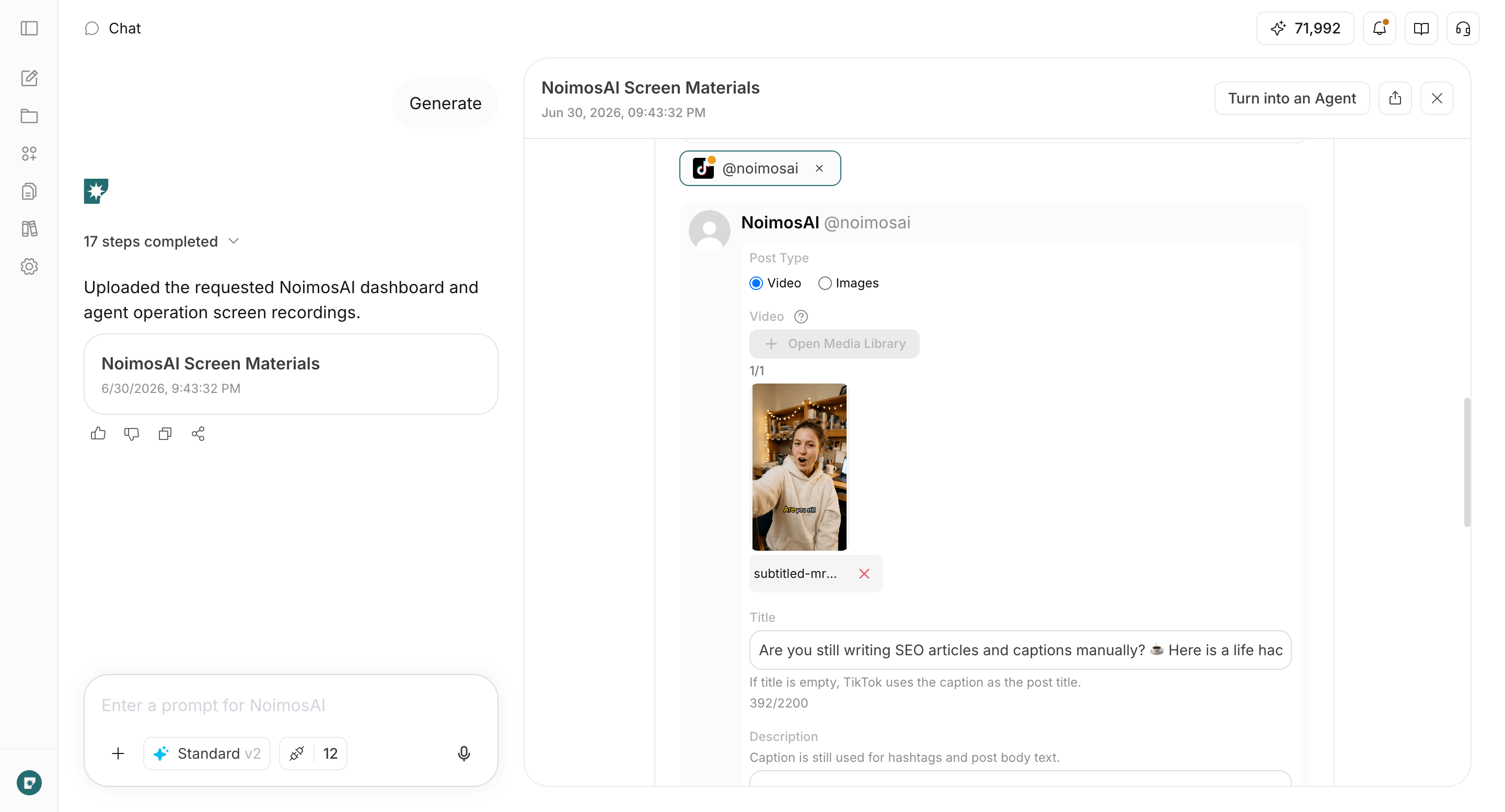
Enter the chosen concept into the chat to generate the post text and the required images/videos. Format the content to match the target social media platform and produce a finished piece that includes the next-step destinations to be guided to, such as the product page, app store, registration, and usage instructions.Prompt for chat
4. Improve based on performance
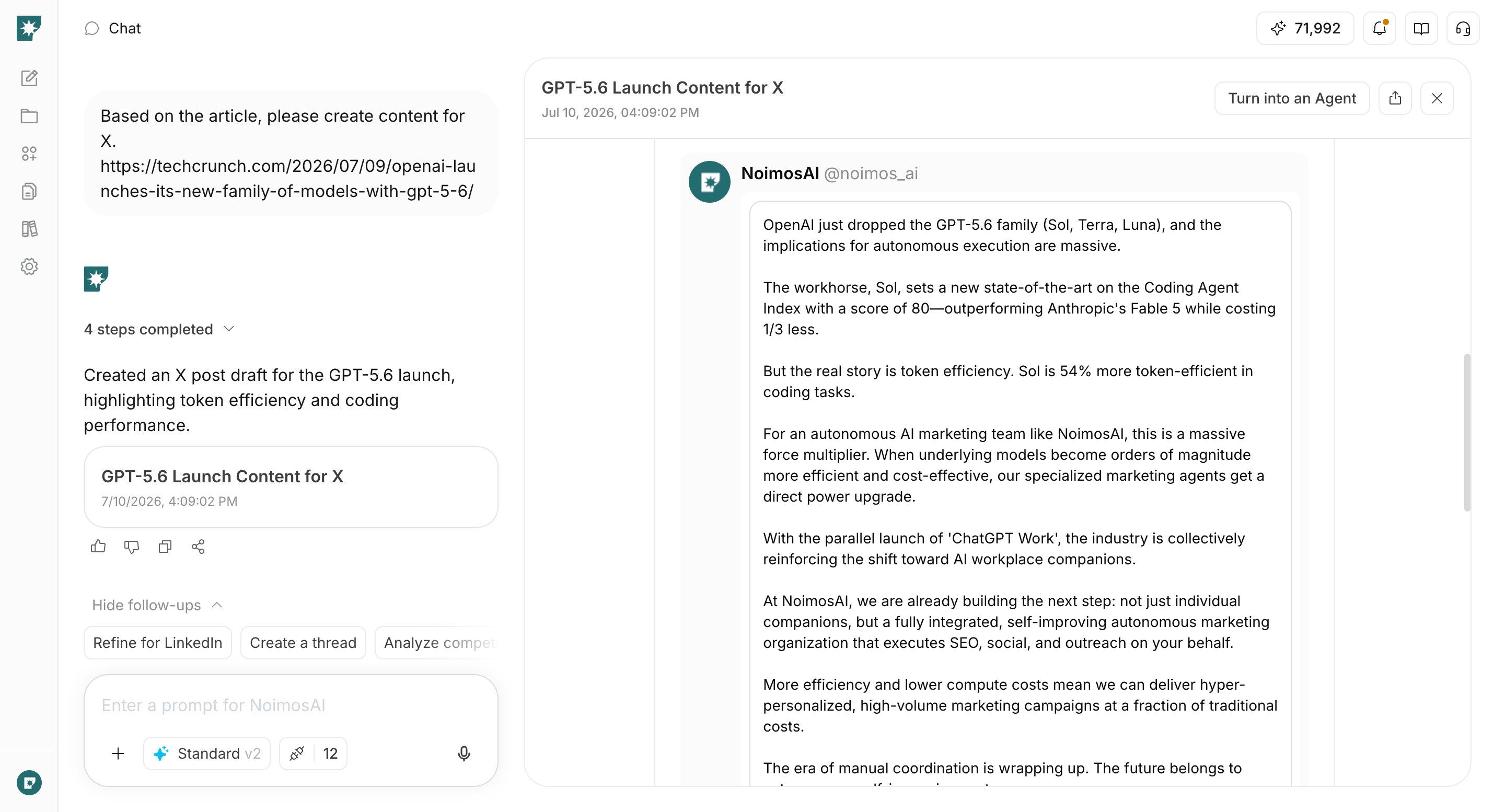
Identify high-performing posts within each social media platform and configure agents to create the next campaigns. Compare theme, format, opening, product presentation, and calls to action to decide which campaigns to continue, improve, or stop.Agent setup
Trigger: Schedule / Weekly Instructions: