- Create and improve a website that drives sign-ups and getting started
- Prepare a foundation that search engines and AI can read
- Improve based on user behavior
Understand website fundamentals
A website should help target users understand the relevant use case, decide whether the product fits their needs, and start the appropriate sign-up or install flow. It should also make public product information accessible to search engines and AI systems and support ongoing improvement from observed user behavior.1. Build a website that drives sign-ups and activation
First, define the target users, the jobs they can complete with the product, and the primary conversion action. That action should match how users begin using the product, such as creating an account, starting a free trial, installing the app, or requesting a demo. The should communicate:- Who the product is for
- Which jobs or problems it improves and how
- What to do first to start using it
If initial setup is completed inside the product after registration, state the required time and the information users should prepare on the website. Ensure the website’s descriptions and the screens or conditions shown after registration do not conflict.
2. Make your website easy for search engines and AI to understand
Ensure search engines and AI can discover important pages and correctly understand product name, features, pricing, and supported environments. Do not place information only behind login; publish information needed for search and comparison on public pages.3. Improve based on user behavior
After launch, review user actions from visits through sign-up to getting started. Don’t judge by page views alone; look at the proportion who move to the next step.
Pick one problem that affects many users and compare before-and-after under the same conditions. For detailed analysis after registration, see Improve conversion for sign-up, getting started, and monetization.
Apps you can connect for website analysis
If you only need to create a website, app integrations are not required. To analyze post-publish behavior and search performance, use the following apps.
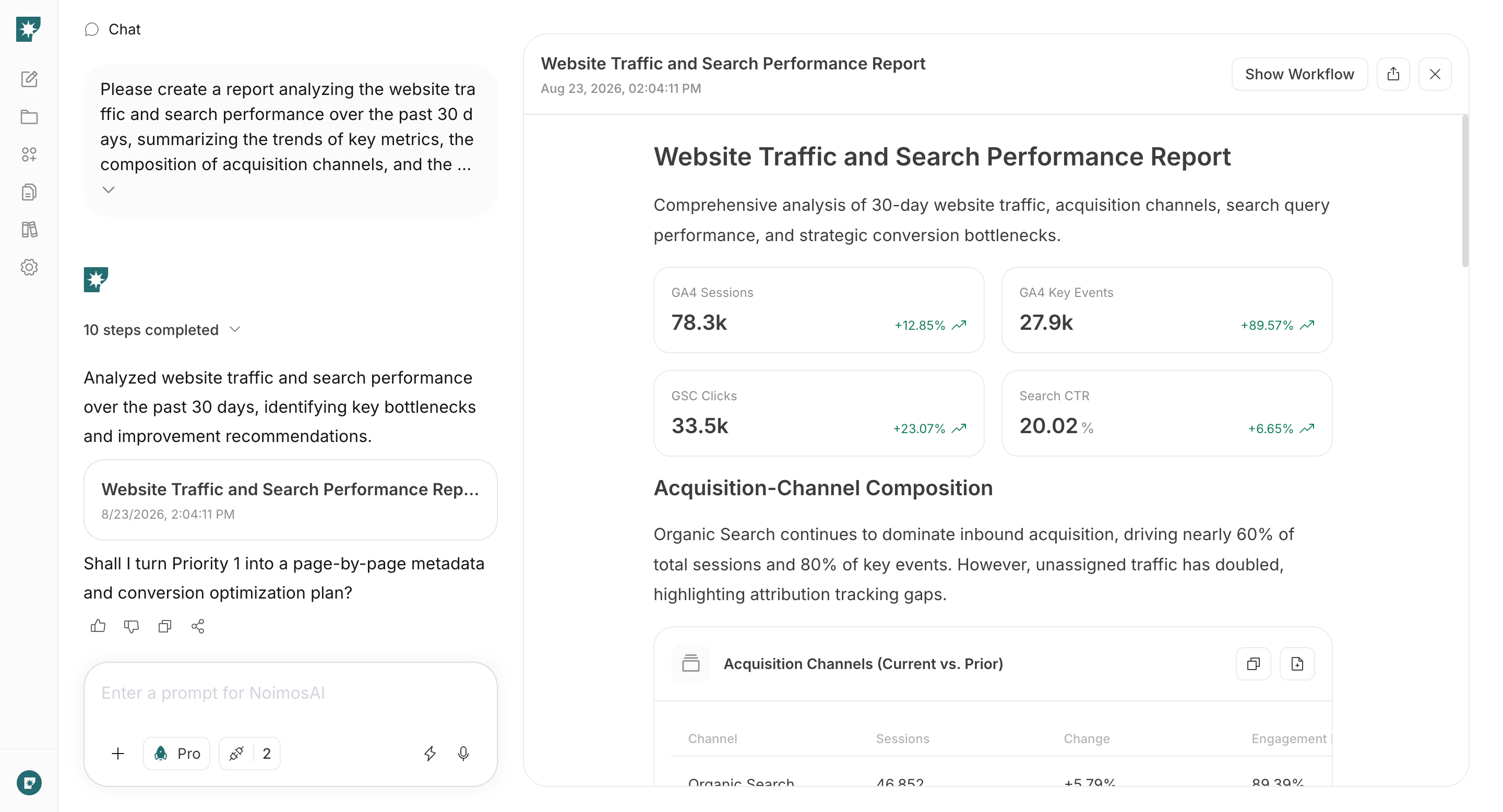
Google Analytics: Collect user behavior such as traffic sources, pages viewed, CTAs, sign-ups, and product starts to identify pages to improve.

Google Search Console: Retrieve search queries, impressions, clicks, rankings, and status to monitor discoverability and search traffic for published pages.
Build and improve your website with NoimosAI
NoimosAI enables website creation and audits via chat, and runs regular post-launch analyses using agents. For instructions on entering a prompt in chat, see Enter your own prompt.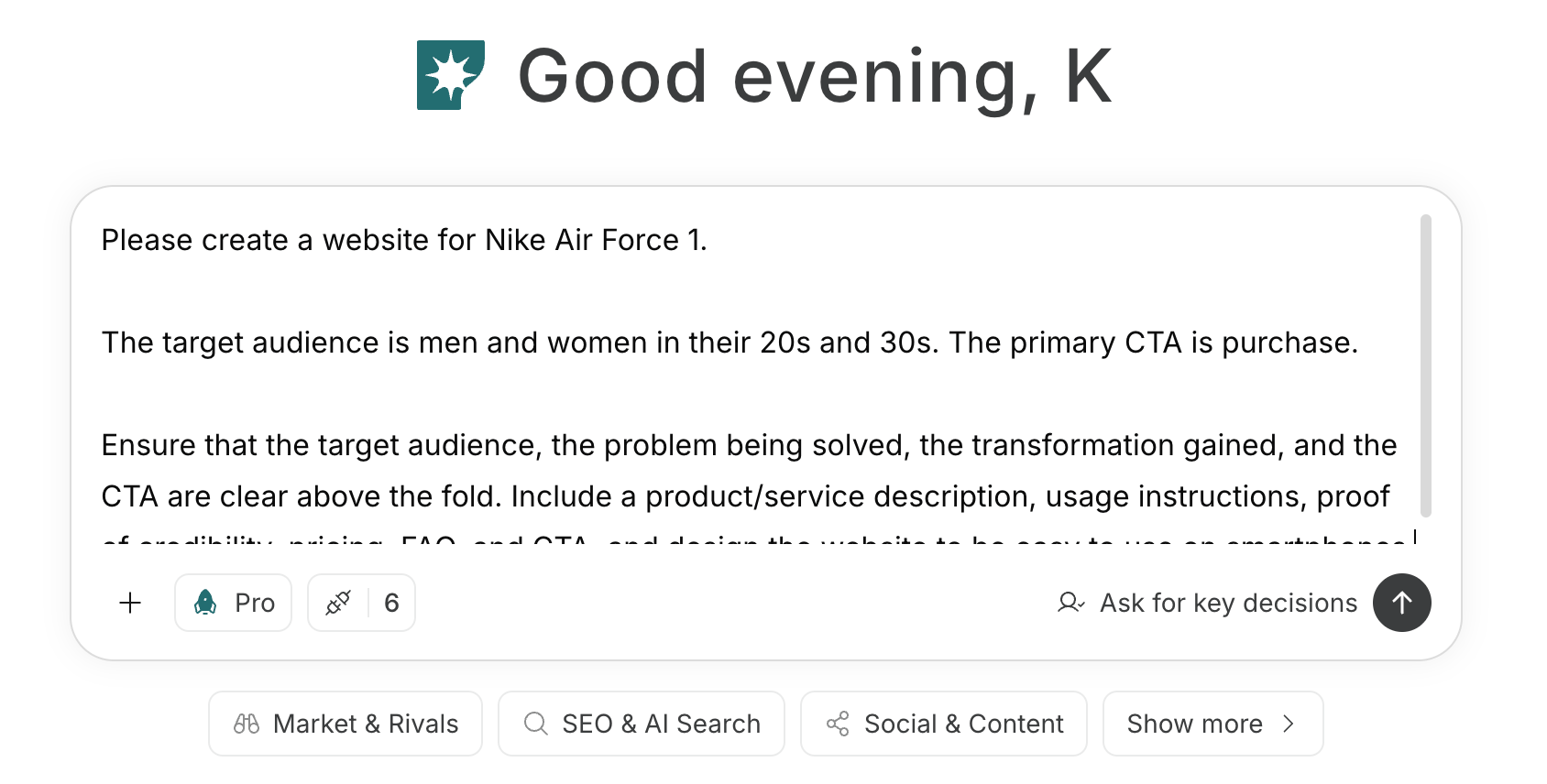
1. Create and improve a website that drives sign-ups and activation
When creating a new site, enter the target users, the jobs the product enables, the first actions that deliver value after sign-up, and the primary CTA into the chat. Have NoimosAI generate the page structure, copy, and design, then use the preview to confirm visitors can proceed smoothly from sign-up or install to activation.Prompt for chat
Prompt for chat
2. Make your website easy for search engines and AI to understand
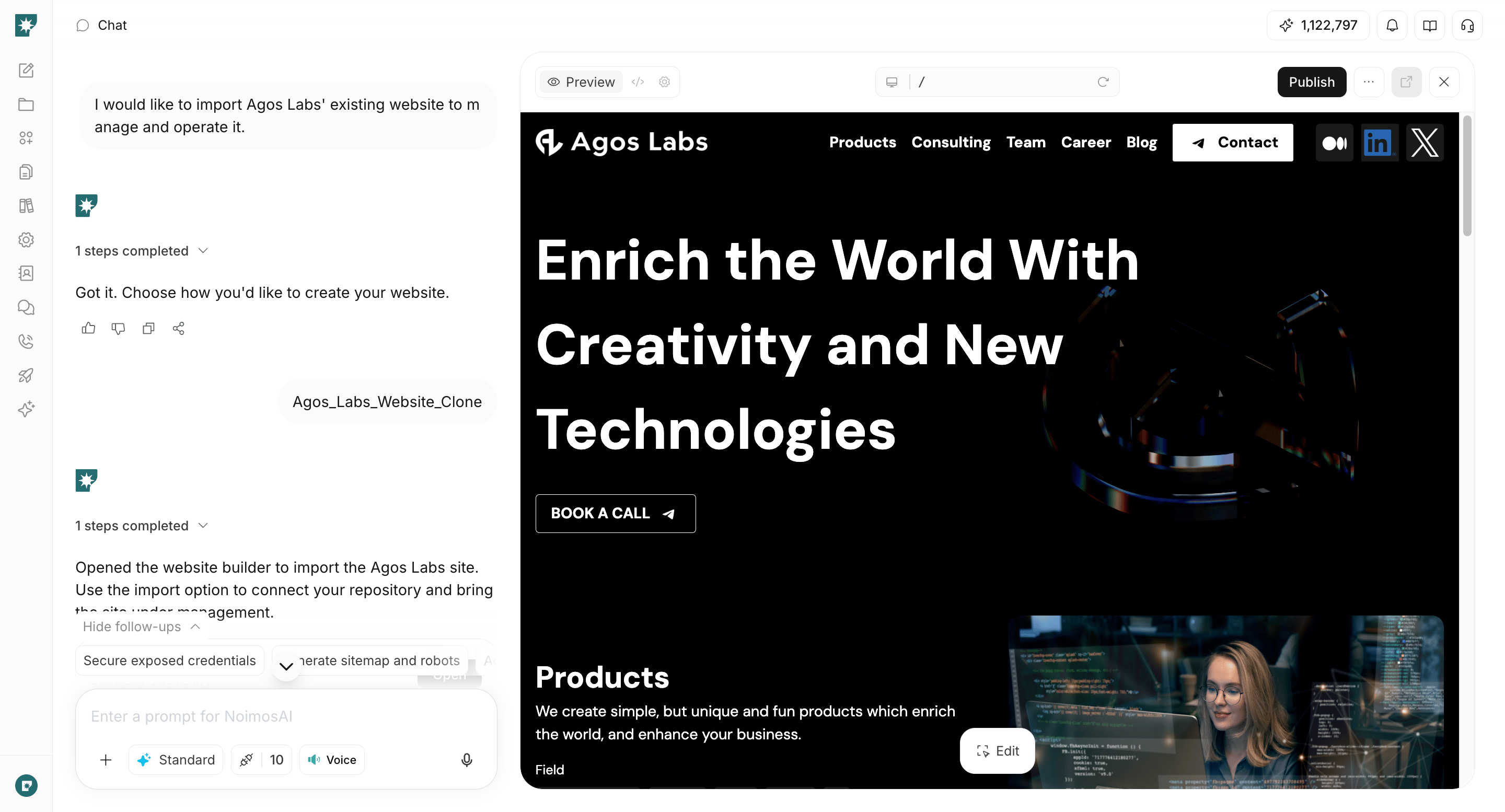
Enter the public URL into the chat to audit issues that prevent search engines and AI from fetching and understanding your site. Verify that product names, features, pricing, and supported environments are being read correctly, and fix issues that prevent discovery or indexing of important pages.Prompt for chat
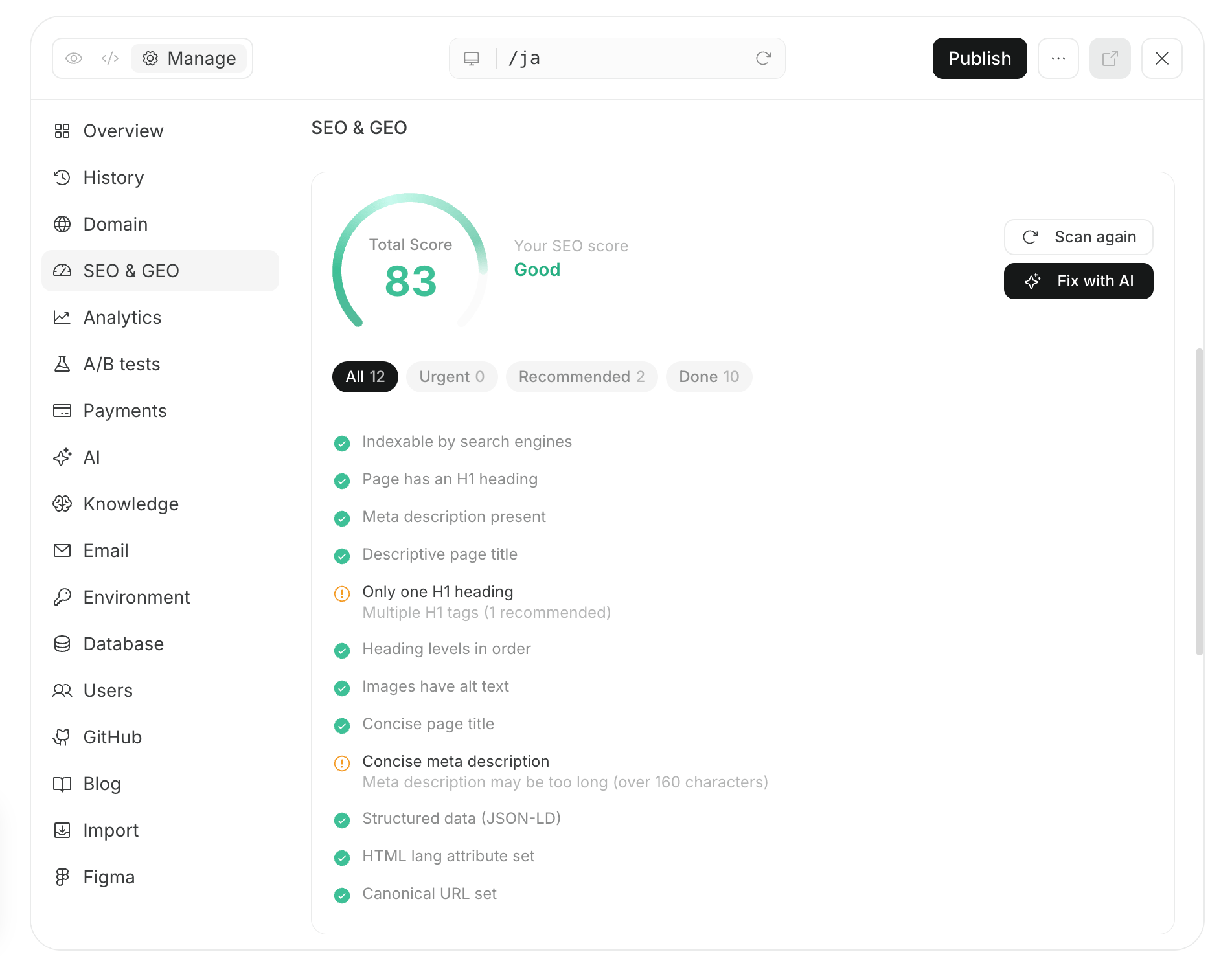
3. Improve based on user behavior
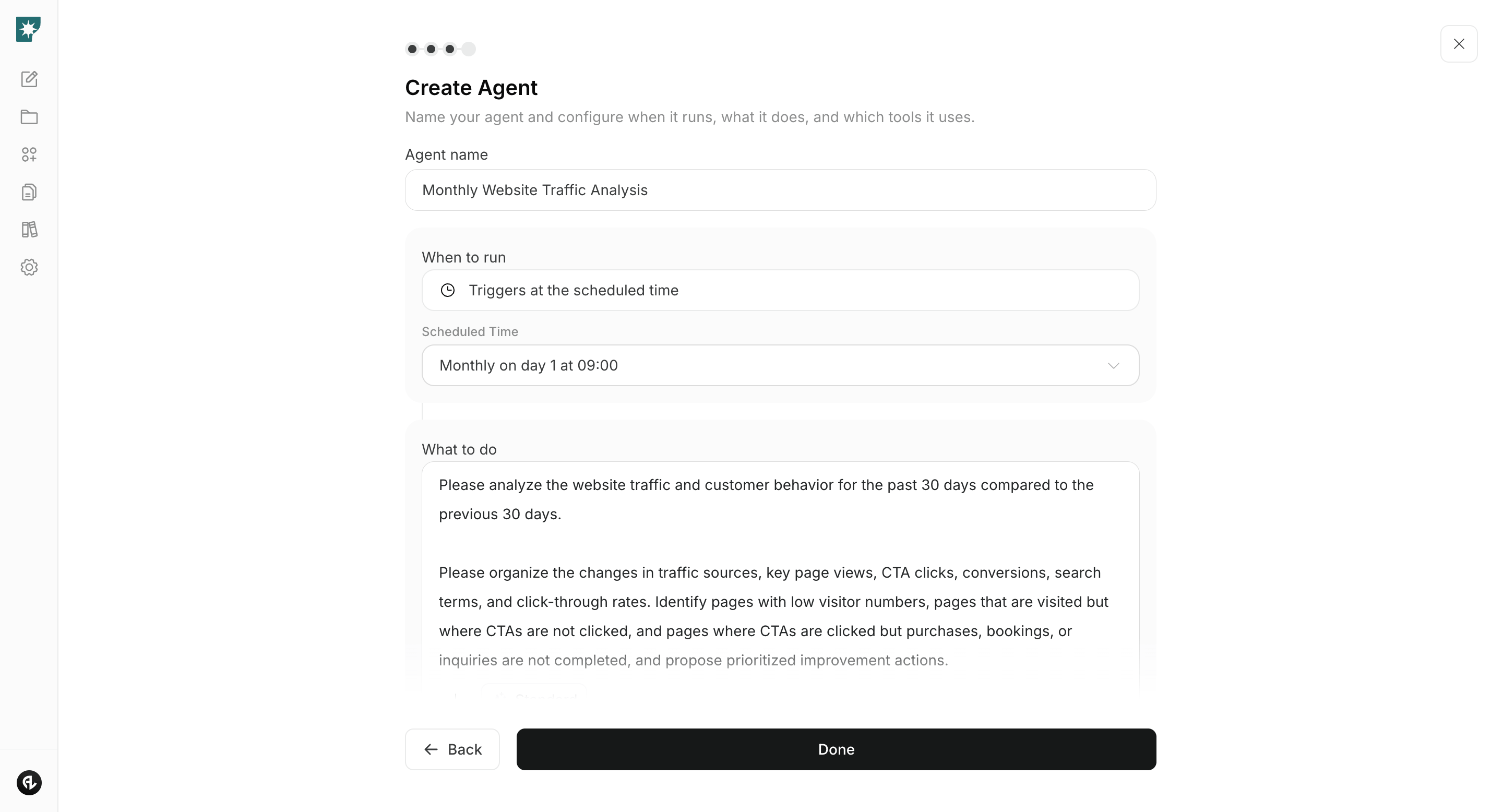
Create an agent that uses Google Analytics and Google Search Console to compare monthly performance from acquisition through sign-up and activation. It identifies pages where visits fail to convert to sign-ups and the user flows where sign-ups fail to progress to activation, and provides prioritized improvement recommendations.Agent setup
Trigger: Schedule / Monthly Instructions: