

Overview
June 10, 2026 update TheExecution results are checked in the chat session connected to the target agent. Instead of using a separate Feed screen, the execution history and conversation context are grouped inside the related chat session.Feedtab has been removed. All tasks related to Chat and Agents now appear inAll Tasksin the sidebar.
How to Check Results
- Open the target agent session from
All Tasks. - Open
Execution Results, then select the execution you want to review. - Check the output, execution timing, and workflow context.
- If you need revisions or follow-up questions, continue in the same chat.
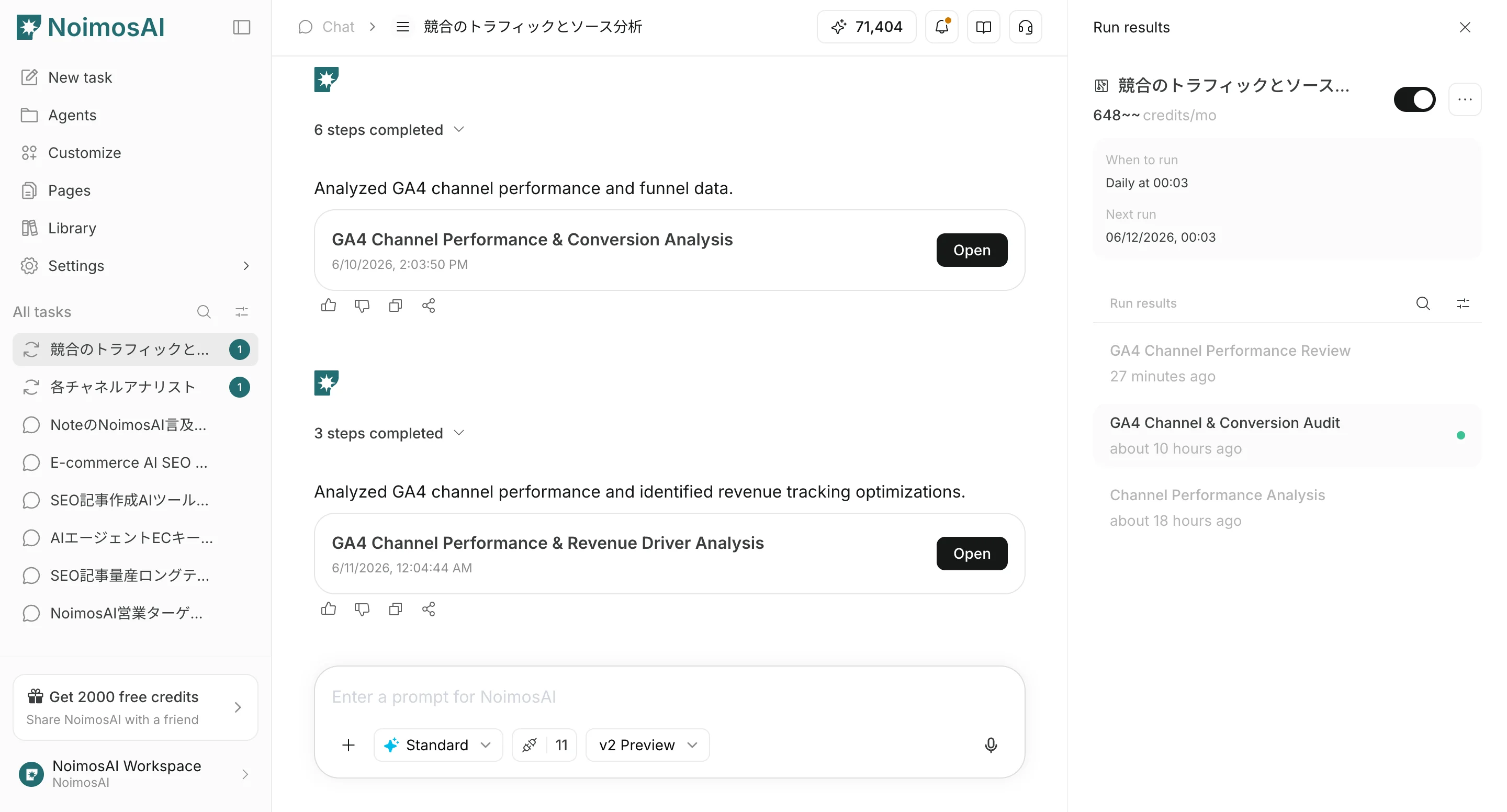
What You Can Check in Execution Results
InExecution Results, you can:
- Search execution results
- Filter to unread execution results
- Open execution result details
- Check the workflow used during execution
- Give additional instructions in the same chat session when needed