

Översikt
Blocks are the building units of a page. Choosing the right block for the purpose keeps pages readable and operational.Add block menu
UseAdd block to insert a block that matches the purpose. You can also filter by block name in the search field.
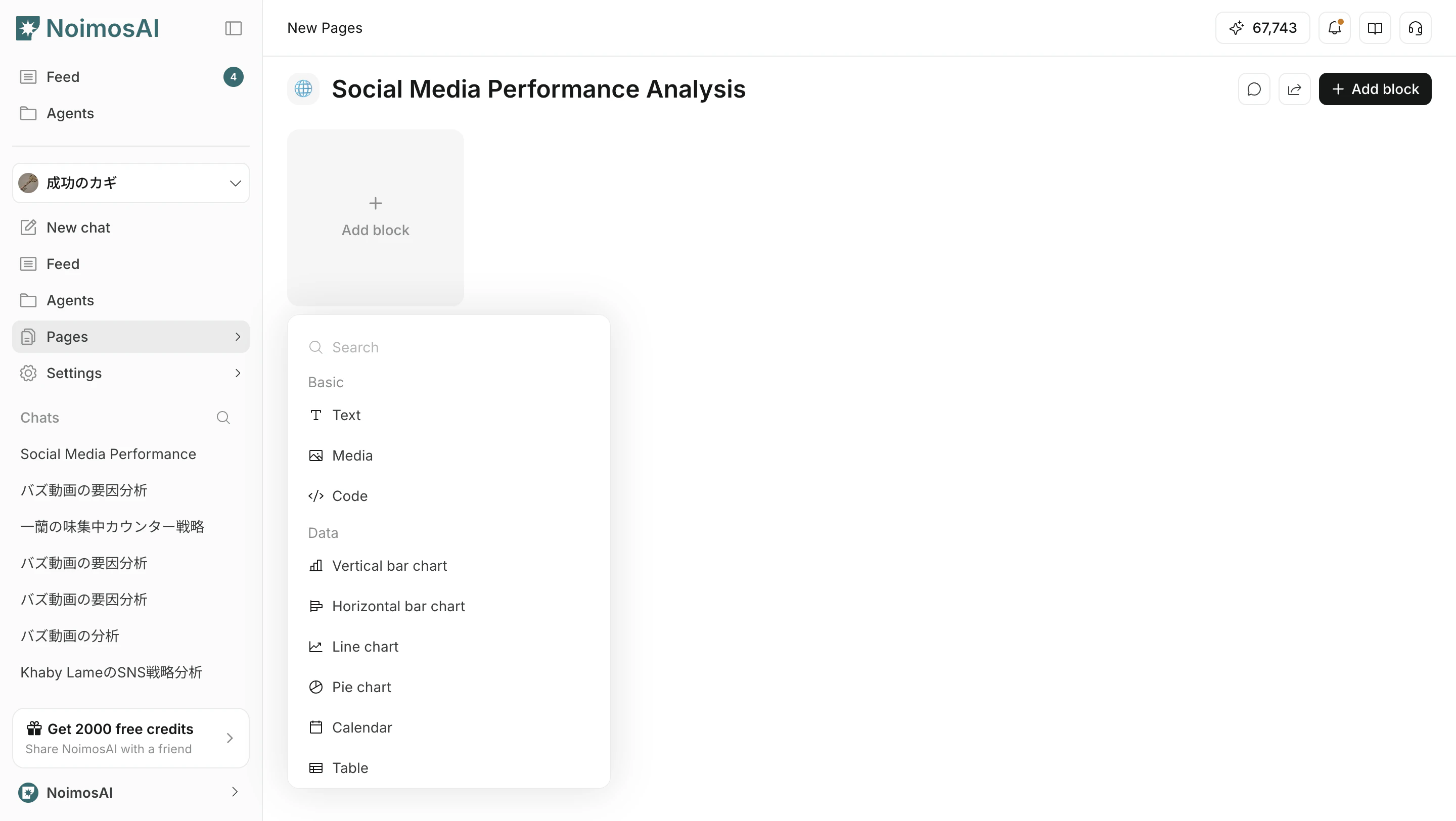
Categories
The UI is mainly organized into these categories.BasicDataAnalyticsFunctionEmbed
Basic blocks
Blocks for writing and organizing basic information.Data blocks
Blocks for checking numbers and time-based information.
For details on table blocks, see Tabellblock.
Analytics blocks
Blocks for SEO, GEO, and web analytics.Function blocks
Blocks for execution work and operational workflows.Embed blocks
Blocks for referencing external tool information inside a page.How to choose
- Clarify the page purpose first
- Use
Basicblocks for context - Use
Datablocks for measurement and decisions - Use
Analyticsblocks for SEO and GEO checks - Use
Functionblocks for execution work