

Översikt
Create from template is best when you want to start operating quickly. The template provides the initial setup, then you fine-tune it for your workspace.
Steps
- Open
Agents
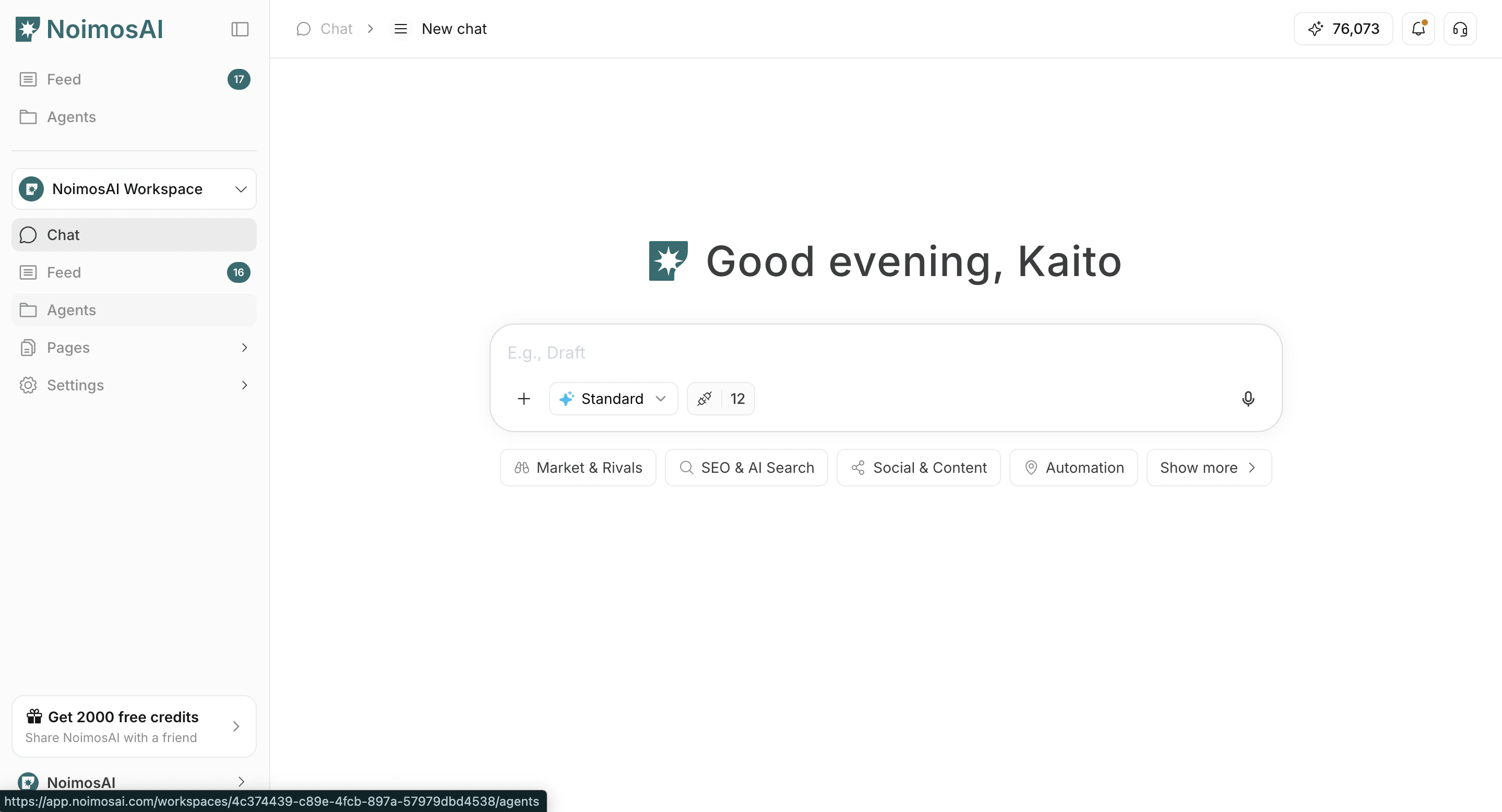
- Click
Add Agent
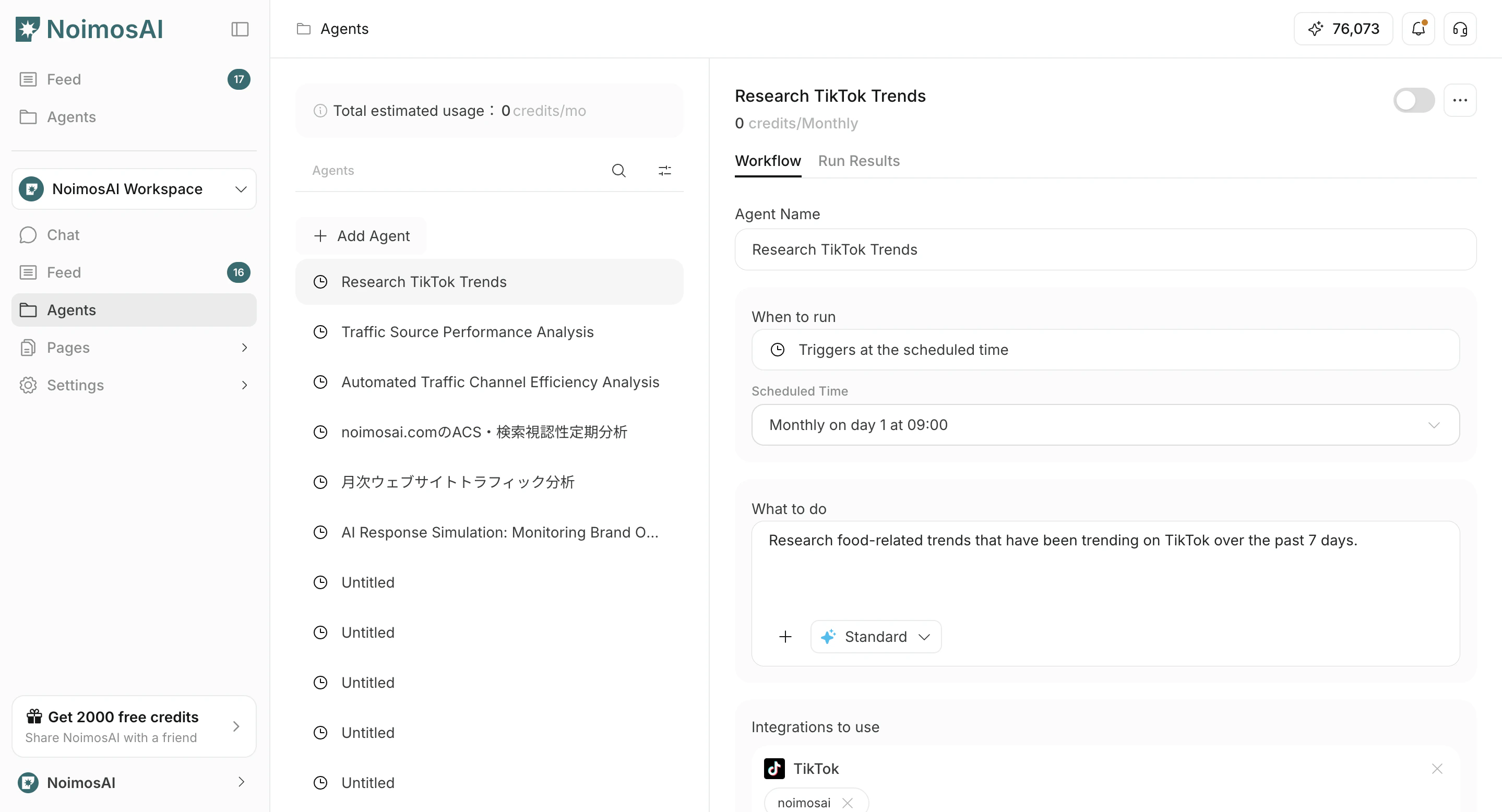
- Select
Create from template
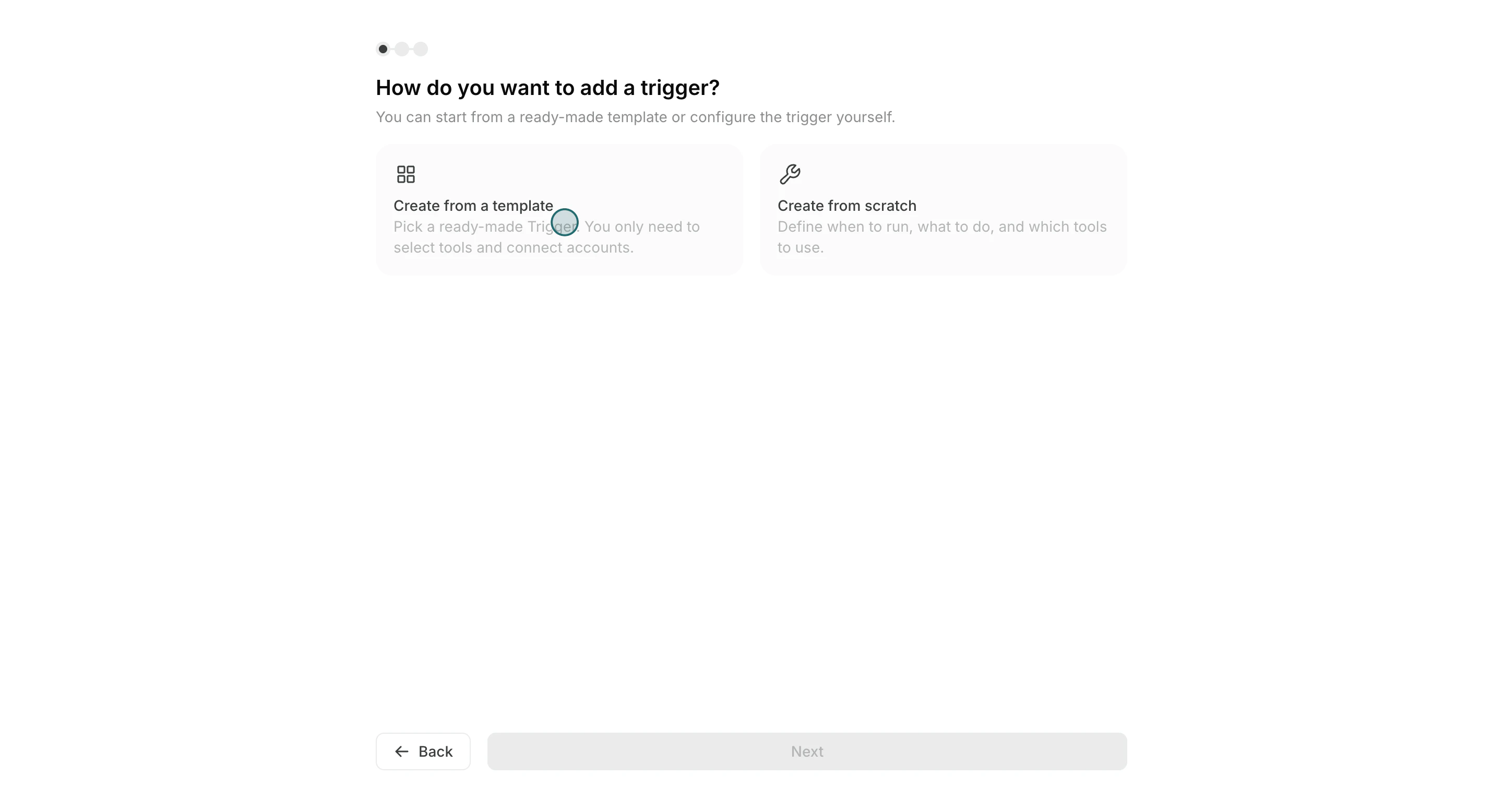
- Choose a template close to your goal
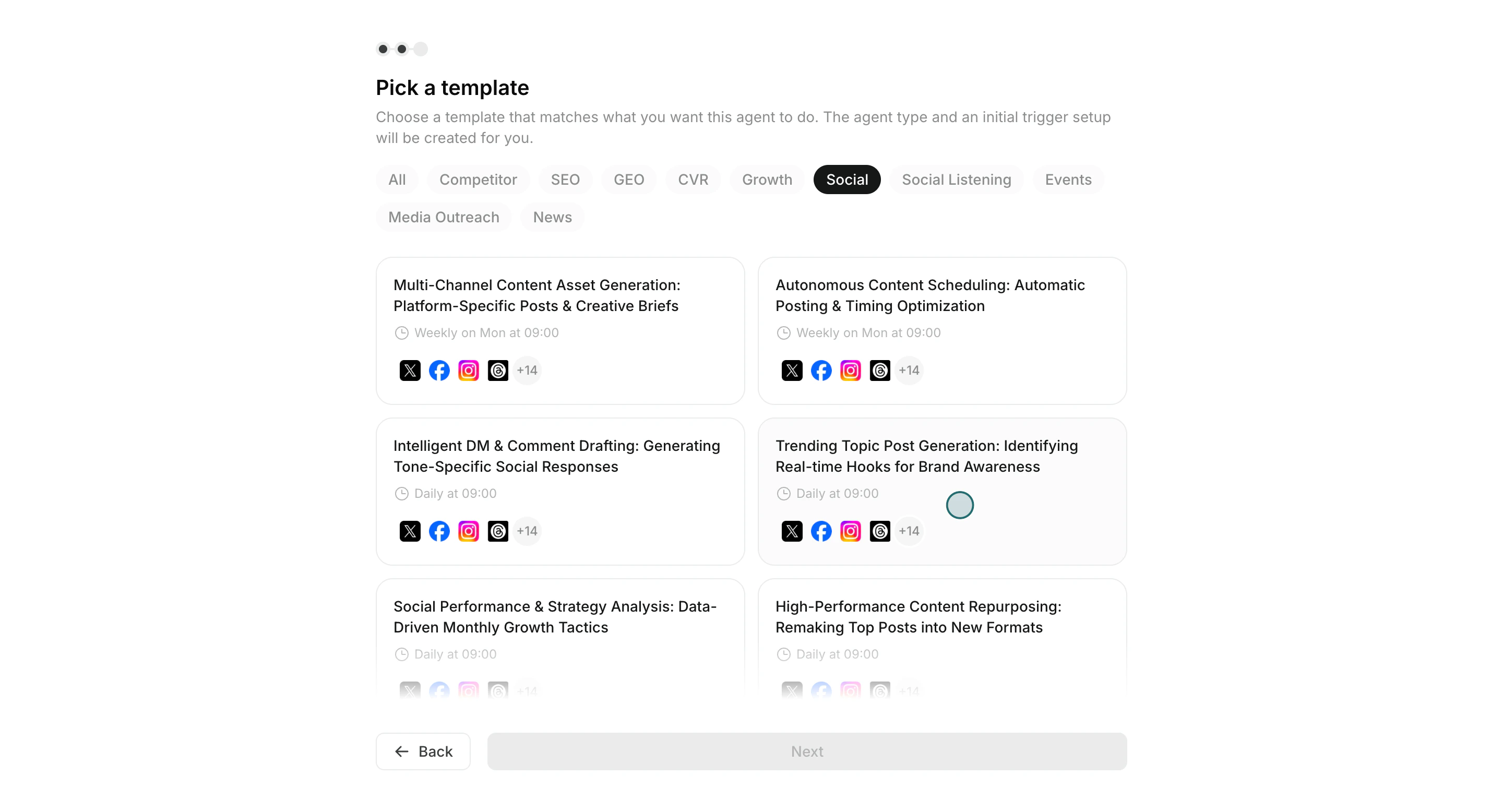
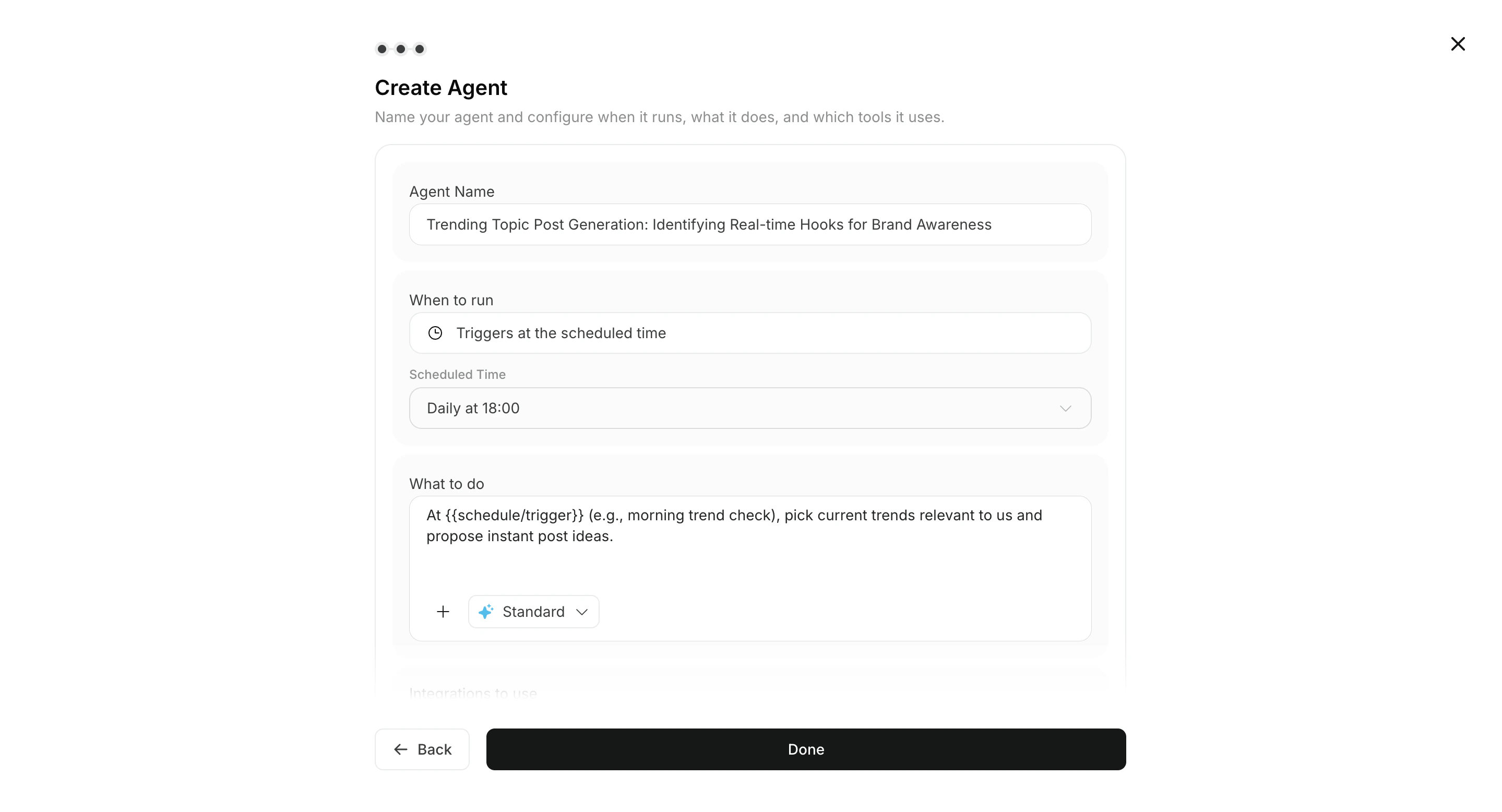
- Adjust
Run conditions,Workflow, and optionalDestination
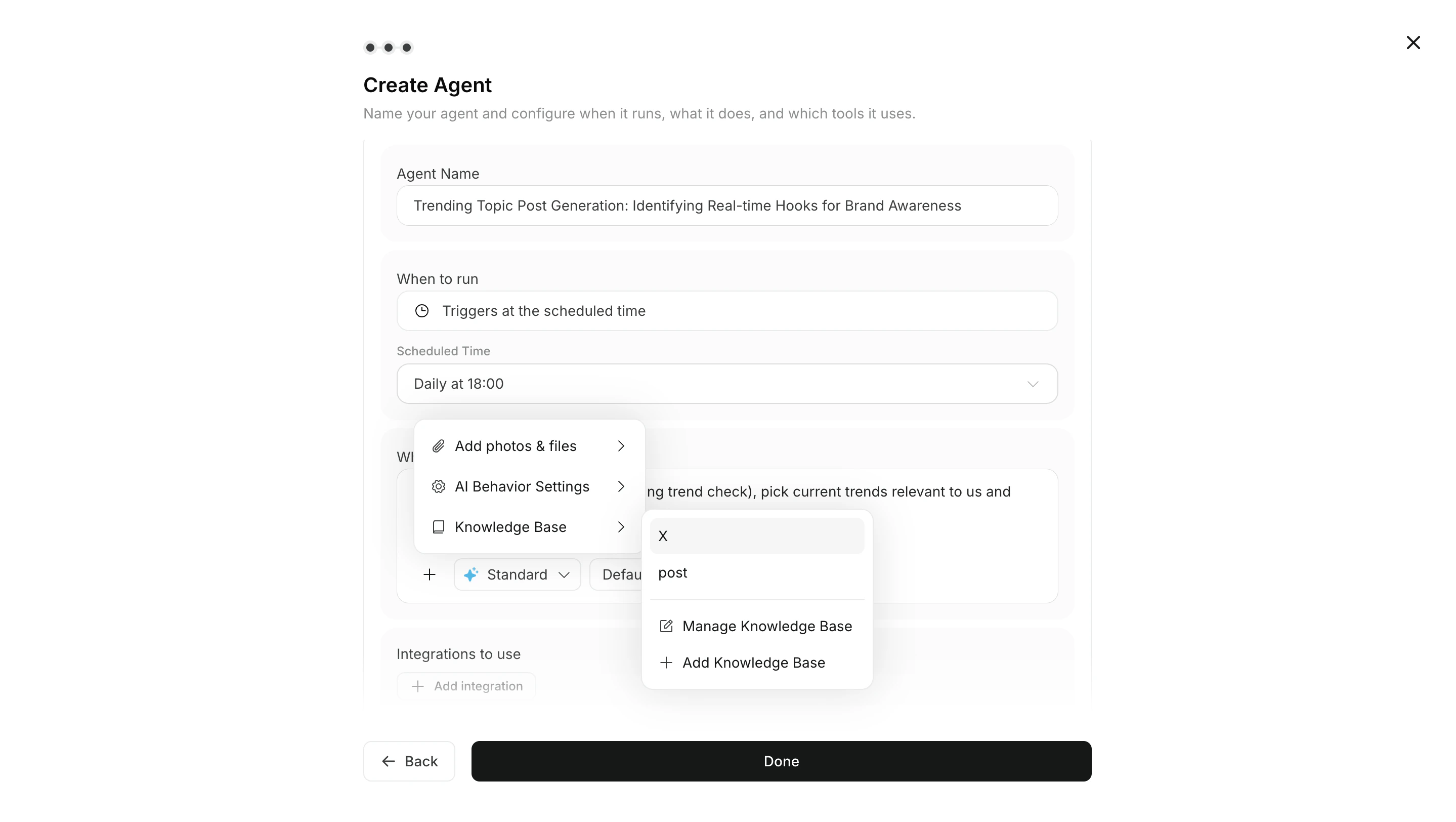
- Bifoga vid behov bilder eller Knowledge Base till workflow
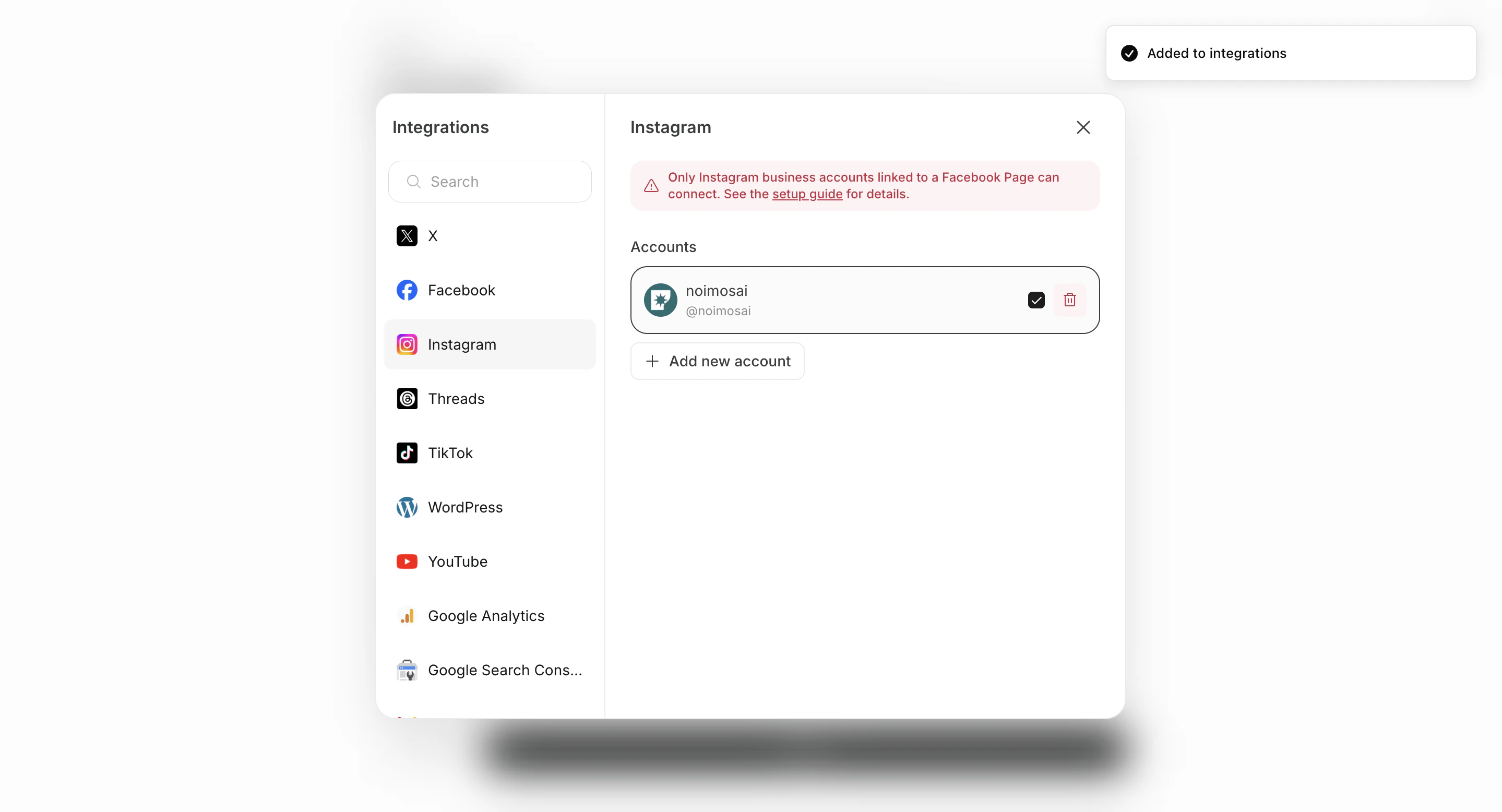
- Set integrations and connected accounts
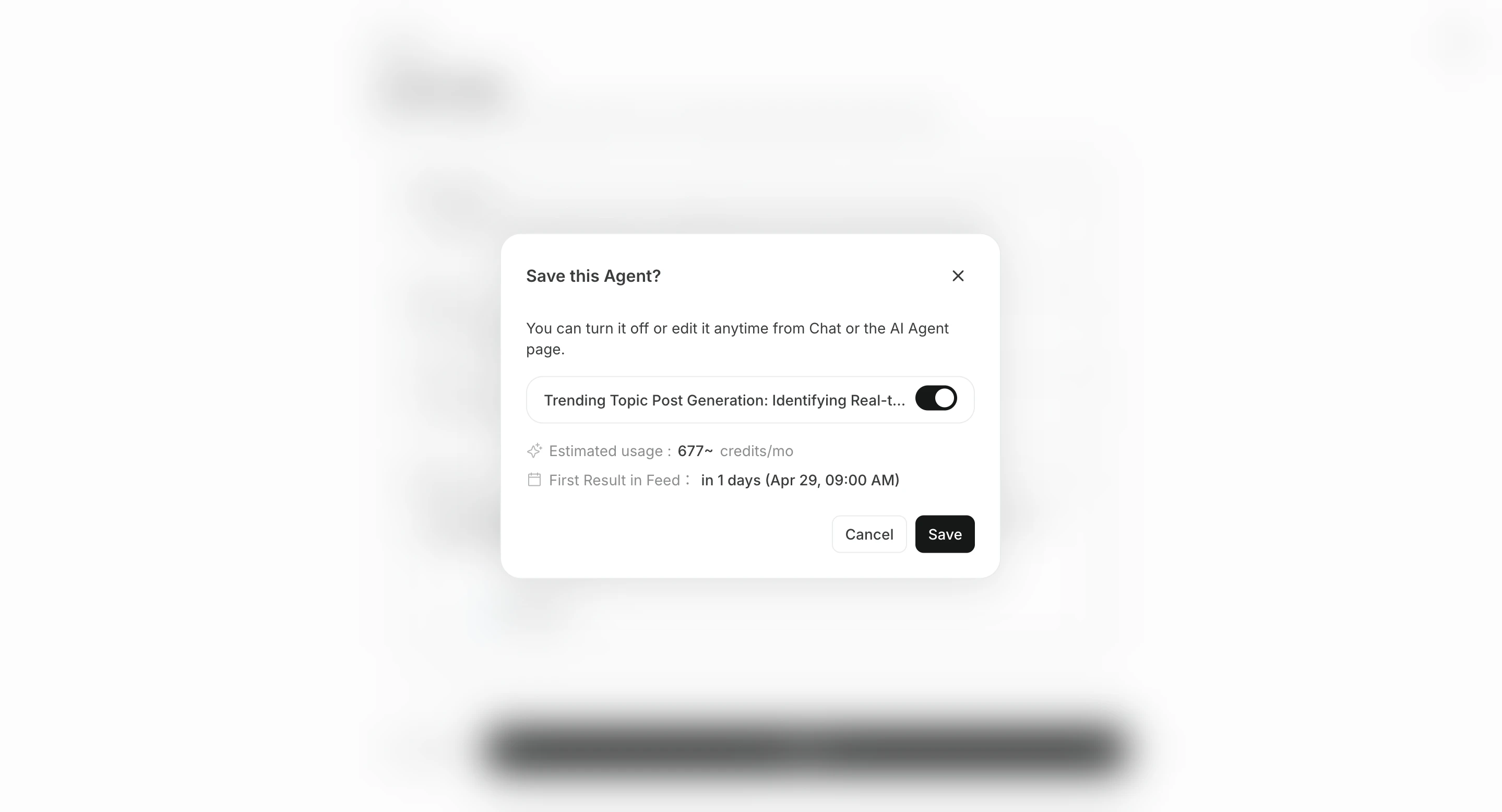
- Save with
Create, then enable the agent if needed
Ange destinationer
Destinationer är valfria. Resultat kan alltid granskas i Alla uppgifter, men du kan lägga till destinationer när du också vill skicka aviseringar eller spara resultat.
- Lägg till destination väljer en ansluten app eller lagringsplats, till exempel Slack, LINE, Discord, Telegram, WhatsApp, Notion eller Google Drive.
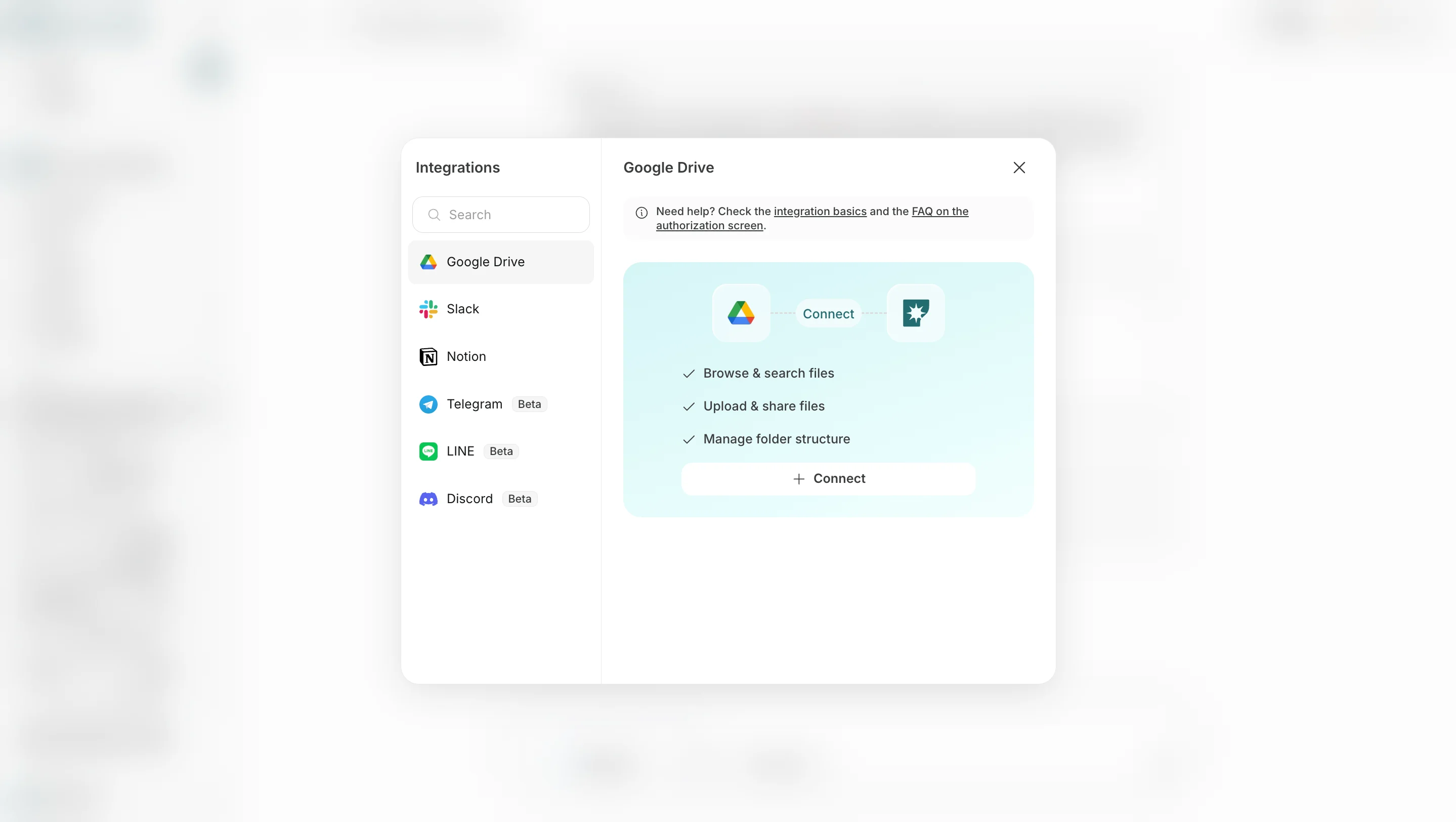
- Lägg till e-post anger en e-postadress så att resultat också kan tas emot via e-post.
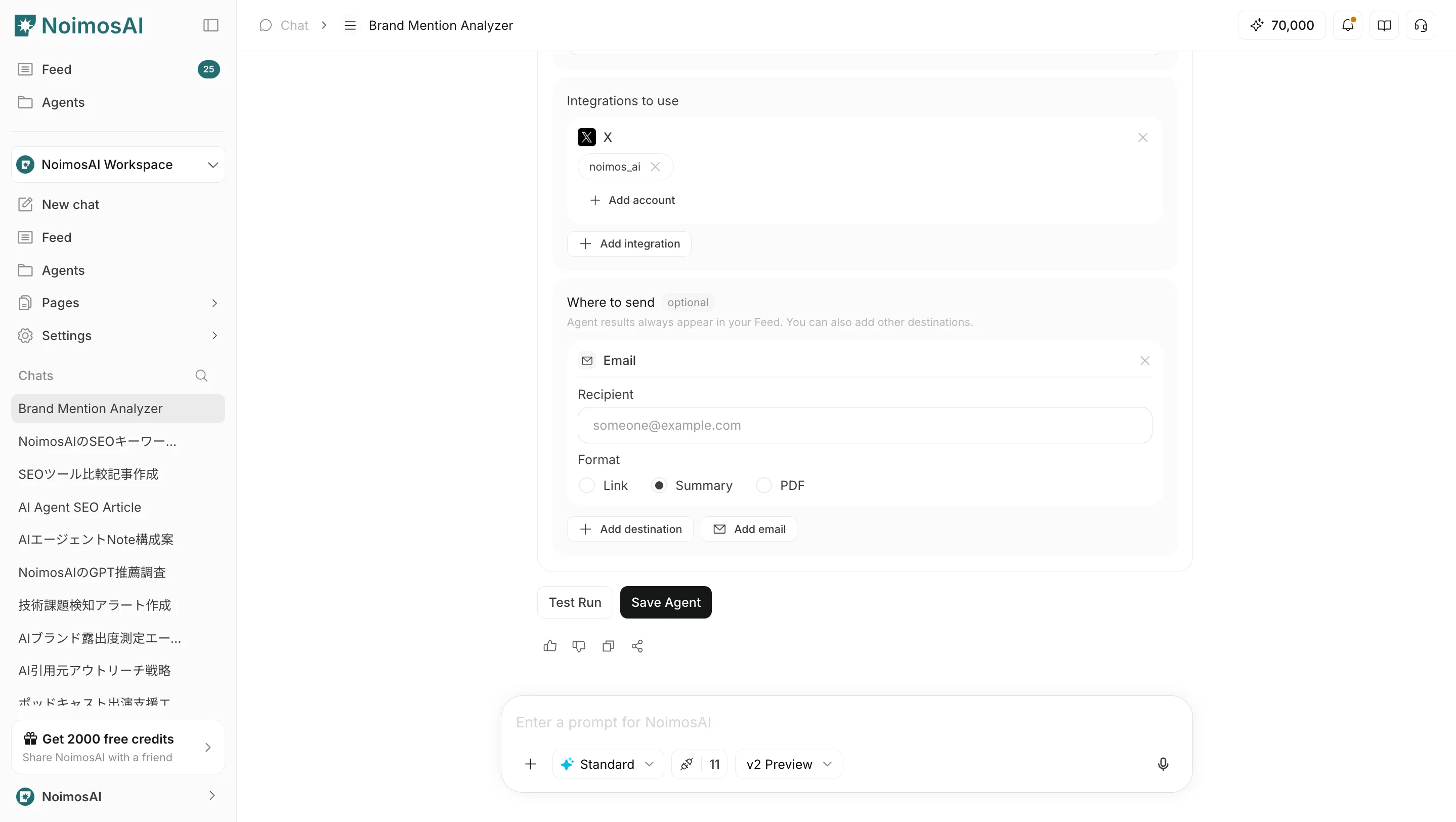
Länk, Sammanfattning eller PDF.
Operating tips
- Start at a low frequency and check quality in
Alla uppgifterbefore increasing frequency - Make instructions specific about what to return and in what format