

Översikt
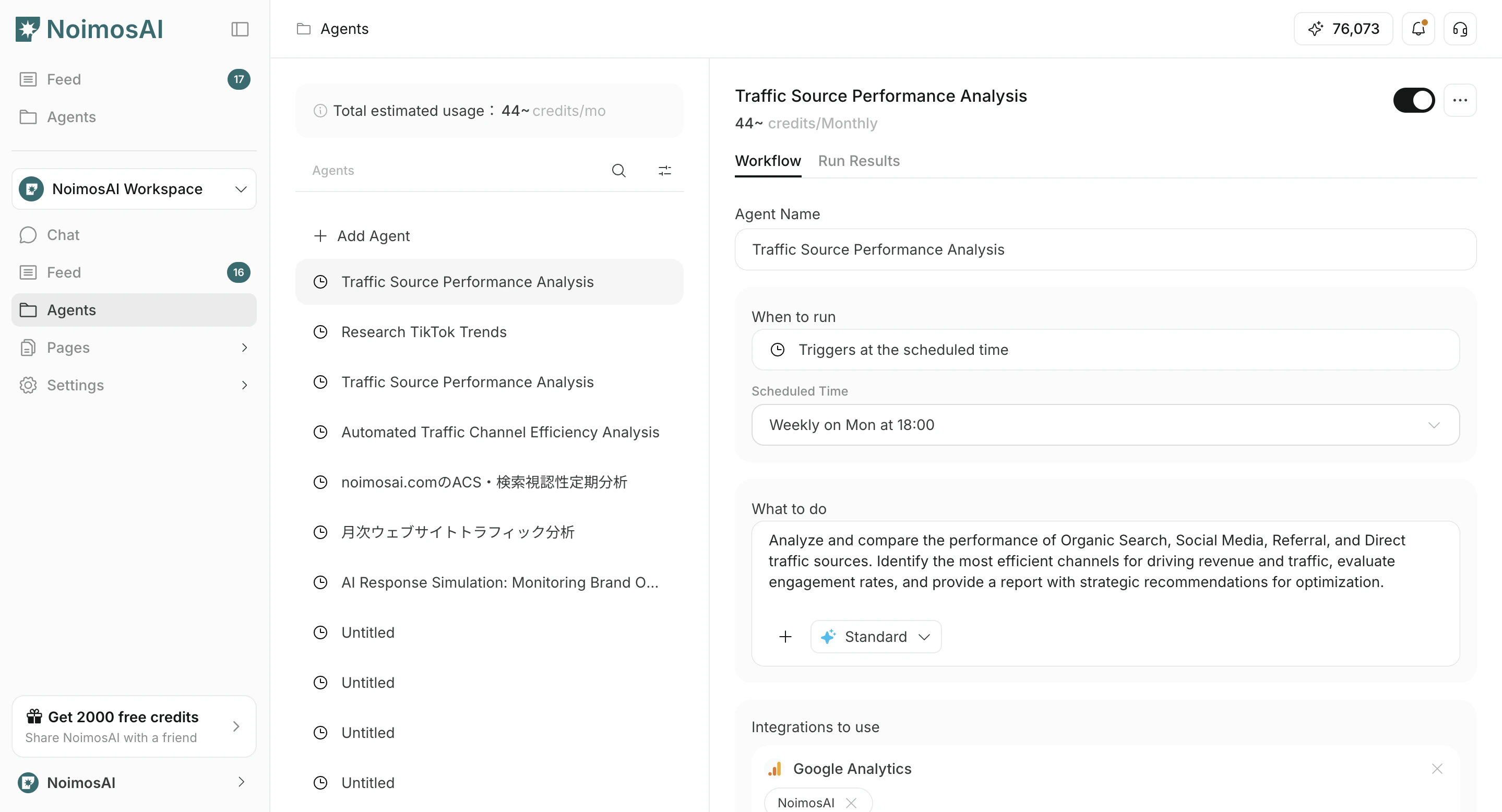
This page explains how to edit or delete existing agents.1. Go to Agents and select the target agent
- Open the
Agentstab. - Select the agent you want to edit or delete.
2. Edit the agent
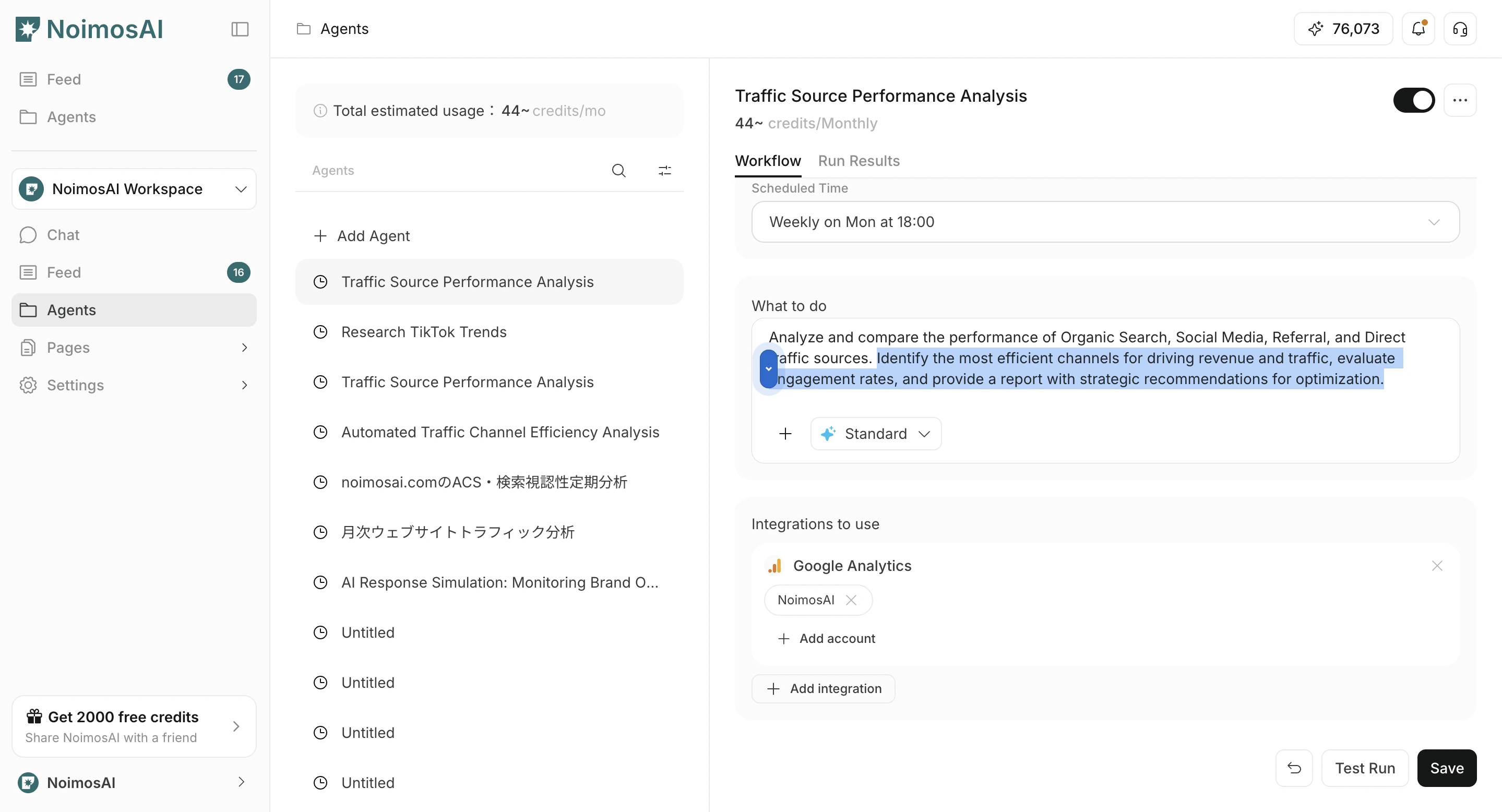
- Open the
Workflowtab. - Change
Run timing,Workflow,Integrations, and optionalDestination. - Bifoga vid behov bilder eller Knowledge Base till workflow
- Click
Save. - Use the toggle to enable or disable the agent if needed.
Destination kan du välja Slack, LINE, Discord, Telegram, WhatsApp, e-post, Notion, Google Drive och liknande destinationer och ange utdataformat som Länk, Sammanfattning eller PDF.
3. Delete the agent
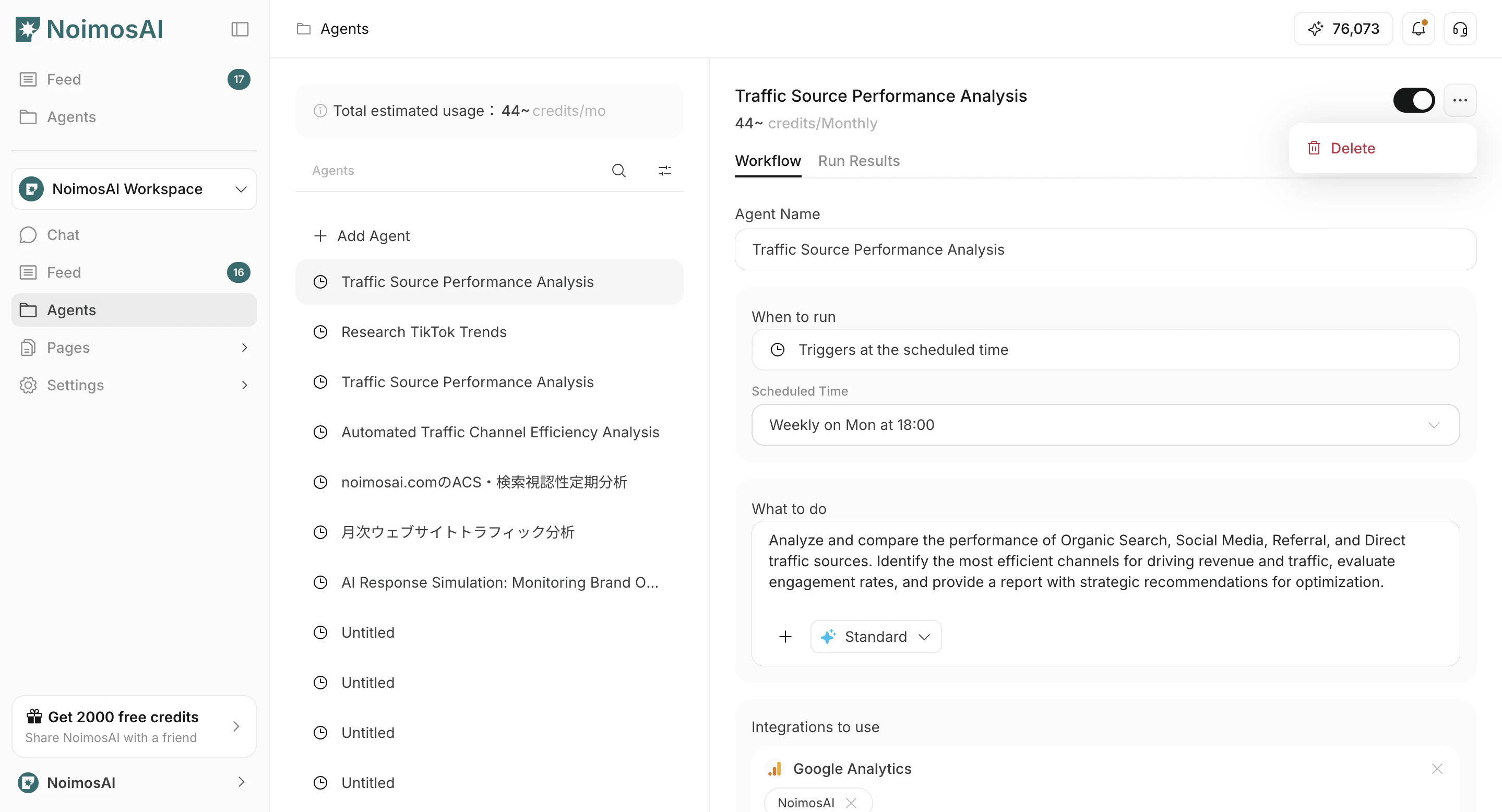
- Click
...on the target agent. - Click
Delete.
Stopping vs deleting
- Stop / disable: use when you want to pause execution while keeping the settings
- Delete: use when you want to permanently remove an agent you no longer use