

सिंहावलोकन
Create from template is best when you want to start operating quickly. The template provides the initial setup, then you fine-tune it for your workspace.
Steps
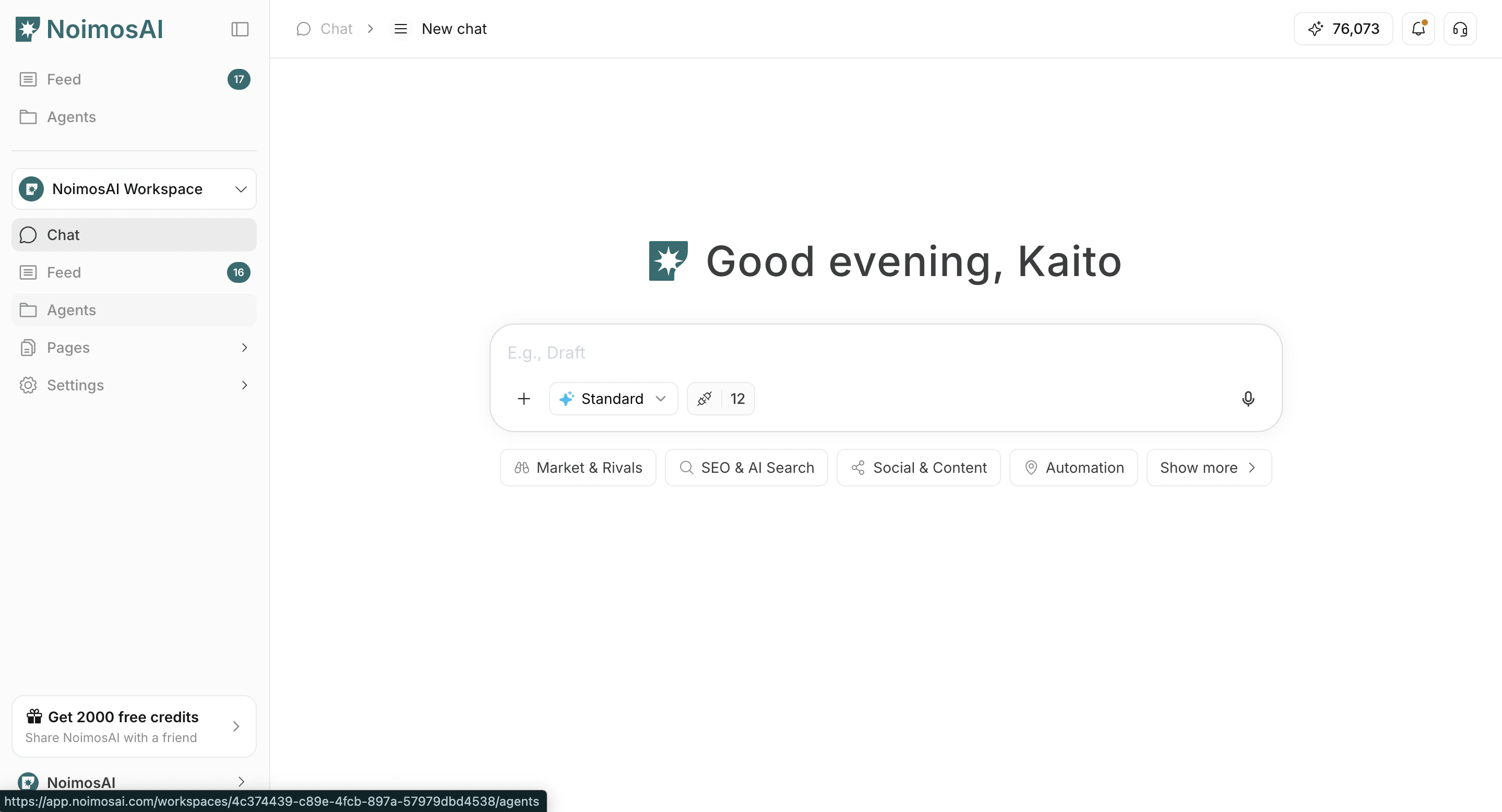
- Open
Agents
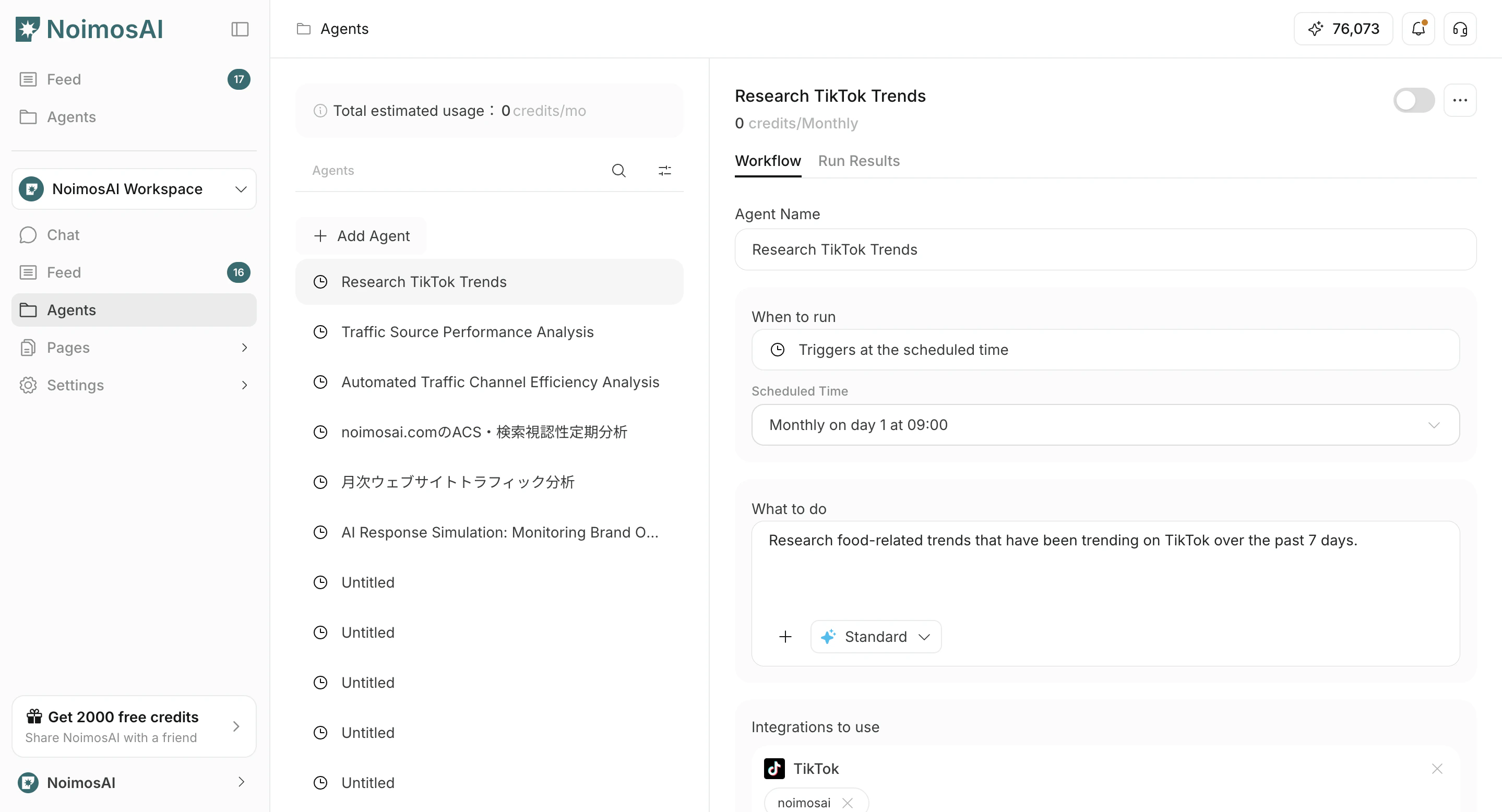
- Click
Add Agent
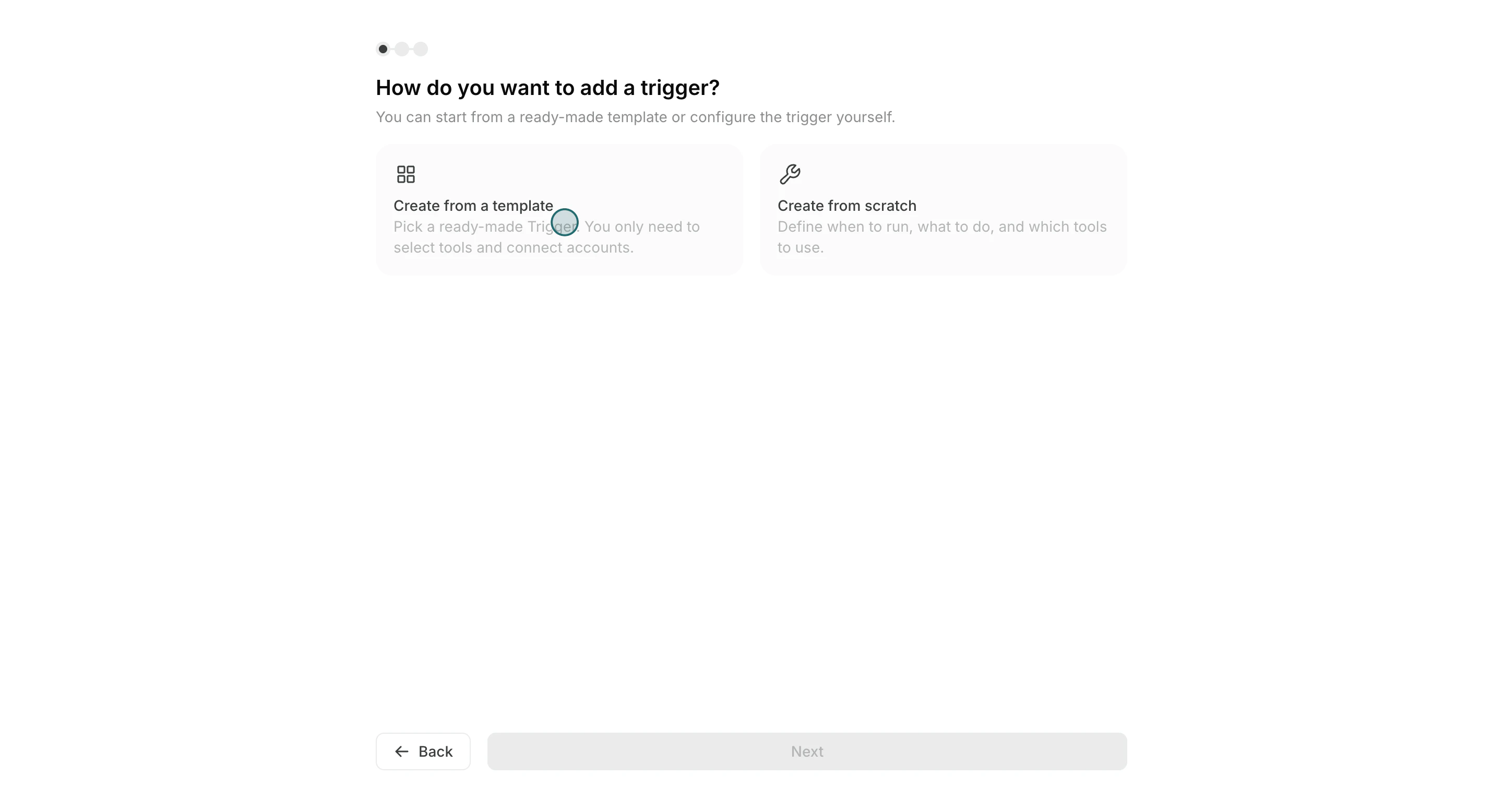
- Select
Create from template
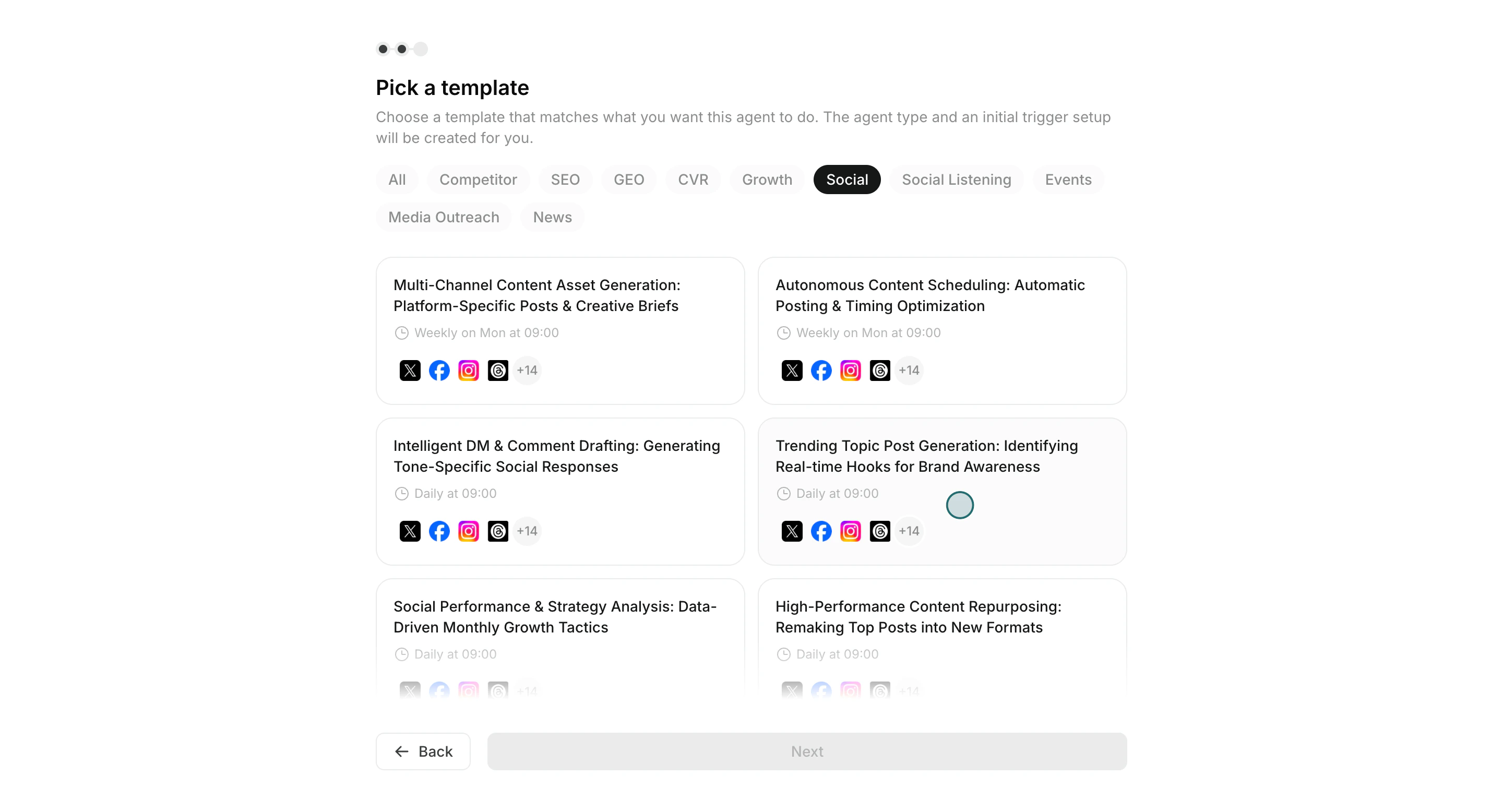
- Choose a template close to your goal
Run conditions,Workflow, और optionalDestinationadjust करें
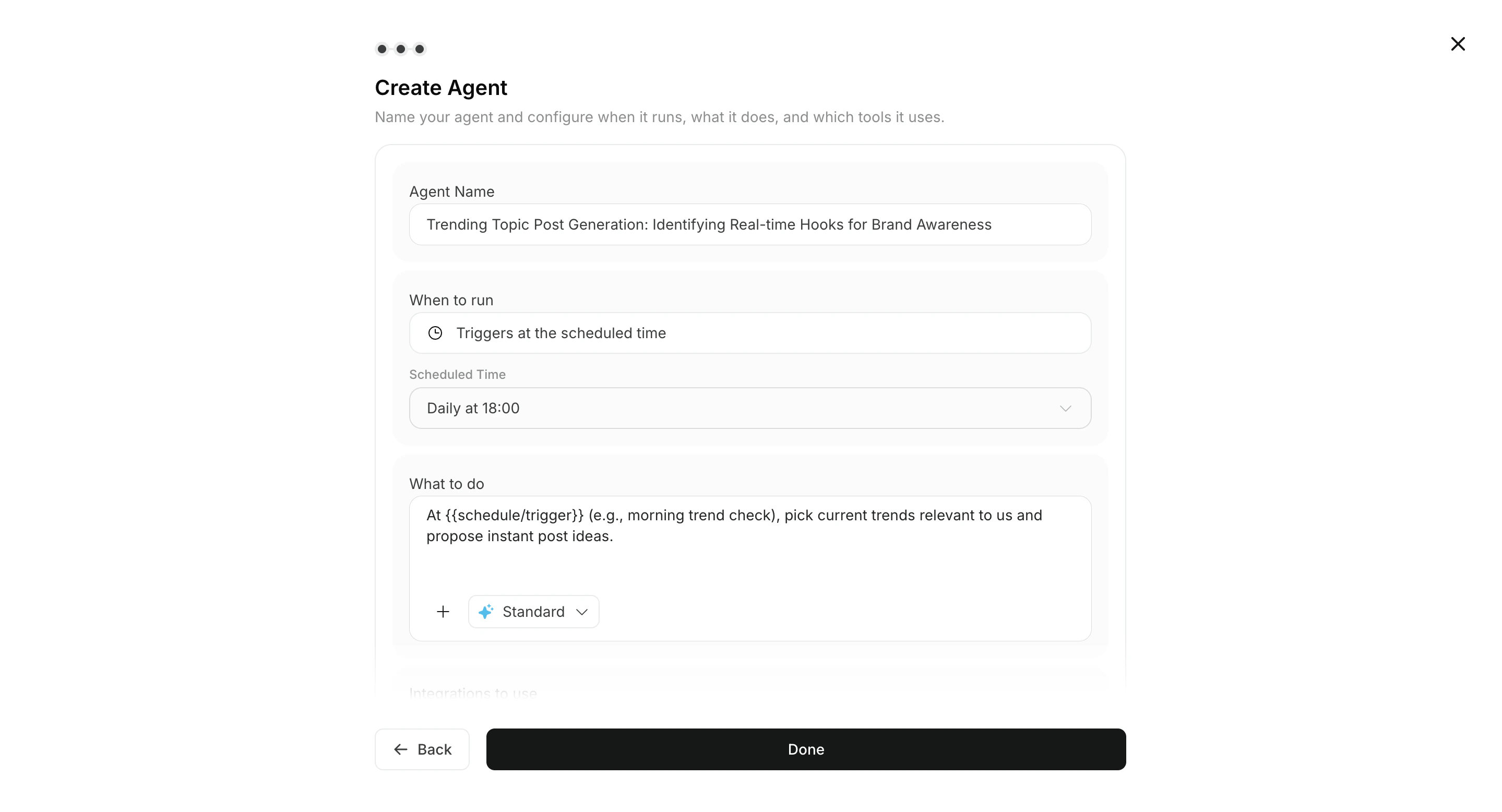
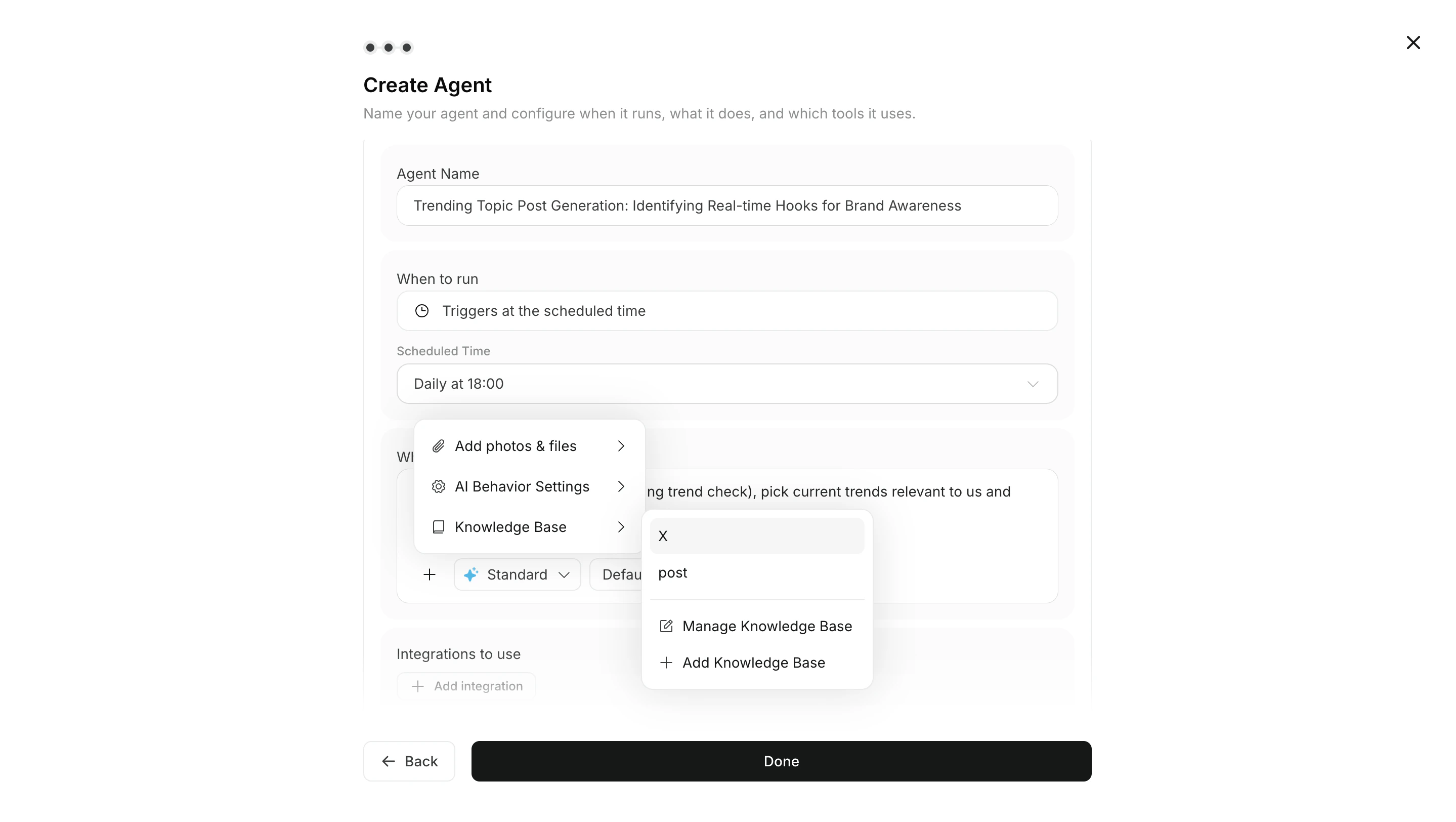
- ज़रूरत के अनुसार workflow में images या Knowledge Base अटैच करें
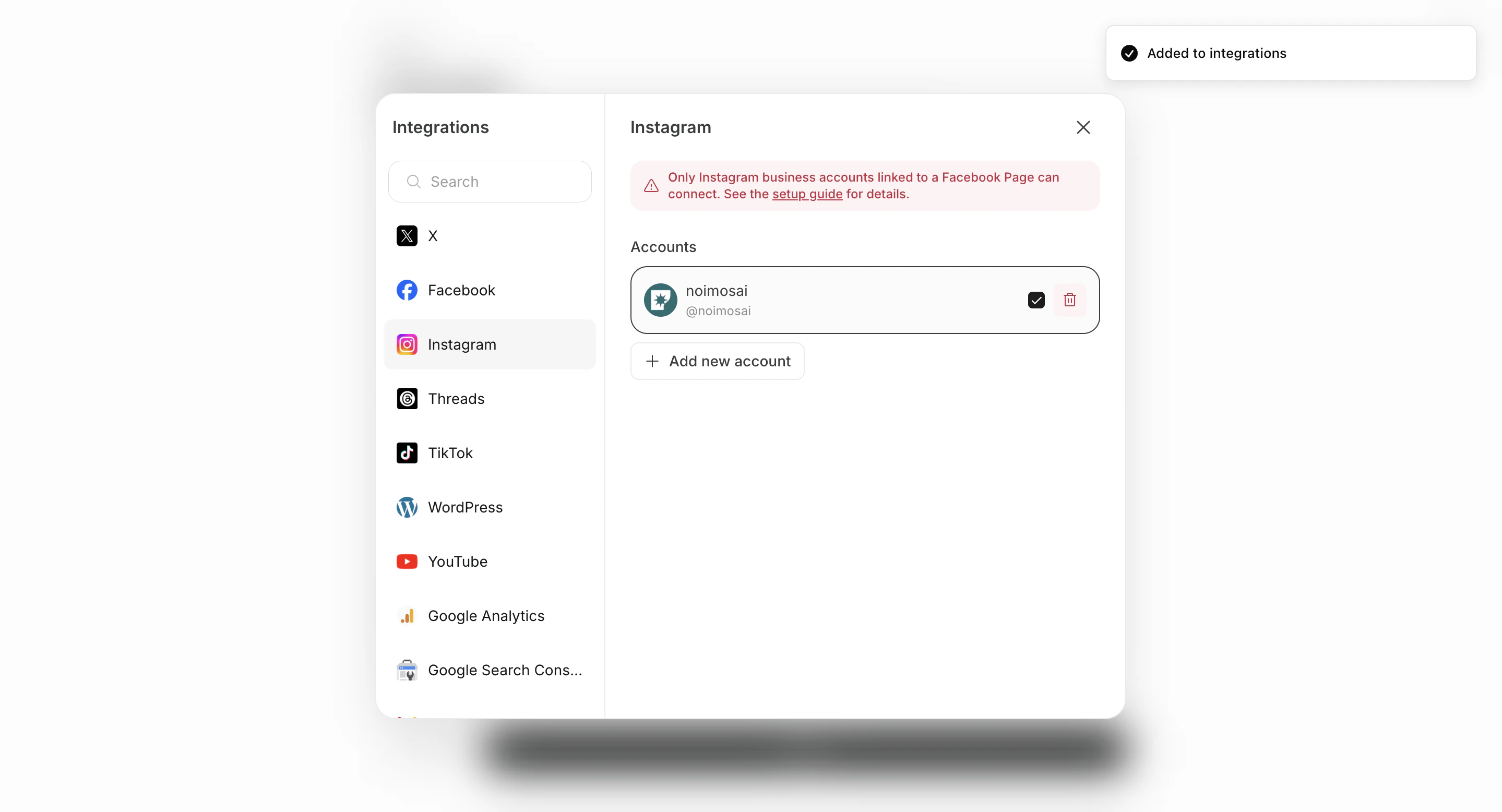
- Set integrations and connected accounts
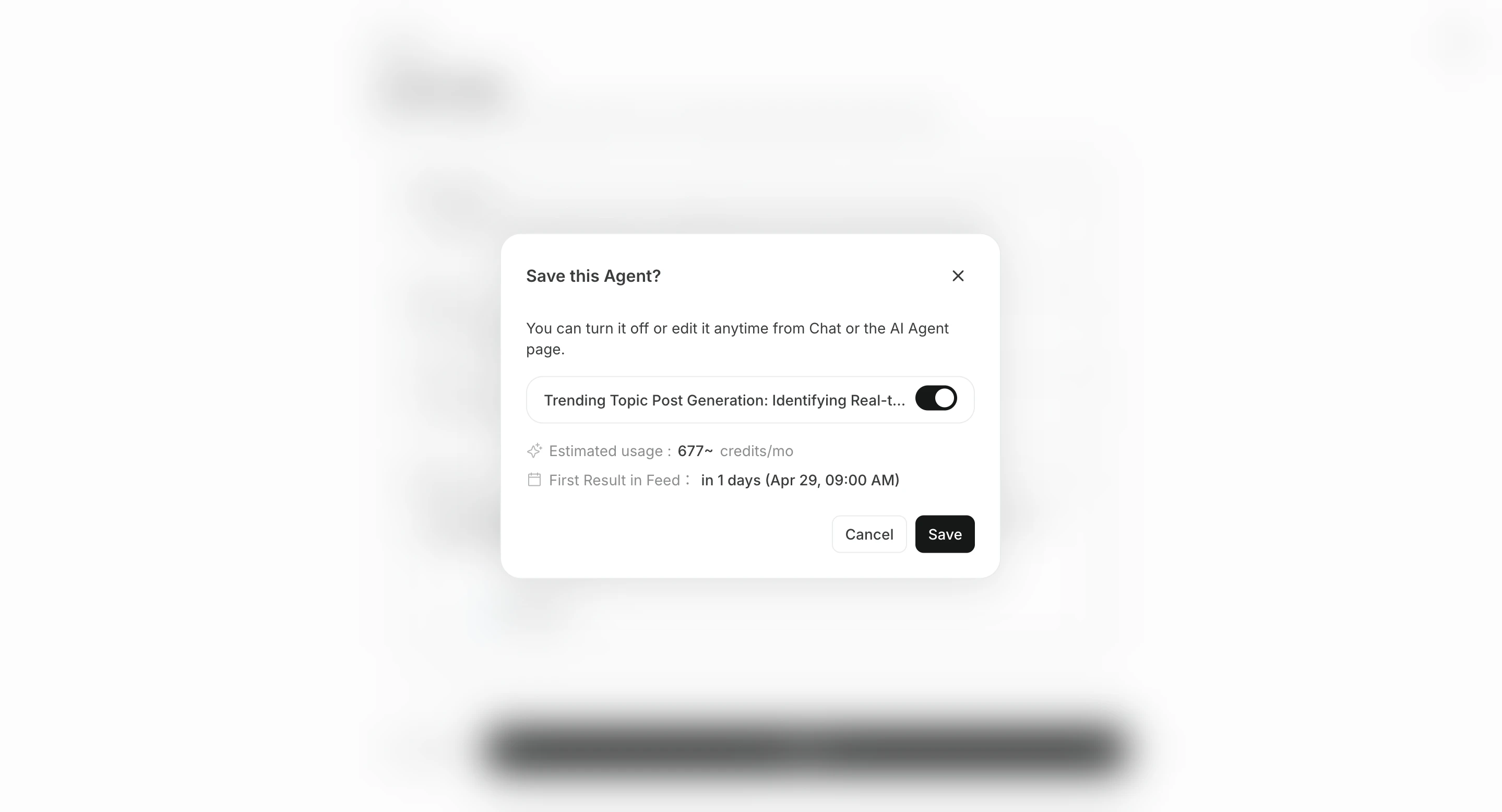
- Save with
Create, then enable the agent if needed
Destination सेट करें
Destination वैकल्पिक है। परिणाम संबंधित चैट सेशन में सहेजे जाते हैं और सभी कार्य से देखे जा सकते हैं, लेकिन notification या sharing की जरूरत हो तो destination जोड़ें।
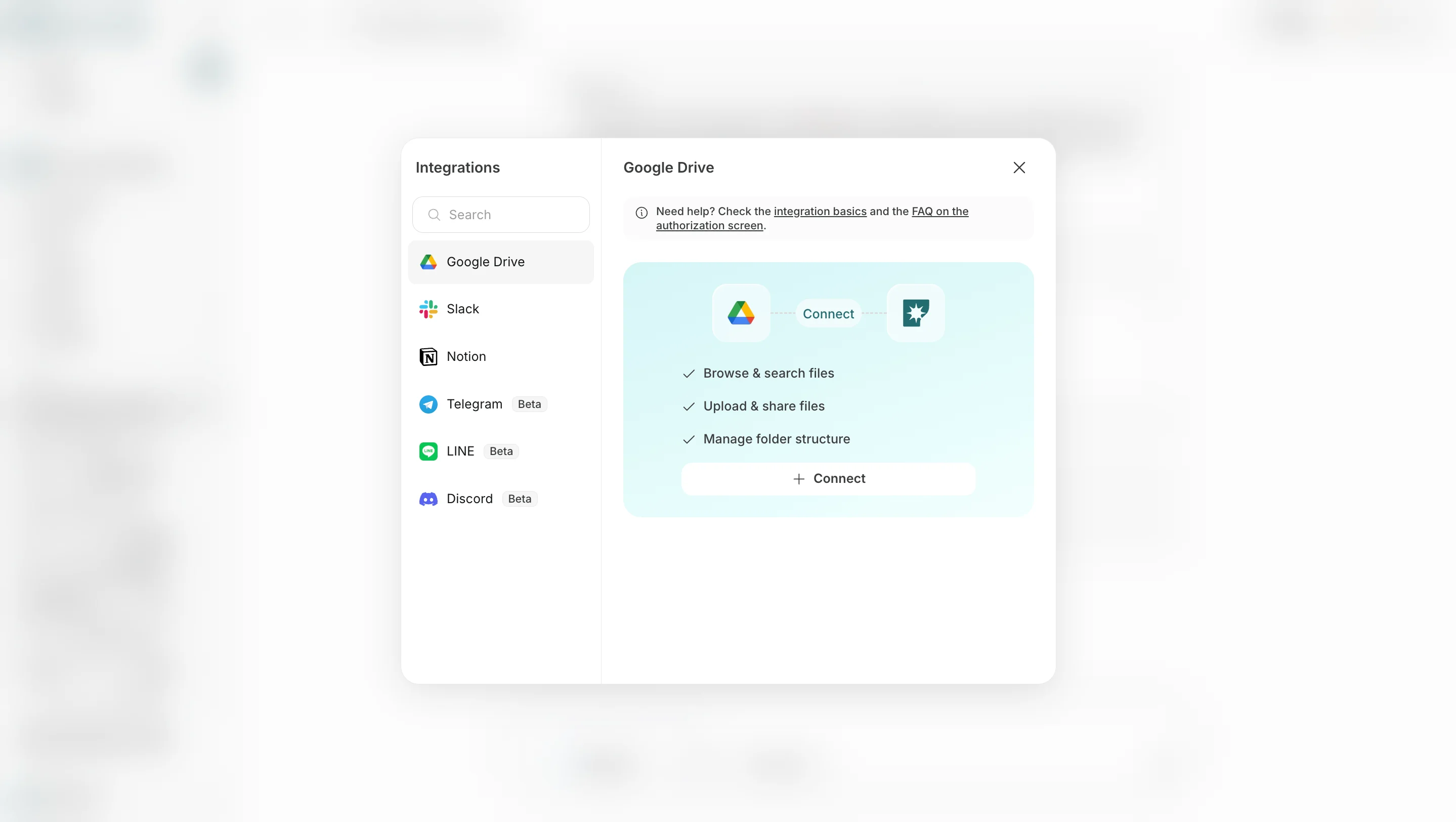
- Destination जोड़ें में Slack, LINE, Discord, Telegram, WhatsApp, Notion, Google Drive जैसे connected app या storage destination चुनें।
- Email जोड़ें में email address निर्दिष्ट करें ताकि परिणाम email से भी मिल सकें।
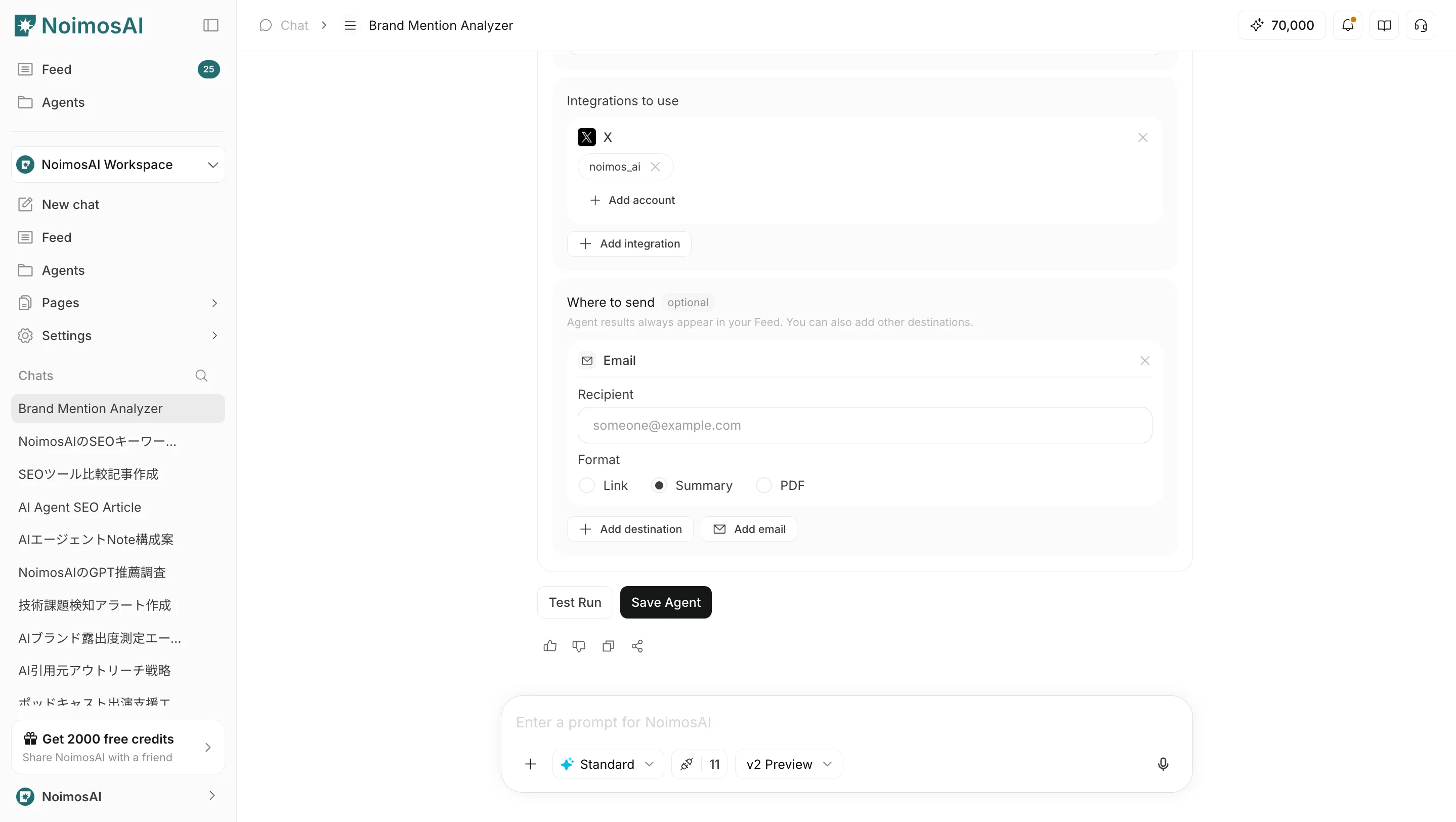
Link, Summary या PDF से चुना जा सकता है।
Operating tips
- Start at a low frequency and check quality in
सभी कार्यbefore increasing frequency - Make instructions specific about what to return and in what format