

सिंहावलोकन
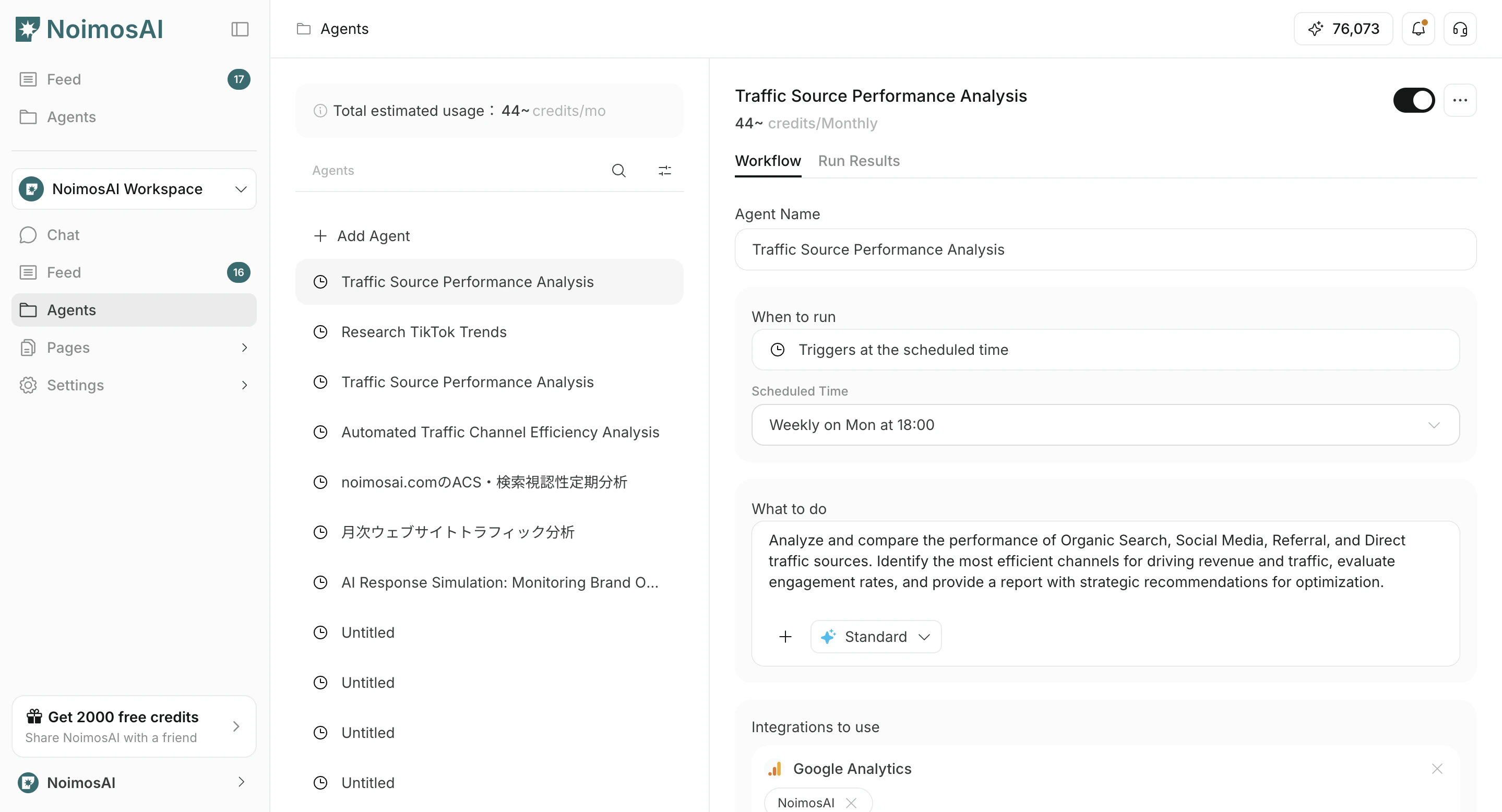
This page explains how to edit or delete existing agents.1. Go to Agents and select the target agent
- Open the
Agentstab. - Select the agent you want to edit or delete.
2. Edit the agent
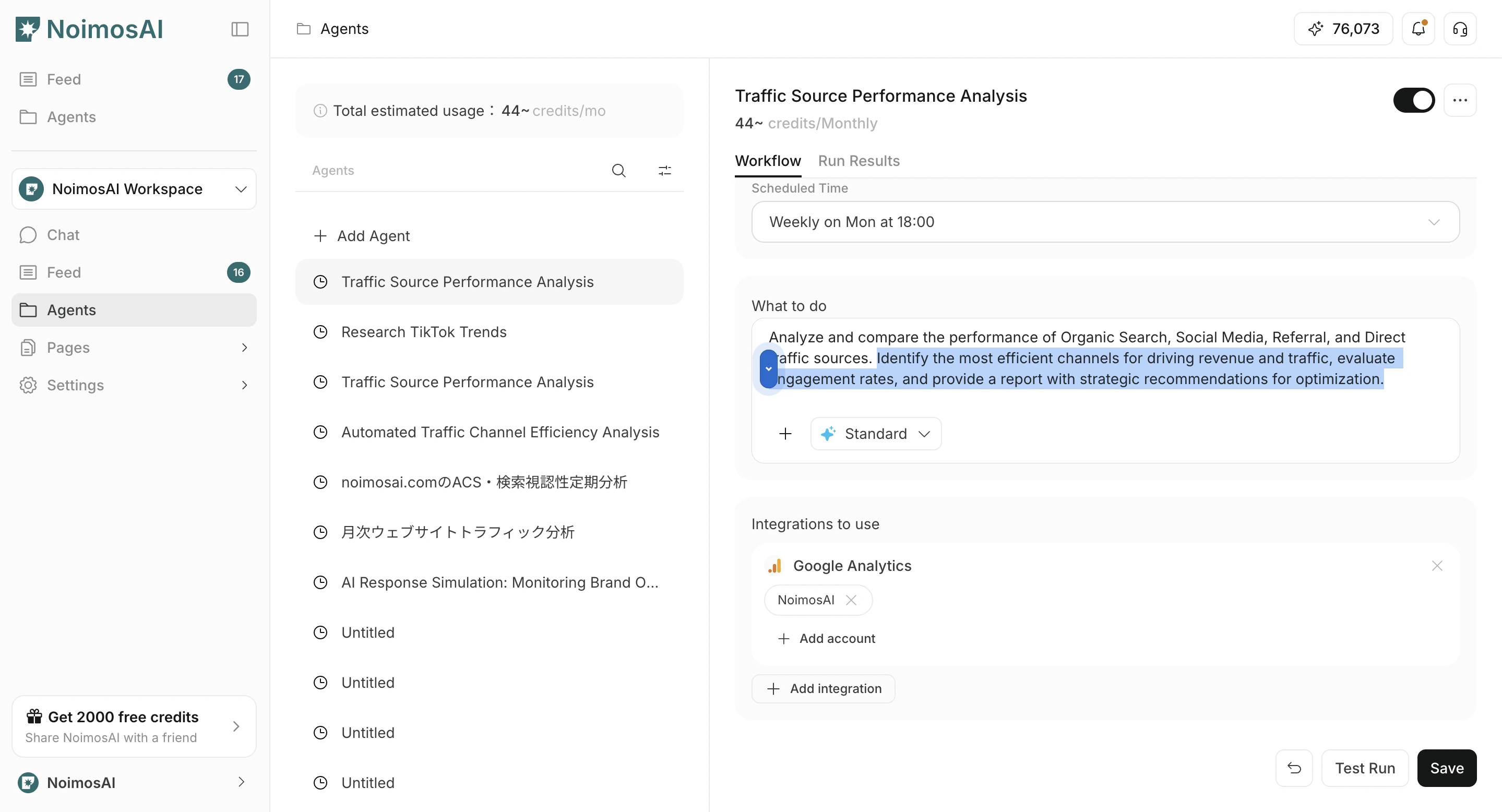
- Open the
Workflowtab. Run timing,Workflow,Integrations, और optionalDestinationबदलें।- ज़रूरत के अनुसार workflow में images या Knowledge Base अटैच करें
- Click
Save. - Use the toggle to enable or disable the agent if needed.
Destination में Slack, LINE, Discord, Telegram, WhatsApp, email, Notion, Google Drive आदि चुने जा सकते हैं और output format Link, Summary या PDF से निर्दिष्ट किया जा सकता है।
3. Delete the agent
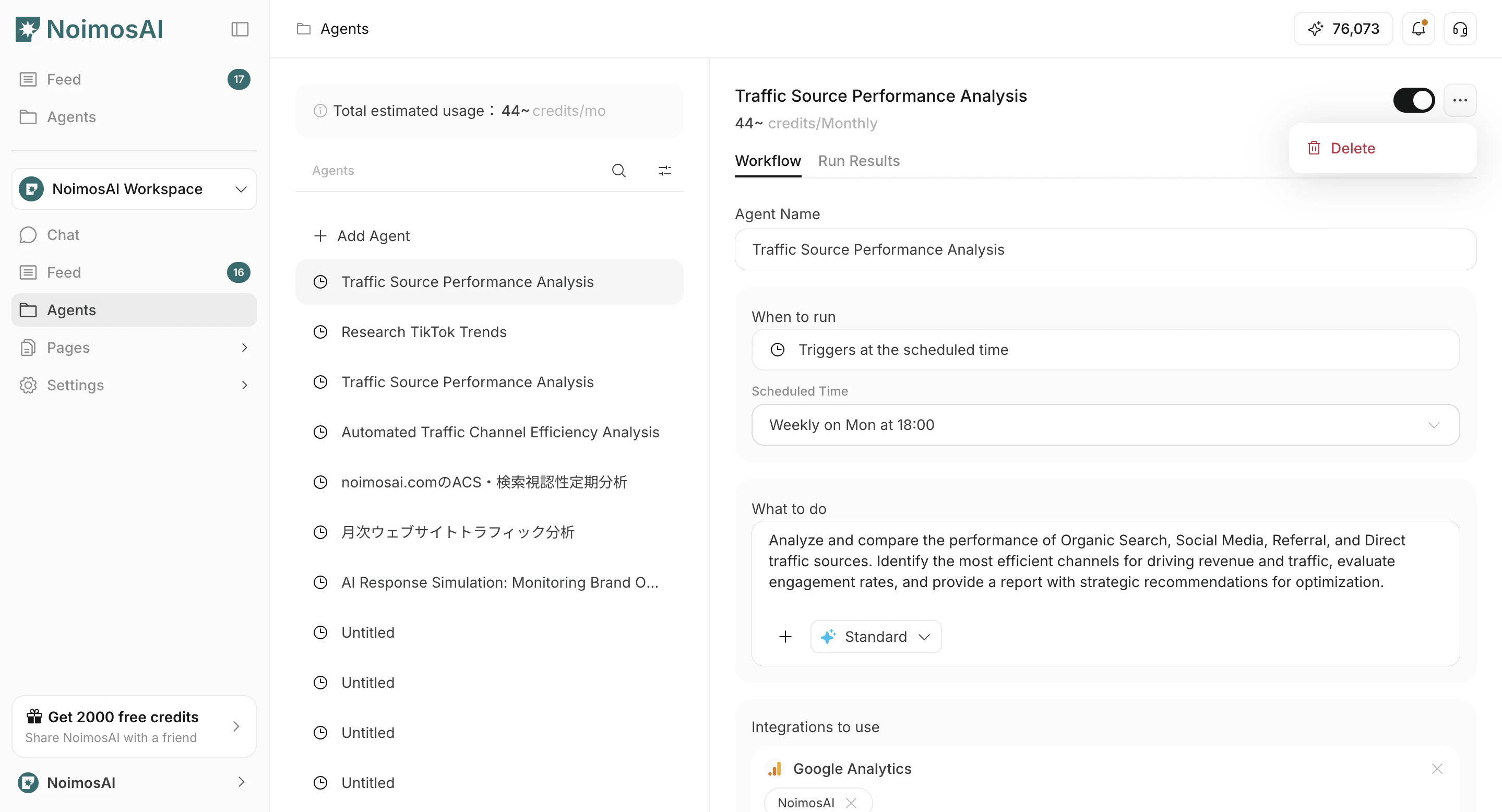
- Click
...on the target agent. - Click
Delete.
Stopping vs deleting
- Stop / disable: use when you want to pause execution while keeping the settings
- Delete: use when you want to permanently remove an agent you no longer use