

सिंहावलोकन
UseCreate from scratch when you need detailed control over execution conditions. It takes more setup than a template, but can be optimized for specific requirements.
Steps
- In
Agents, clickAdd Agent
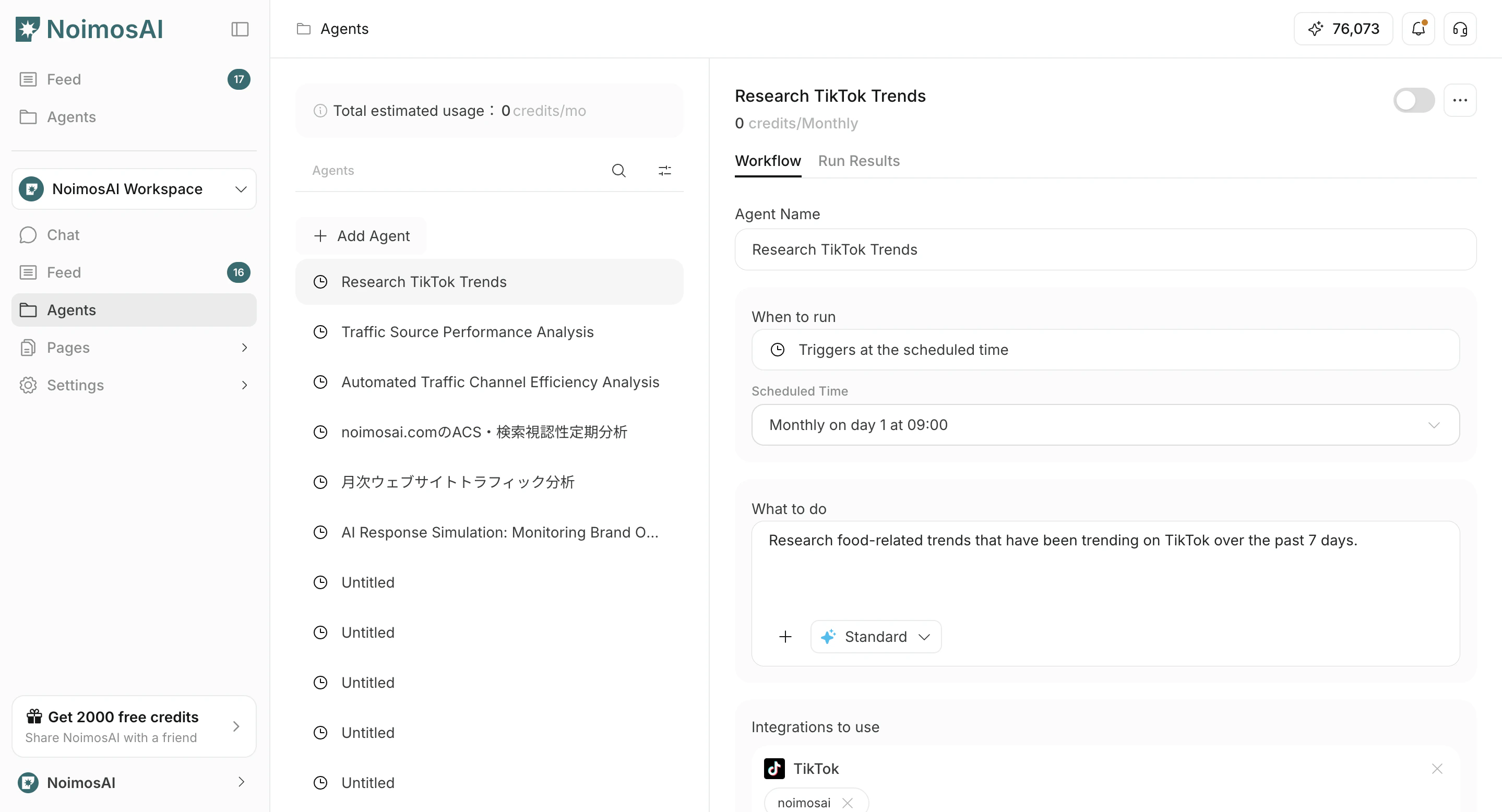
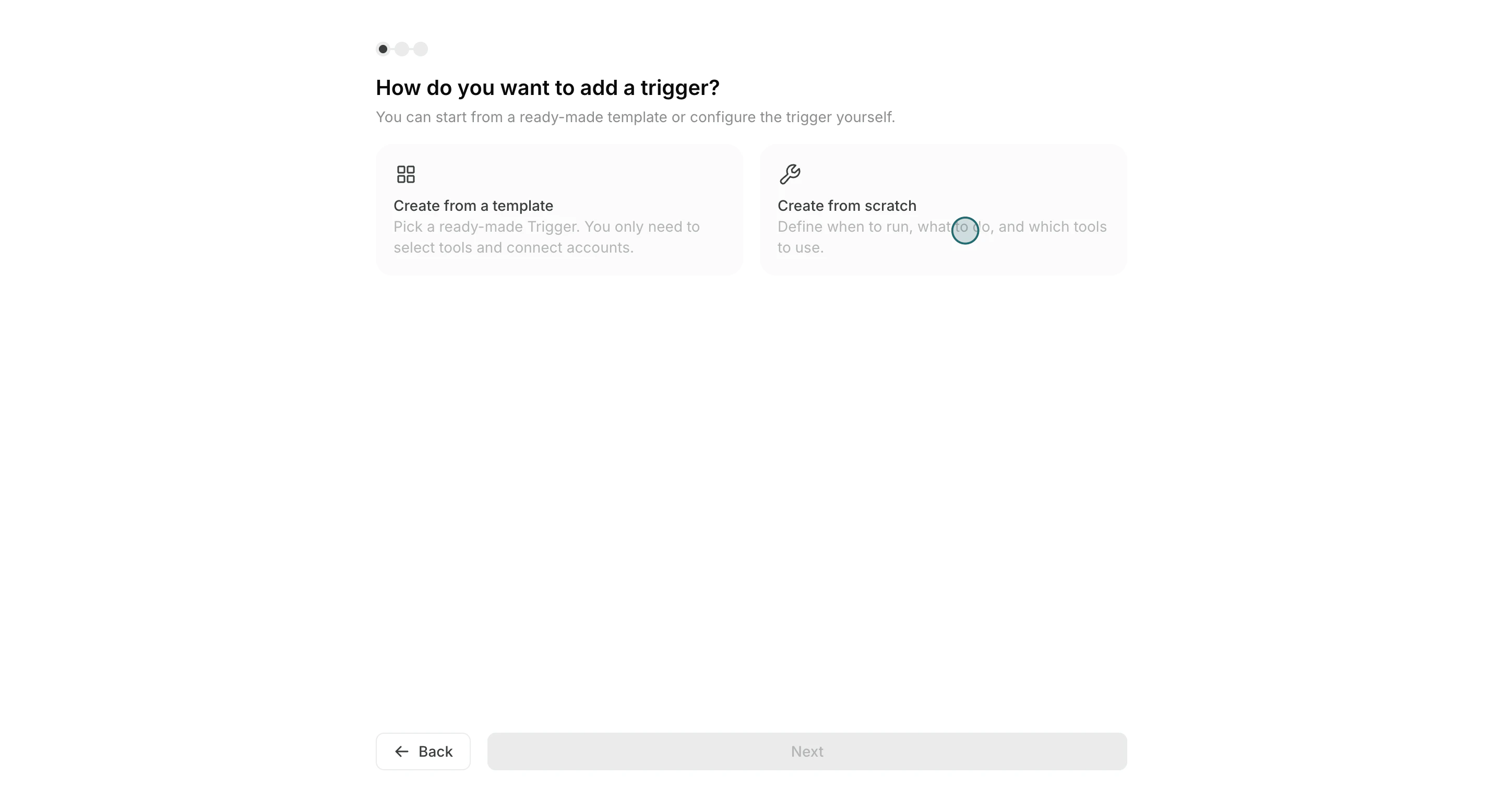
- Select
Create from scratch
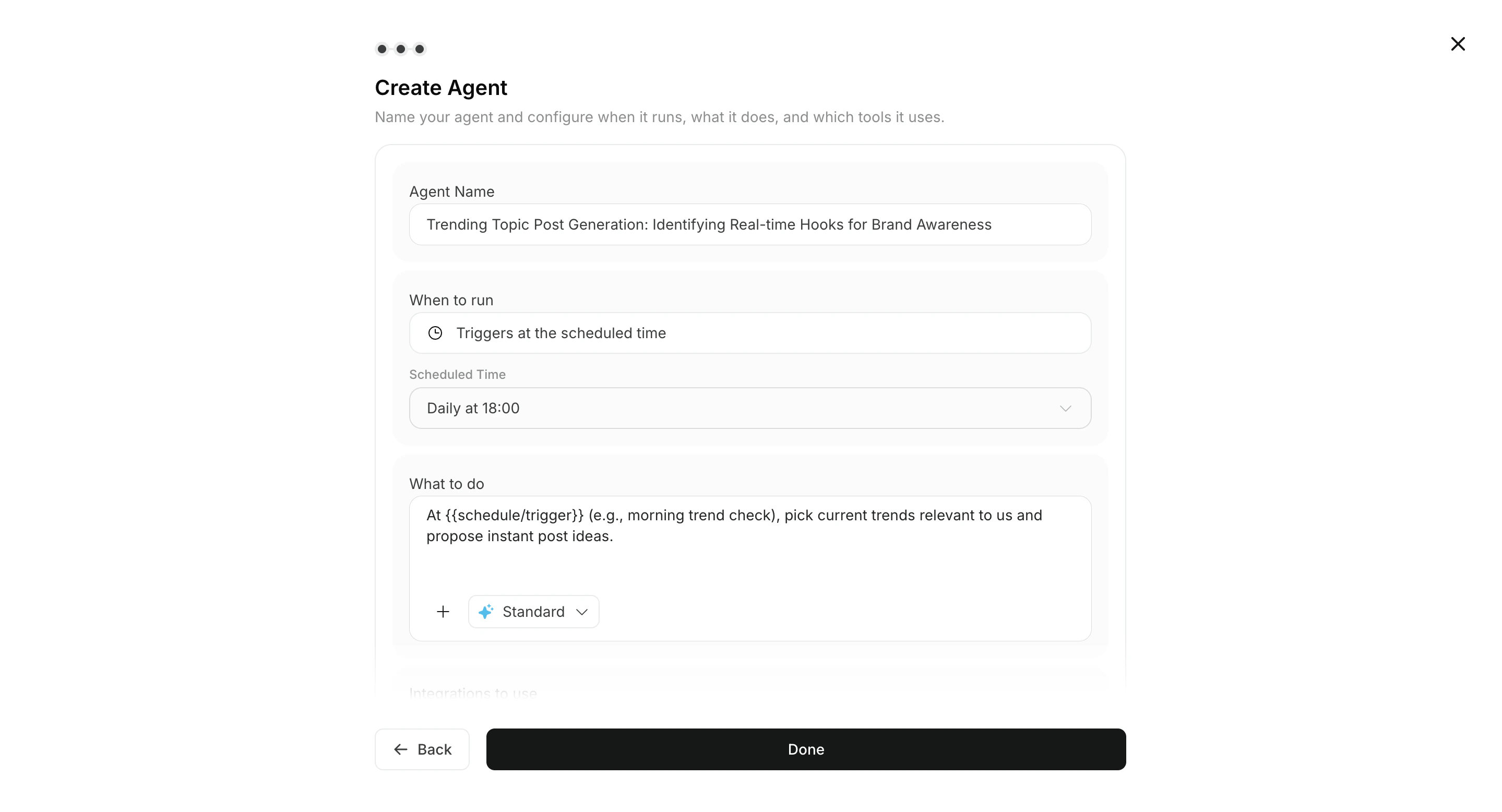
Run conditions,Workflow, और optionalDestinationदर्ज करें
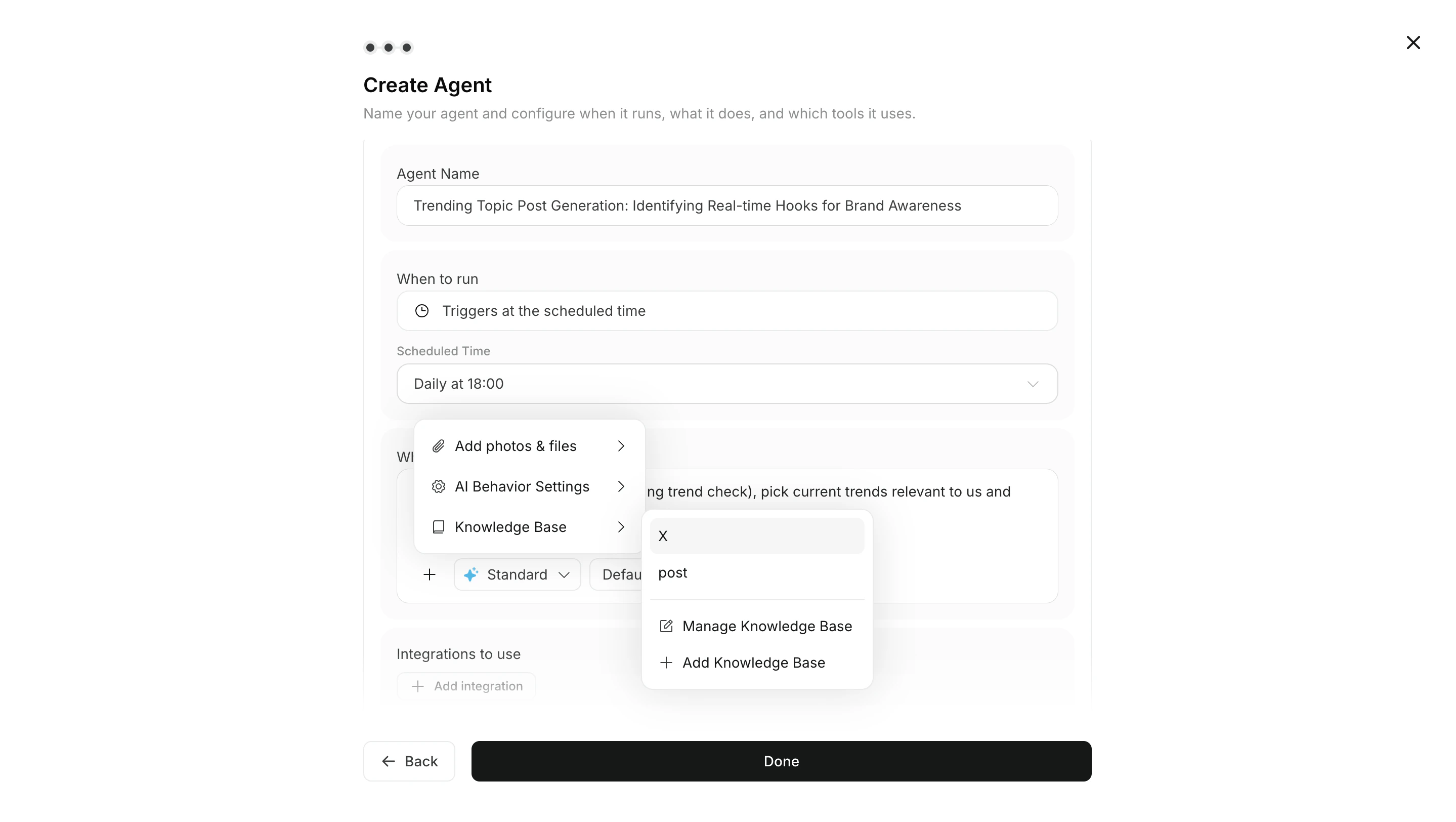
- ज़रूरत के अनुसार workflow में images या Knowledge Base अटैच करें
- Set integrations and connected accounts
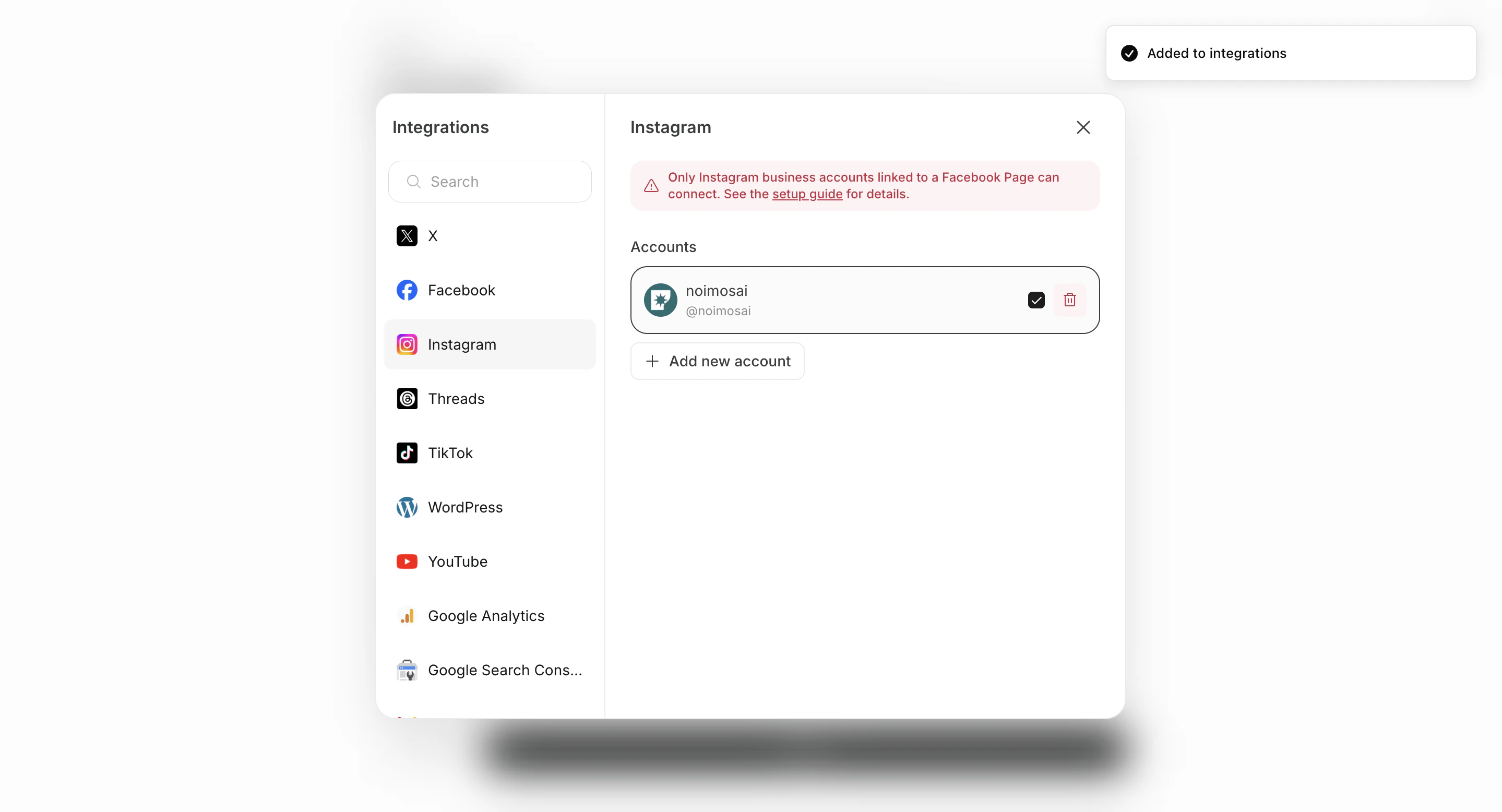
- Save, create, and enable if needed
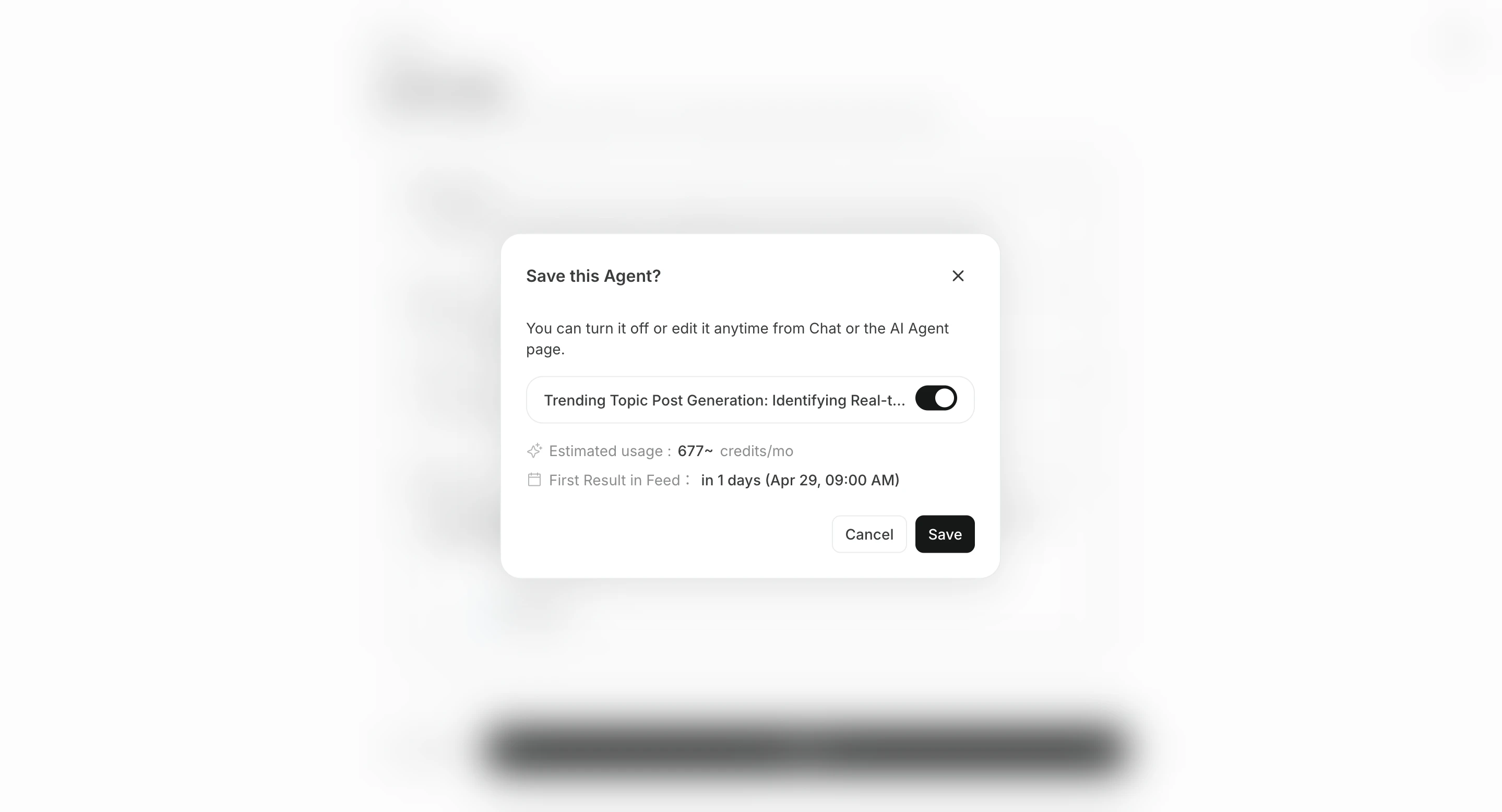
Destination सेट करें
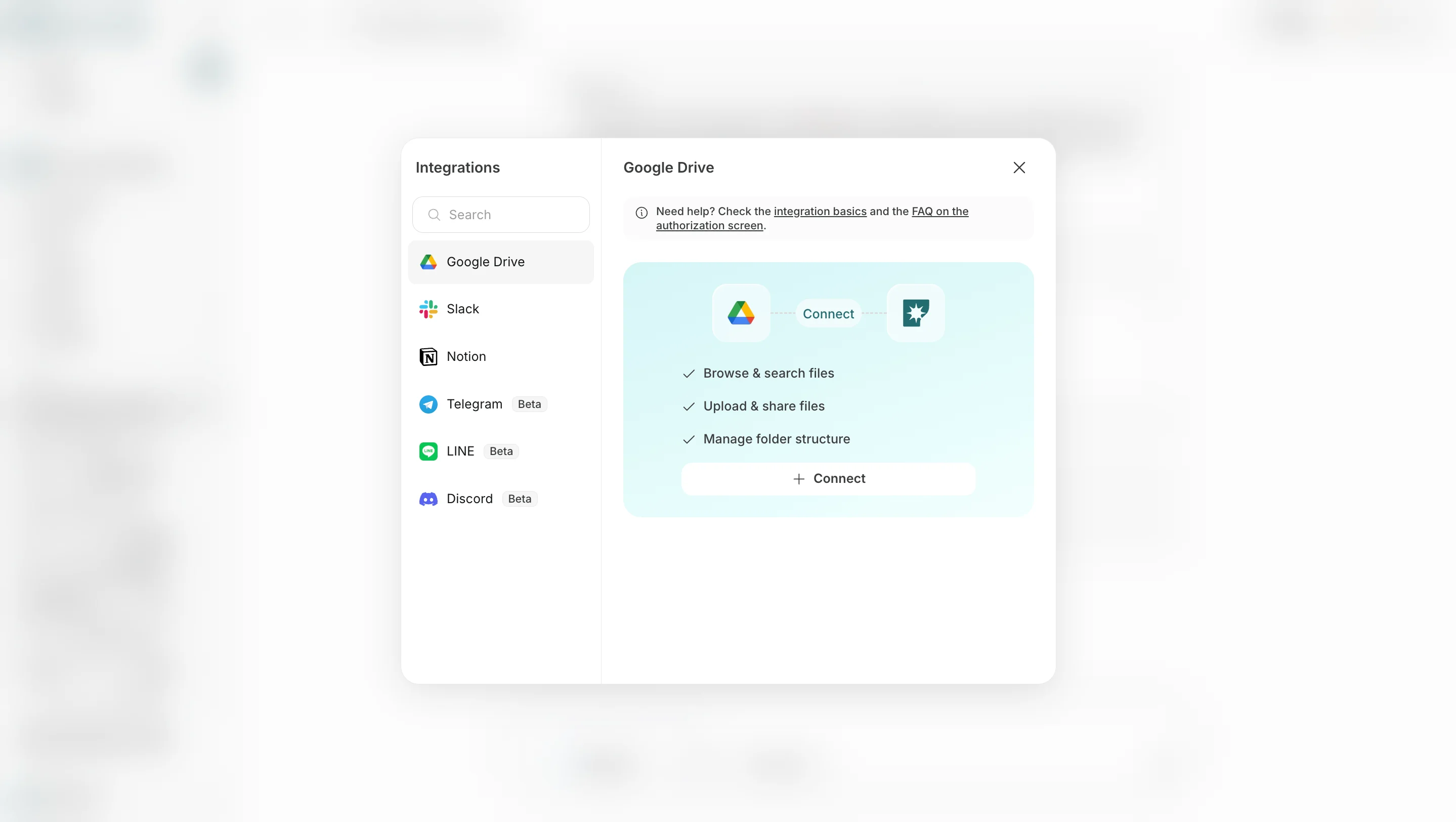
Destination वैकल्पिक है। परिणाम संबंधित चैट सेशन में सहेजे जाते हैं और सभी कार्य से देखे जा सकते हैं, लेकिन notification या sharing की जरूरत हो तो destination जोड़ें।
- Destination जोड़ें में Slack, LINE, Discord, Telegram, WhatsApp, Notion, Google Drive जैसे connected app या storage destination चुनें।
- Email जोड़ें में email address निर्दिष्ट करें ताकि परिणाम email से भी मिल सकें।
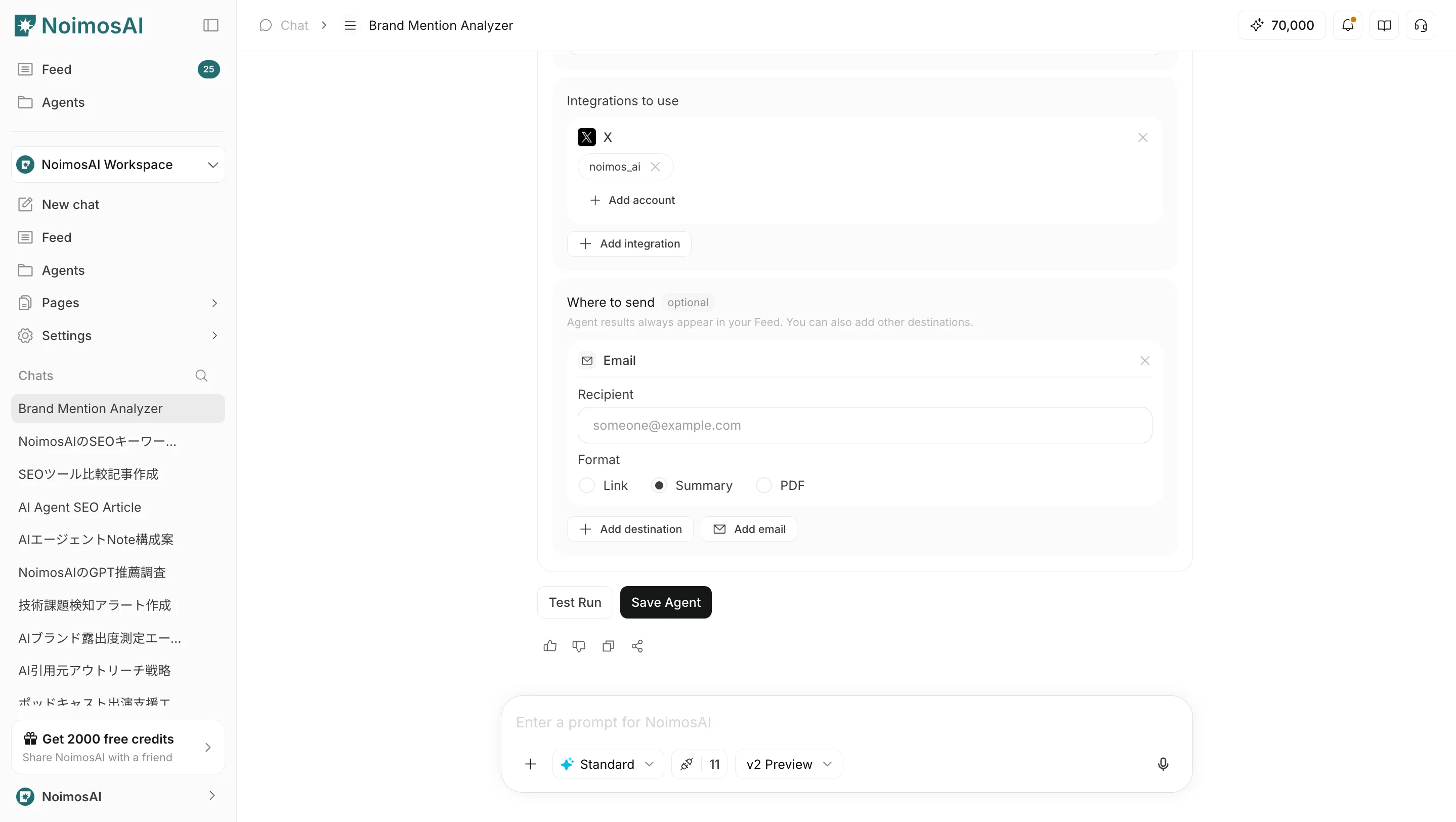
Link, Summary या PDF से चुना जा सकता है।
Operating tips
- Use a title that makes the purpose clear
- Include output format, review criteria, and prohibited actions in the instructions
- Start at a low frequency and adjust after reviewing results