

Overview
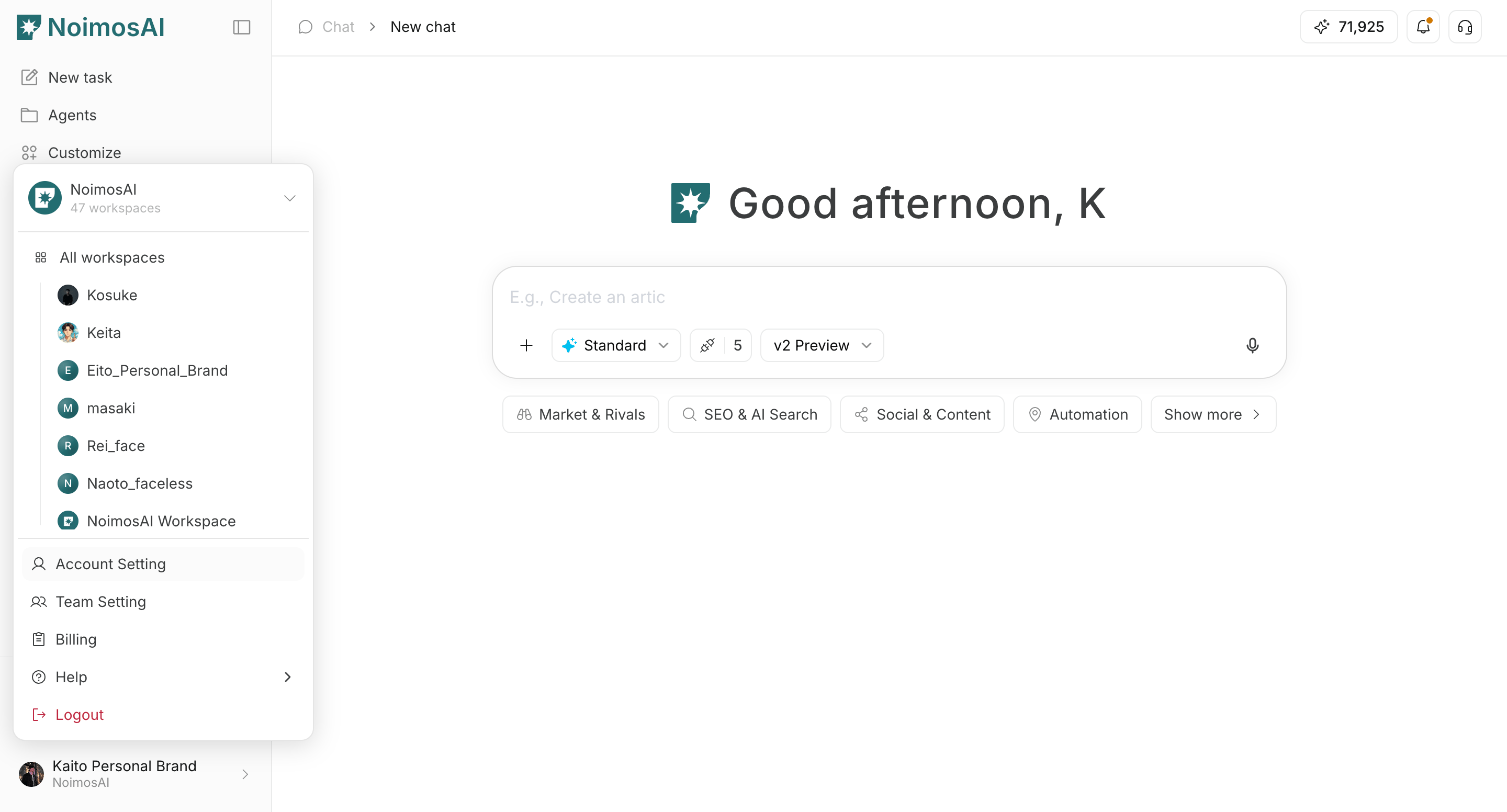
Account settings manage your personal preferences in NoimosAI, including security, language, timezone, theme, and profile identity.Where to find
Use the following path to open this area.Settings -> Accountfor security, language, timezone, and theme.Settings -> Profilefor display name and profile image.
What you can manage
Use this section to understand what you can manage and what to verify before moving to the next step.- Account security (email and password, depending on sign-in method).
- App display language.
- Time zone used for schedules and timestamps.
- Theme (
Light,Dark,System). - Display name and profile image shown to teammates.
Important notes
Review these notes before you proceed.- Time zone affects how schedule times in Agents are shown.
- Profile details are managed in the
Profiletab, separate fromAccount.