

Overview
Workspace member management controls who can access the Workspace and what each member can do. Only a joinedOwner of that Workspace can add members, change roles, or remove members.
Workspace Role Definitions
Each role allows different operations in a Workspace.
People invited from a Workspace appear as
Guest at Team level.
Where to find
Use the following path to open this area.Workspace -> Settings -> Add membersWorkspace -> Settings -> Basic information -> Members
Add Members
Use this section to add members with the correct workspace role.- Open
Add members.
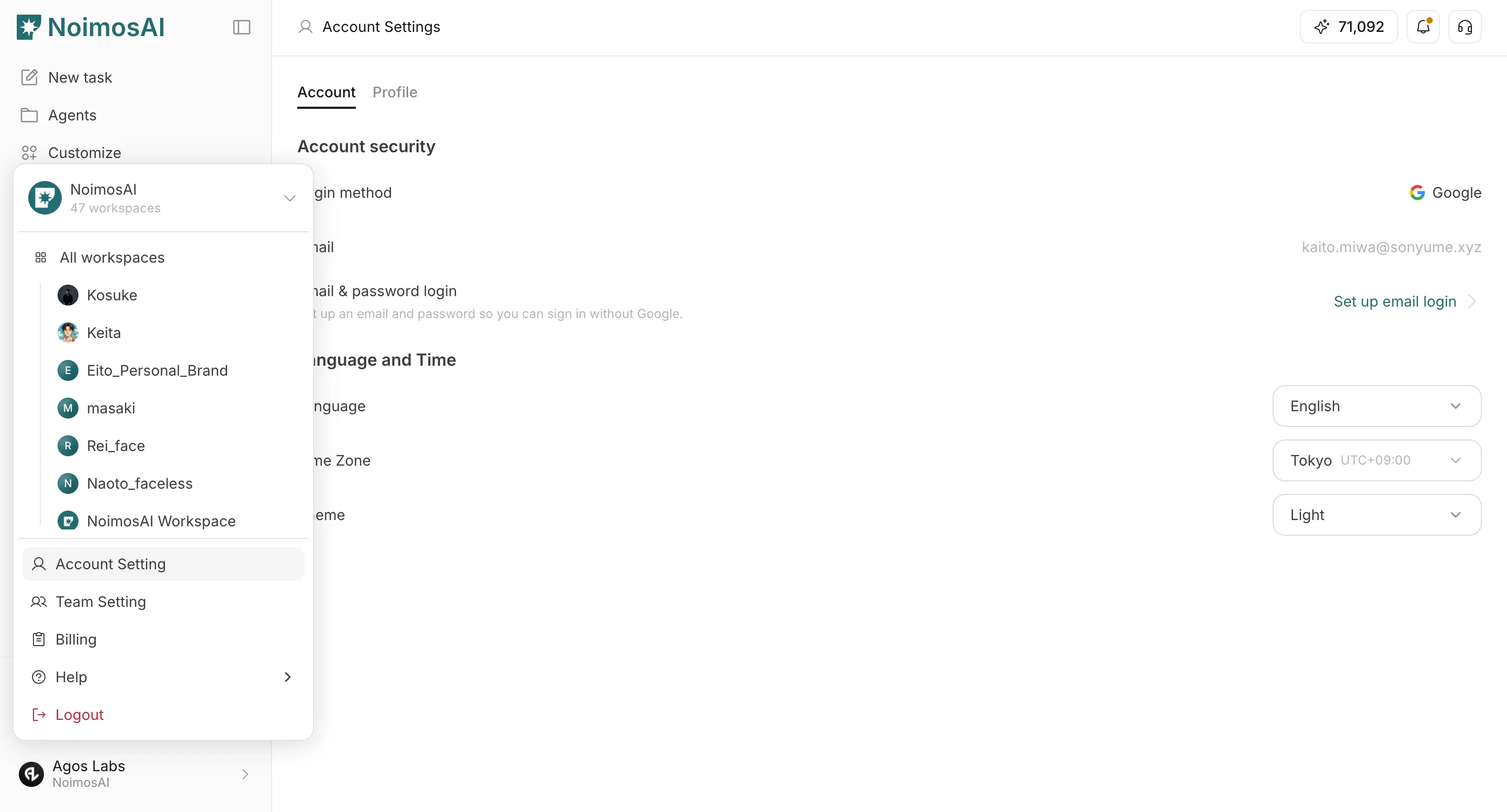
- Choose
Add team memberorInvite new member, then enter the email.
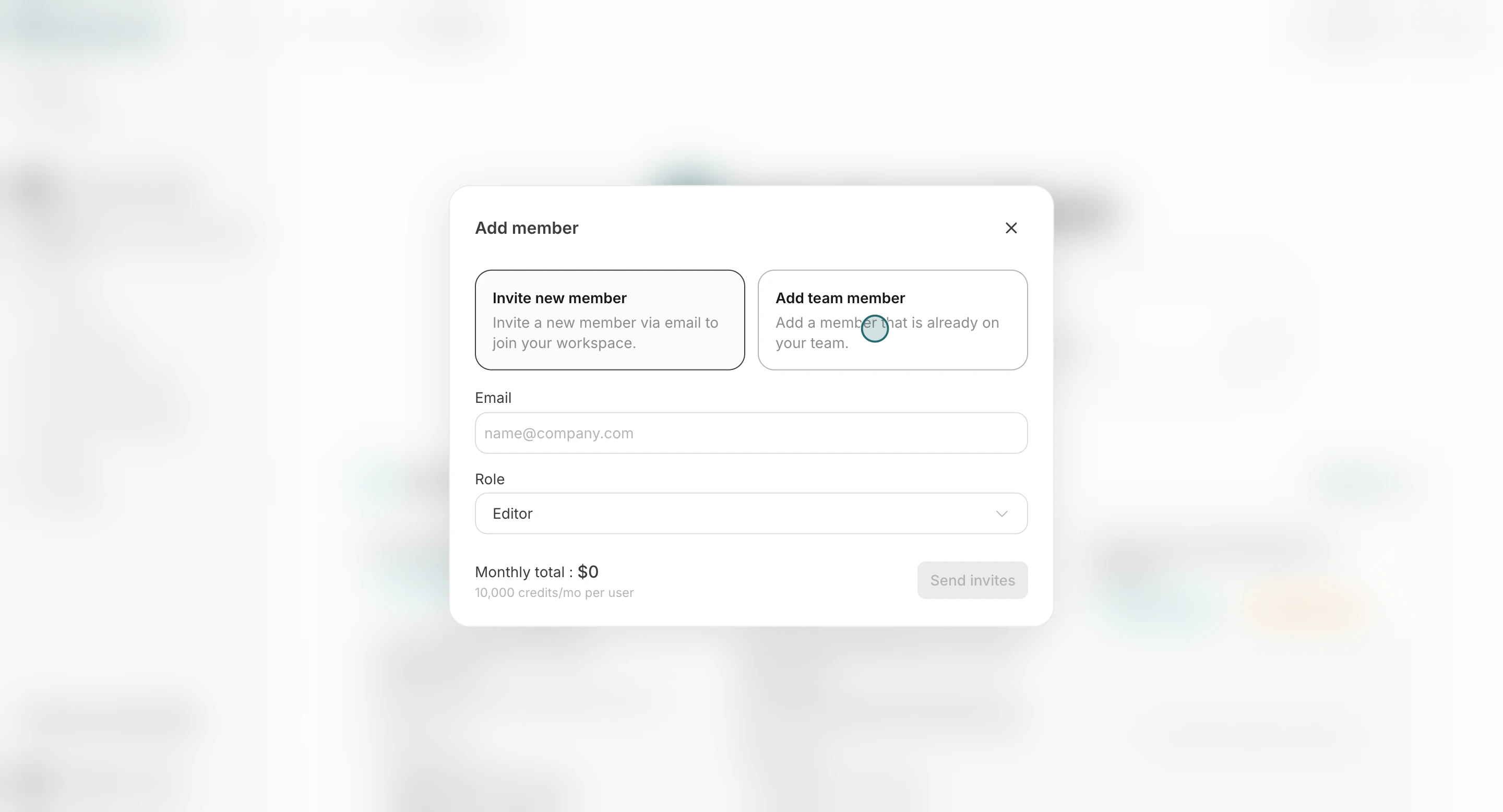
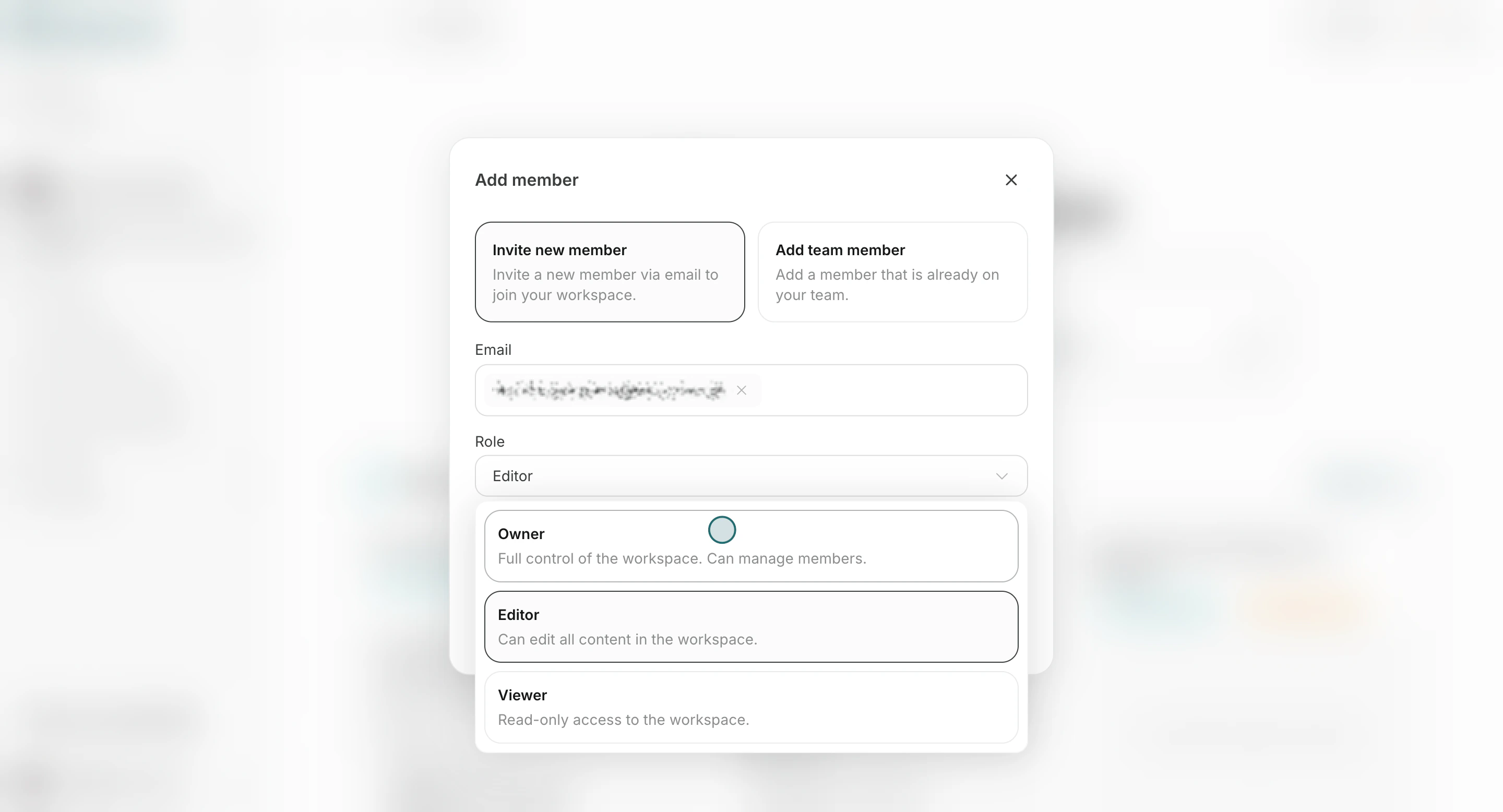
- Select a role (
Owner,Editor, orViewer).
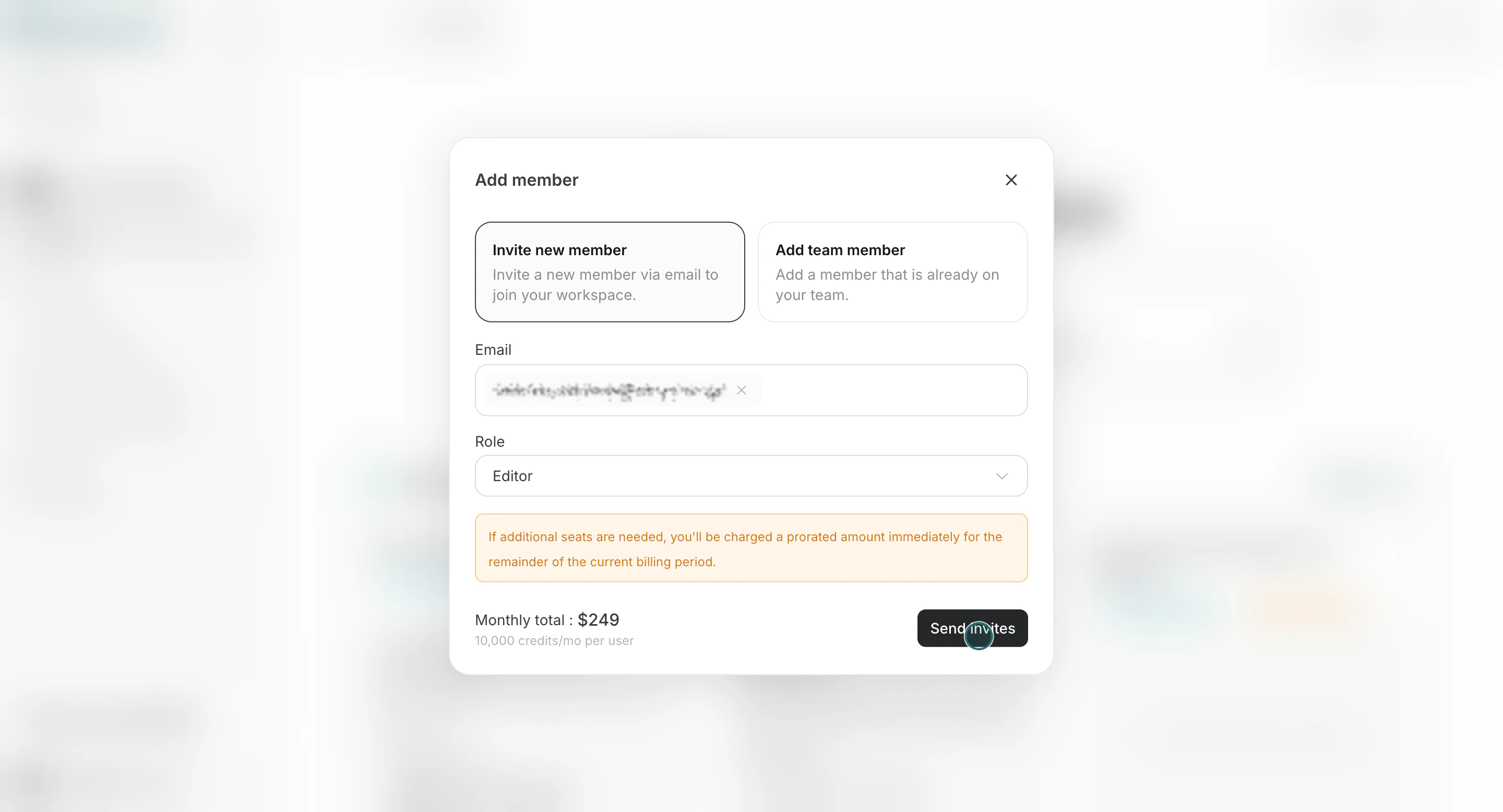
- Click
Send invites.
Change a Member’s Role
Change a member’s Workspace role when their responsibilities or required access changes.- Open the
Memberstab and select a member from the list.
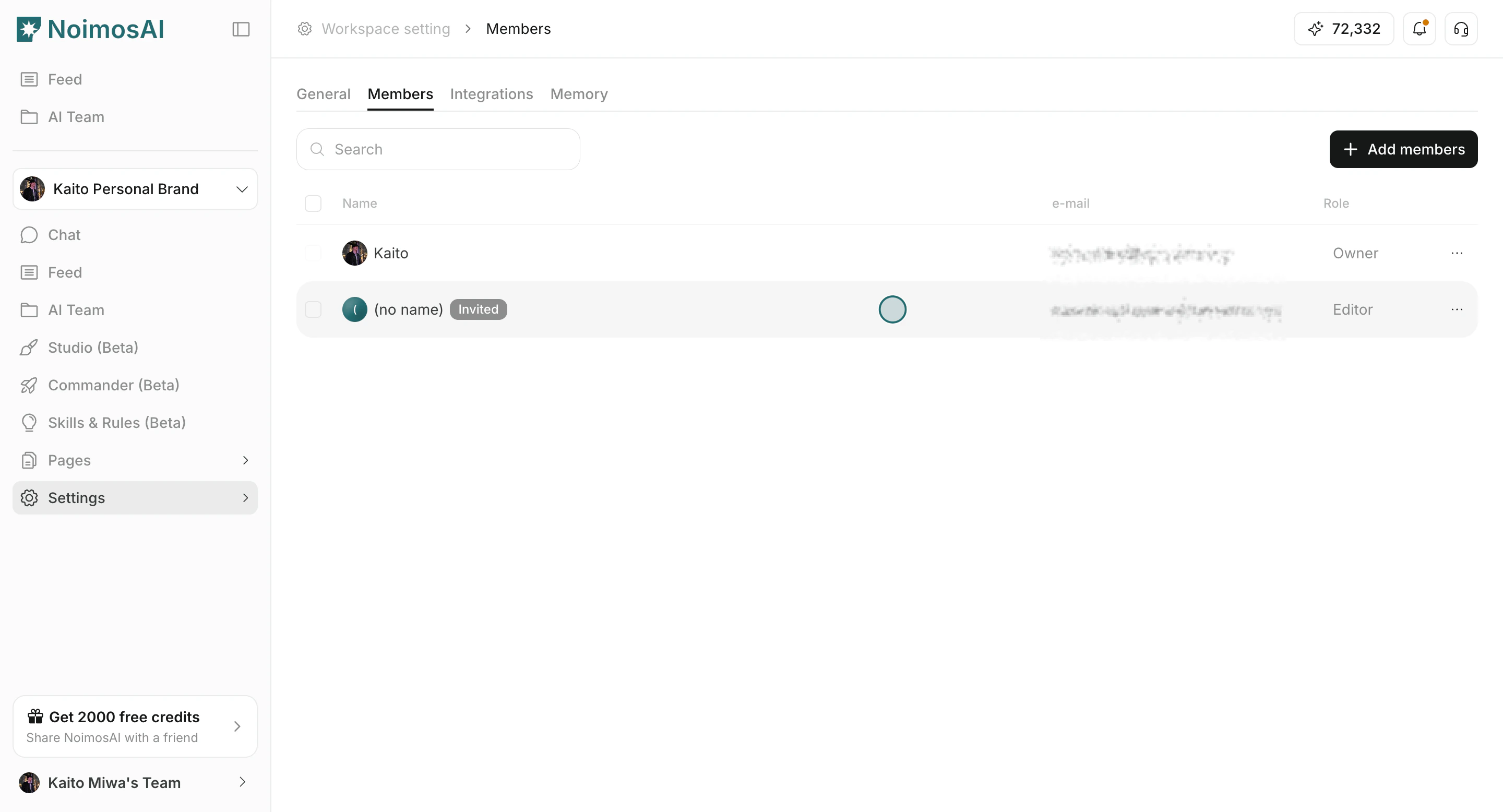
- Change the role.
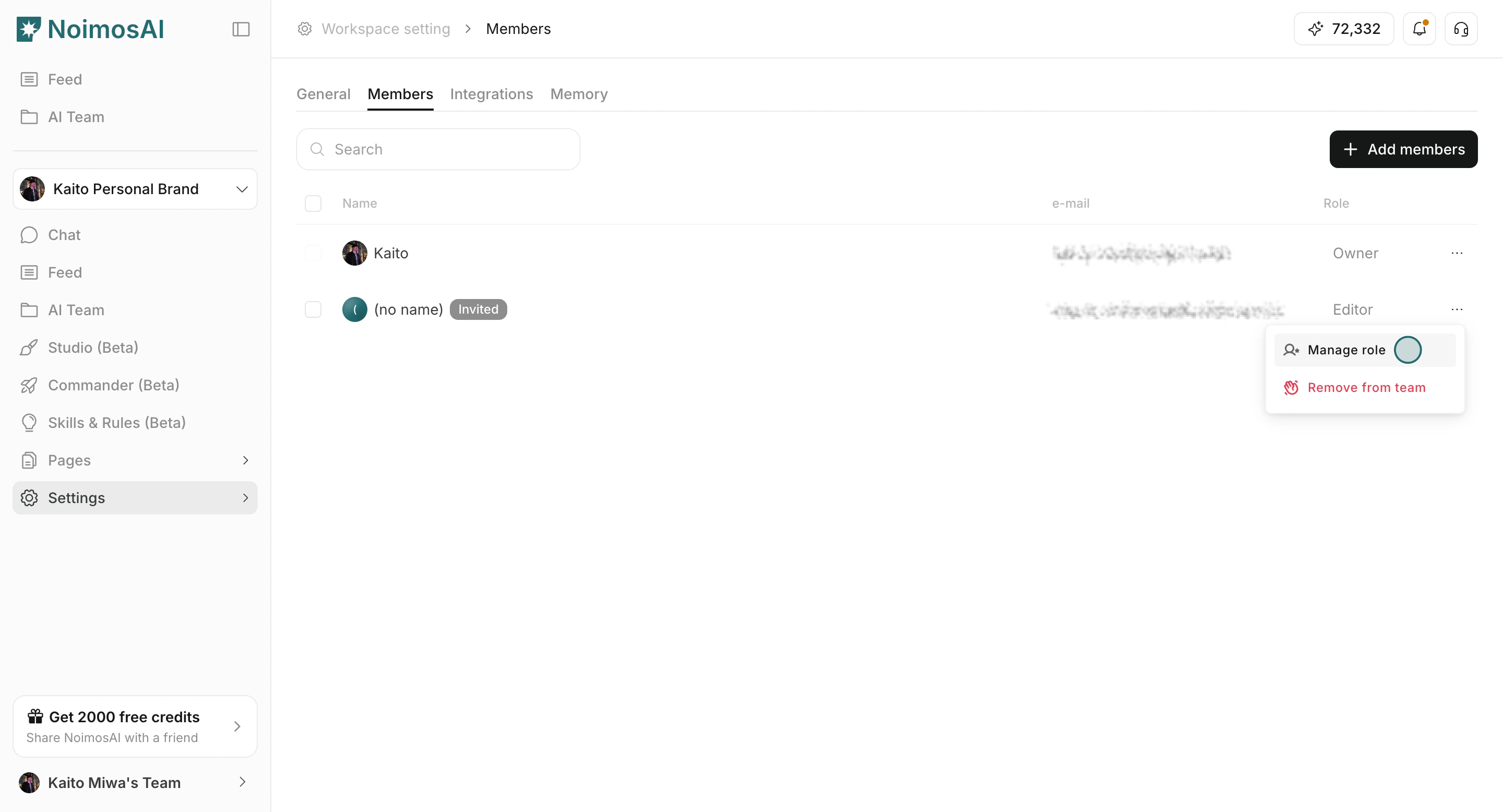
- Review and save the change.
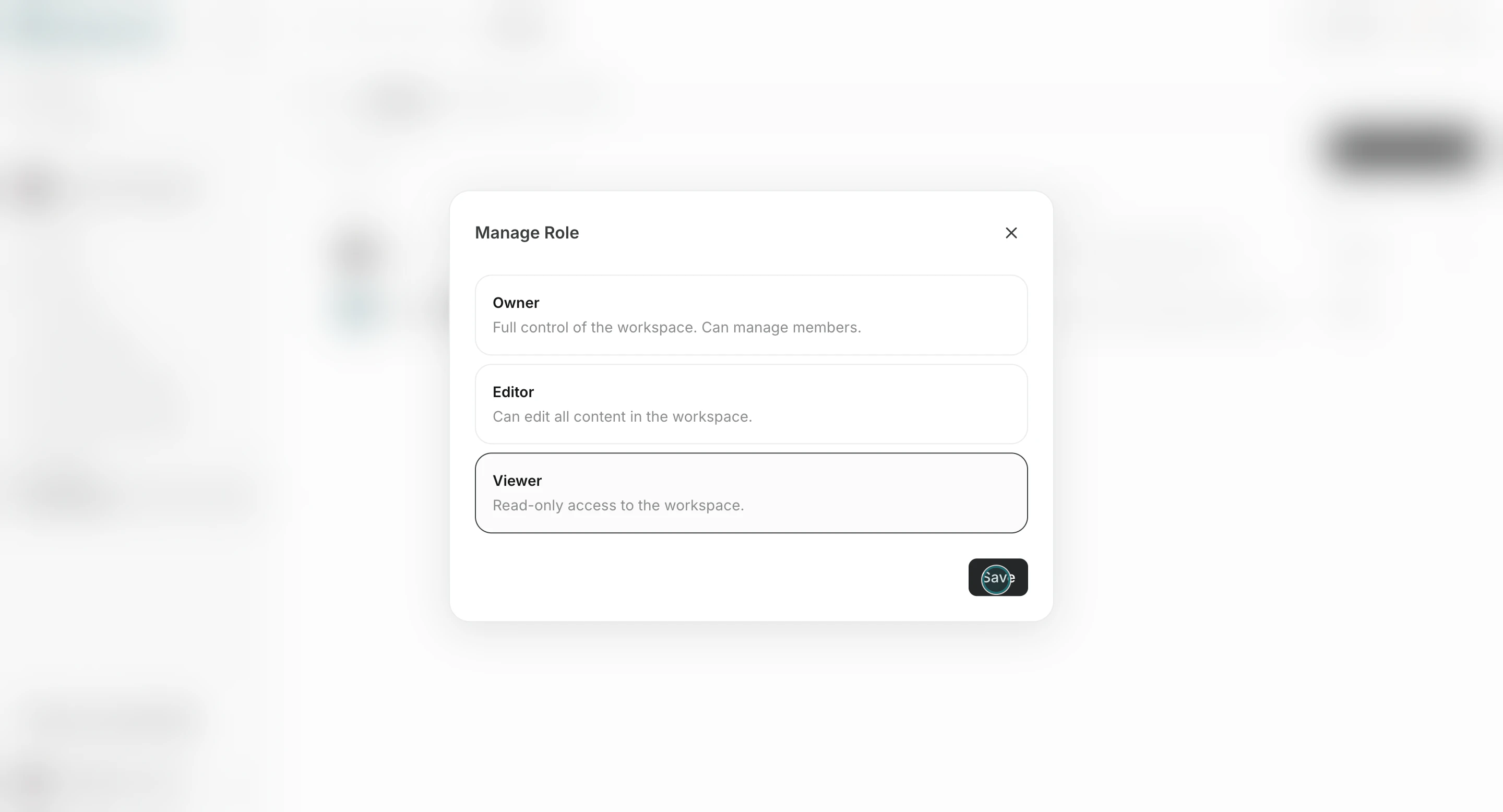
Owner. To change the last Owner to Editor or Viewer, first make another joined member an Owner.
Remove a Member from a Workspace
Remove someone from the member list when they no longer need access to the Workspace.-
Open the
Memberstab and selectRemove from workspacefrom the member’s action menu. - Confirm the member you want to remove.
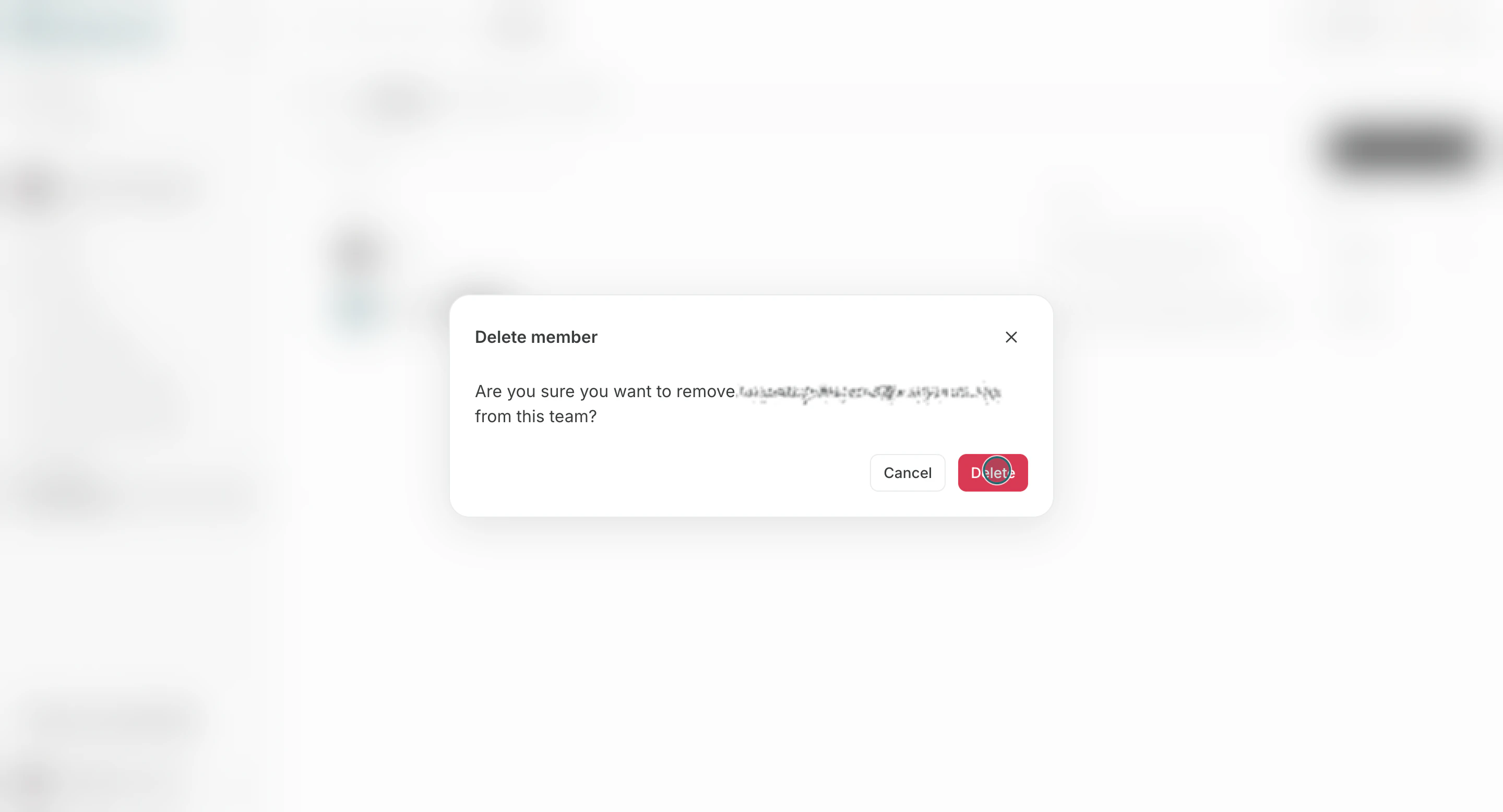
- A member registered as the Workspace creator cannot be removed from the Workspace member list, regardless of their current role.
- You cannot remove a member if doing so would leave the Workspace without a joined
Owner. Make another joined member anOwnerfirst. - You cannot remove the last member.
- You can remove an
Ownerwho is not the Workspace creator when another joinedOwnerremains.
Notes
Review these notes before you proceed.- Workspace access requires both team membership and workspace assignment.
- If seat limit is reached, increase seats in team billing before inviting more members.
- Only a joined
Ownerof the Workspace can change roles or remove members. A TeamAdmincannot perform these operations unless they are also a joinedOwnerof that Workspace.