

Overview
Prompt Templates help you get high-quality results quickly.
By selecting what you want to achieve in NoimosAI, you can review structured prompt patterns and example outcomes.
Where to find
Use the following path to open this area.- Open
New chatand select a goal shown below the chat box.
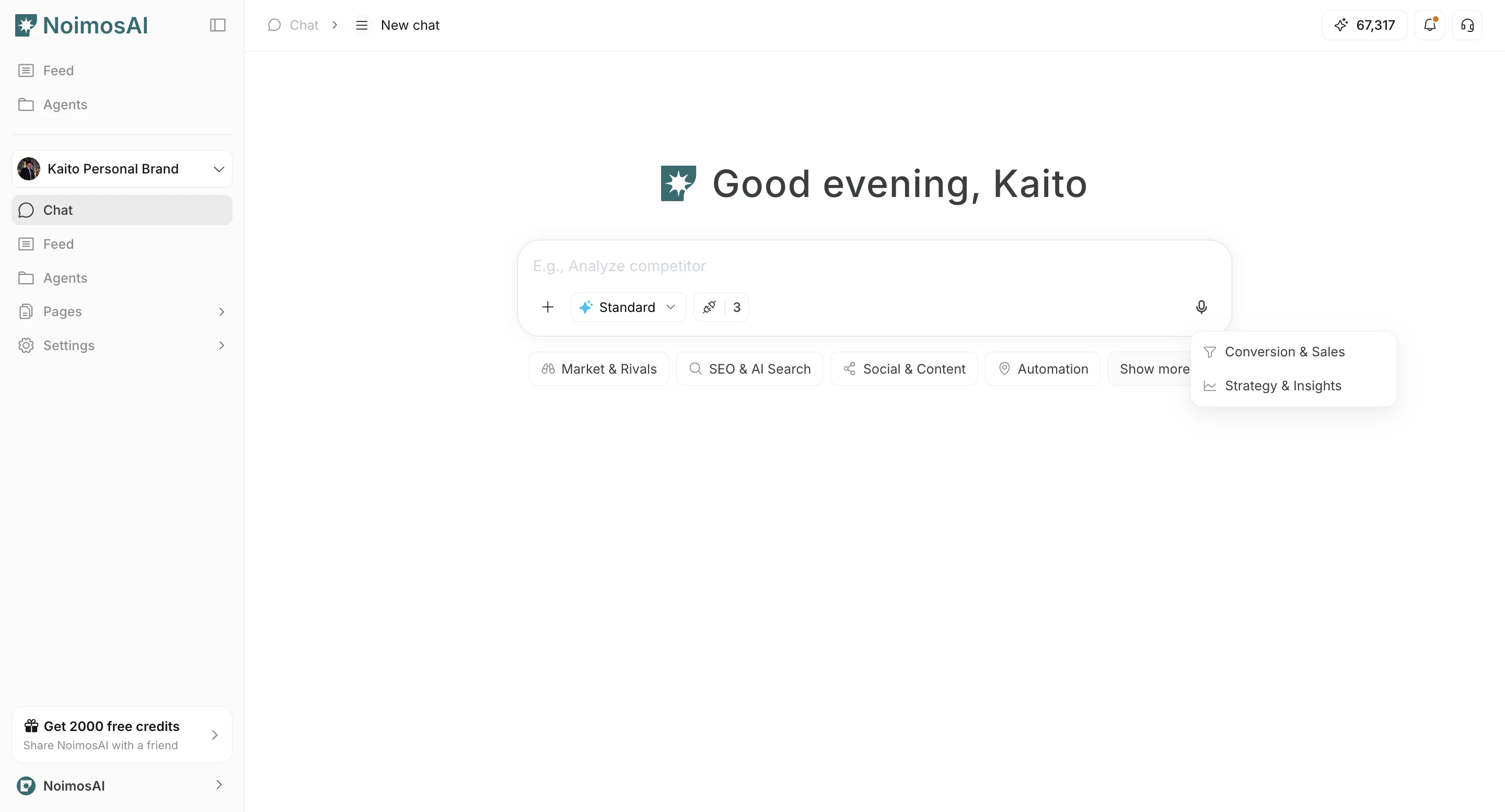
- Find a prompt template that matches your use case.
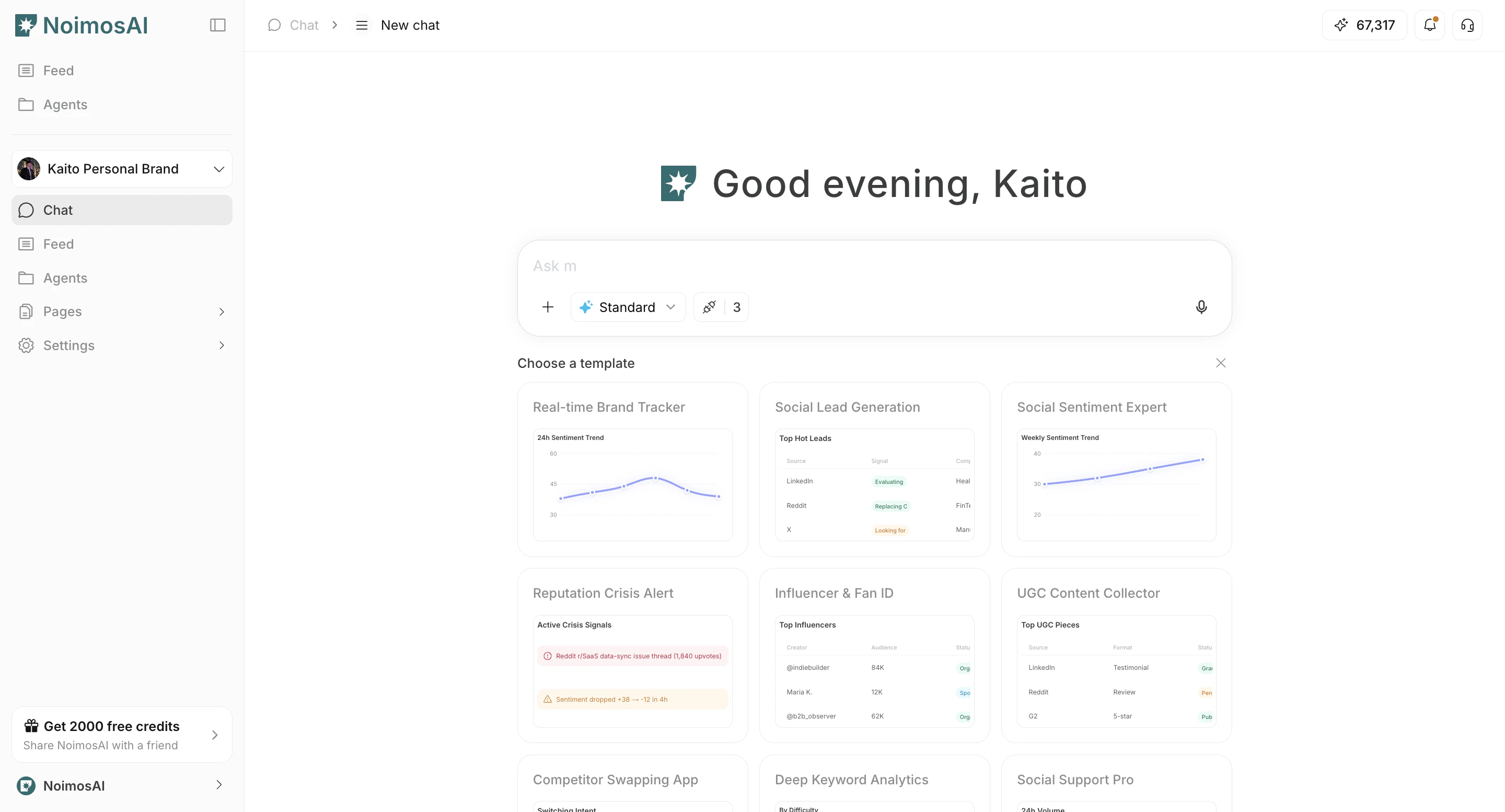
How to use templates
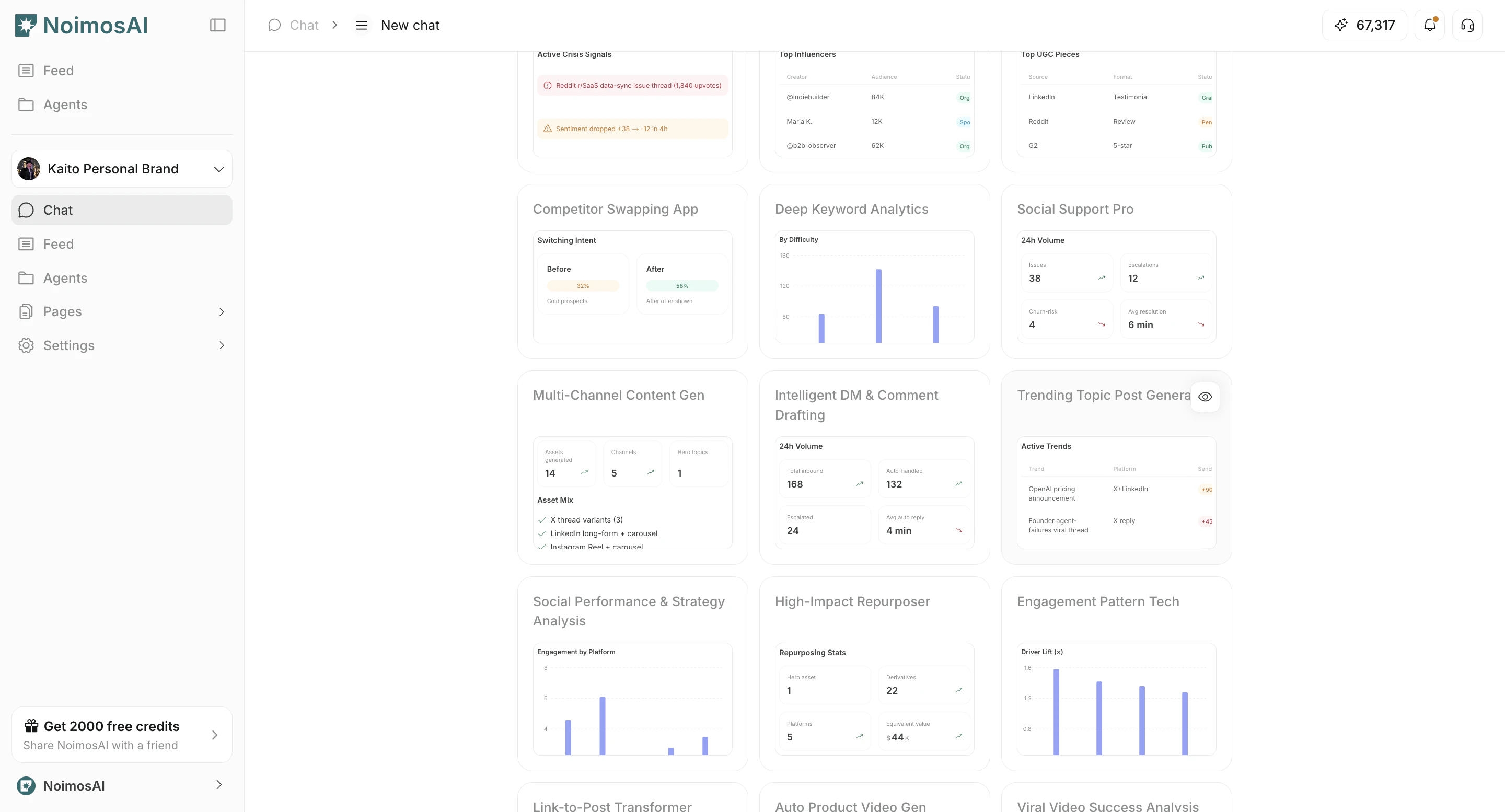
Follow the steps below to complete this action.- Find a relevant template and click the eye icon to open details.
- Check who the template is for and what kind of output it produces.
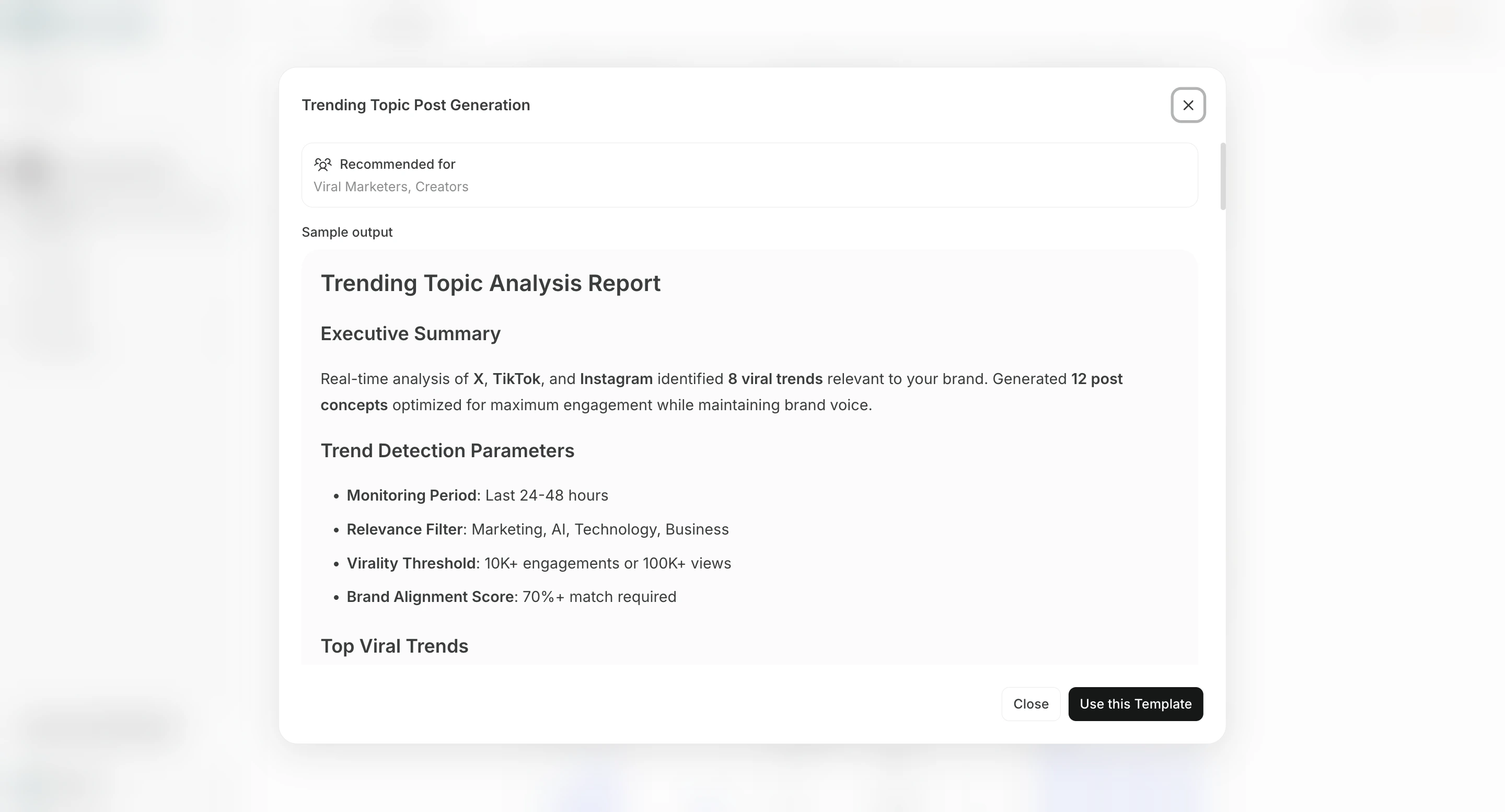
- Select
Use this Templateto insert it into Chat.
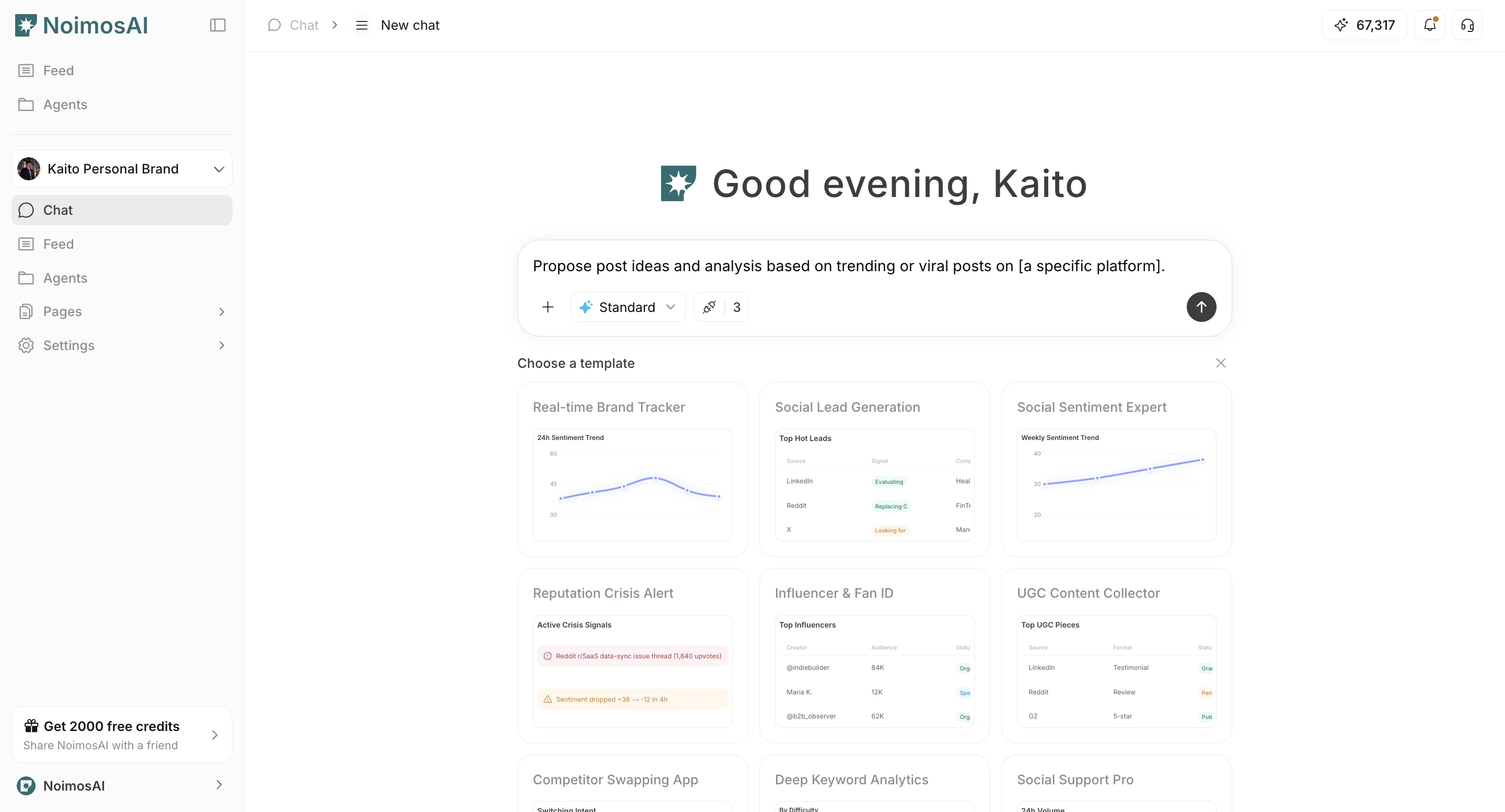
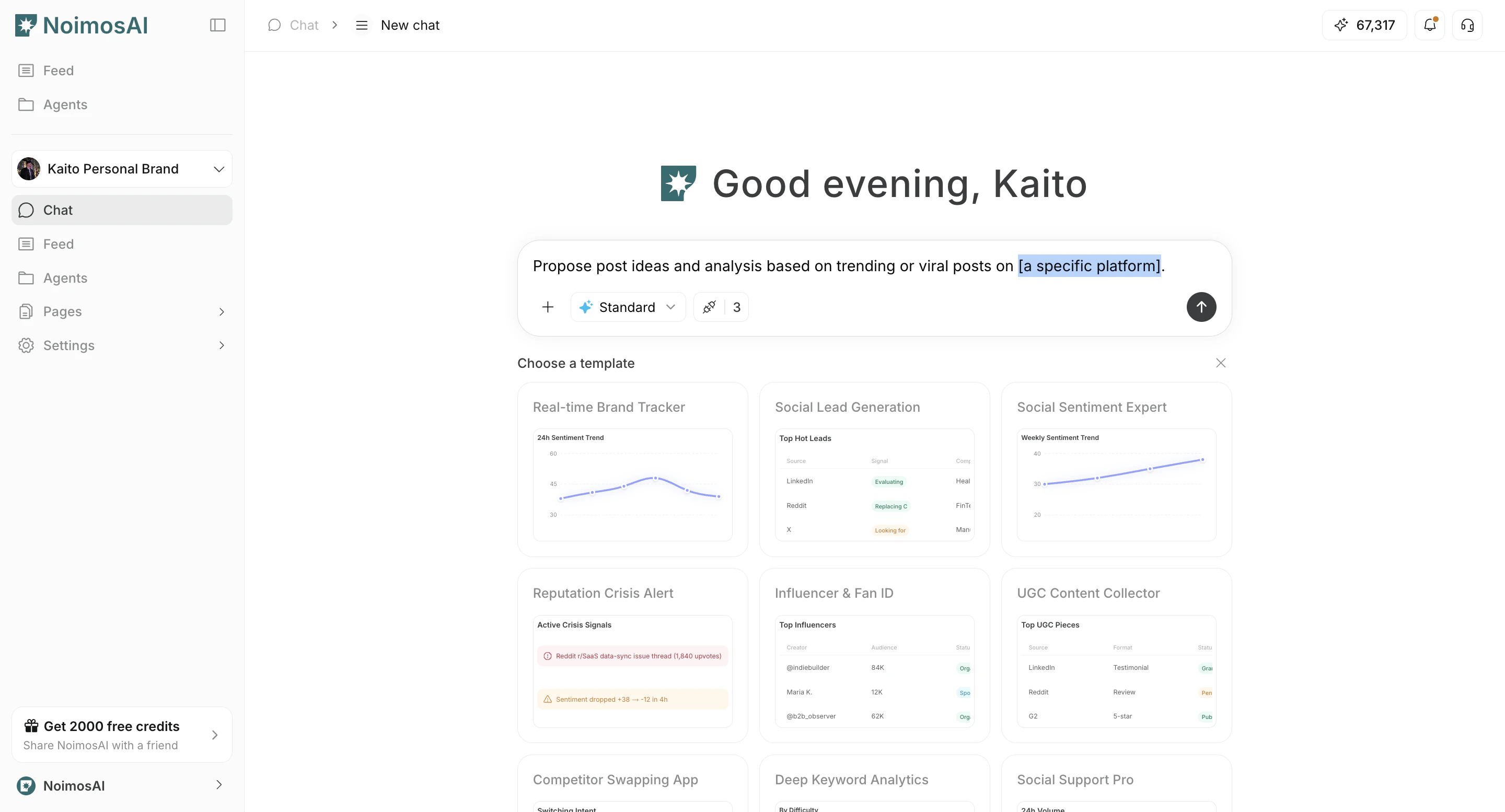
- Replace placeholders such as
[]with your own context.
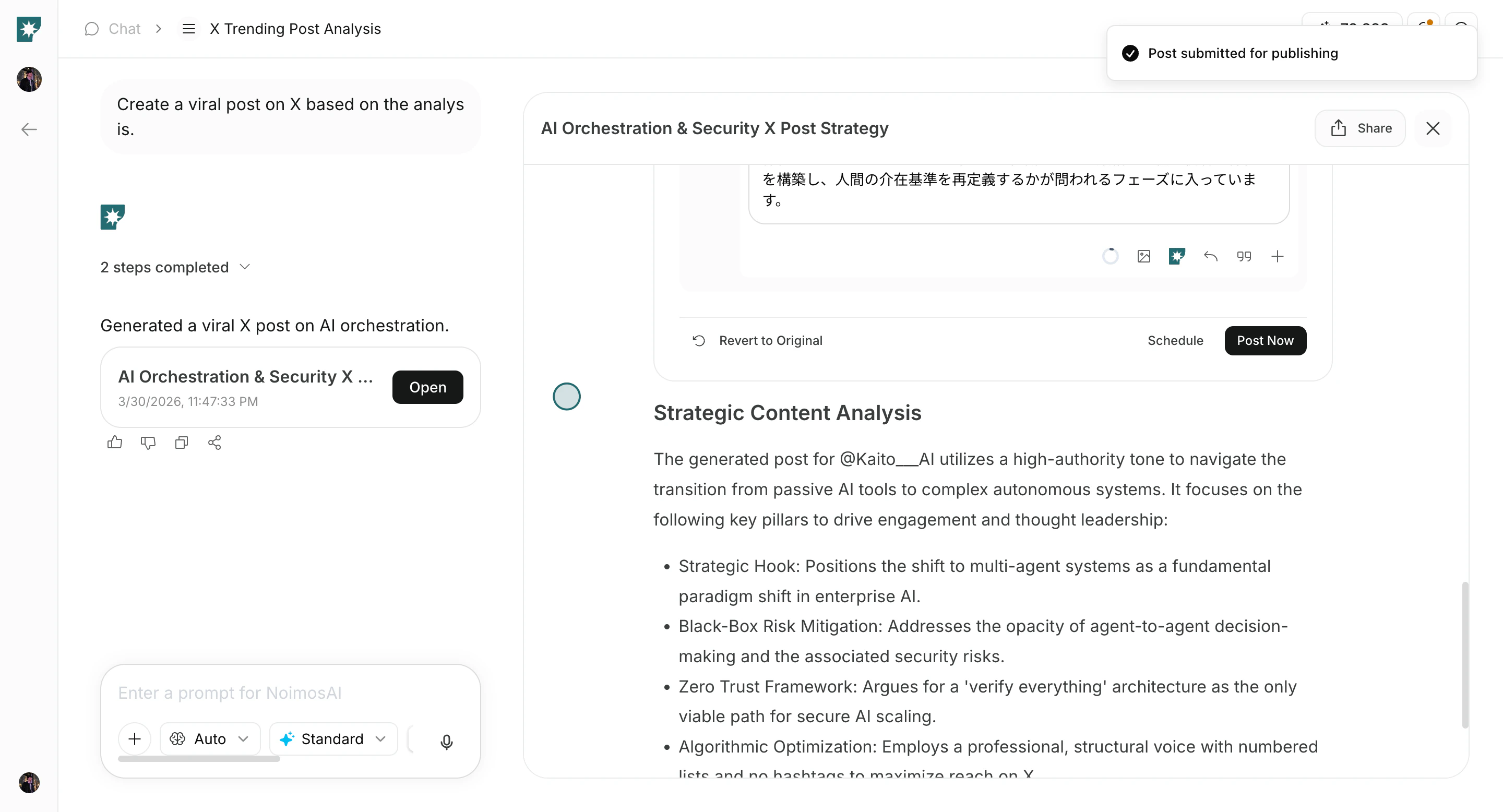
- Send and refine with follow-up instructions.
Tips
Use these tips to improve consistency and output quality.- Use templates for repeatable tasks and custom prompts for edge cases.