

Overview
Data control is configured per Workspace, not for the entire Team at once.
You access it from Team settings because Workspaces are managed under a Team.
Where To Find
Use the following path to open this area.- Open
Team Settings.
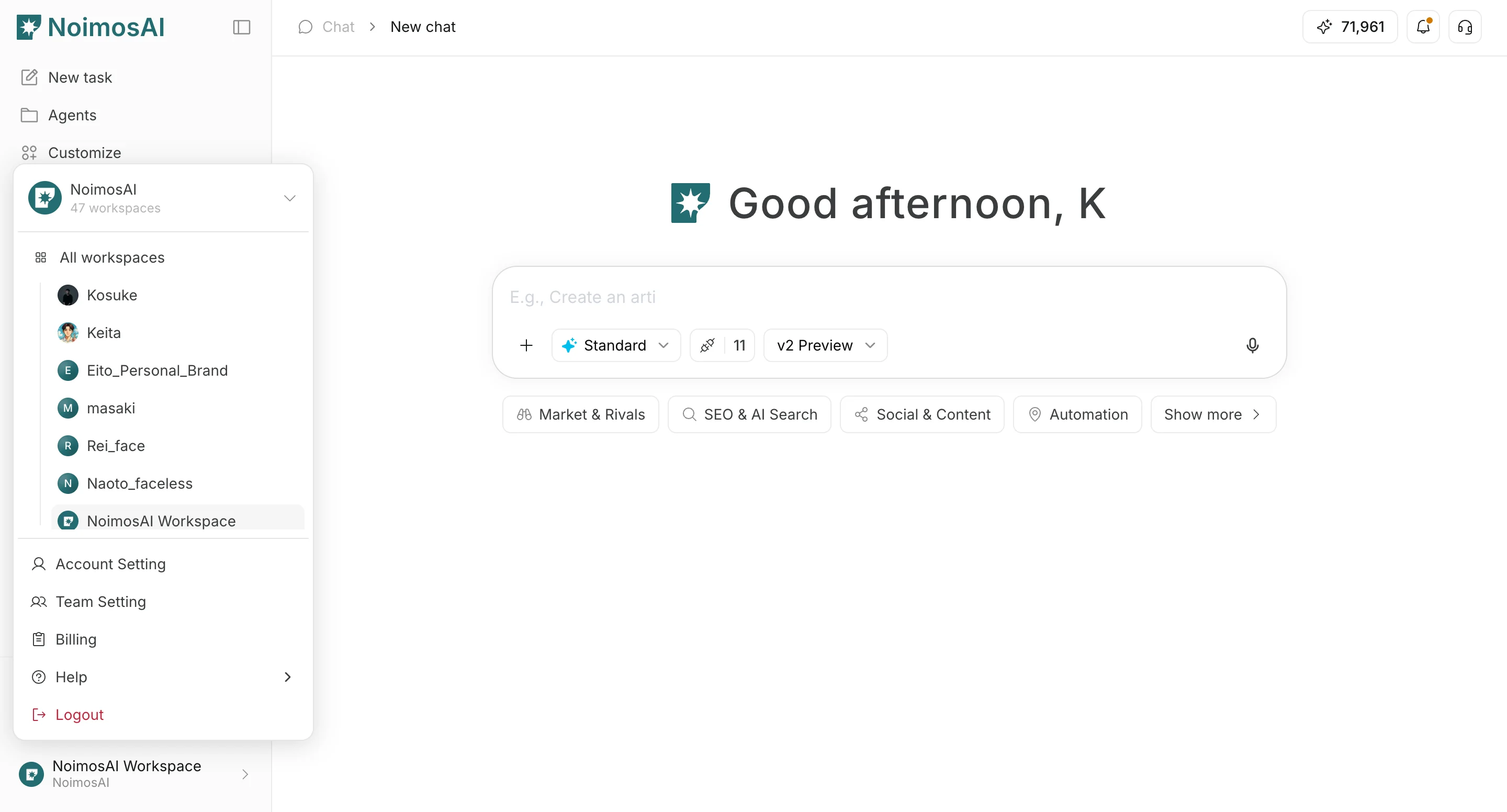
- Go to the
Workspacestab.
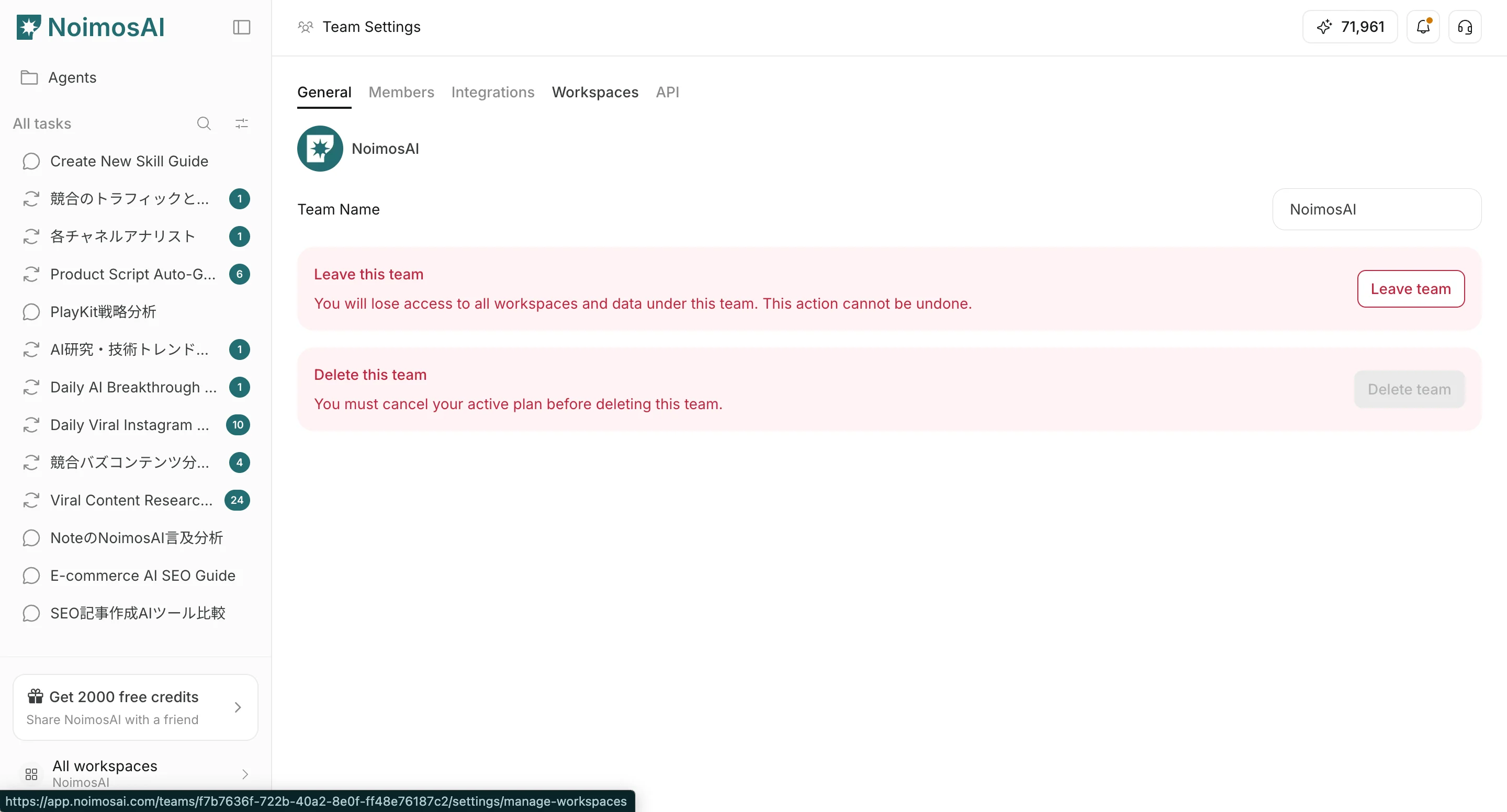
- Select a Workspace card.
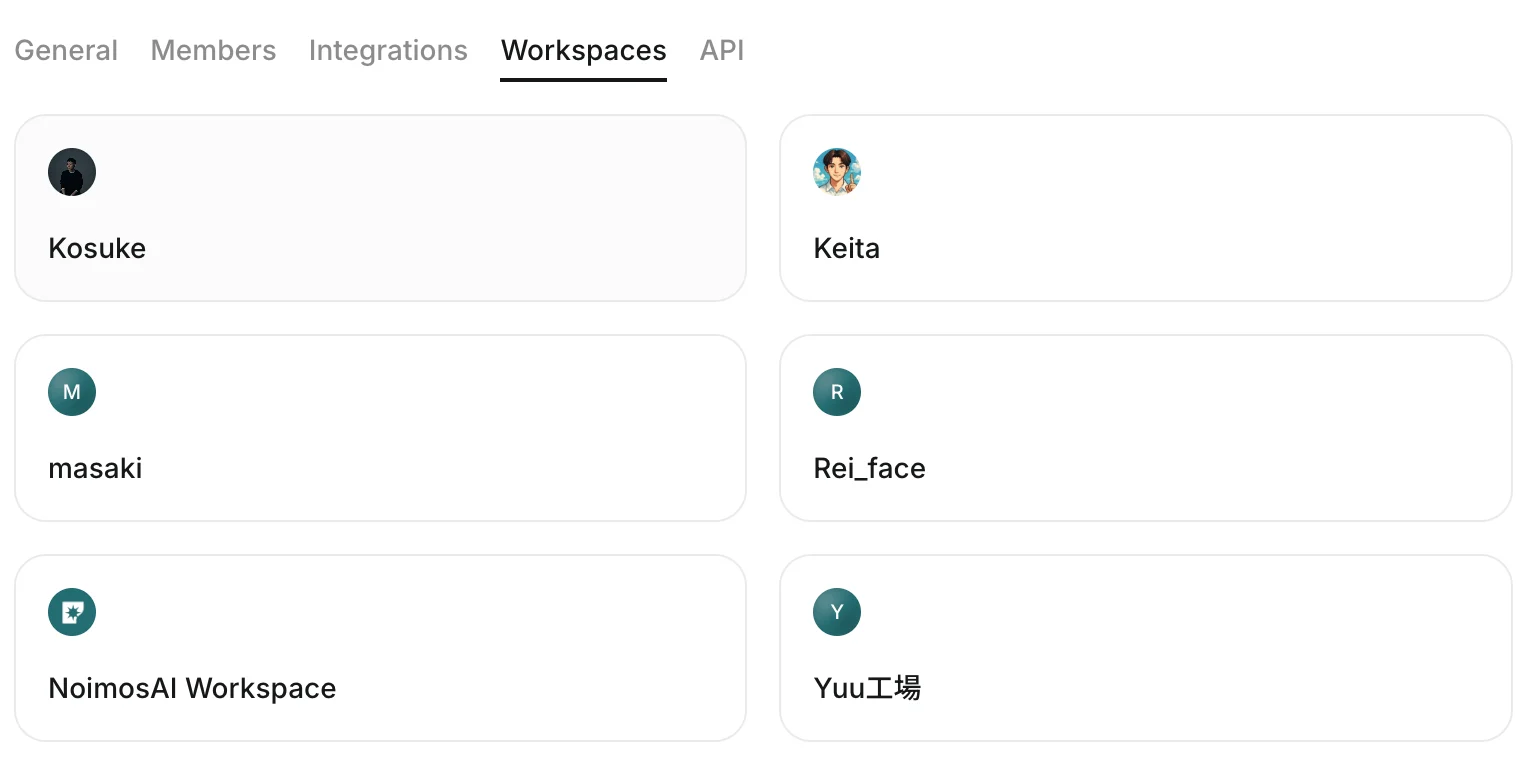
- Open the
Data controltab.
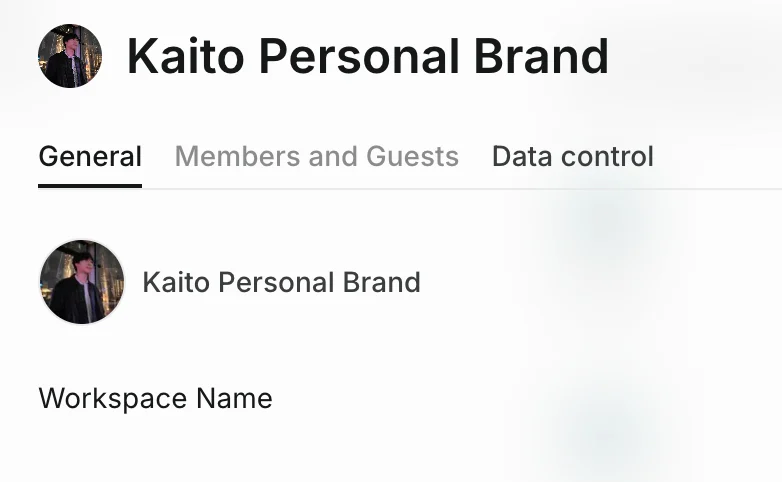
What You Can Configure
Use this section to understand what you can configure and what to verify before moving to the next step.Improve AI suggestions for all users- Toggle whether data from that Workspace contributes to improving suggestions.
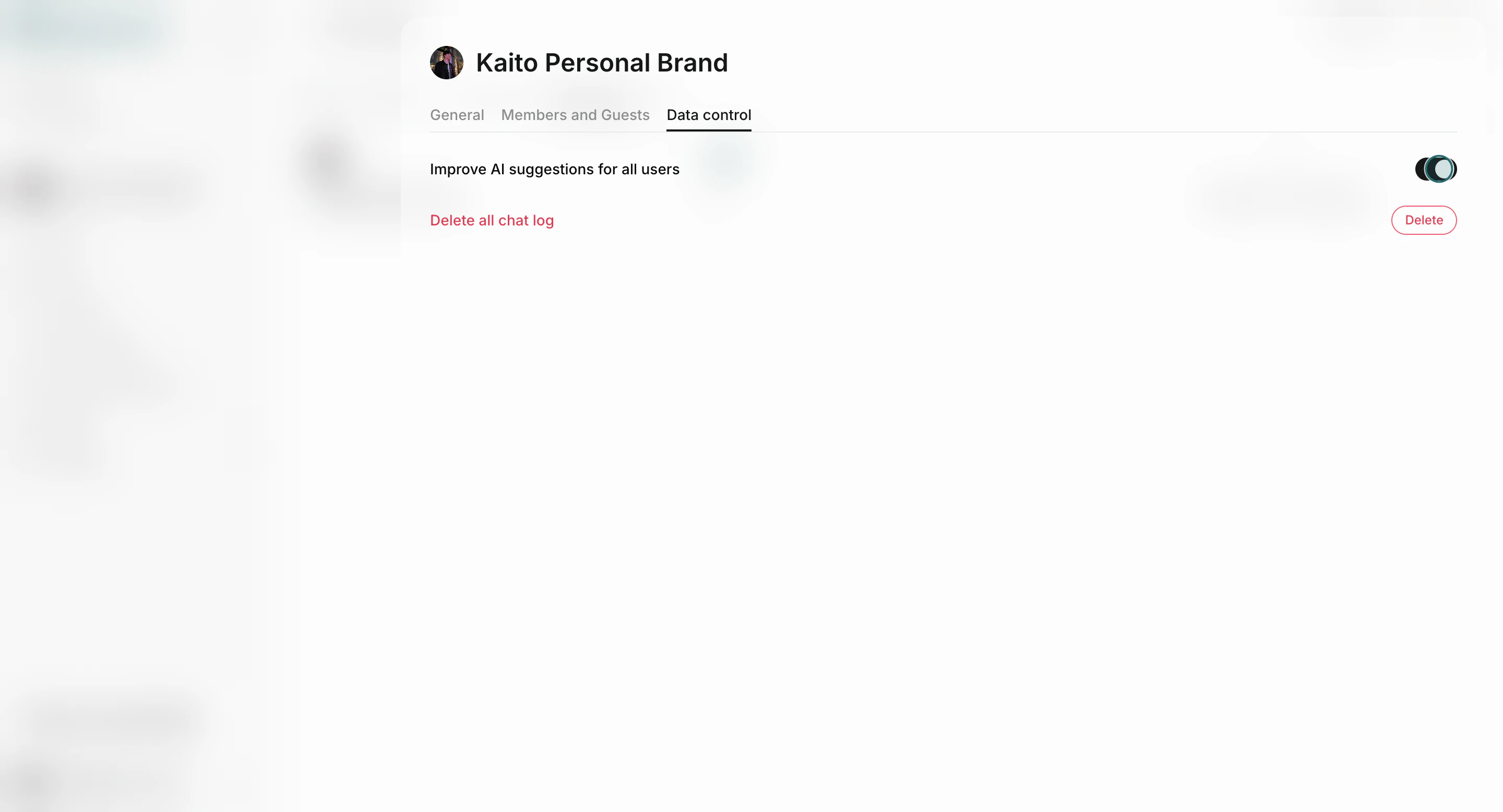
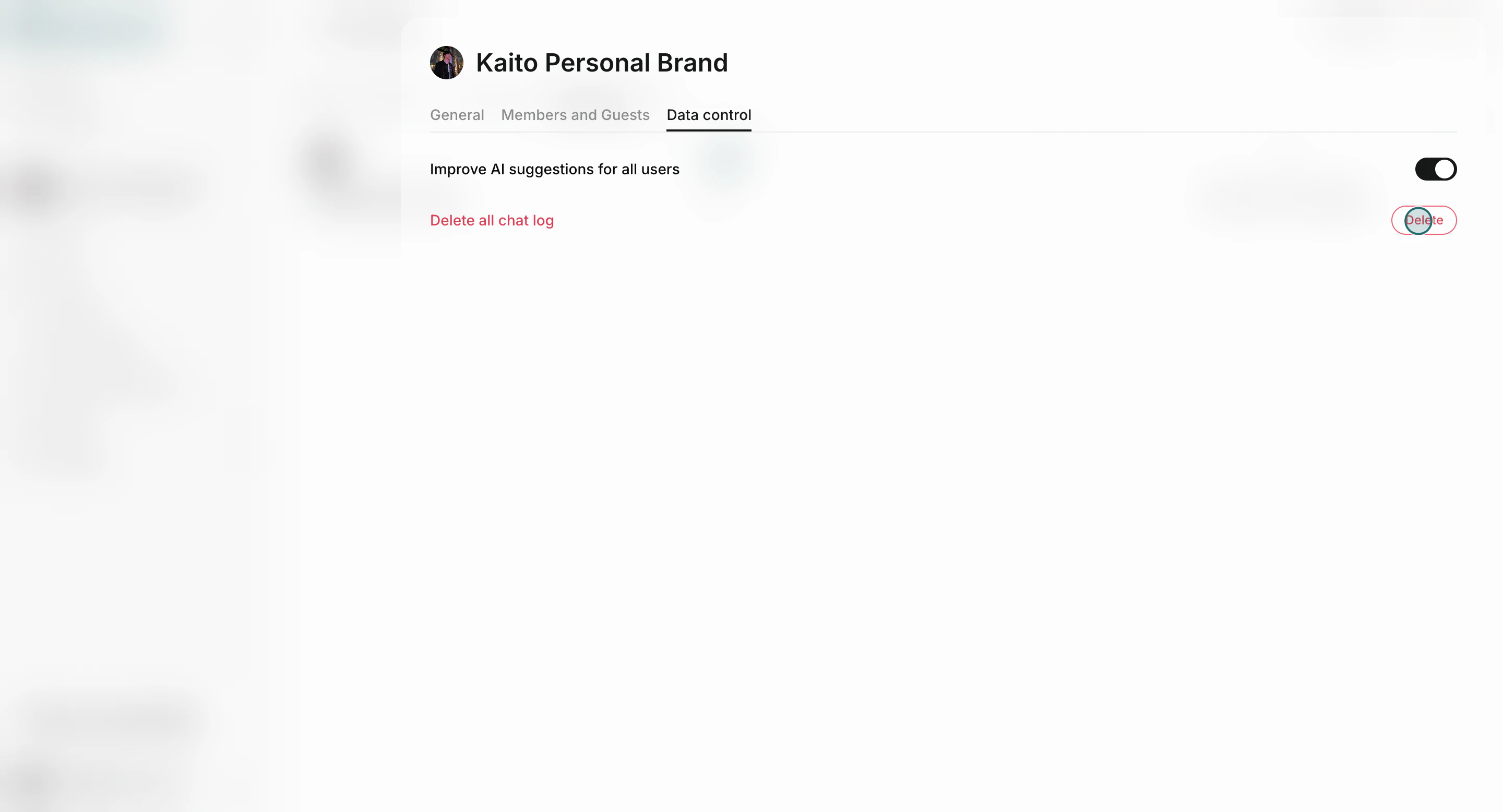
Deletechat logs- Removes all chat logs in the selected Workspace.
Important Notes
Review these notes before you proceed.- Chat-log deletion is irreversible.
- Changes apply to the selected Workspace only.
- If you manage multiple Workspaces, review data settings for each Workspace separately.
Team And Workspace Scope
Use this scope definition to avoid setting changes in the wrong place.- Team scope: membership, integrations, and workspace governance.
- Workspace scope: operational data controls such as chat logs and workspace-level settings.