

Overview
Timezone settings define how times are displayed in NoimosAI, including schedule views and timestamps.Where to find
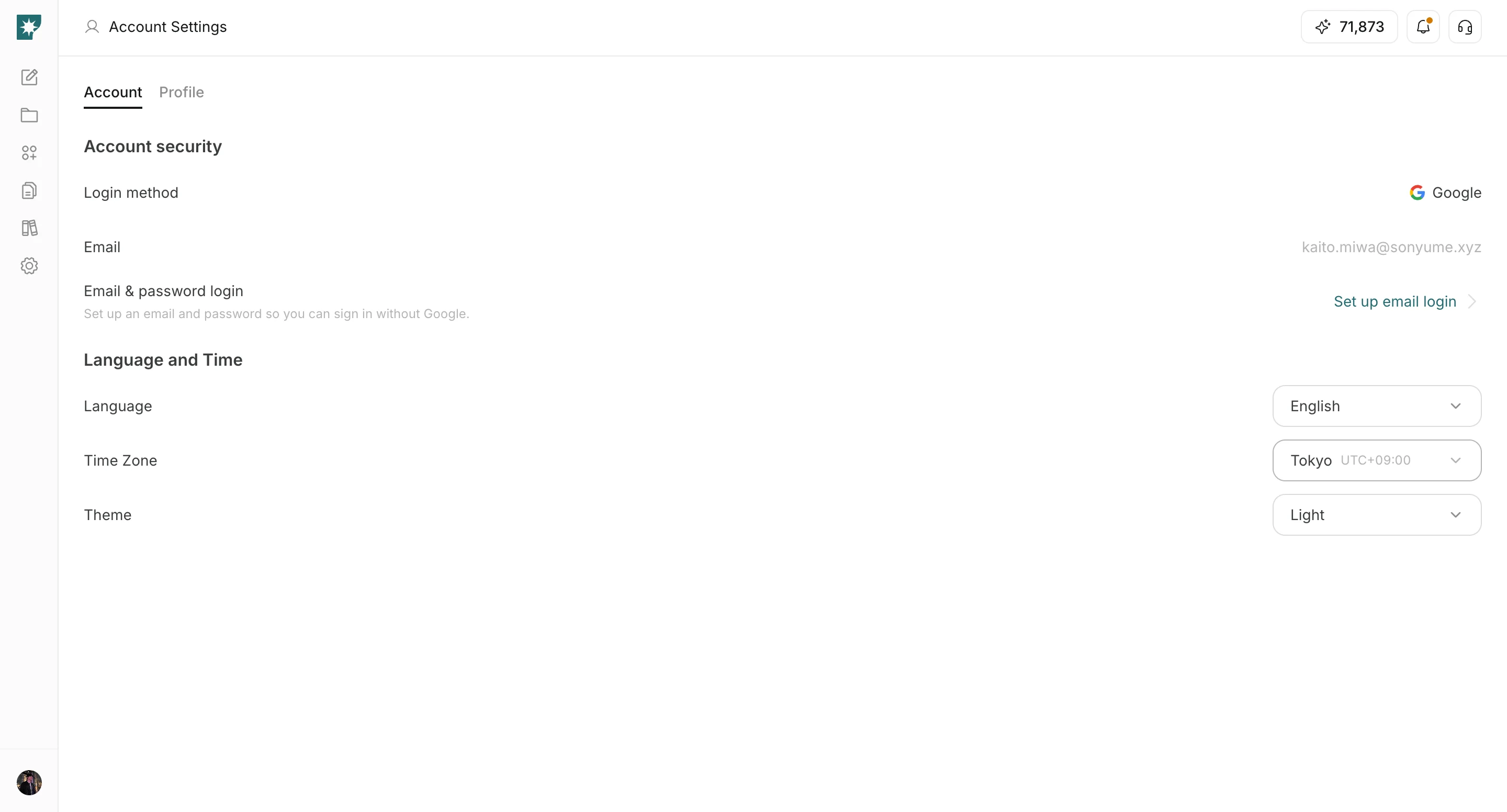
Use the following path to open this area.Settings -> Account -> Language and Time.
How to update
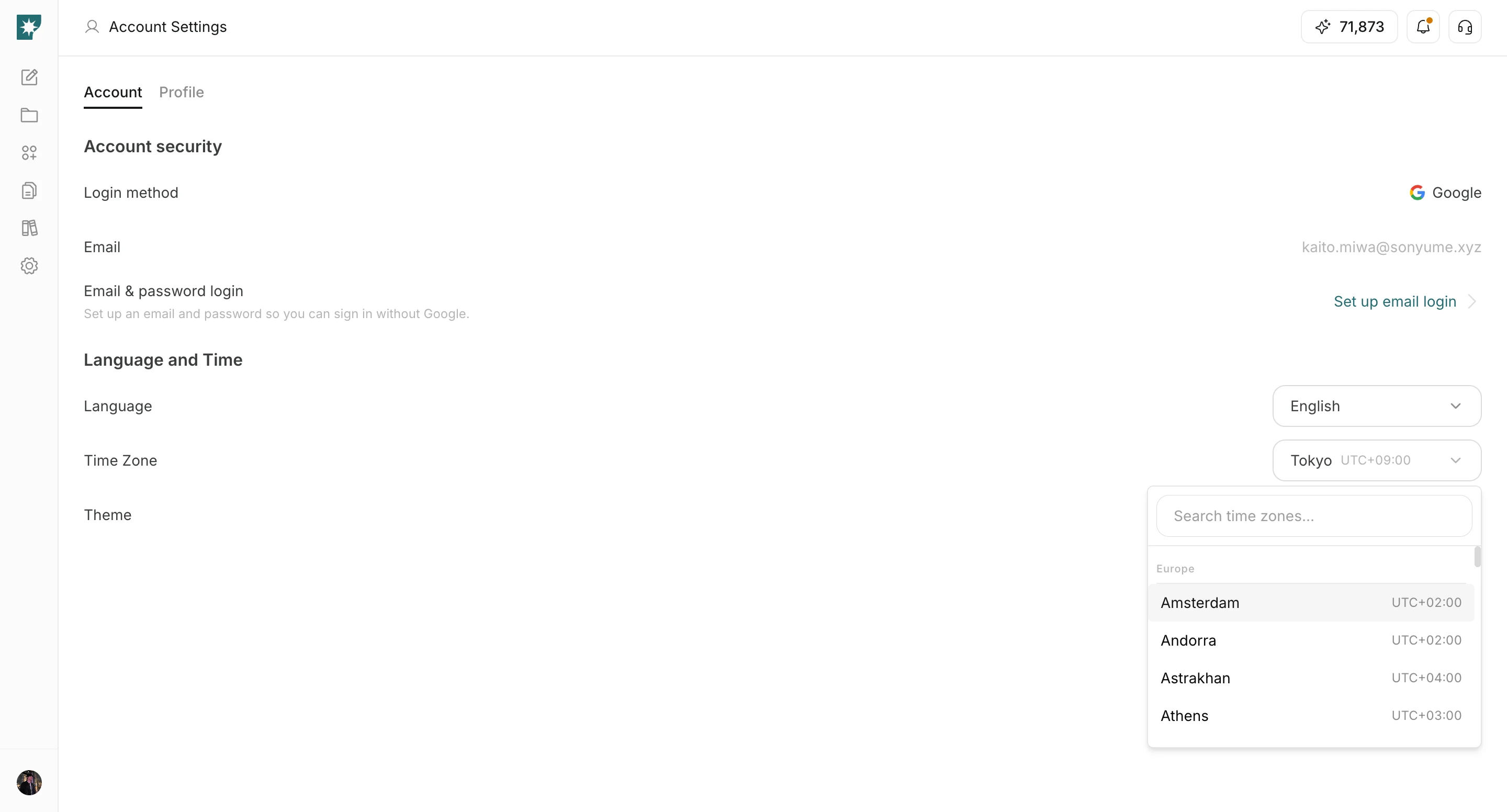
Follow the steps below to complete this action.- Open the
Time Zonedropdown.
- Search and select your local timezone.
Why this matters
Use this section to understand why this matters and why it matters for daily operations.- Agent schedule times are displayed using your selected timezone.
- Correct timezone selection prevents confusion across teams in different regions.