

Overview
Use Team identity settings to keep multiple Teams easy to distinguish in the sidebar and settings screens.Where To Find
Use the following path to open this area.- Select a Team from the left sidebar.
- Open
Team Settings. - Go to
General.

Change Team Name
Use this section to understand change team name and what to confirm while completing this part.- Edit the
Team Namefield.
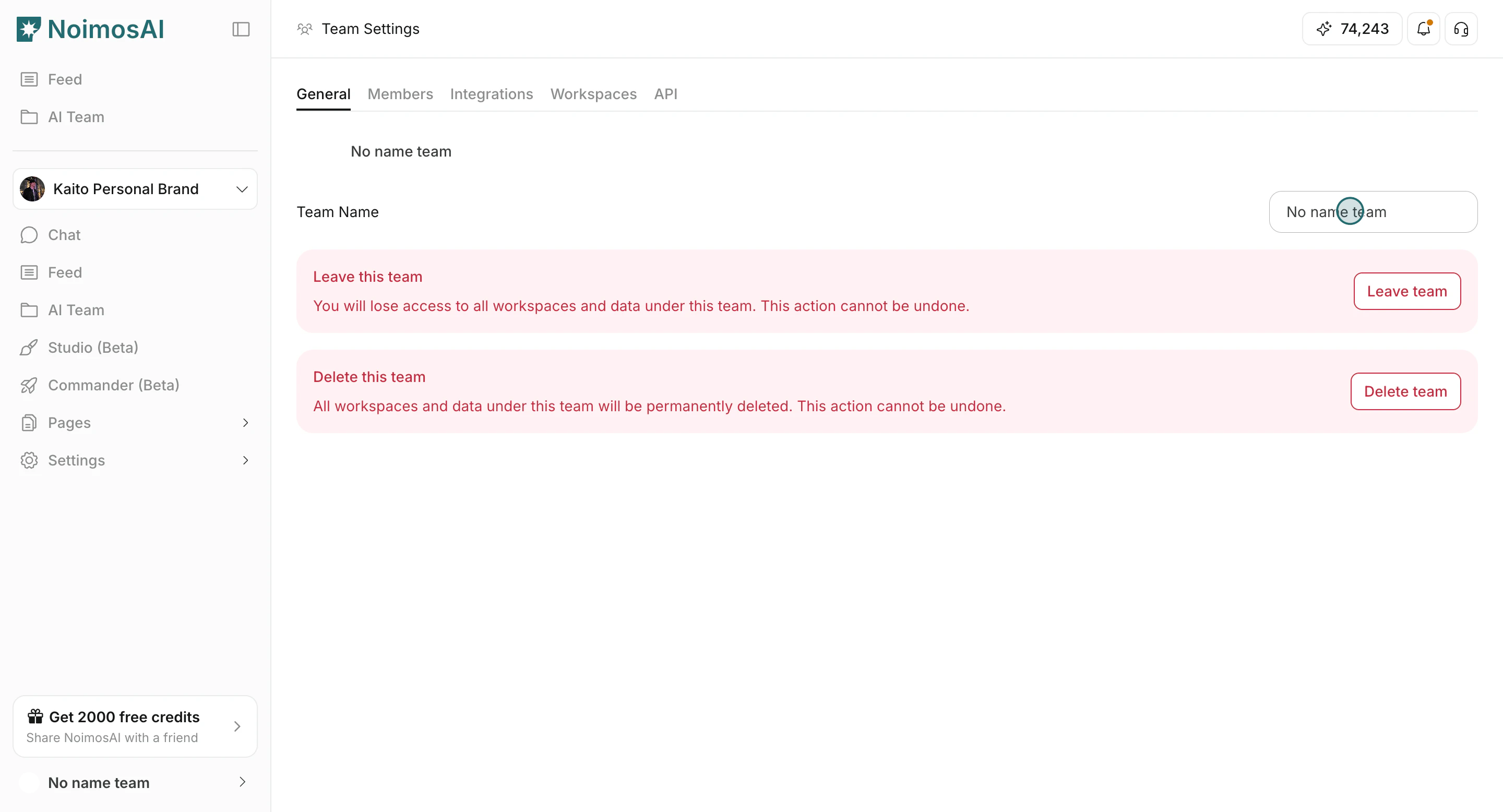
- Click outside the input to apply the change.
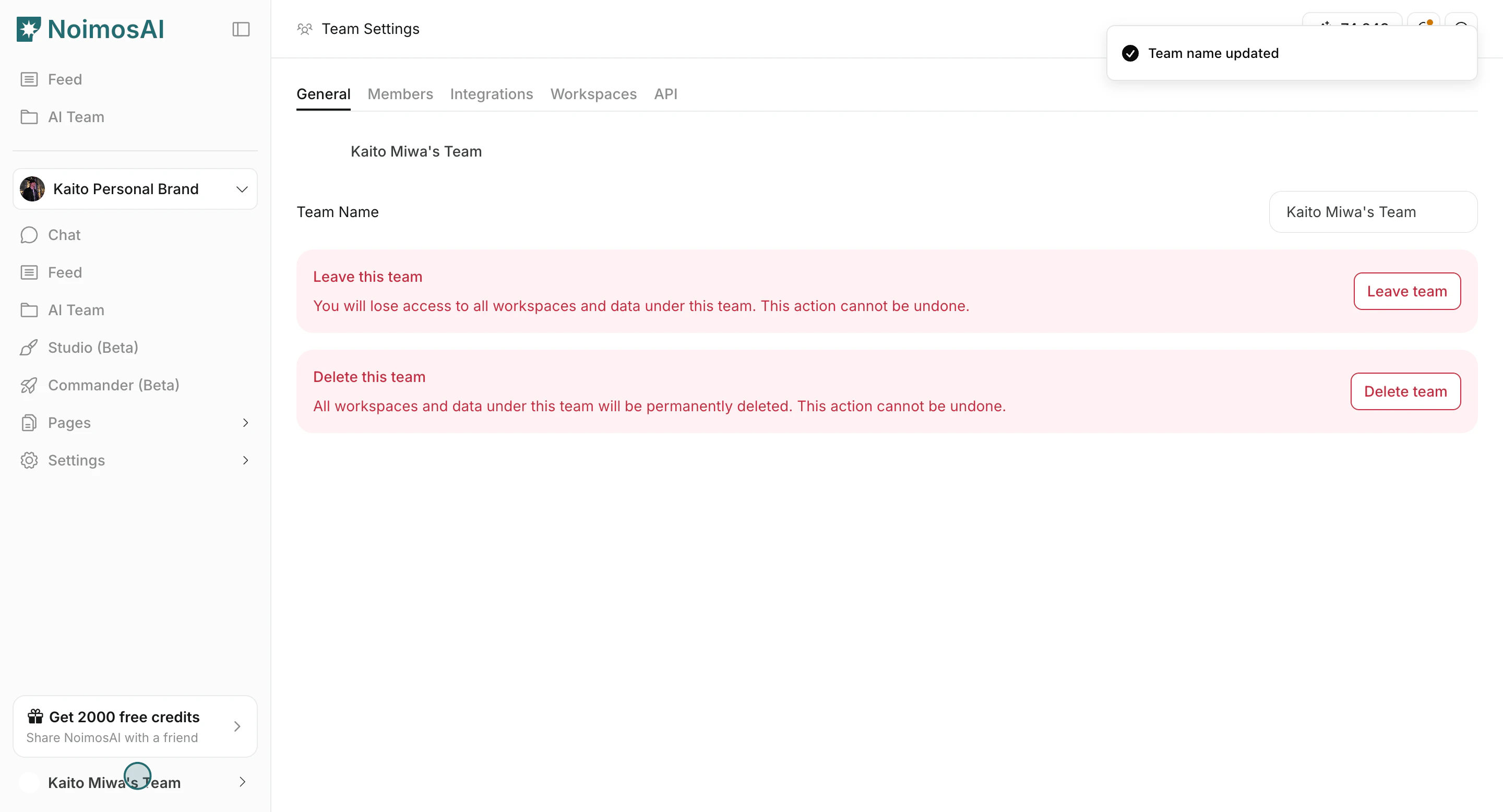
Change Team Profile Image
Use this section to understand change team profile image and what to confirm while completing this part.- Click the Team profile image icon in
General.
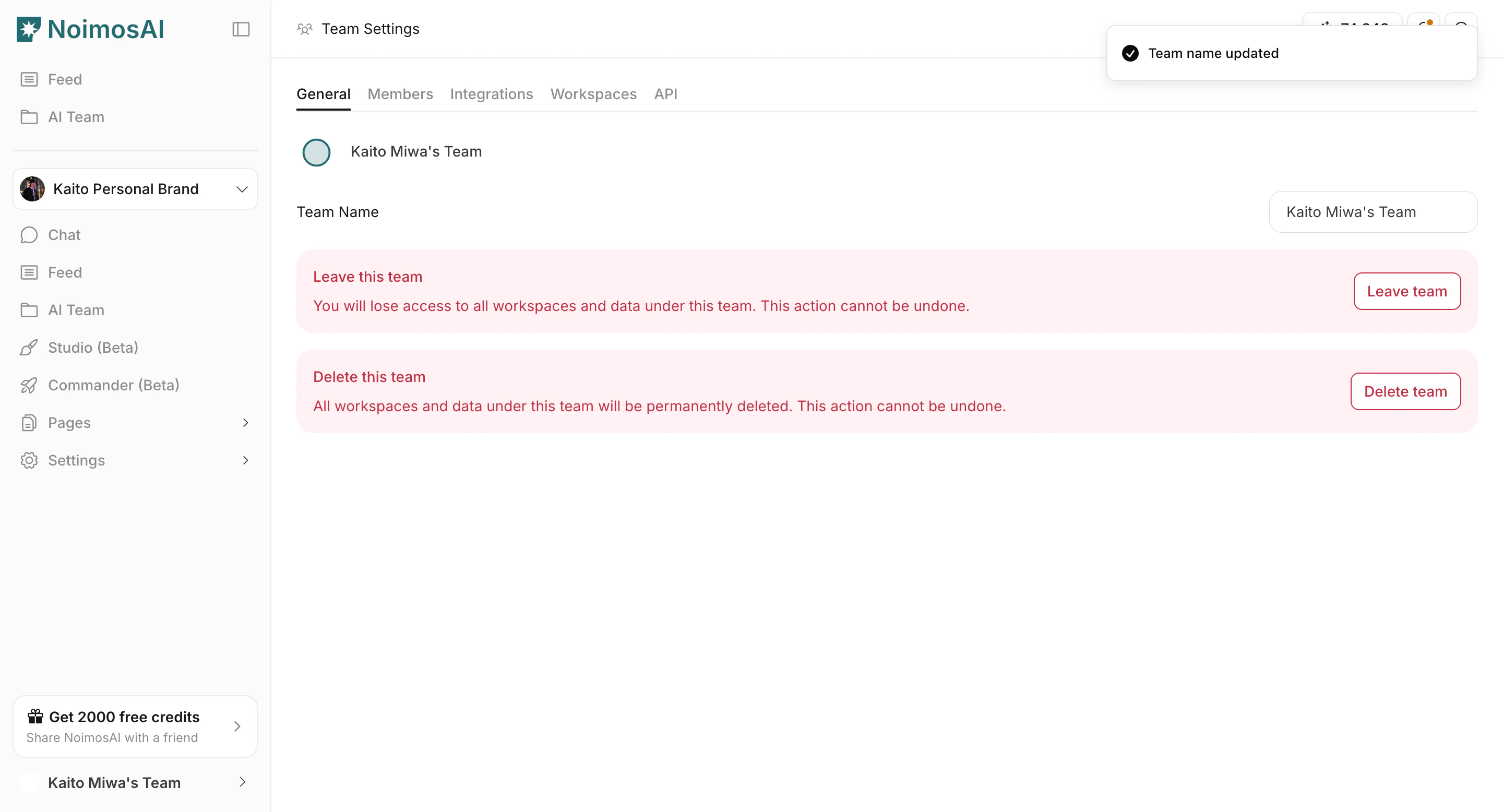
- Upload a new image file.
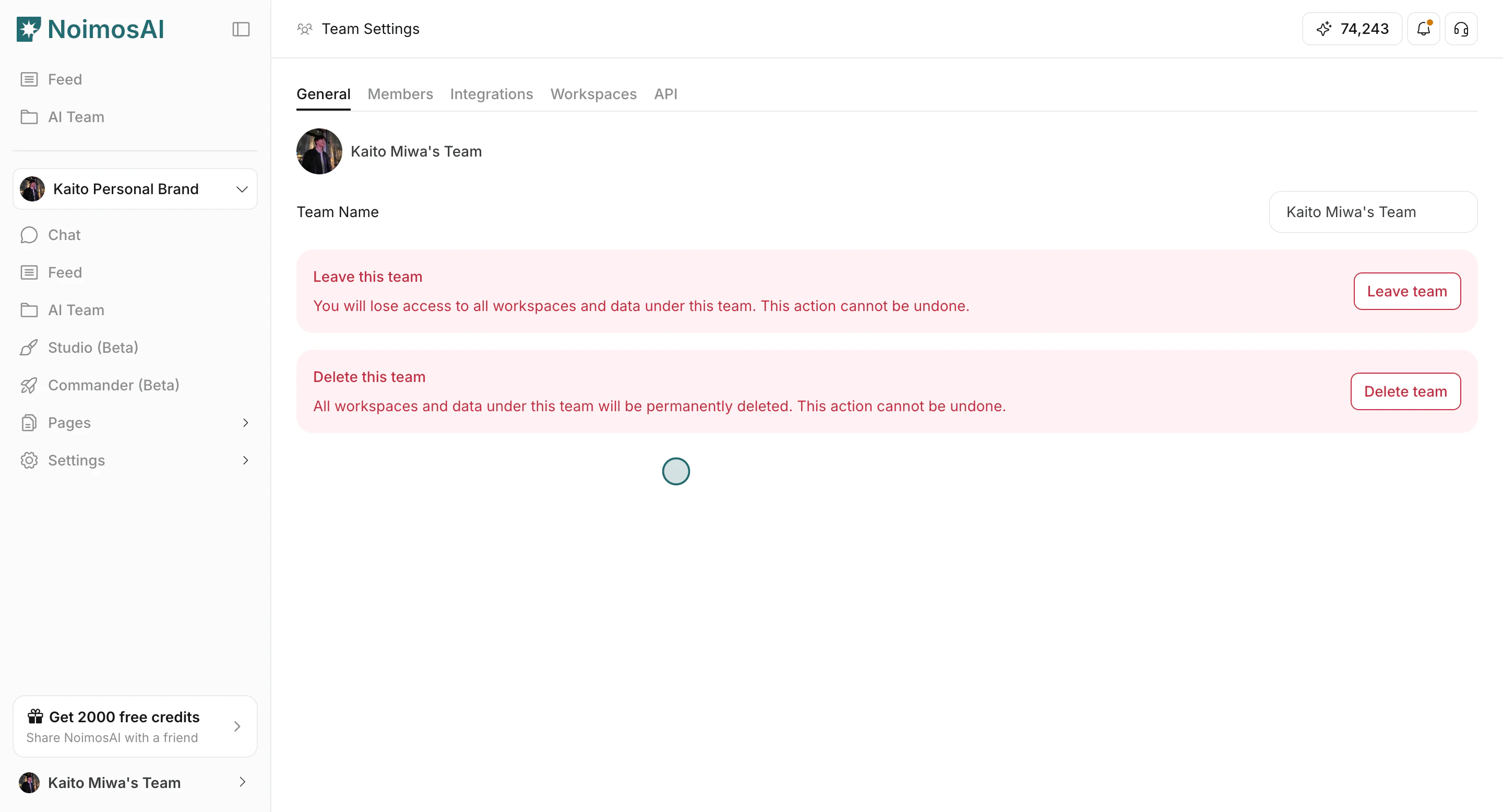
File Requirements
Use this section to understand file requirements and what to confirm while completing this part.- Use an image file format.
- Maximum file size is 5 MB.
Tips
Use these tips to improve consistency and output quality.- Use clear team names, especially when you operate multiple Teams.
- Keep profile image icons visually distinct so members can switch context quickly.