

Overview
Leave team and Delete team are different actions with different impact.
Leave team: removes your access to that Team.Delete team: permanently removes the Team and all Workspaces and data under it. It also cancels the subscription associated with the Team.
Where To Find
Use the following path to open this area.- Open
Team Settings. - Go to
General. - Scroll to
Danger Zone.
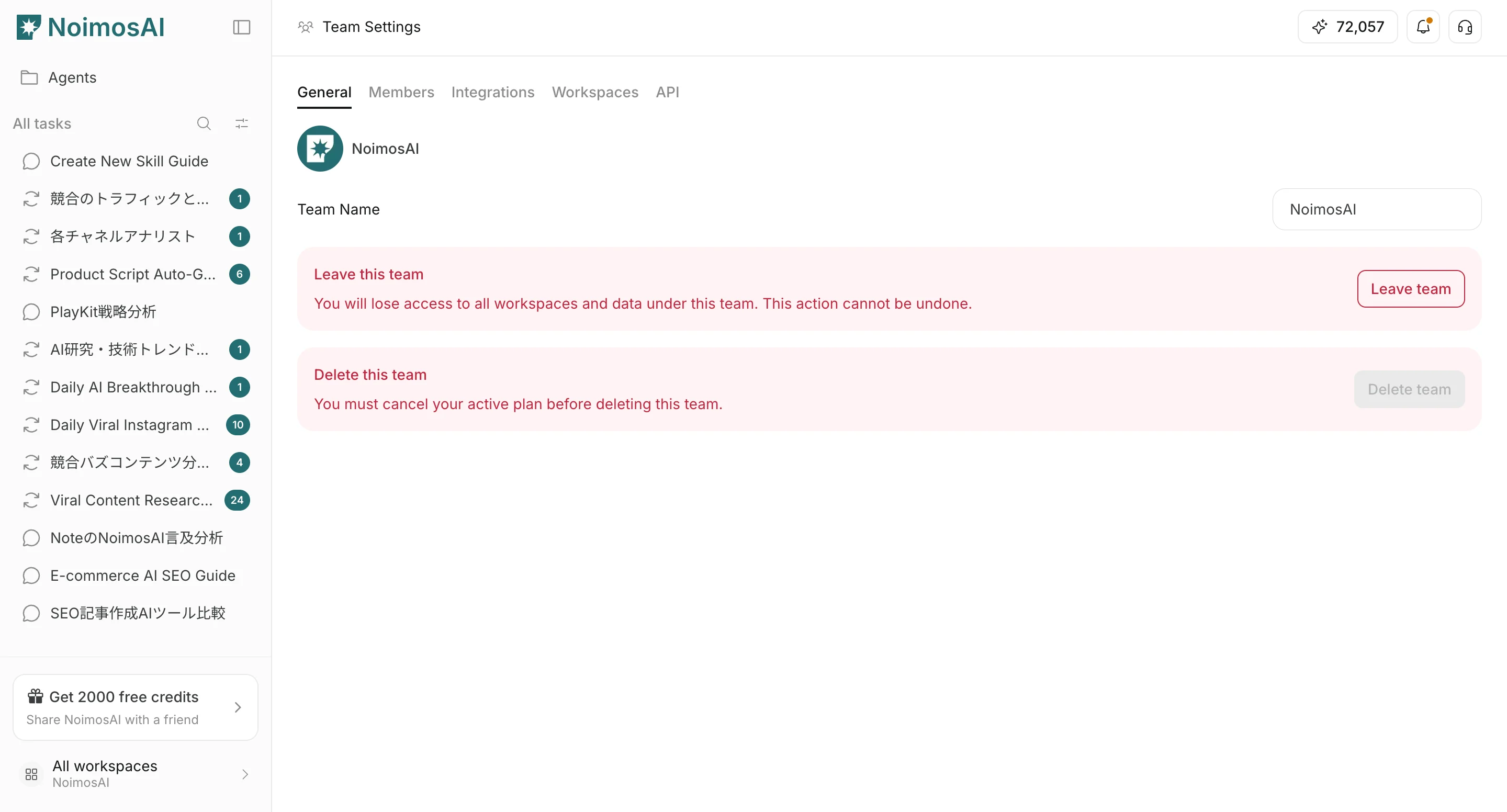
Leave A Team
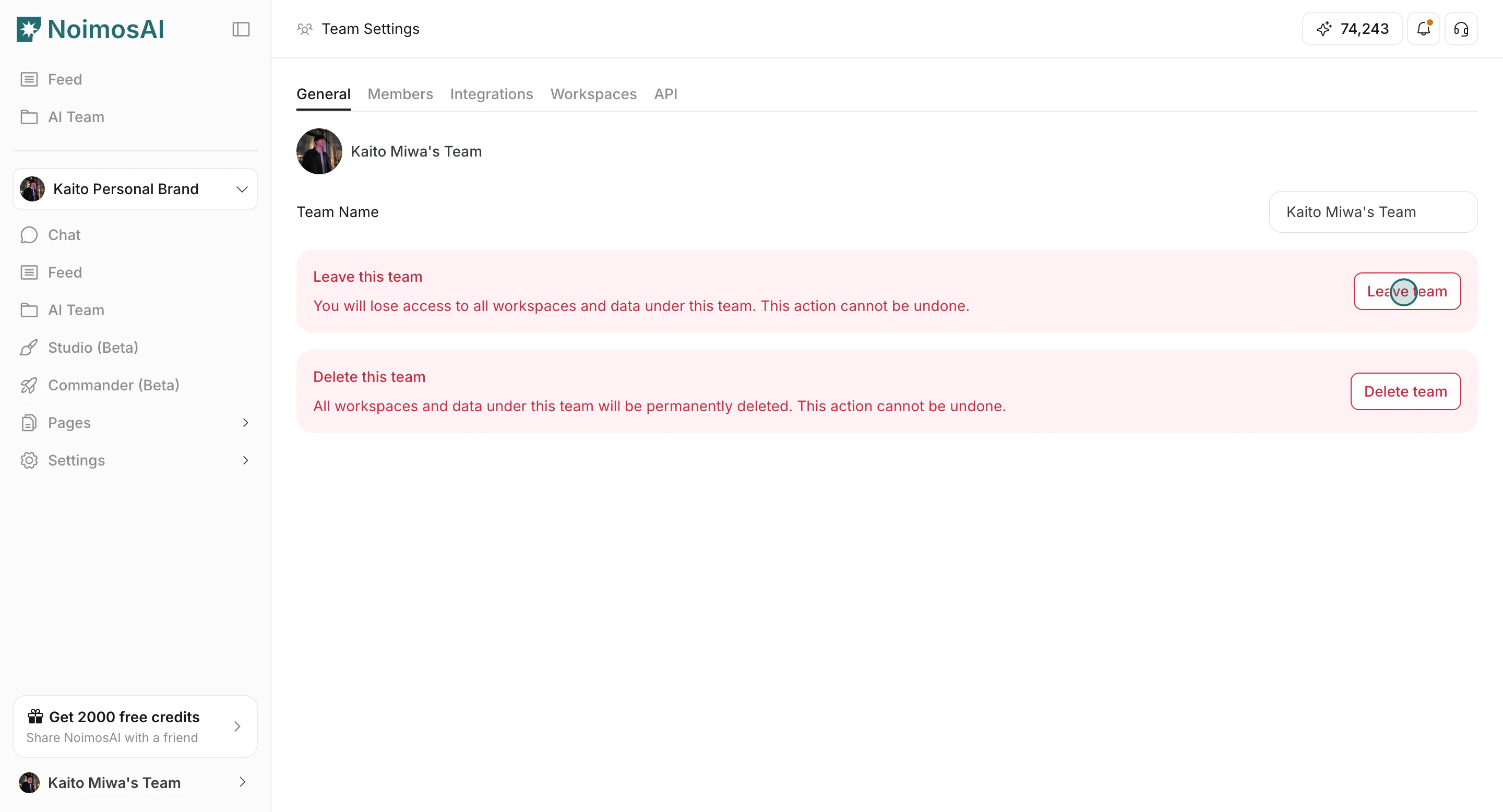
Choose this when you no longer need access but the Team should continue for others.- Click
Leave team.
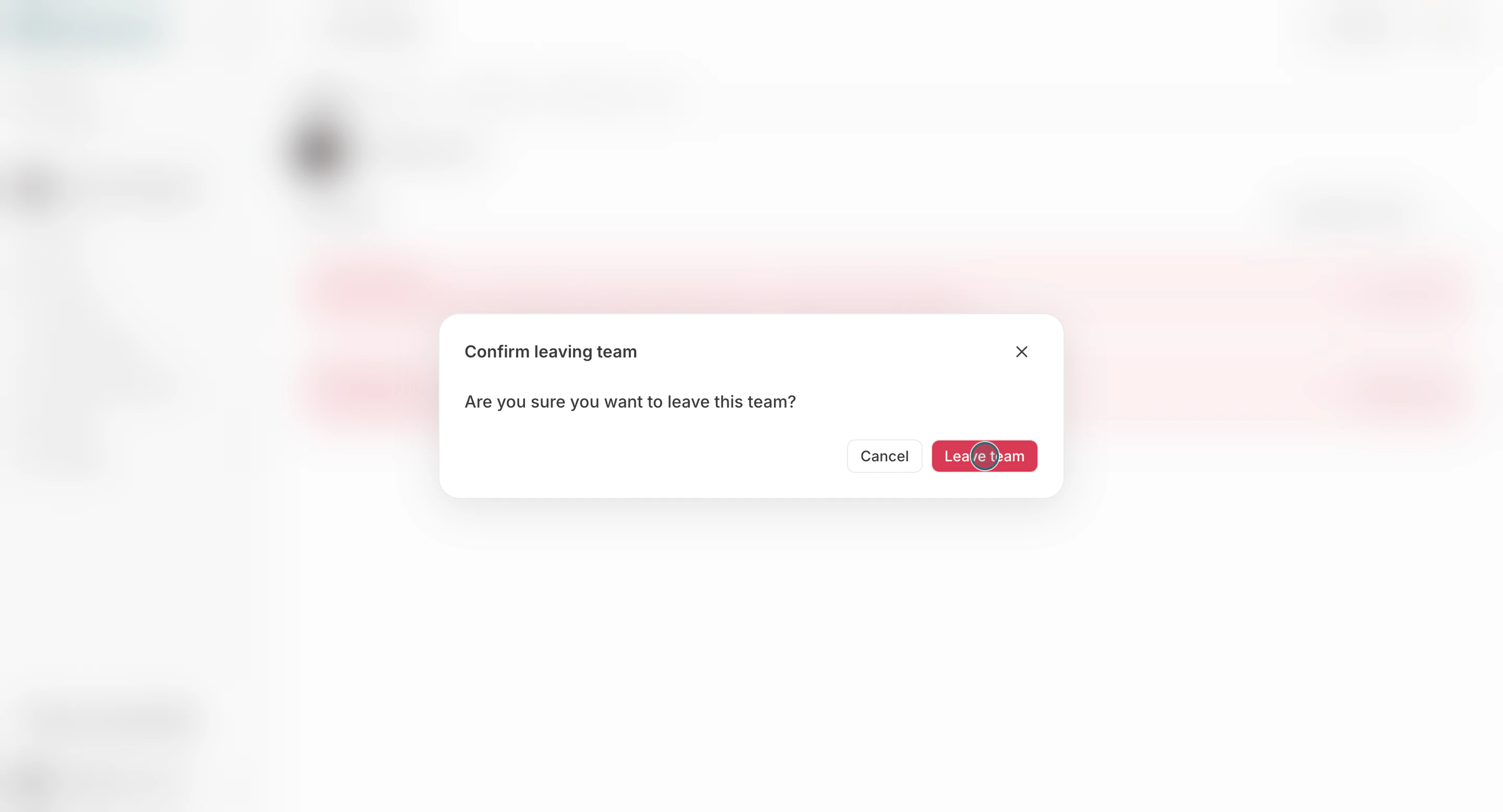
- Confirm in the modal.
Delete A Team
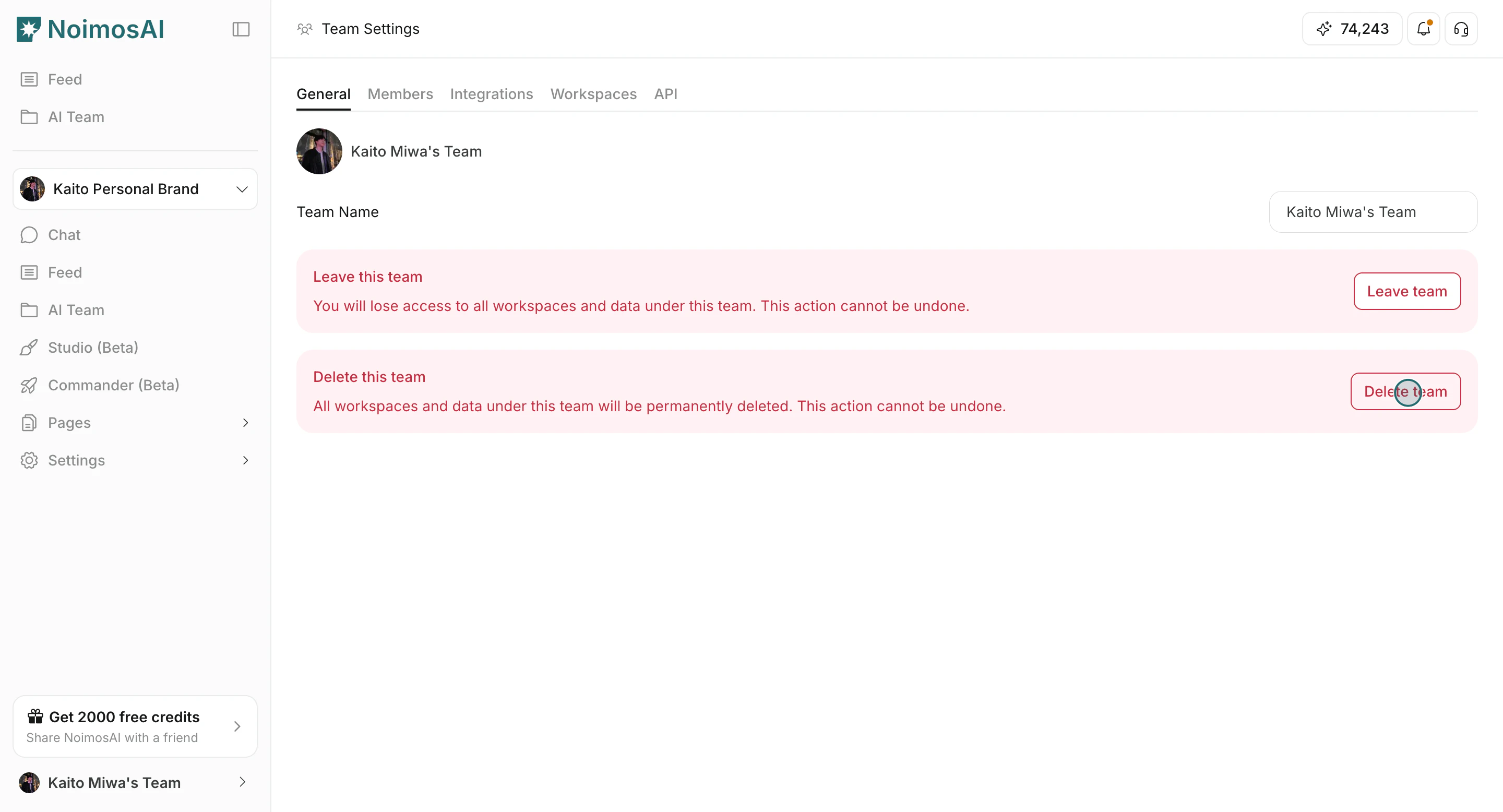
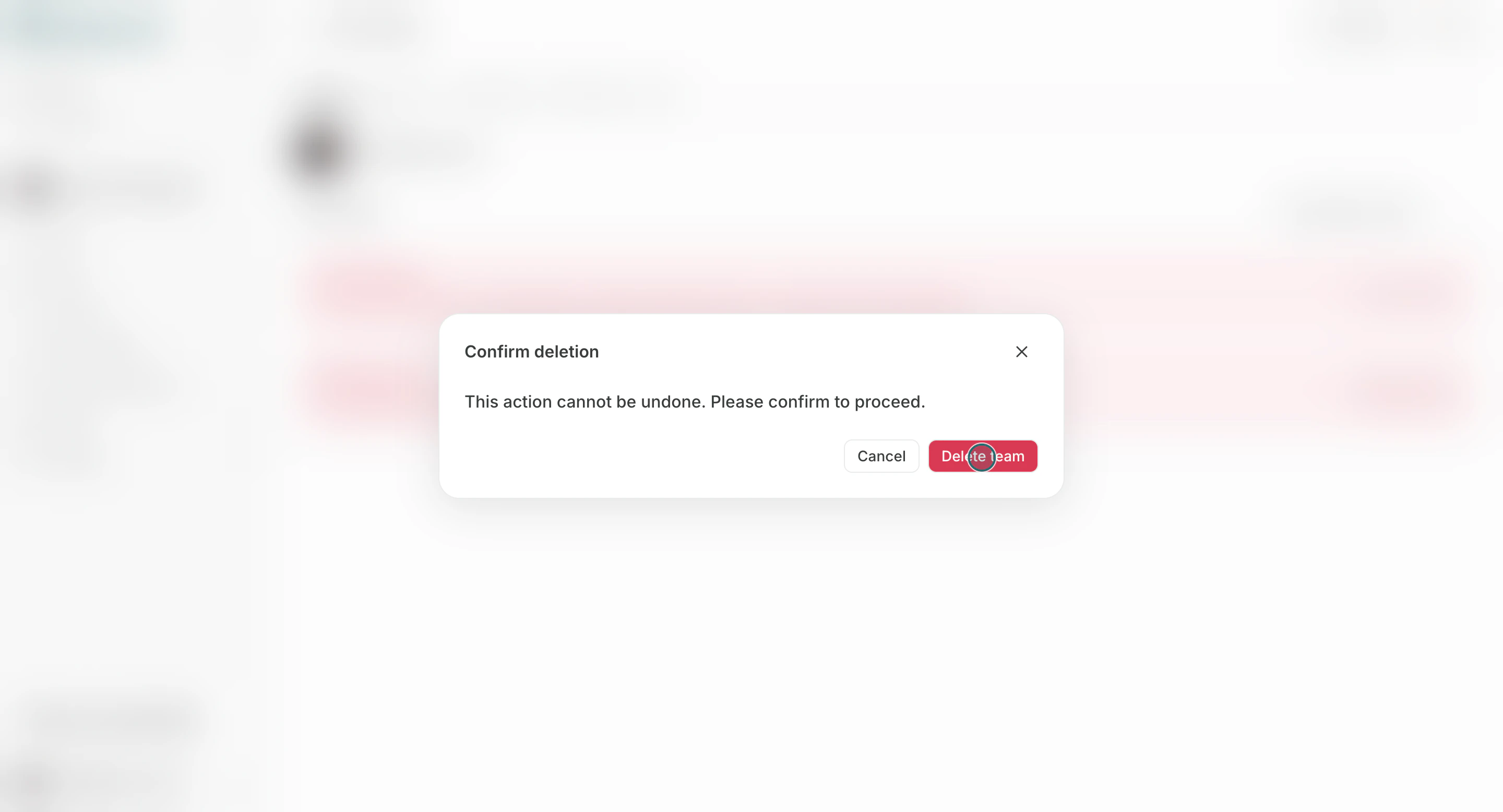
Choose this only when the Team and all its Workspaces should be permanently removed. The subscription associated with the Team is also canceled.- Click
Delete team.
- Confirm in the modal.
Recommended Checks Before Proceeding
Use this section to understand recommended checks before proceeding and what to confirm while completing this part.- Confirm that it is acceptable for Workspaces and data to be permanently deleted.
- Reassign ownership and responsibilities if other members remain.
- Export or back up required information before deletion.