

Overview
Use this flow when you need direct help from the NoimosAI support team. Support replies are sent to your email address, and the current UI states a response target of within 24 hours.When to contact support
Use the following cases to decide when this is appropriate.- AI Agent setup or behavior is not working as expected.
- Billing or account changes need support assistance.
- You hit technical issues such as login problems or product bugs.
- You want to submit a feature request or other general inquiry.
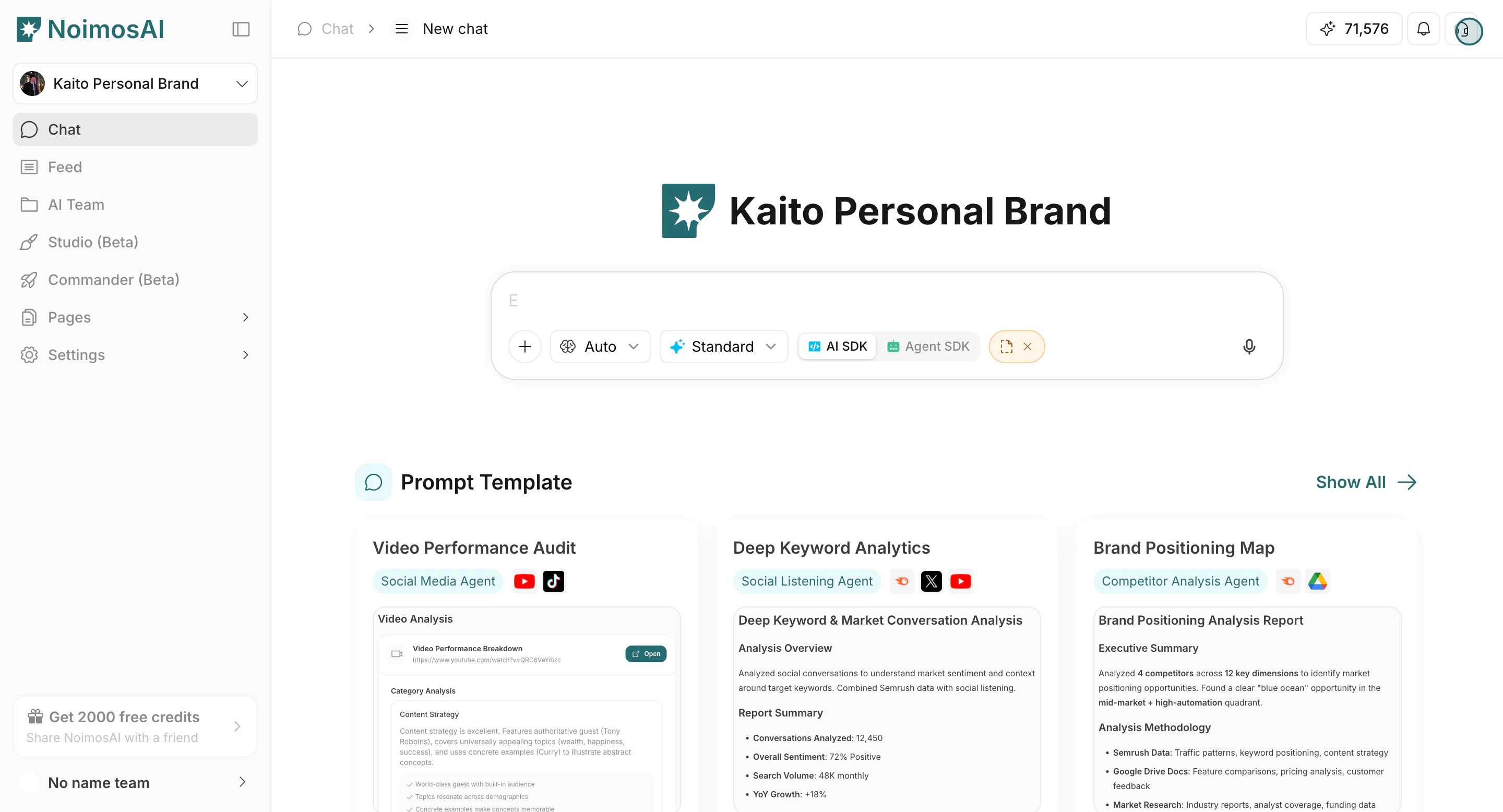
Submit a support request
Use this section to understand submit a support request and what to confirm while completing this part.- Click the Support icon in the top-right of the app.
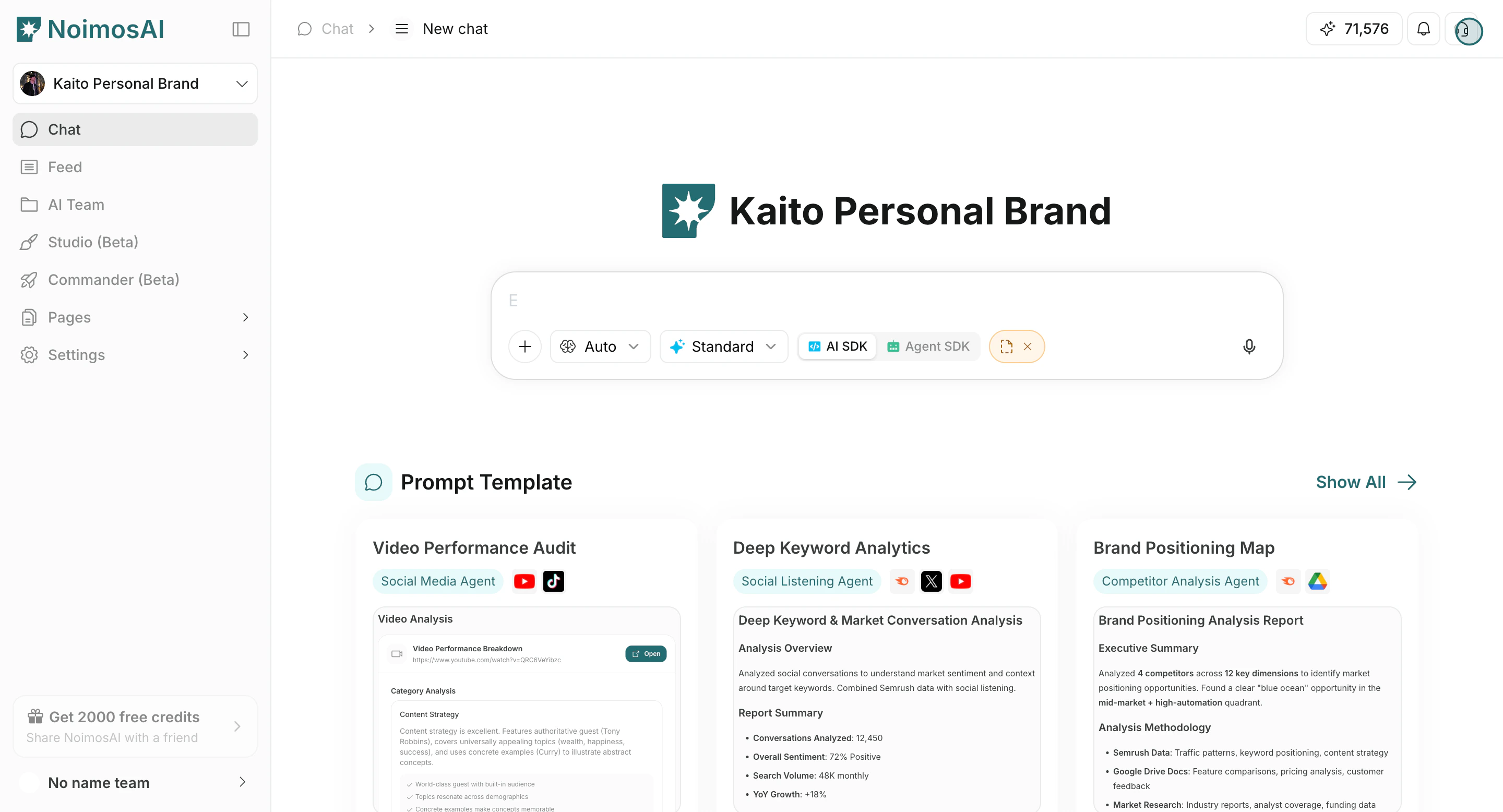
- Start the support form.
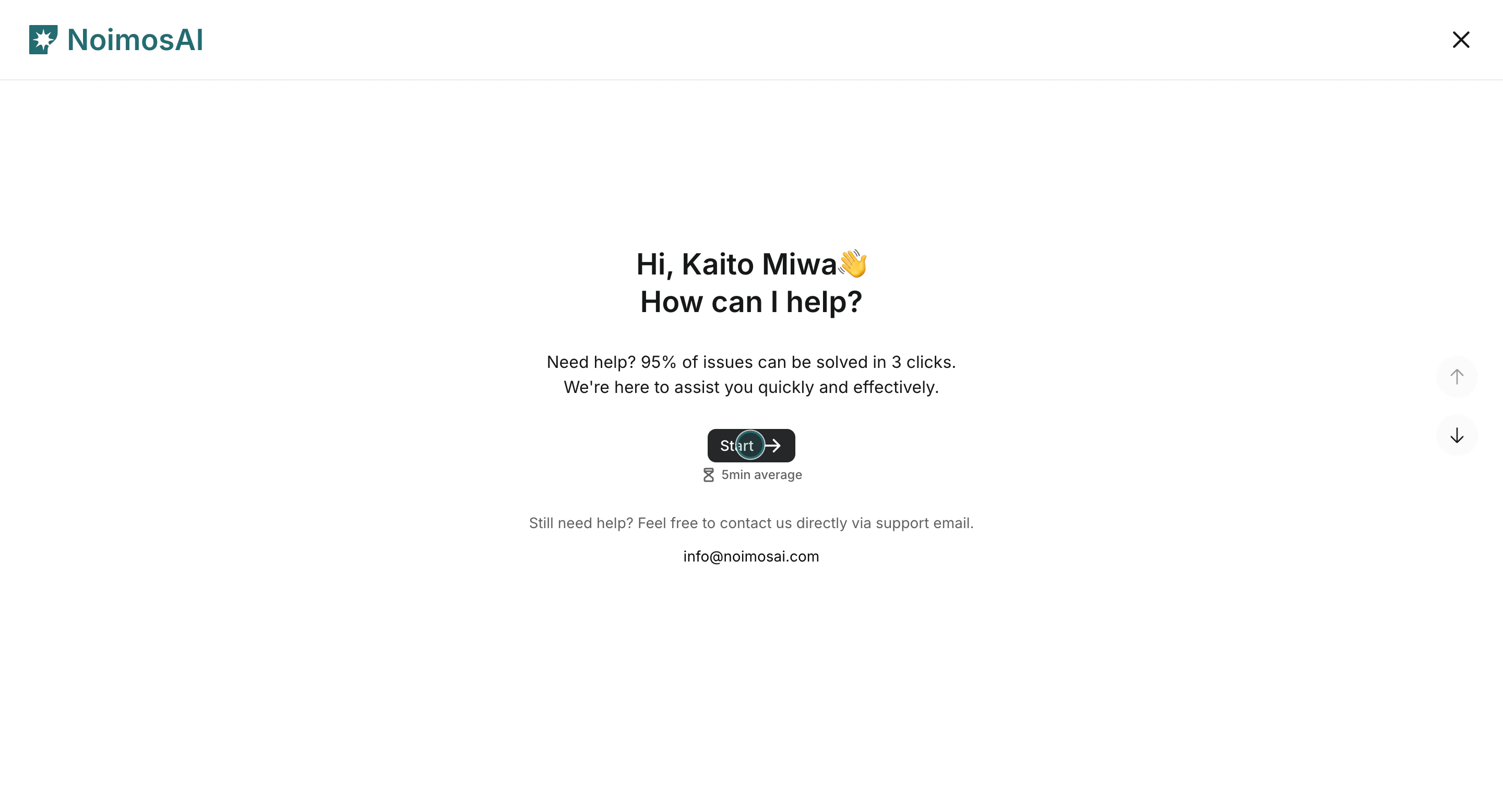
- Enter your full name.
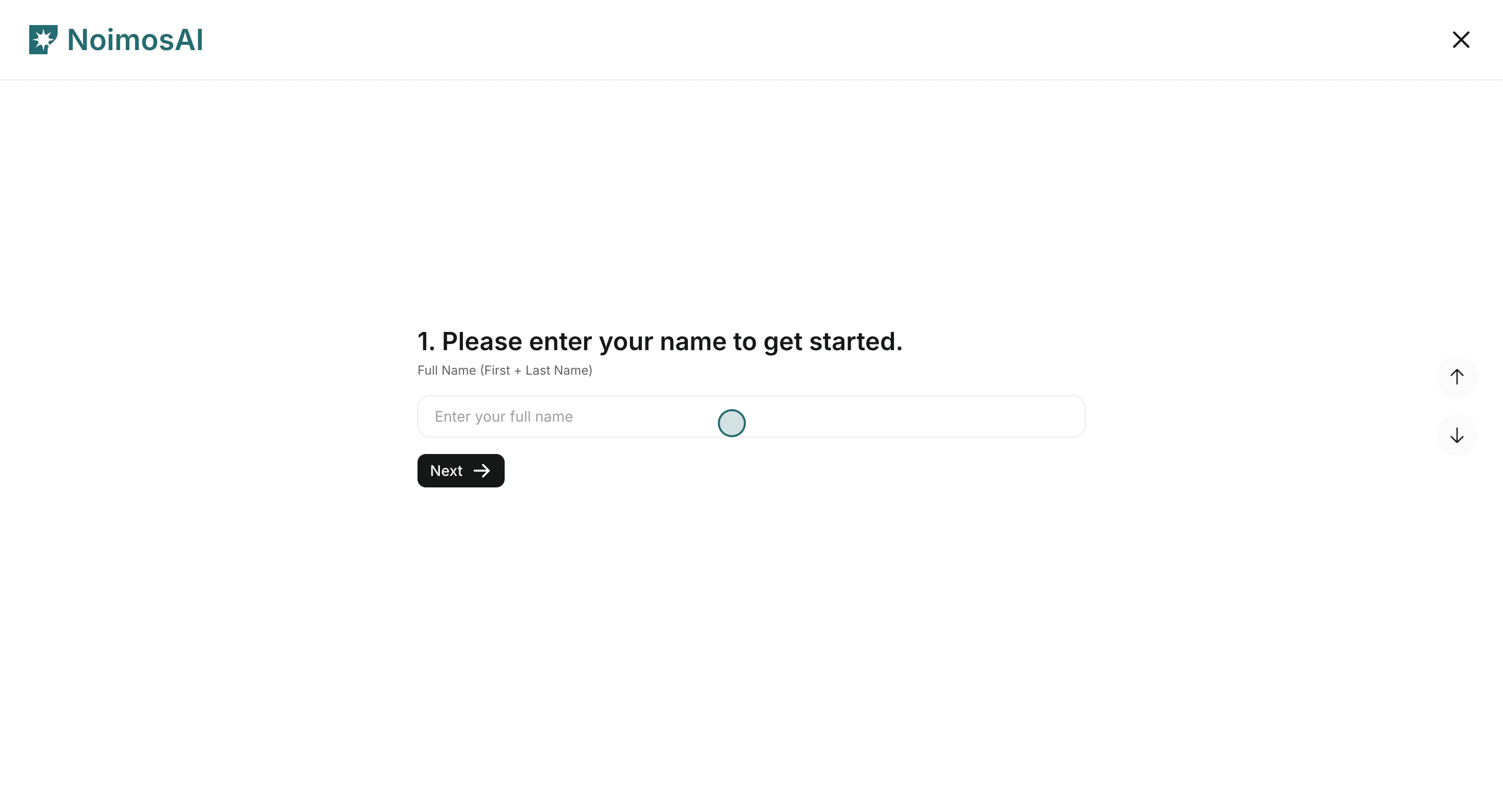
- Enter your email address.
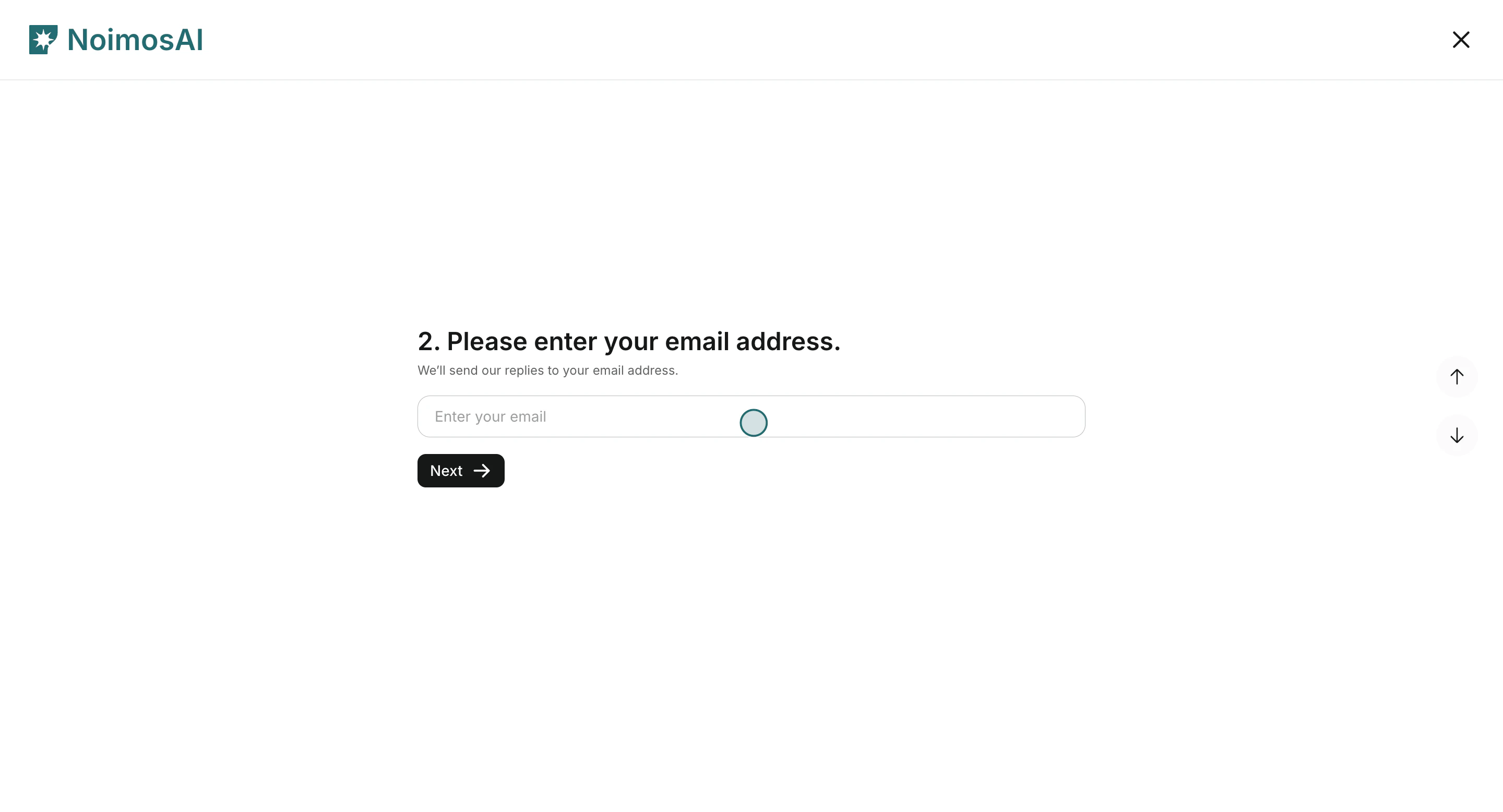
- Select issue
Type 1:AI Agent settings,Billing and account,Technical issue, orGeneral inquiry.
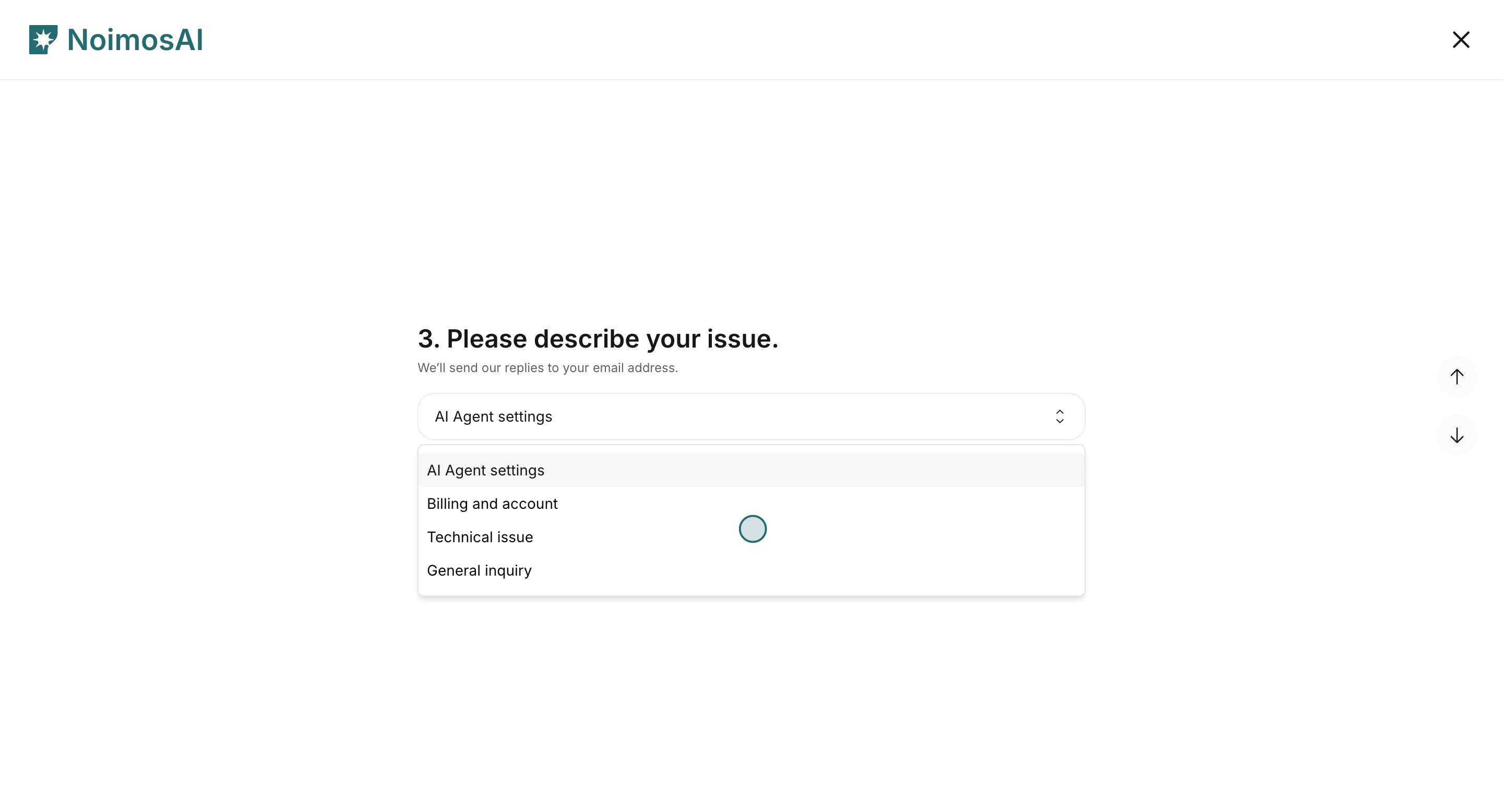
- Select issue
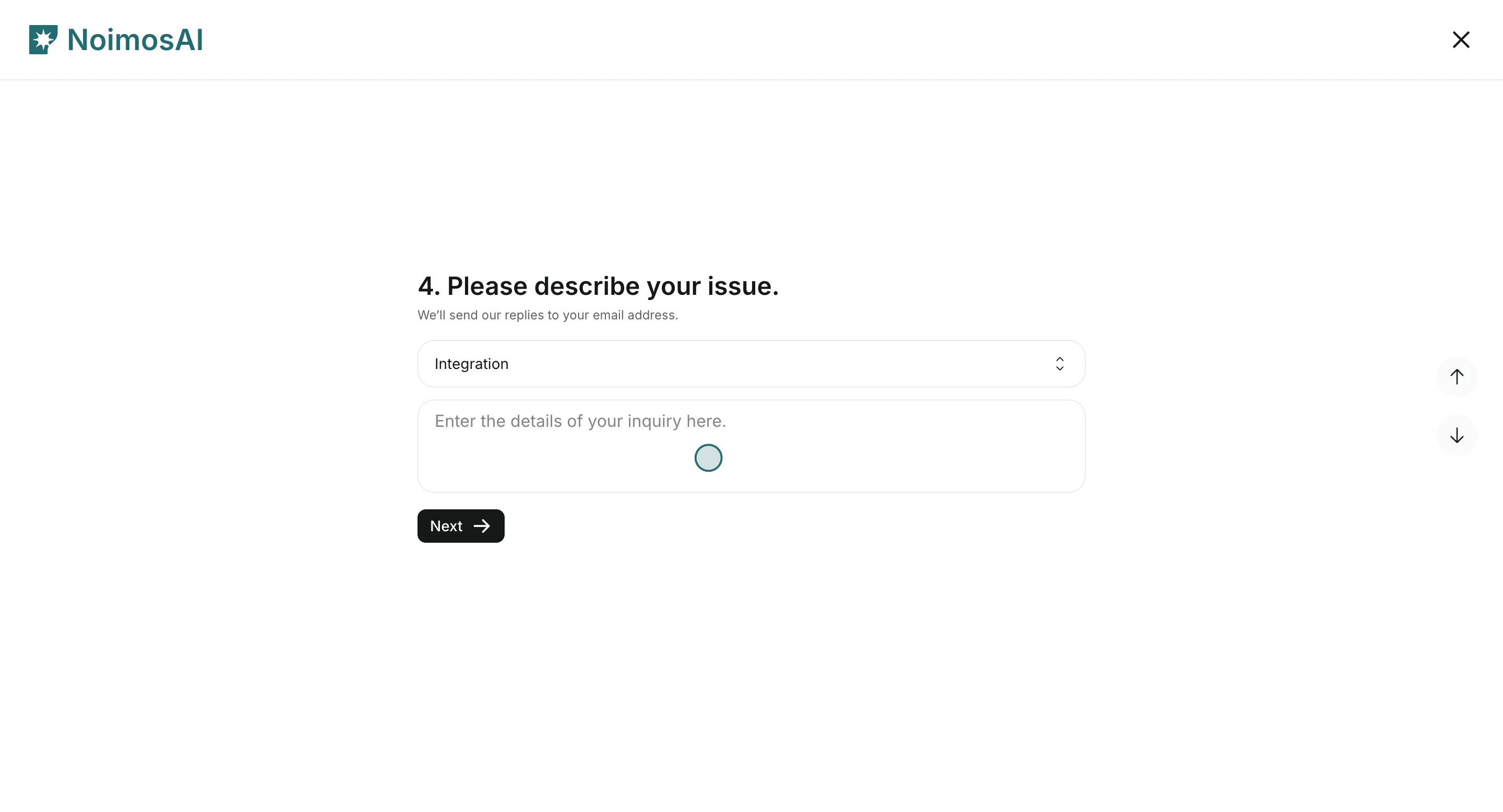
Type 2and add issue details.
- Review the confirmation screen, then click
Send.
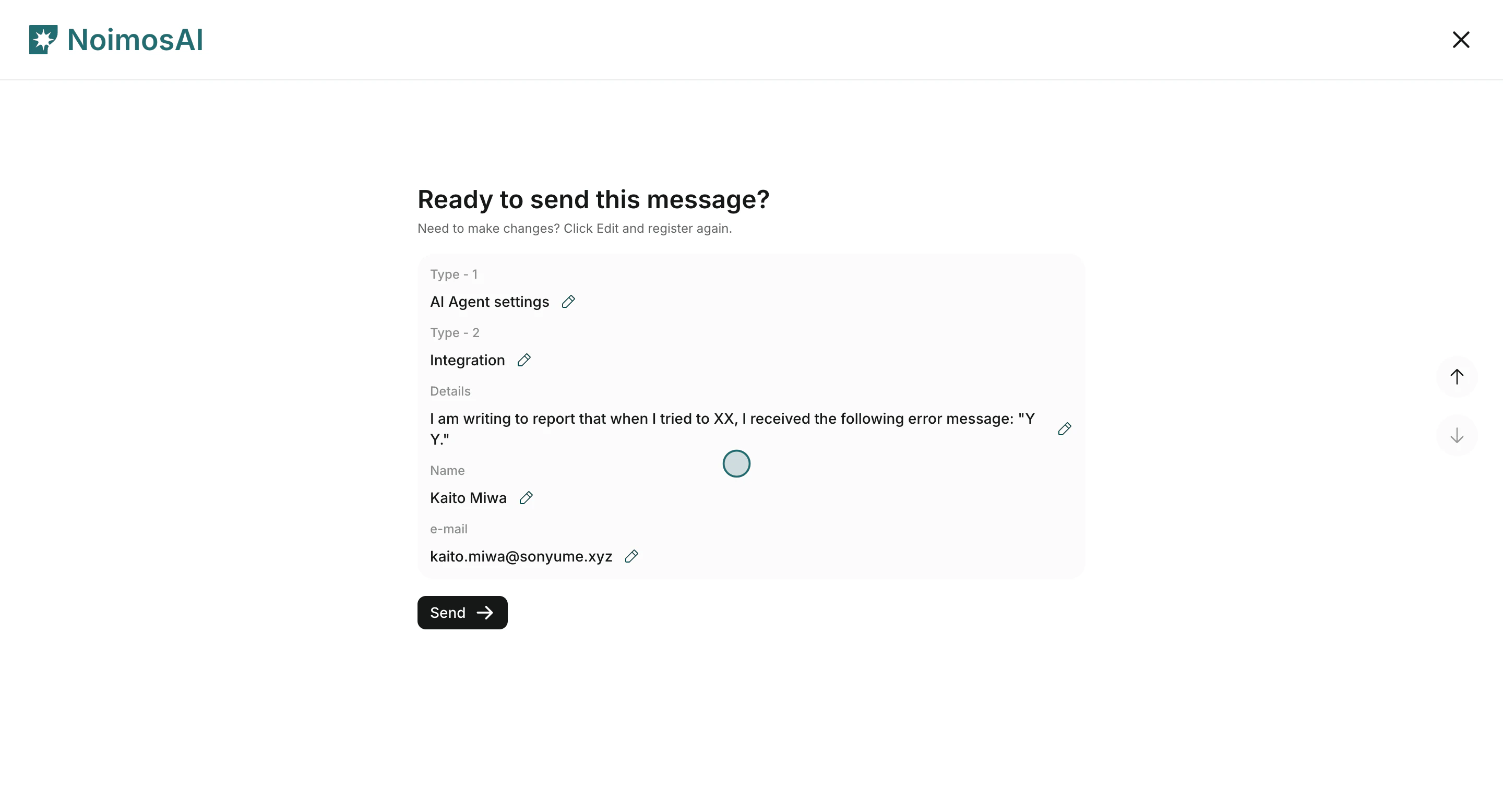
What to include for faster resolution
Use this section to understand what to include for faster resolution and what to verify before moving to the next step.- Where the issue happened: Team, Workspace, and feature (Agents, All Tasks, Chat, Pages, or Settings).
- What you expected versus what actually happened.
- Reproduction steps and frequency.
- Relevant identifiers such as run IDs, timestamps, or affected account names.