

Overview
Theme settings control the visual appearance of NoimosAI for your account.Where to find
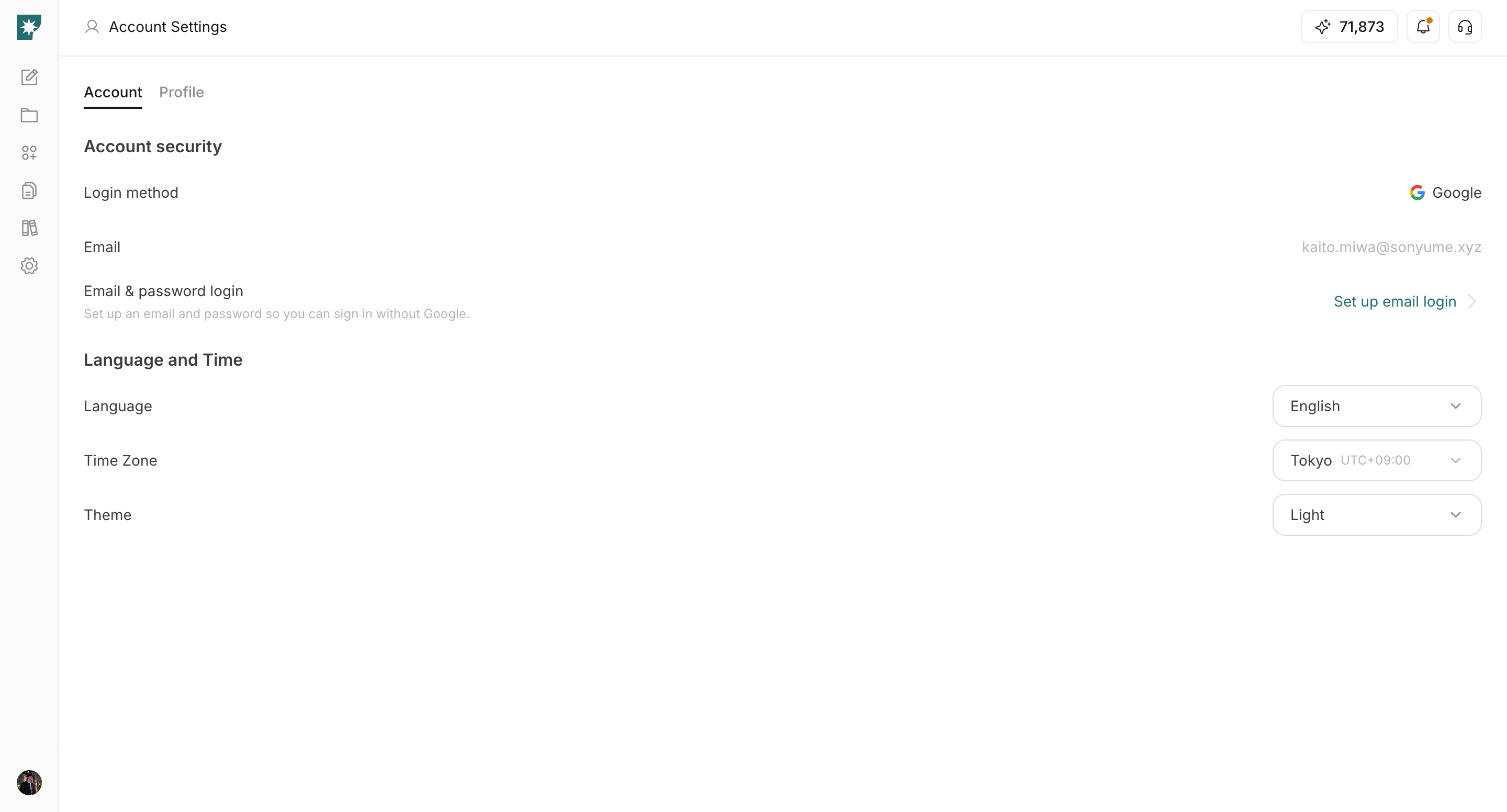
Use the following path to open this area.Settings -> Account -> Language and Time.
How to update
Follow the steps below to complete this action.- Open the
Themedropdown.
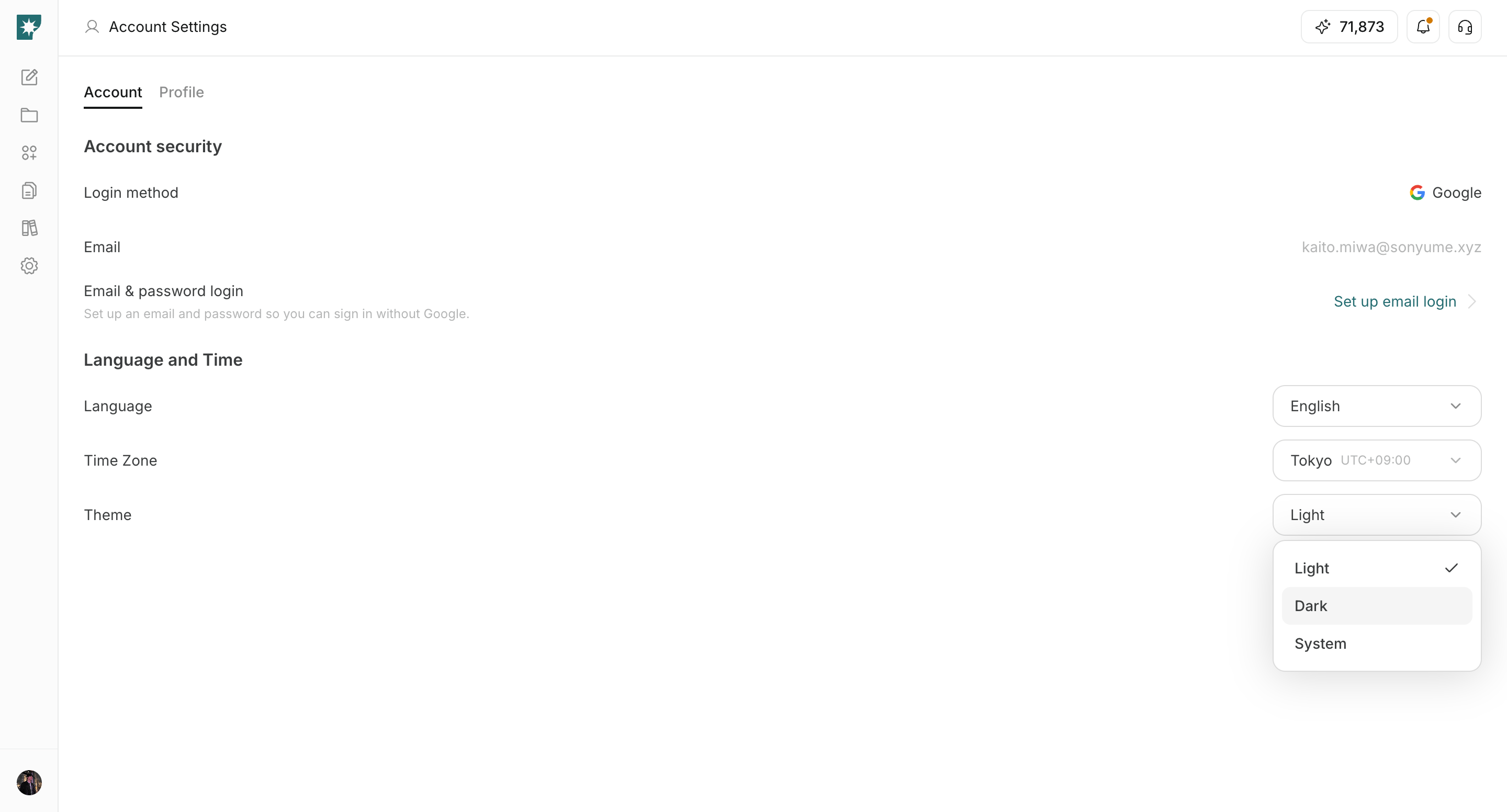
- Select
Light,Dark, orSystem.
- Confirm the interface updates immediately.
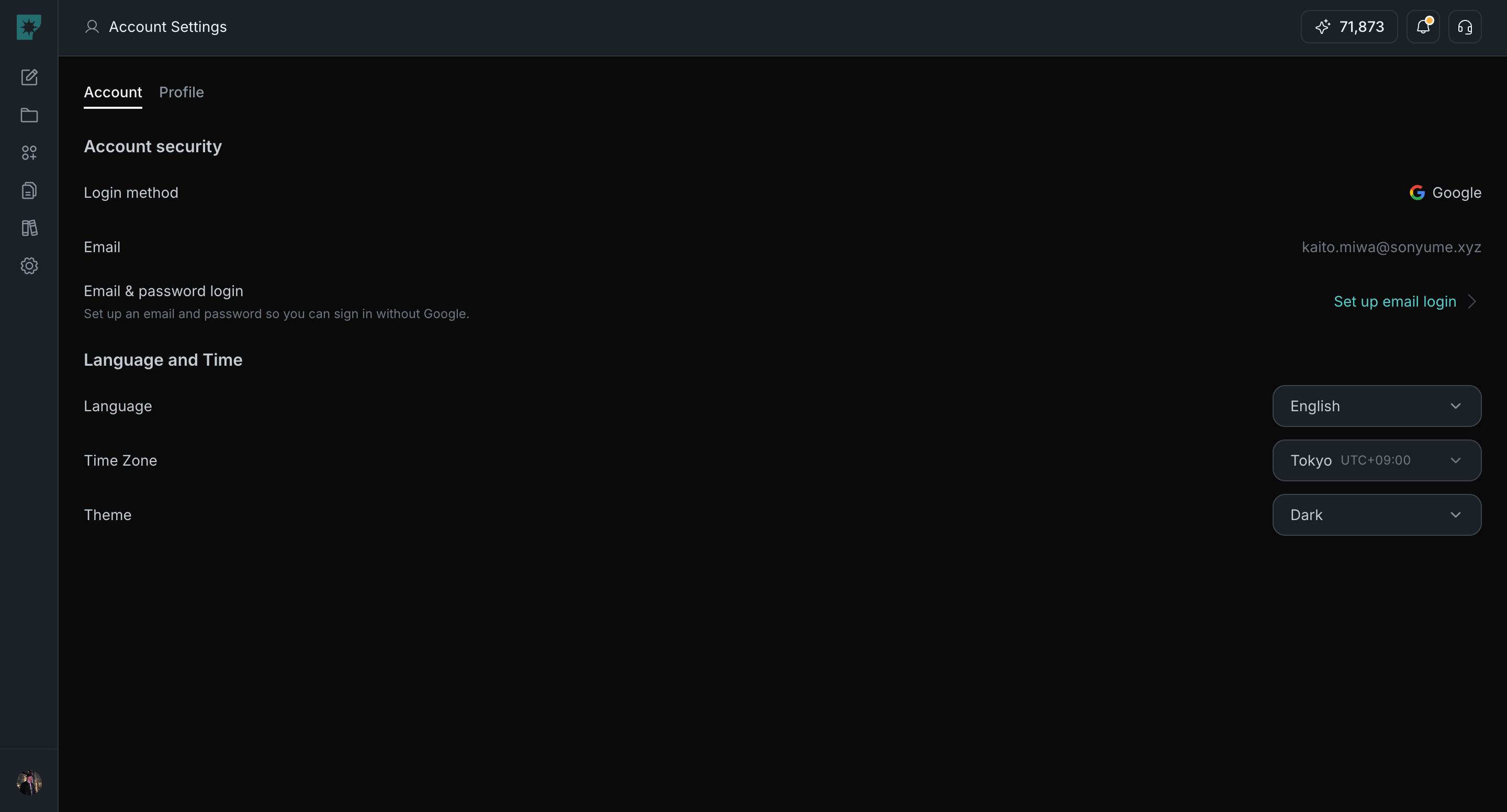
Theme options
Use the options below to choose the appearance mode.Light: always use light mode.Dark: always use dark mode.System: follow your device setting.