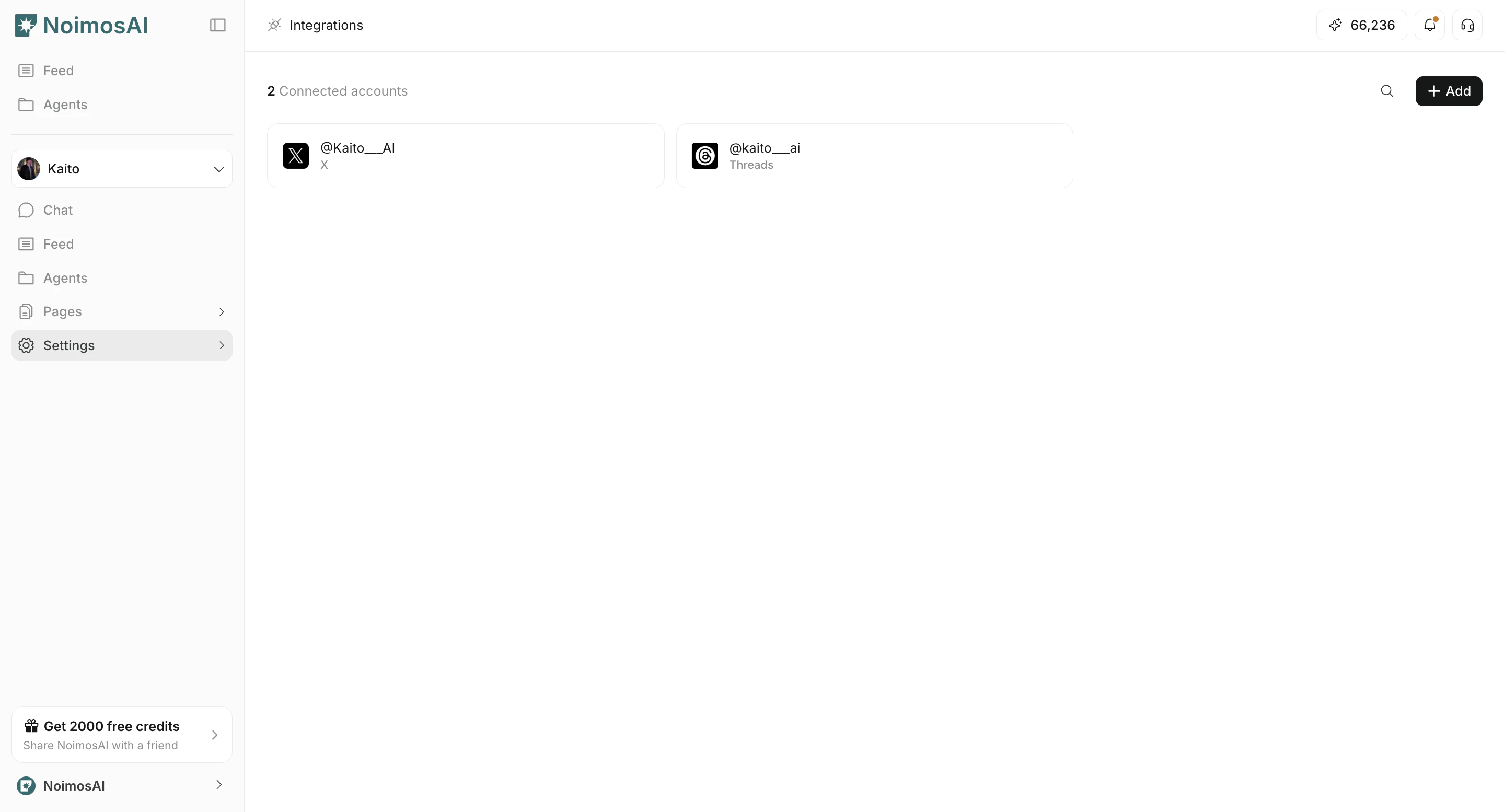
Overview
Workspace integrations control which connected accounts are available in the current workspace.Where to find
Use the following path to open this area.Workspace -> Settings -> Basic information -> Integrations
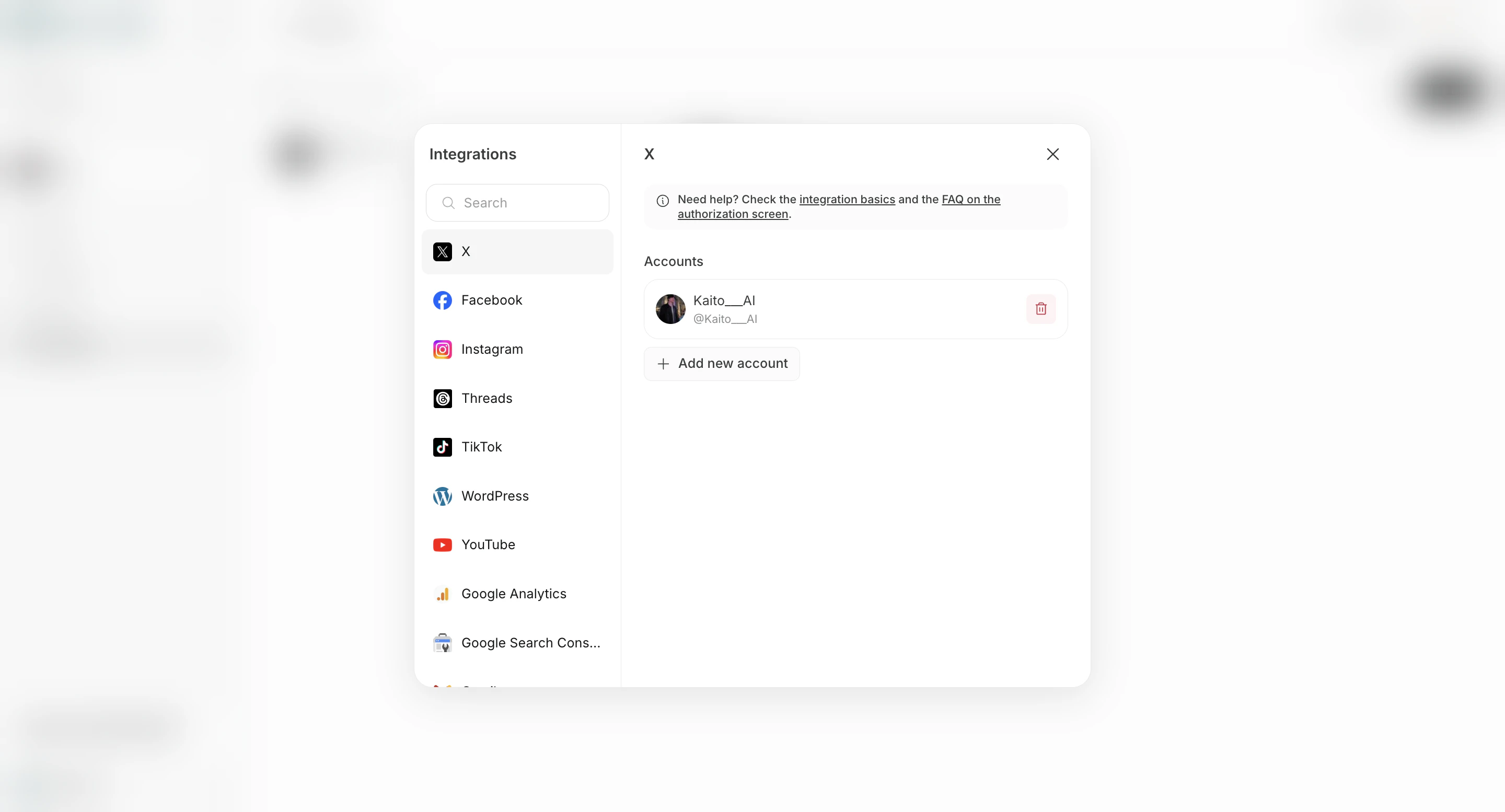
Connect an App Account
Use this section to understand connect an app account and what to confirm while completing this part.- Open the
Integrationstab.

- Click
Connecton the provider.

- Choose an existing team account or
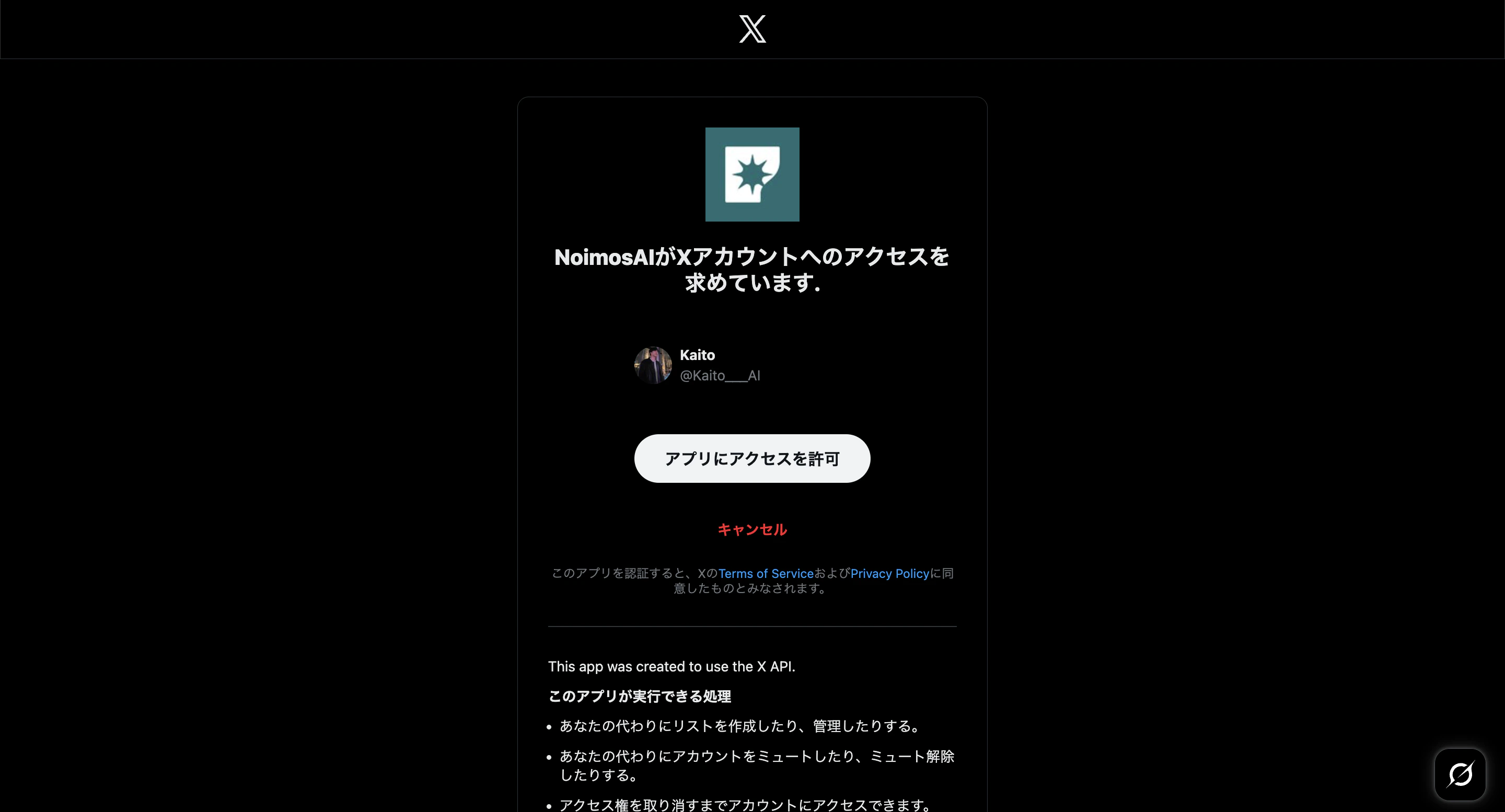
Connect new account.

- Complete authorization.

- Confirm the account appears in
Connected Integrations.

Assign Connected Accounts to AI Team
Use this section to understand assign connected accounts to ai team and what to confirm while completing this part.- Open
Add/Editfor the connected provider. - Select which AI Team members (agents) should use that account.
- Save changes.

Important: Instagram Connection Requirements
Use this section to understand important: instagram connection requirements and what to confirm while completing this part.- Instagram connection is limited to business accounts linked to a Facebook Page.
- Personal Facebook profiles are not supported for this connection flow.
- If no linked page exists, the product can return an error indicating that no Facebook Page linked to Instagram was found.
Notes
Review these notes before you proceed.- Team-connected accounts can be mapped to specific workspaces.
- Remove workspace access from
Add/Editwhen an account is no longer needed.