

Overview
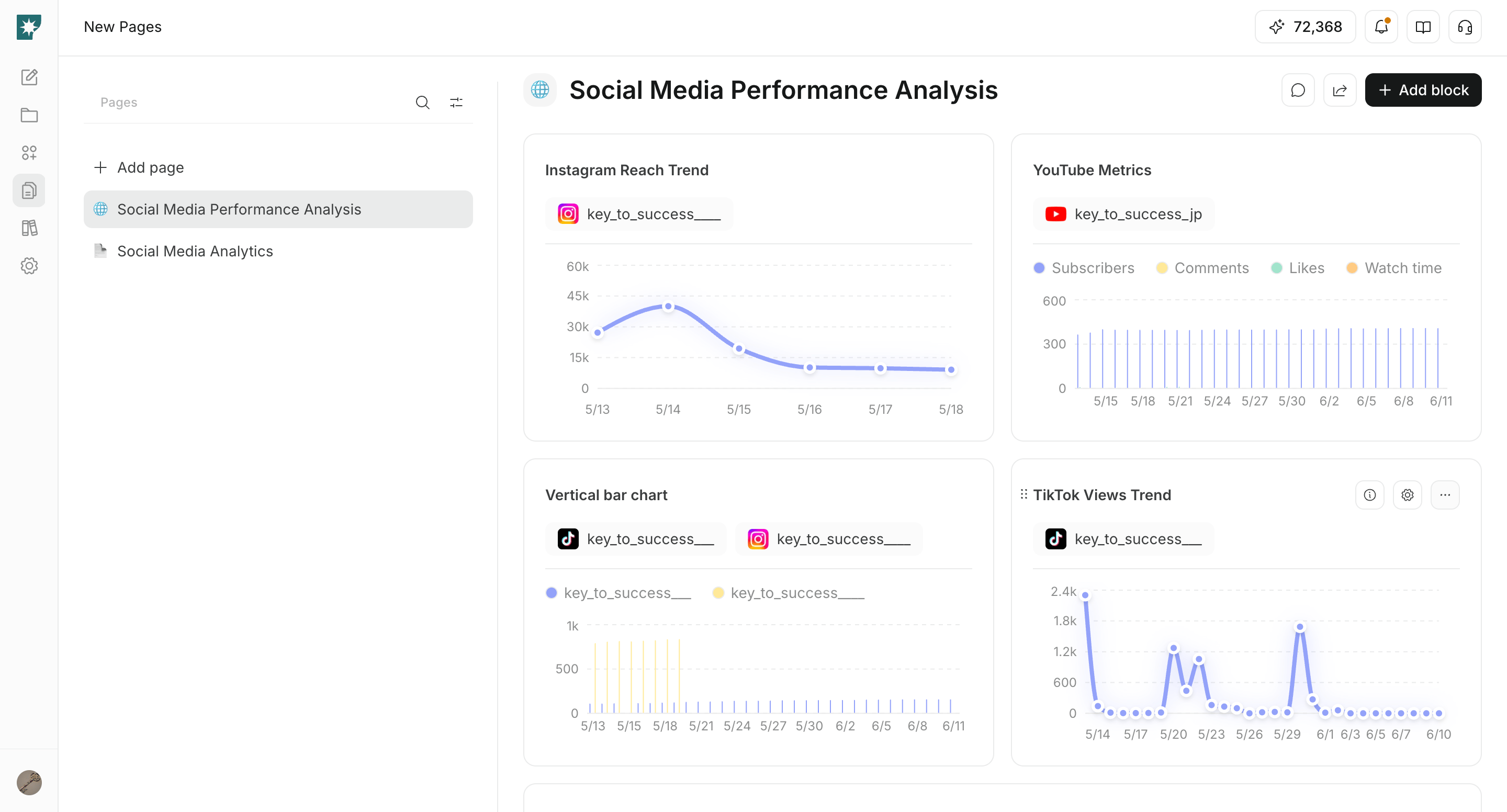
Pages are work surfaces for organizing information, analysis, and execution management inside a workspace.
Combine text, data, analysis, and action-oriented blocks to keep the information you need for operations in one place.
Where to find Pages
Open Pages from these paths.Workspace -> Pages- Pages are managed within the current workspace.
- If you have multiple workspaces, each workspace has its own pages.
What you can do with Pages
- Create briefs, dashboards, and operating guides.
- Add and edit blocks for your goal.
- Ask
Page Chatto edit or organize page content. - Share with specific members.
- Publish externally with a public link when needed.
Page Chat
UsePage Chat to request edits while viewing the open page.
You can ask it to add sections, rename titles, reorganize copy, or add blocks, then review the proposed changes before applying them.
Recommended operating flow
- Start with one clear purpose per page.
- Add only the blocks needed for that purpose.
- Use
Page Chatto refine structure and copy when needed. - Keep the page private while it is being edited.
- Share or publish when it is ready.