

Overview
Update your profile image so teammates can identify you quickly across shared workspaces.Where to find
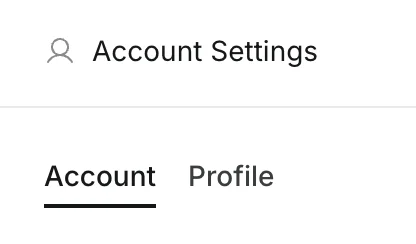
Use the following path to open this area.Settings -> Profile.
How to update
Follow the steps below to complete this action.- Open
Settings, then go toProfile.
- Click your current avatar (or add avatar button).
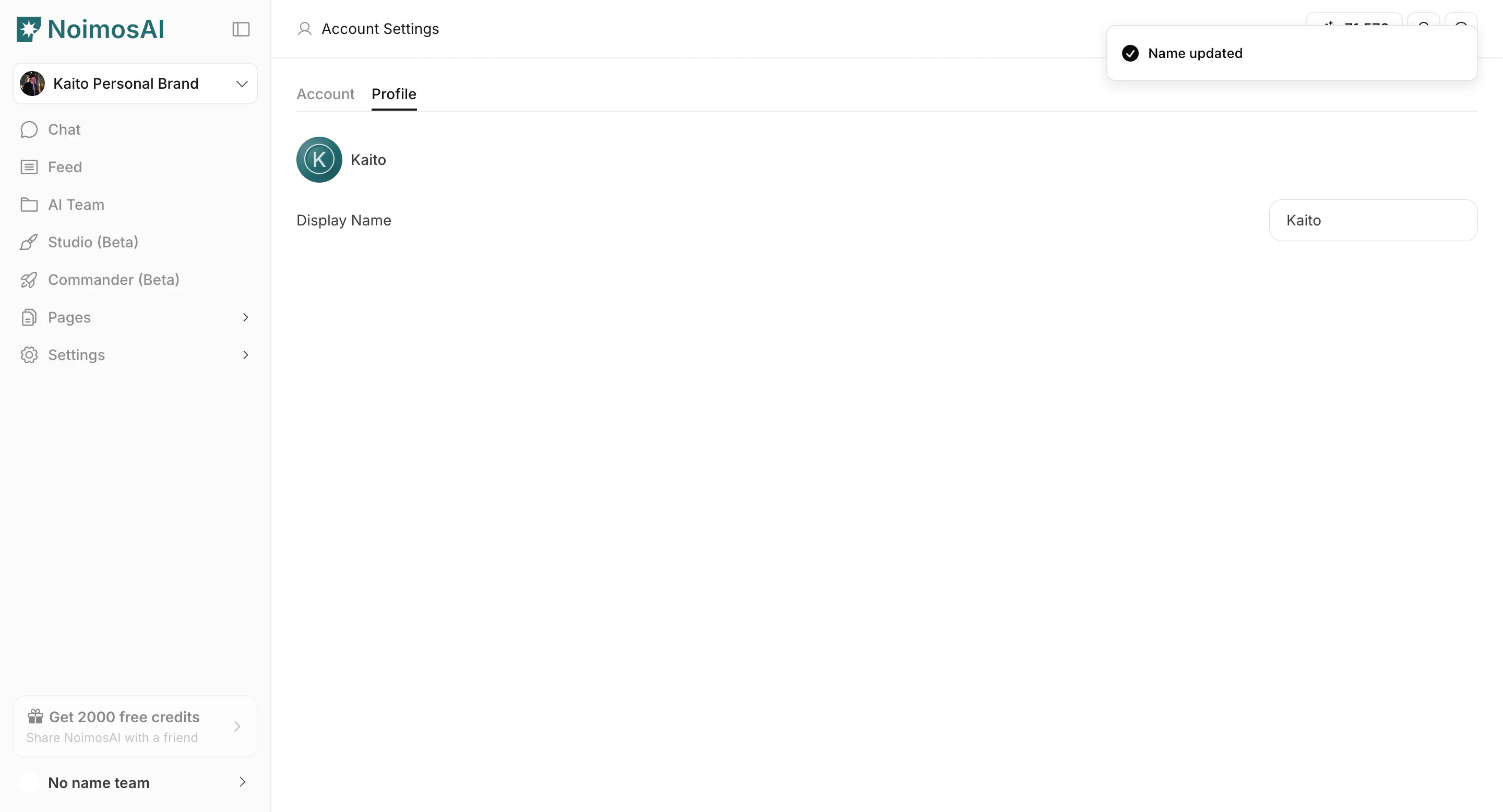
- Upload an image file from your device.
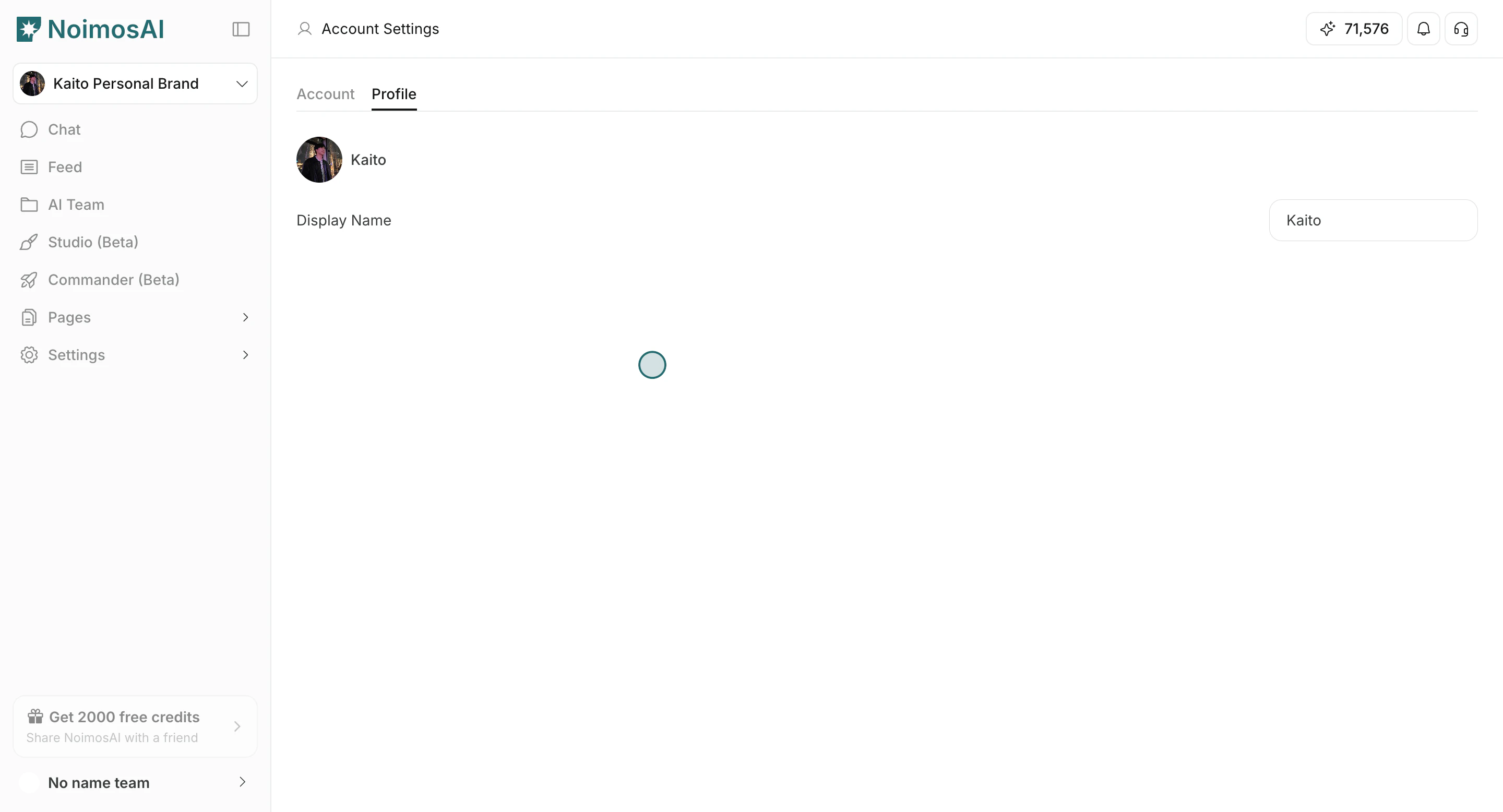
- Wait for upload to finish and confirm the new image appears.
Tips
Use these tips to improve consistency and output quality.- Use a clear square image for better visibility in small UI areas.
- Keep your profile image distinct from workspace and team icons.