

Overview
Use payment history to audit Team charges, verify billing events, and download accounting records.When to use
Use the following cases to decide when this is appropriate.- During monthly close or expense reconciliation.
- When verifying a recent charge, refund, or plan change event.
- When you need invoice or receipt files for accounting.
Where to find
Use the following path to open this area.Team -> Billing -> History.
Payment history list
Use this section to understand payment history list and what to confirm while completing this part.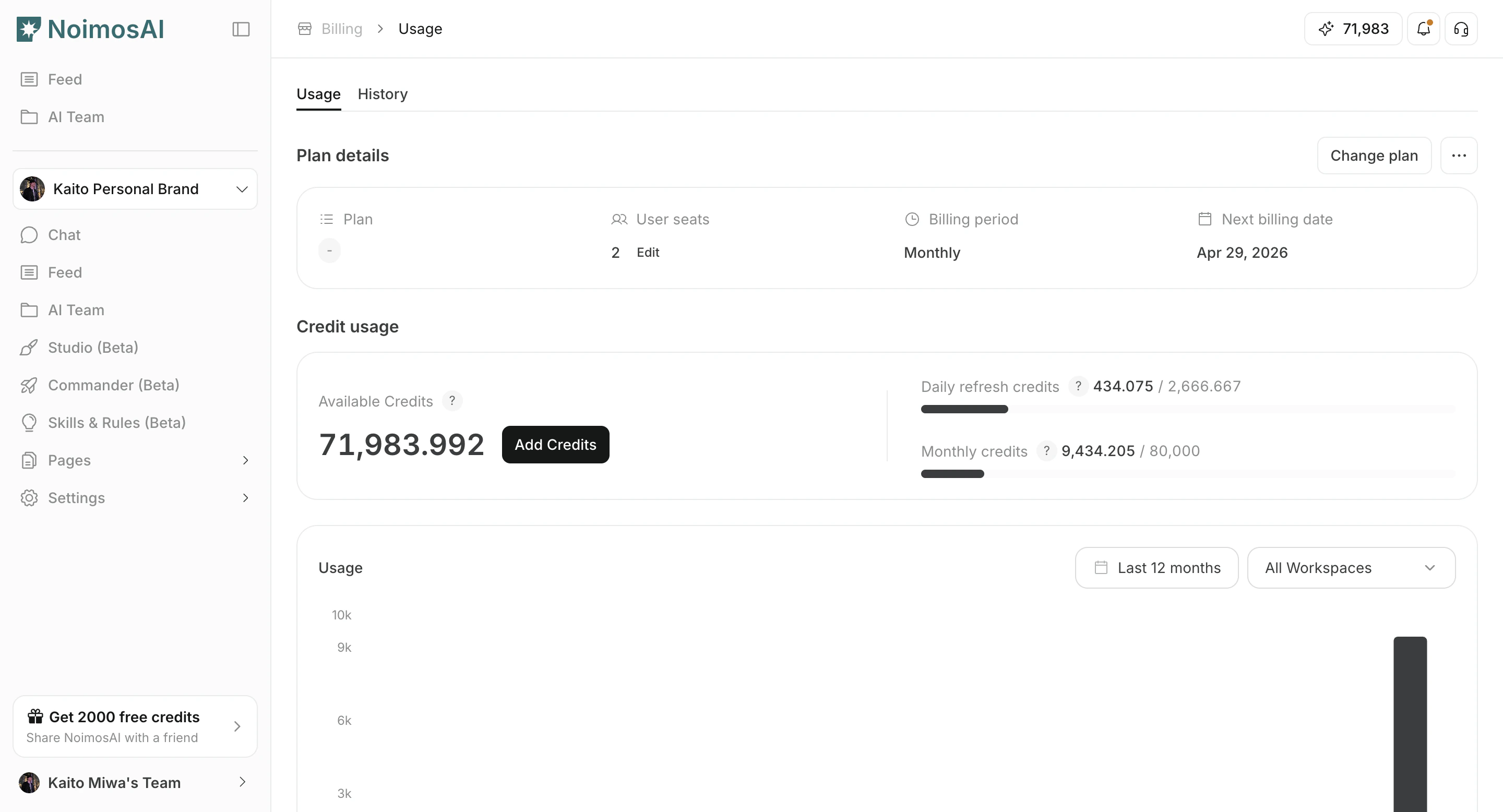
Download invoice or receipt
Use this section to understand download invoice or receipt and what to confirm while completing this part.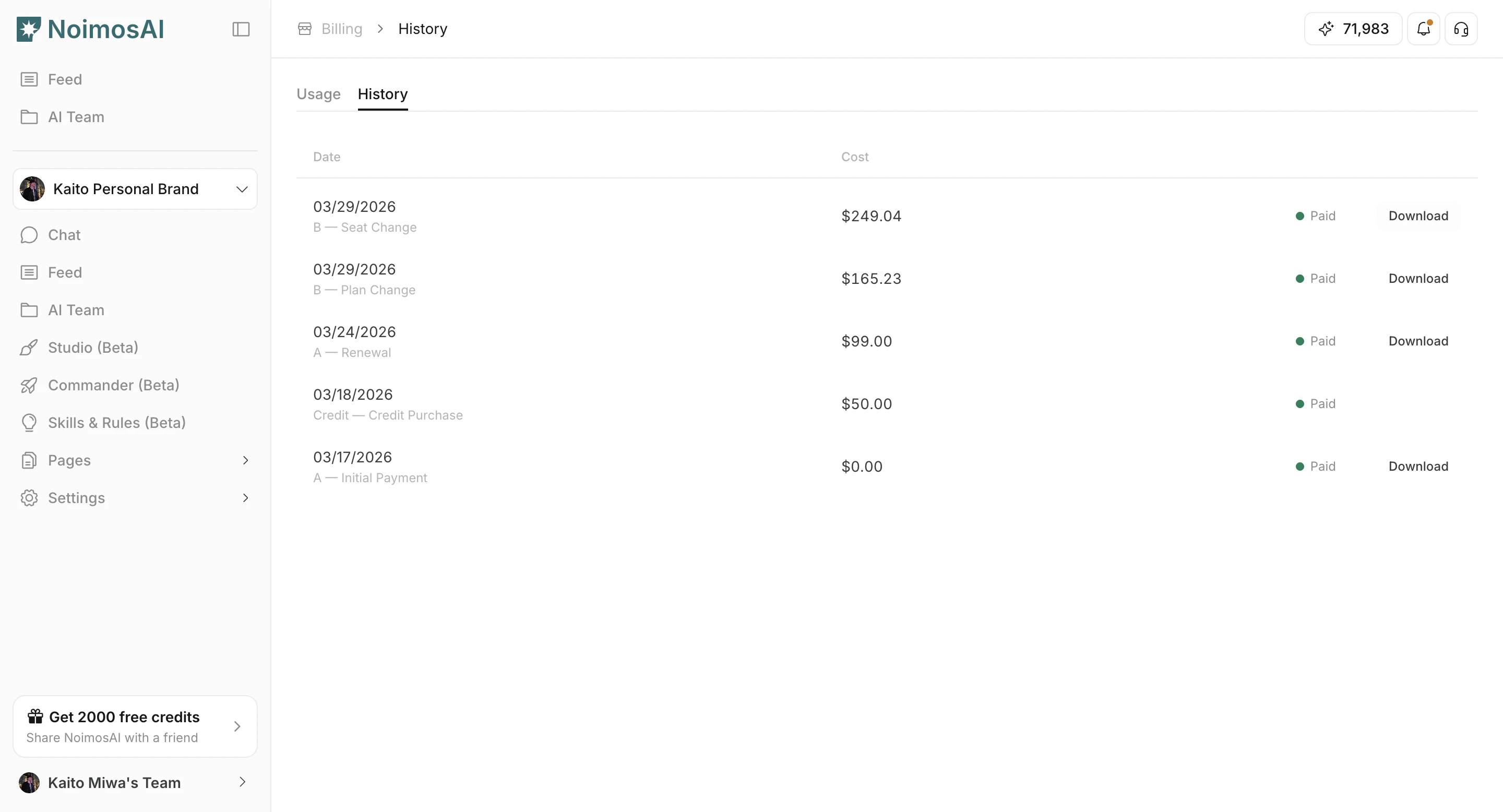
What you can do
The following actions are available in this screen.- Review payment date, amount, currency, and status.
- Identify billing reason (new subscription, renewal, plan update, top-up, and other events).
- Open invoice or receipt links when available.
- Keep records for finance and audit workflows.
Tips
Use these tips to improve consistency and output quality.- Use billing reason labels to separate recurring charges from one-time purchases.
- Export records periodically if your accounting process requires offline storage.