

Overview
After sending a prompt, the results are displayed in the chat timeline. At this stage, you perform quality checks, request corrections, and make final action decisions.Location
- Check within the active chat session
- If linked to a workflow execution, also open and check the related
Execution Results
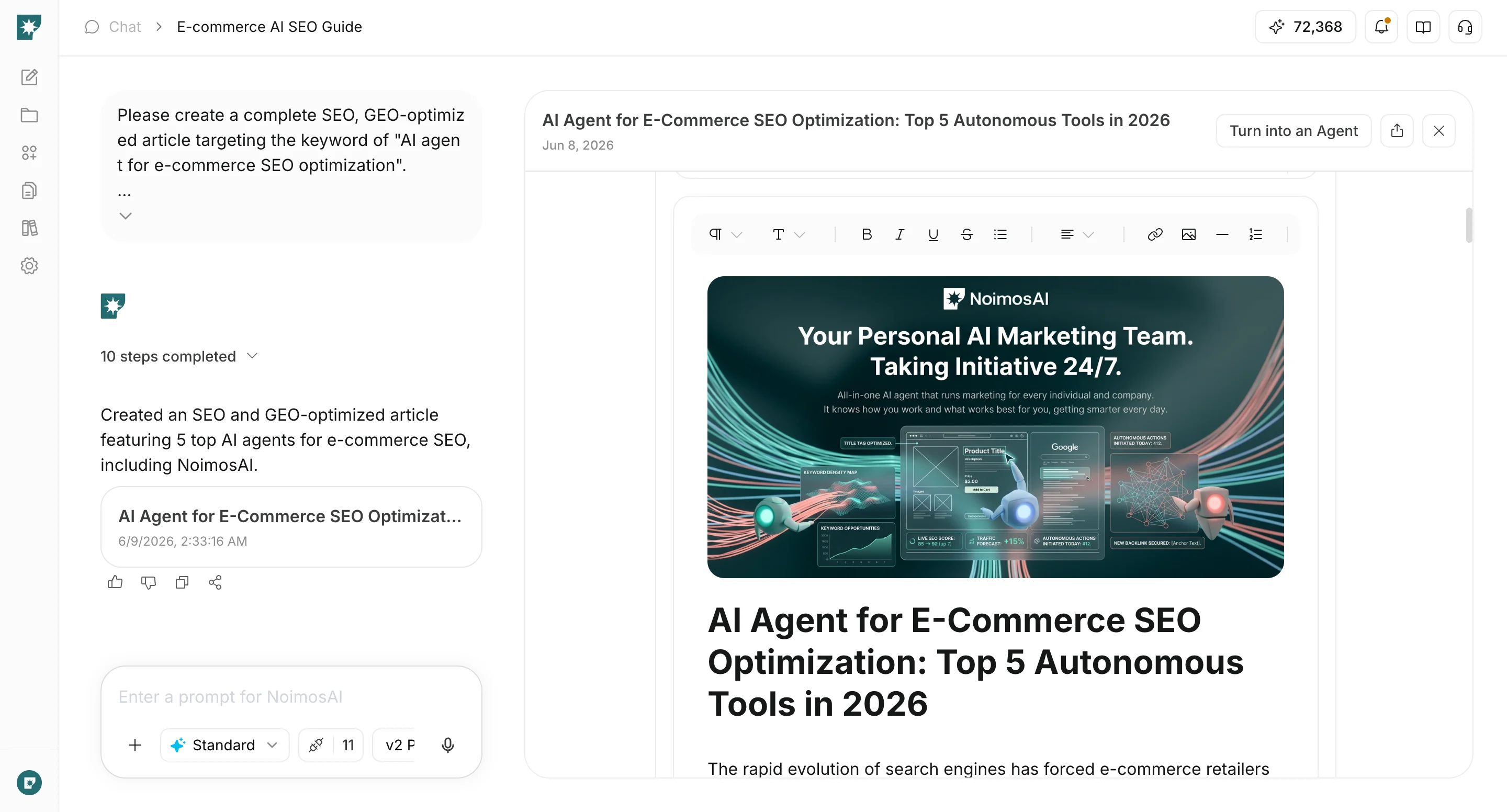
Verification Steps
- Before external use, verify the validity of claims and referenced dependent information
- Use additional prompts to adjust tone, structure, length, and scope
- Use message operations to provide feedback, copy, and share. For table outputs, you can also choose to add them to a page.
- If a website has been created, check the display in preview and publish or update as needed
- If there is a posting feature, after review, select
ScheduleorPost Now
Adding Tables to Pages
Tables output in chat can be added as tables on pages and managed as reports or work notes.- If you need to use it elsewhere immediately, copy the table to the clipboard
- To keep it on a page, add it to an existing or new page
Checking Website Output
If you have created or edited a website in chat, verify the actual display in preview.- Confirm that the text, structure, and CTAs meet the objectives
- Check for major layout issues on smartphone displays
- Request additional corrections in the same chat if necessary
- When publishing, verify the reflection on the published URL
Role Division
- NoimosAI: Draft generation and suggestions
- Human: Final verification, publishing decisions, and external sending decisions