

Overview
Language settings let you change the display language for NoimosAI.Where to find
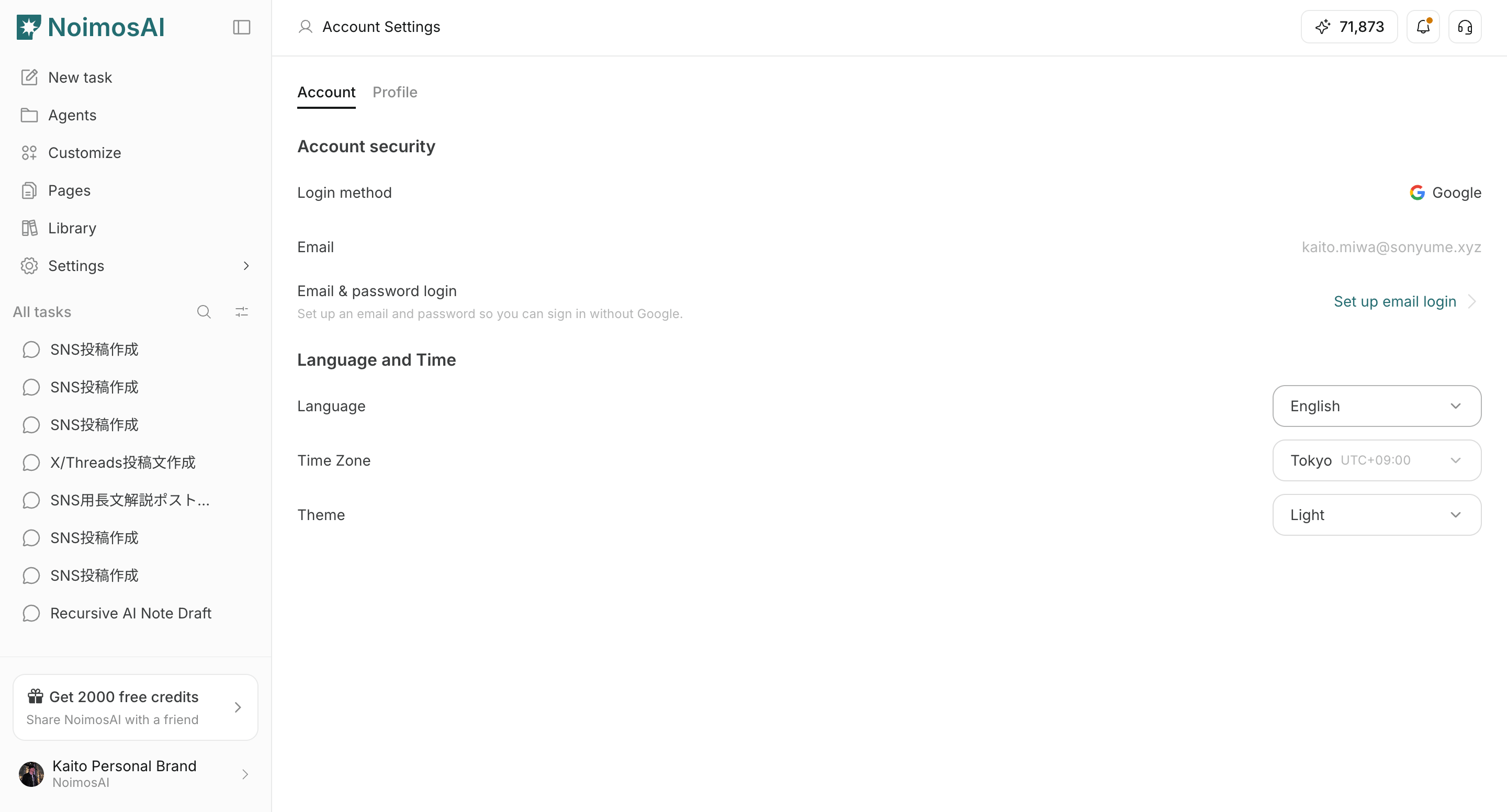
Use the following path to open this area.Settings -> Account -> Language and Time.
How to update
Follow the steps below to complete this action.- Open the
Languagedropdown.
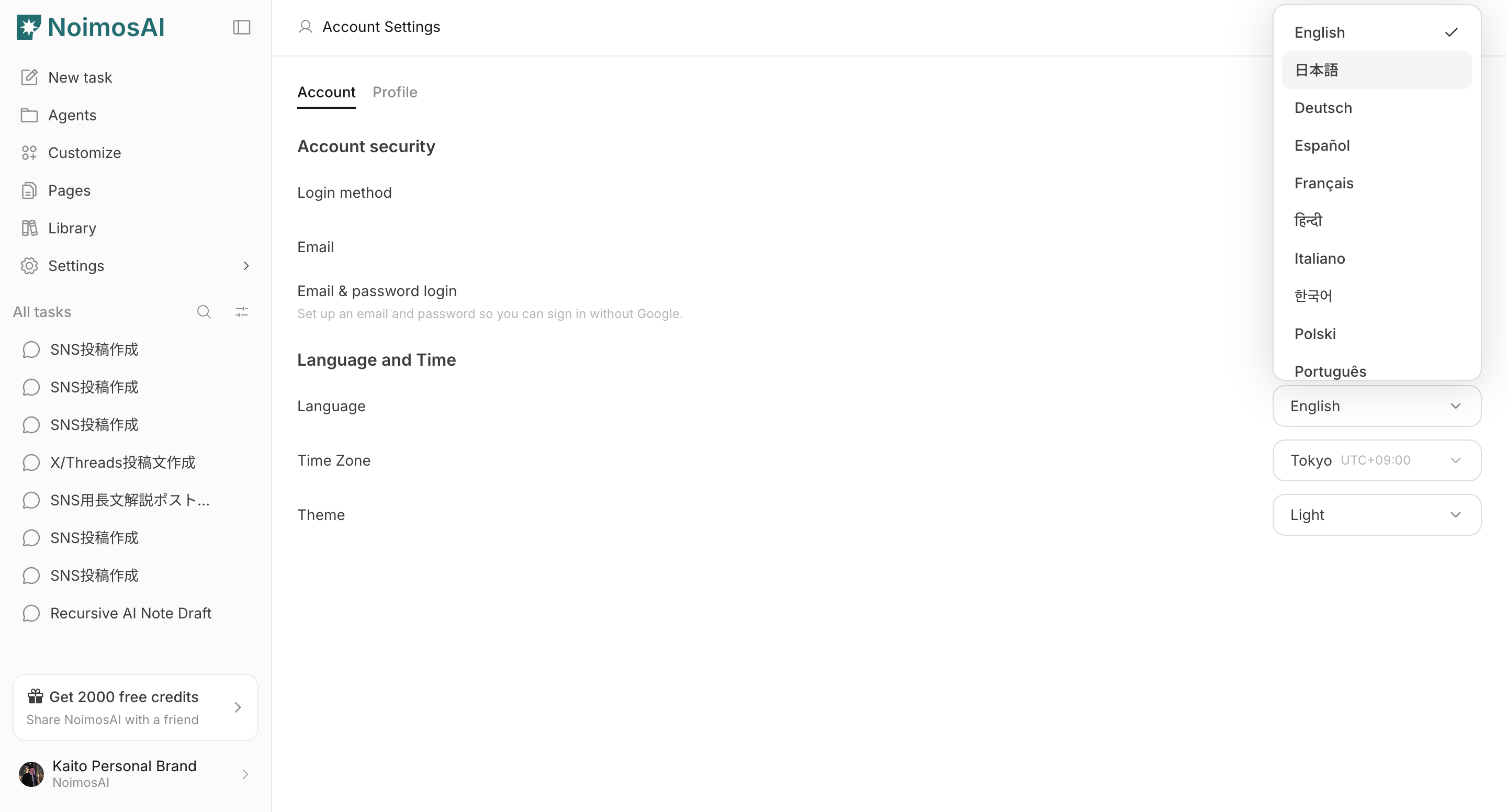
- Select your preferred display language.
Important notes
Review these notes before you proceed.- This setting changes app interface language.
- You can change it again anytime from the same menu.