

Overview
Whether you have created a new website or imported an existing one, you can edit it via chat or code. After adjusting text, structure, design, CTAs, forms, and external integrations, preview your changes before publishing or updating.Editing via Chat
You can request website modifications by sending natural language instructions through chat.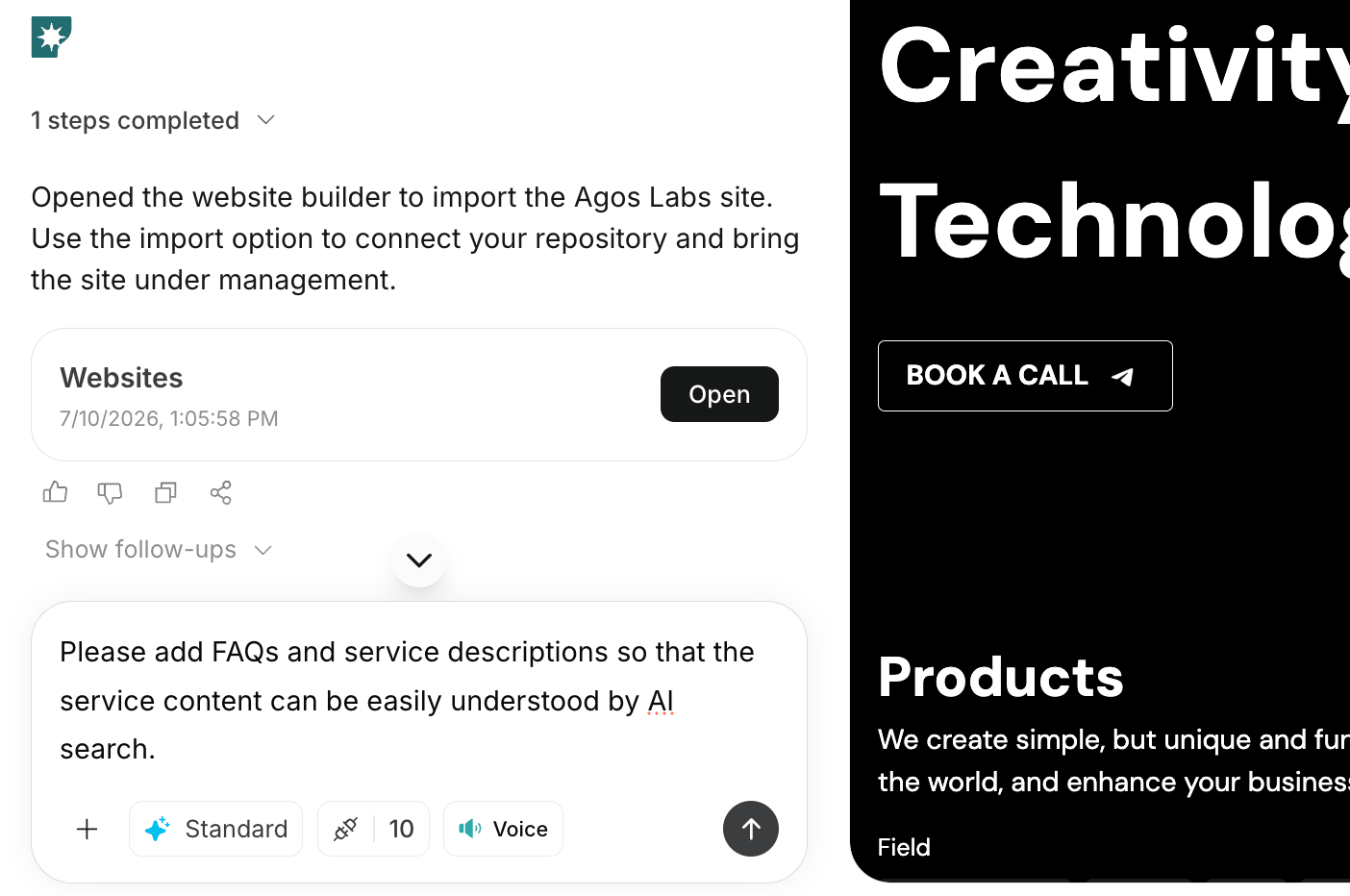
- Modifying headings and body text
- Adding or removing sections
- Rearranging the order of sections
- Changing CTA wording or placement
- Adjusting the design style
- Optimizing layout for smartphones
- Adding navigation paths for blog, contact, pricing, etc.
Examples of Editing Instructions
Editing Code Directly
If needed, you can directly modify the website’s code to make changes. When editing code directly, you do not need to send the changes via chat. Saving your edits will immediately reflect them in the working website, which you can preview.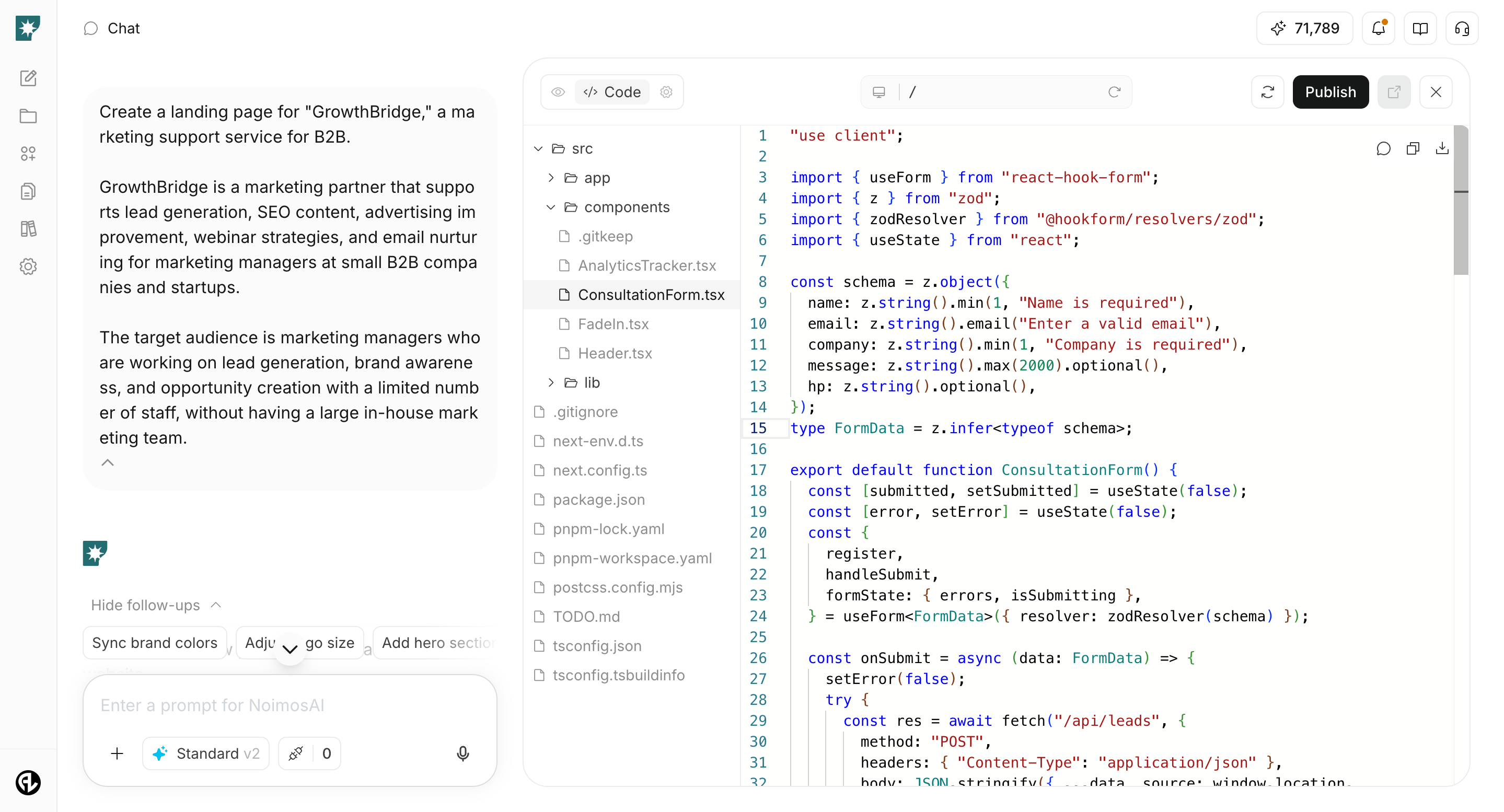
- Fine-tuning appearance details like spacing, font size, and colors
- Adjusting HTML structure or display order within sections
- Verifying detailed behavior of buttons, links, and forms
- Customizing code for external tools or embedded elements
- Developers reviewing and refining AI-generated content
What to Check After Editing
After editing, use the preview to verify:- Whether the primary message is clear
- Whether CTAs are easy to find
- Whether any important information is missing
- Whether there are no display issues or awkward spacing
- Whether links and forms behave as intended