

What Datasets Are
Datasets are reusable reference collections inKnowledge Base -> General.
They help agents use stable source material instead of relying only on prompt-time instructions.
Where to Find It
Use the following path to open this area.Workspace -> Knowledge Base -> General.
Create a Dataset
Use this section to understand create a dataset and what to confirm while completing this part.- Click
Create new. - Enter a dataset title.
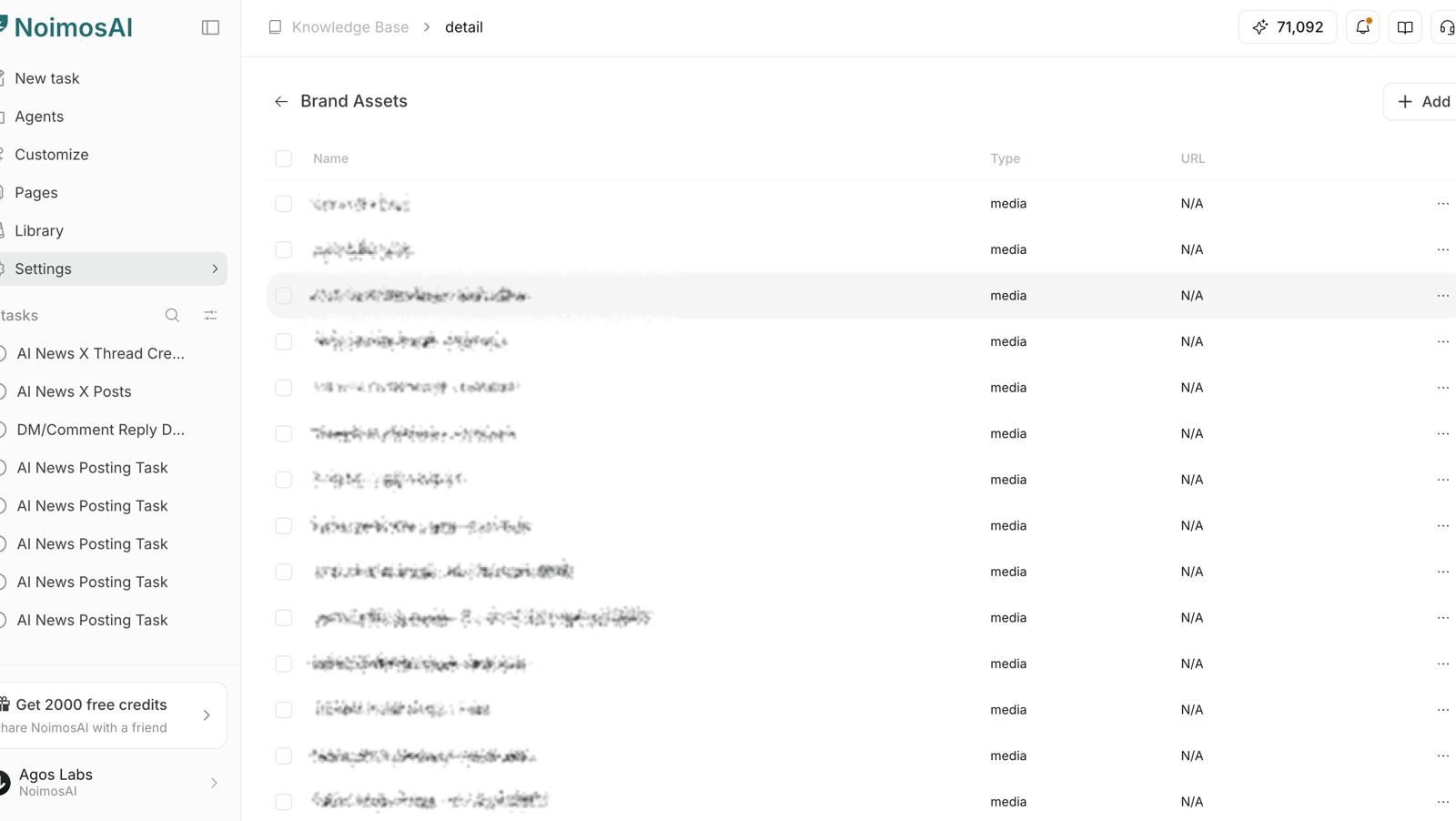
- Open the dataset and add content items.
Edit a Dataset
Use this section to understand edit a dataset and what to confirm while completing this part.- Open a dataset from the list.
- Update dataset title if needed.
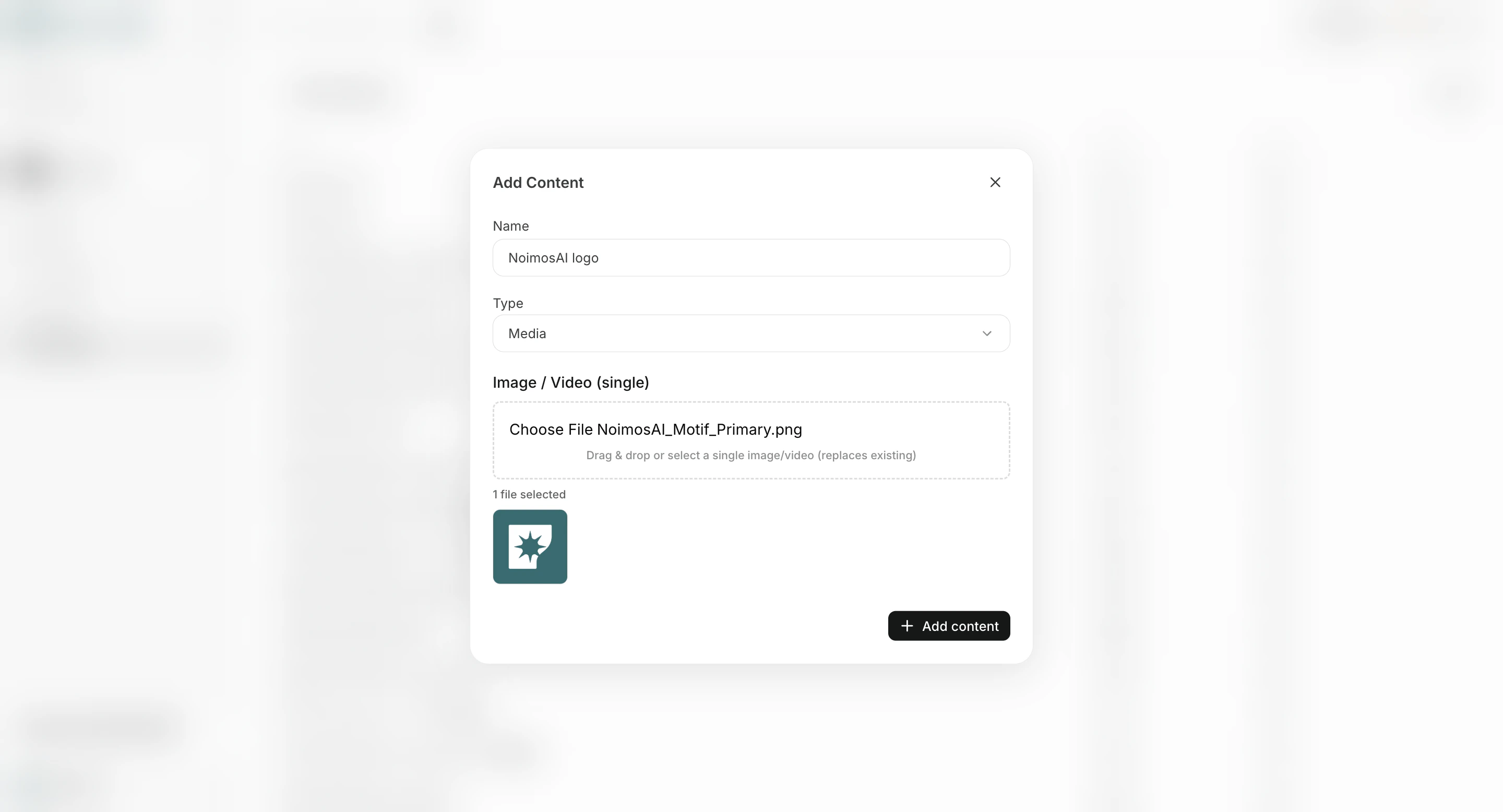
- Add or update content by type:
Text,URL,Media, orFile.
Delete a Dataset
Use this section to understand delete a dataset and what to confirm while completing this part.- Remove datasets that are obsolete or duplicated.
- Keep only current datasets that should affect future outputs.
Content Guidelines
Use this section to understand content guidelines and what to confirm while completing this part.- Keep one purpose per dataset (for example: product facts, policy, brand assets).
- Prefer concise and verifiable content over long unstructured text.
- Remove stale items after launches, rebrands, or policy updates.
- Keep naming explicit so team members can find the correct dataset quickly.