

Overview
Use workspace identity settings to updateWorkspace Name and profile image.
Where to find
Use the following path to open this area.Workspace -> Settings -> Basic information -> General
How to Update
Follow the steps below to complete this action.- Open
Generalin workspace settings.
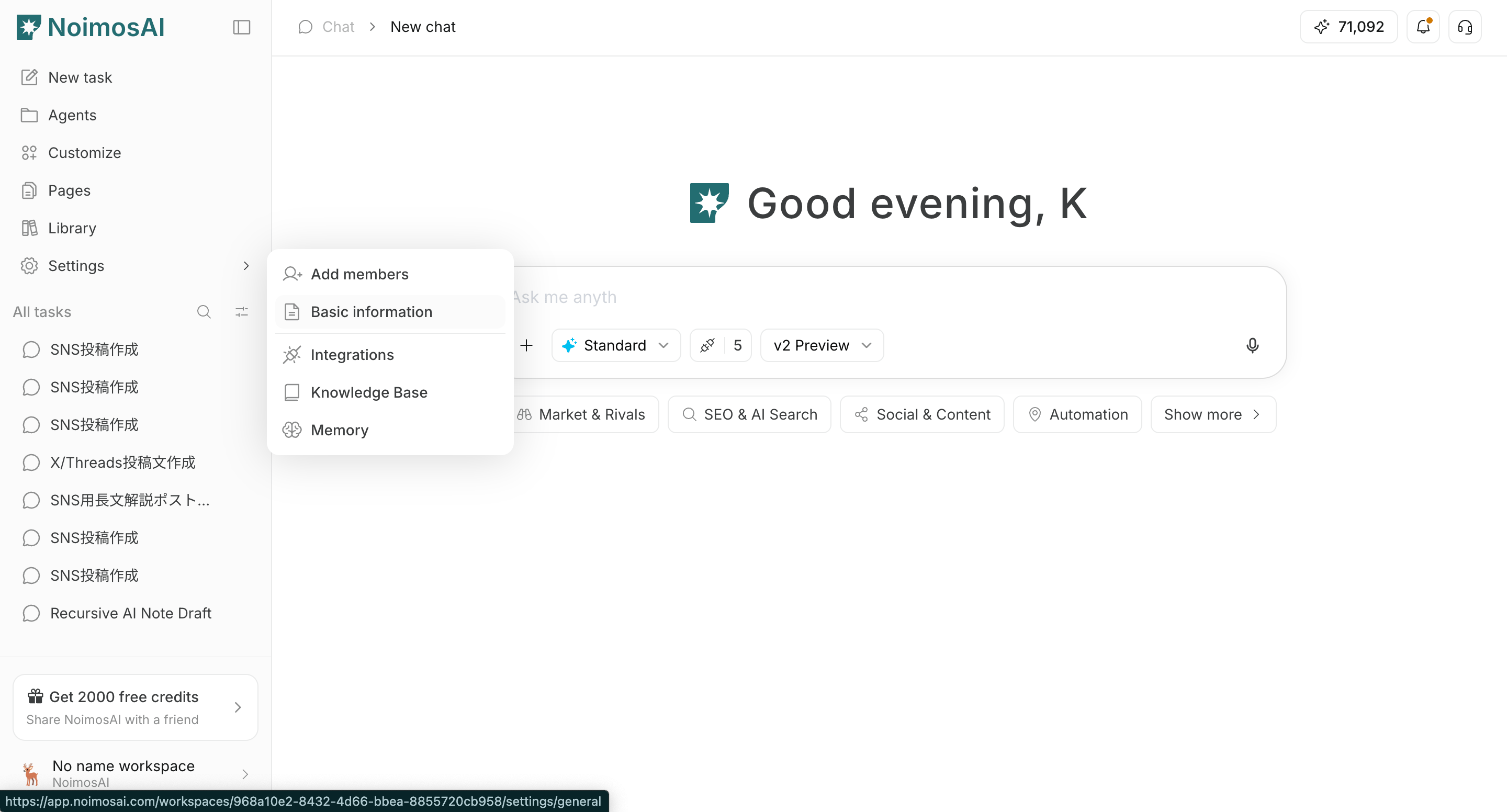
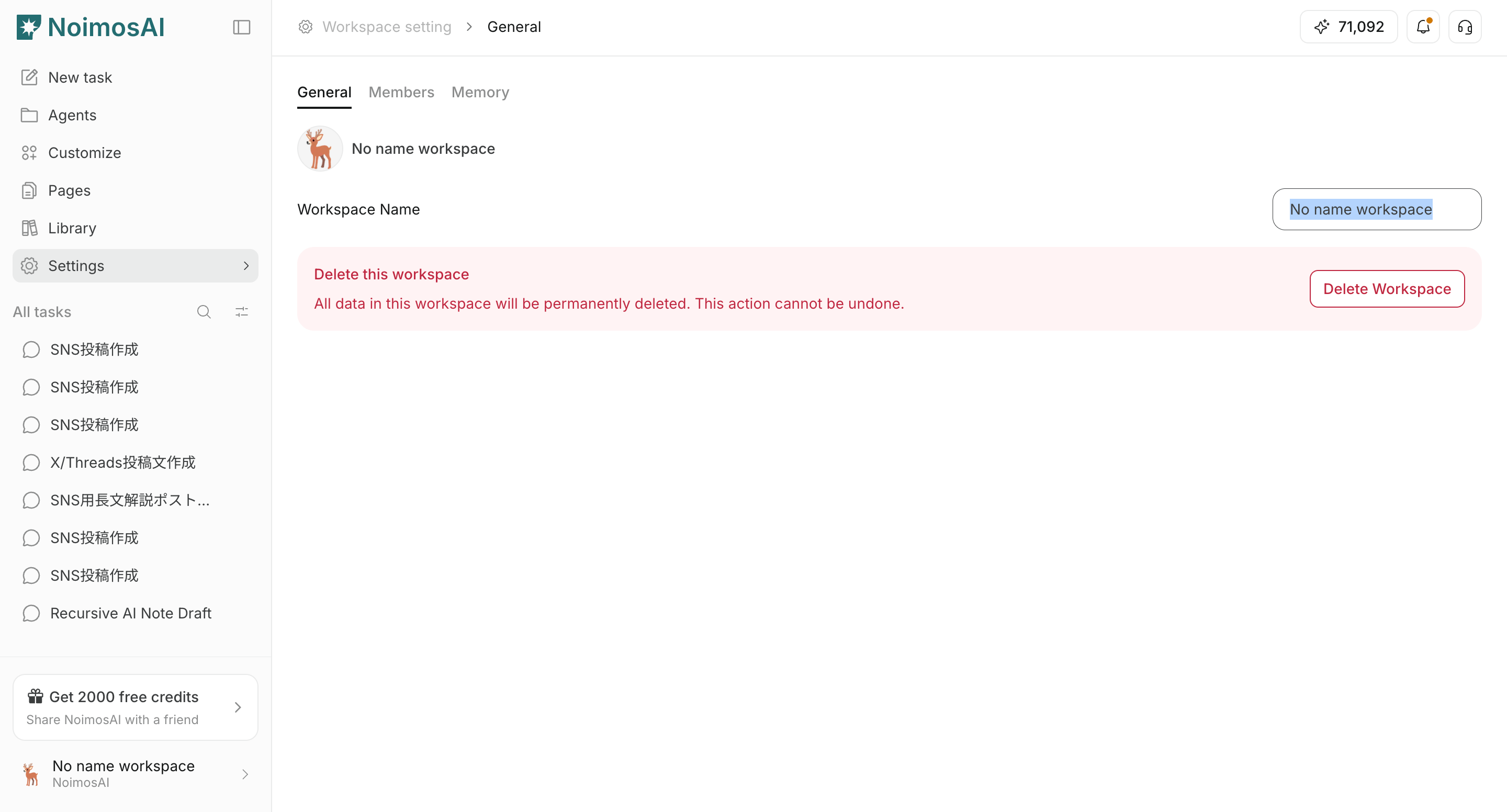
- Update
Workspace Nameand save.
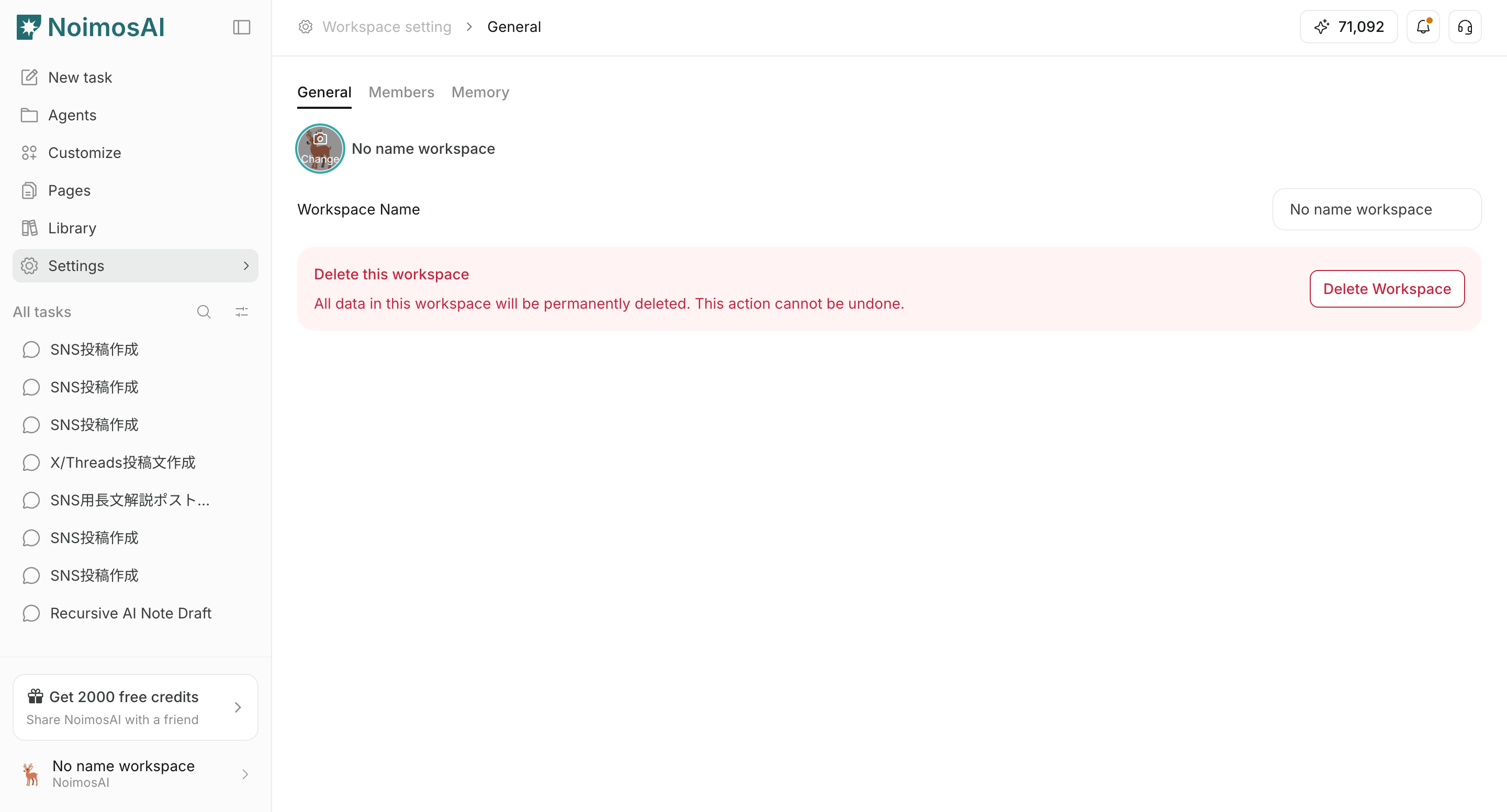
- Click the workspace image to upload or replace it.
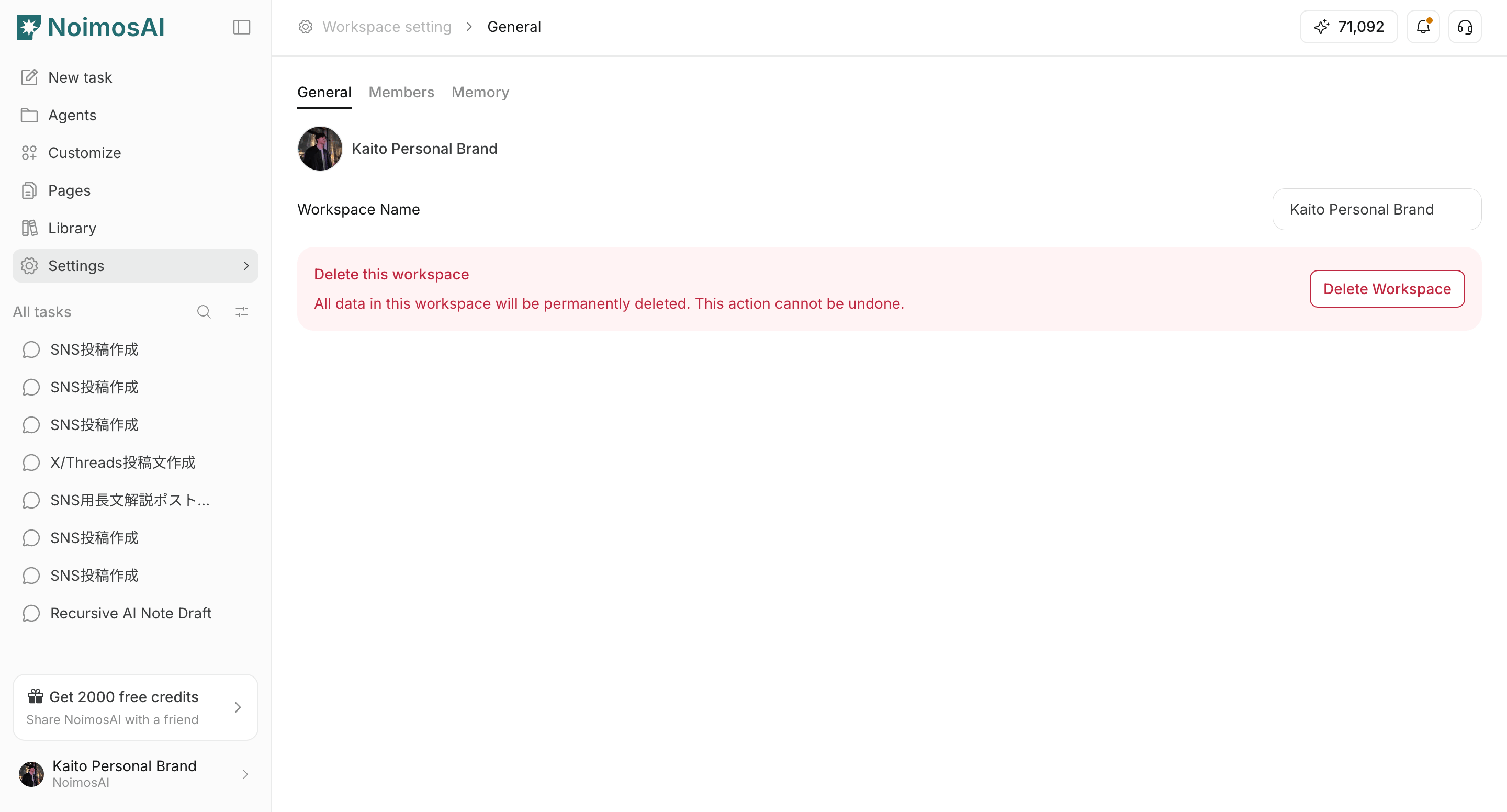
- Confirm updates in the sidebar and workspace selector.
Notes
Review these notes before you proceed.- Use distinct images across workspaces to avoid switching mistakes.
- If upload fails, verify file format and size.