

Overview
Change your display name to control how your name appears to teammates in NoimosAI.Where to find
Use the following path to open this area.Settings -> Profile.
How to update
Follow the steps below to complete this action.- Open
Settings, then go toProfile.
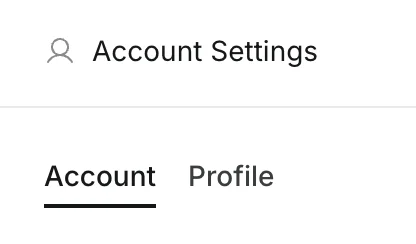
- Edit the
Display Namefield.
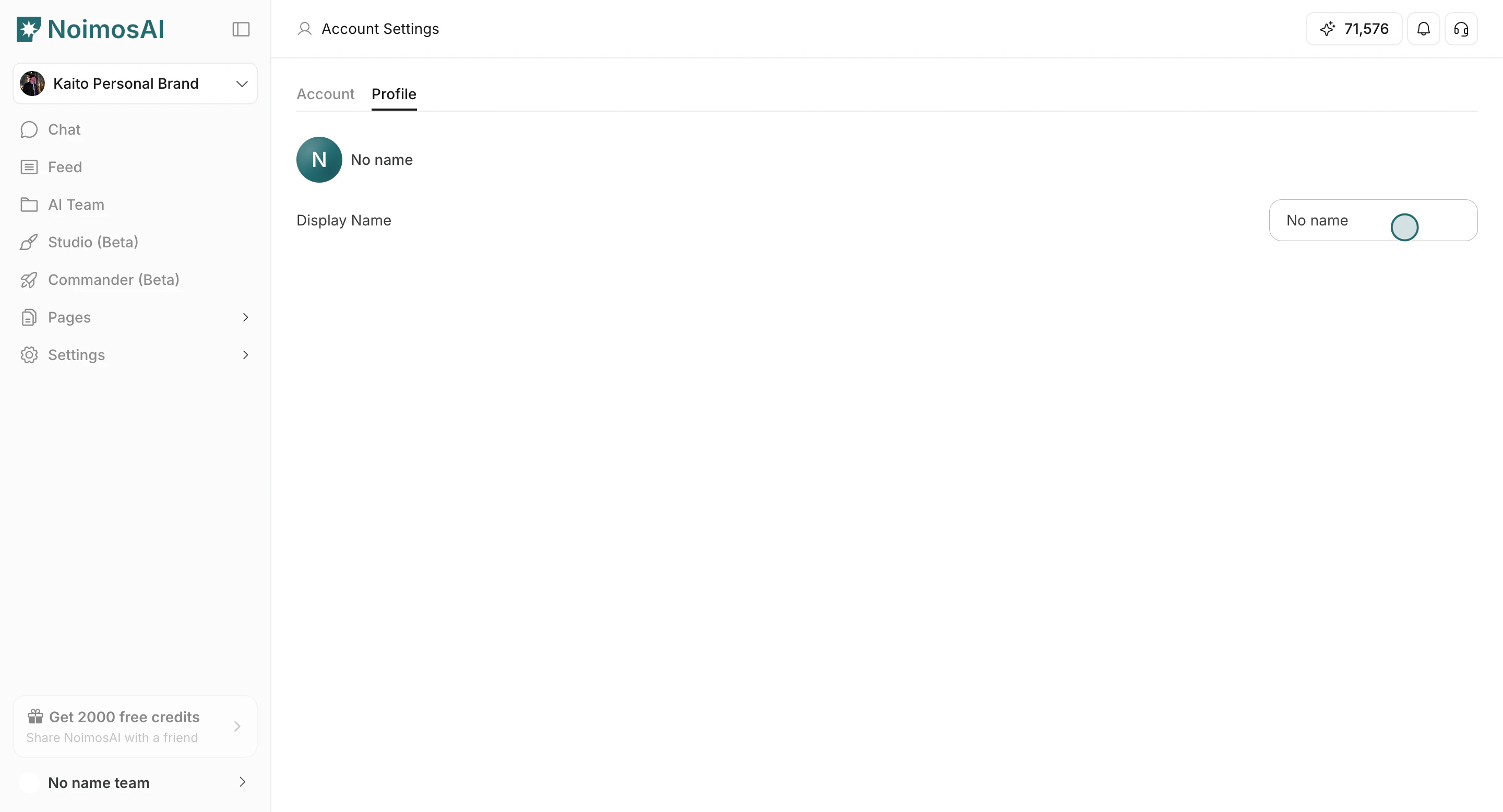
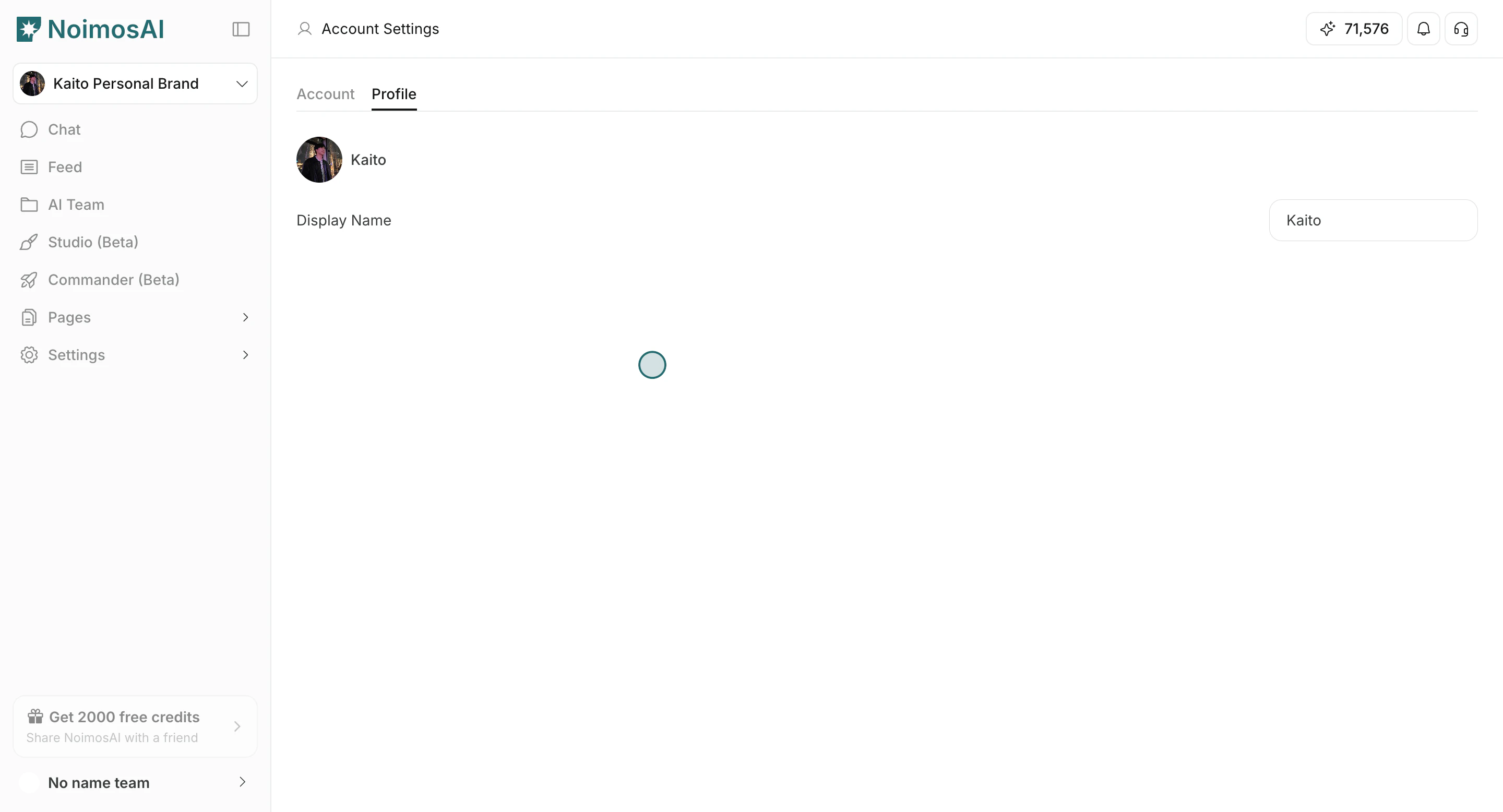
- Click outside the field to save.
- Confirm the updated name appears in your profile and team-facing UI.
Tips
Use these tips to improve consistency and output quality.- Use a name format teammates can recognize quickly.
- Keep the name short and consistent across your teams.