

Short Answer
Edit these settings inWorkspace -> Knowledge Base -> Guides.
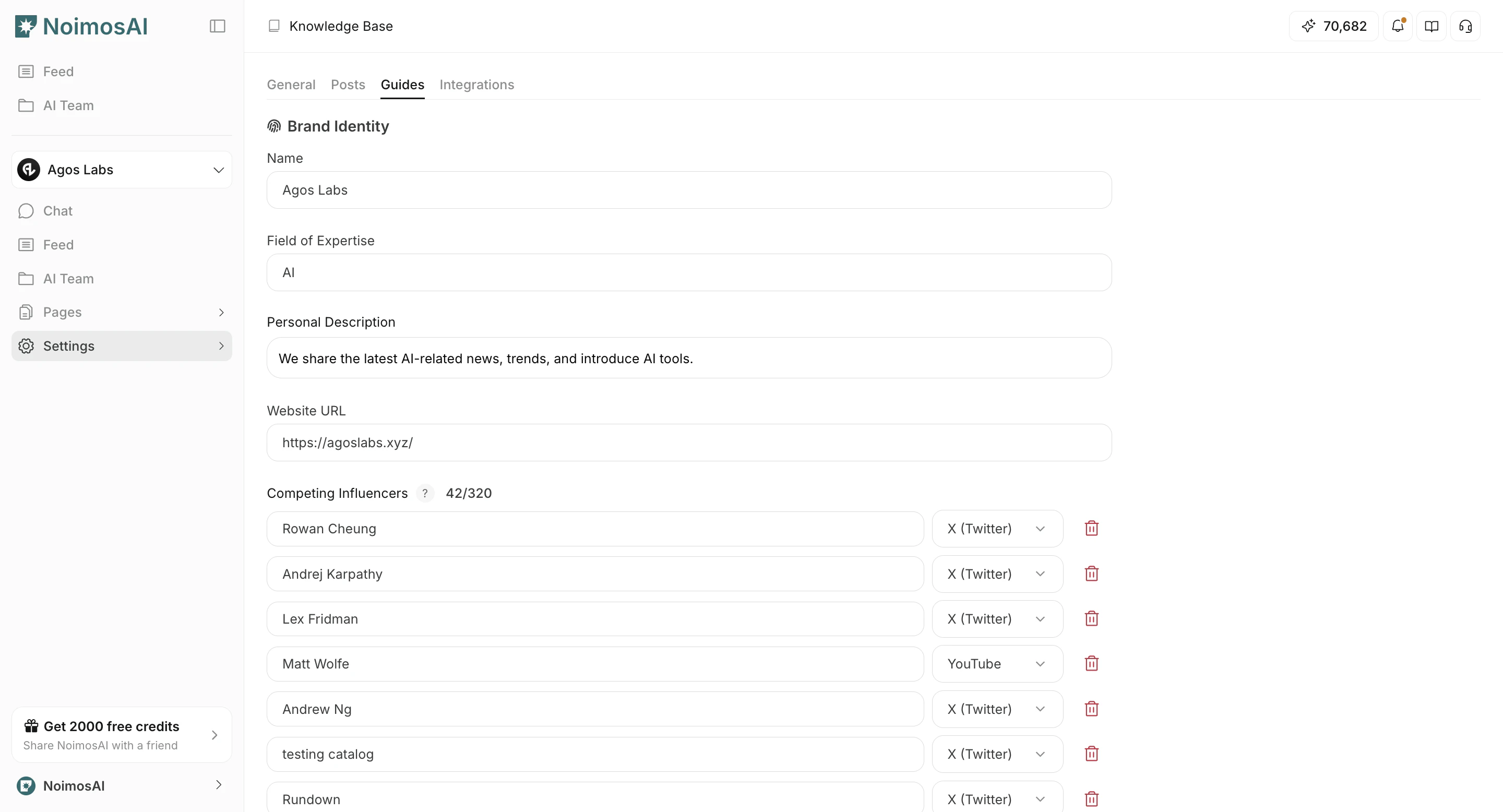
What You Can Update
- Competitor information used for benchmark and positioning outputs.
- Influencer-related reference information used in social strategy context.
- Social listening keywords used for monitoring triggers and analysis.
Limits to Keep in Mind
Competitors and influencers use a shared registration cap per team (across all workspaces).How to Read This
- Competitors and influencers are counted together, not separately.
- Example (
Pro): if you register 2 competitors, you can register 1 influencer. - Monthly and annual tiers of the same plan share the same limit values.
- These limits are enforced at the team level across all workspaces.