

Documentation Index
Fetch the complete documentation index at: https://docs.noimosai.com/llms.txt
Use this file to discover all available pages before exploring further.
Purpose
UseFeed Schedule to see agent trigger execution timing in a single schedule view.
Open Feed Schedule
Use the steps below to open the schedule view.- Open
Feedin the target Workspace. - In
Next Runs, clickView all. - Choose
Hourly,Daily,Weekly, orMonthly.
Schedule Overview
The visuals below show the main screen you should recognize.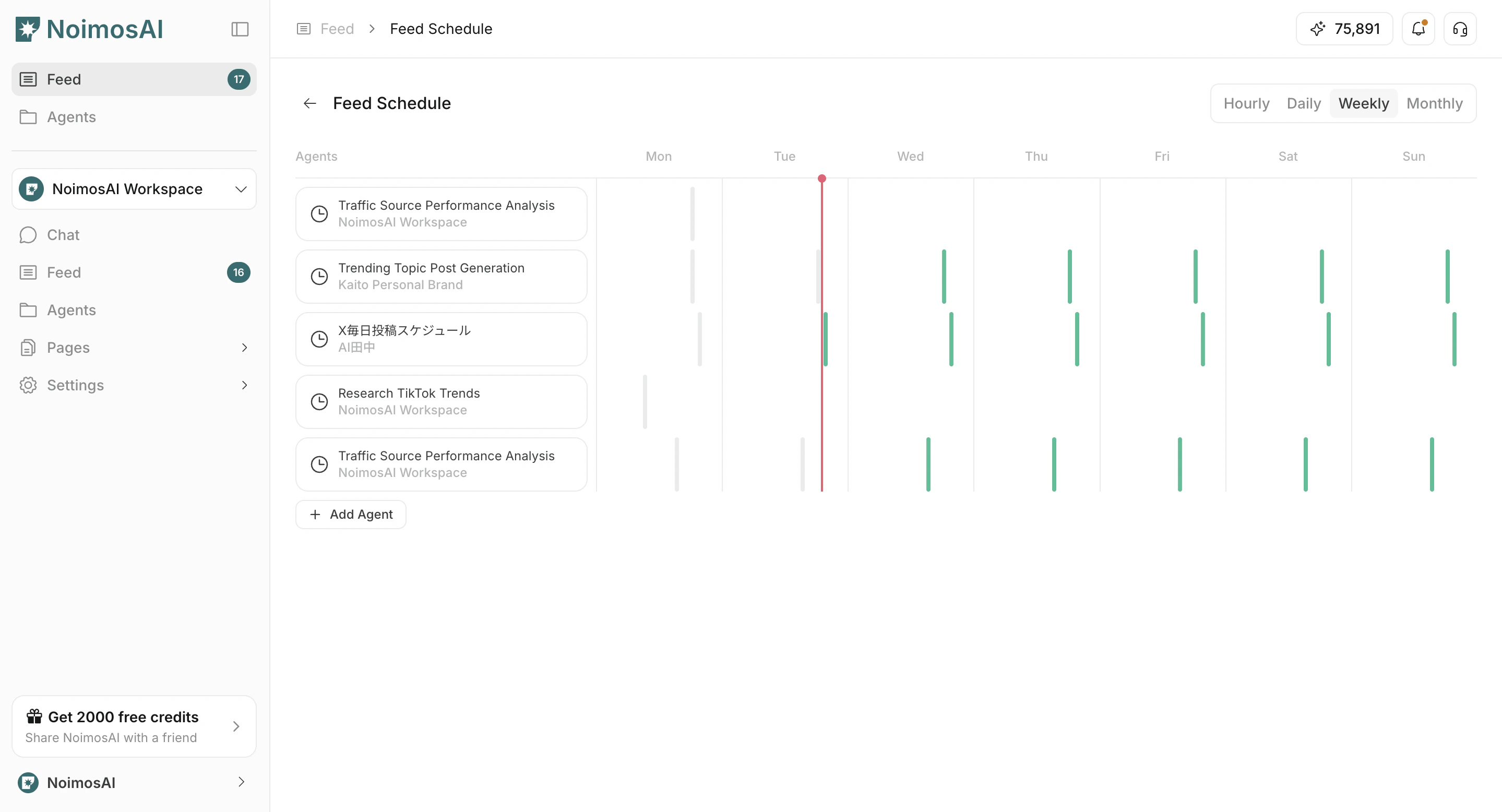
How to Read It
Follow the steps below to complete this action.- Colored items indicate upcoming executions.
- Muted items indicate past executions.
- Select a trigger item to open and edit its settings.