Documentation Index
Fetch the complete documentation index at: https://docs.noimosai.com/llms.txt
Use this file to discover all available pages before exploring further.
Overview
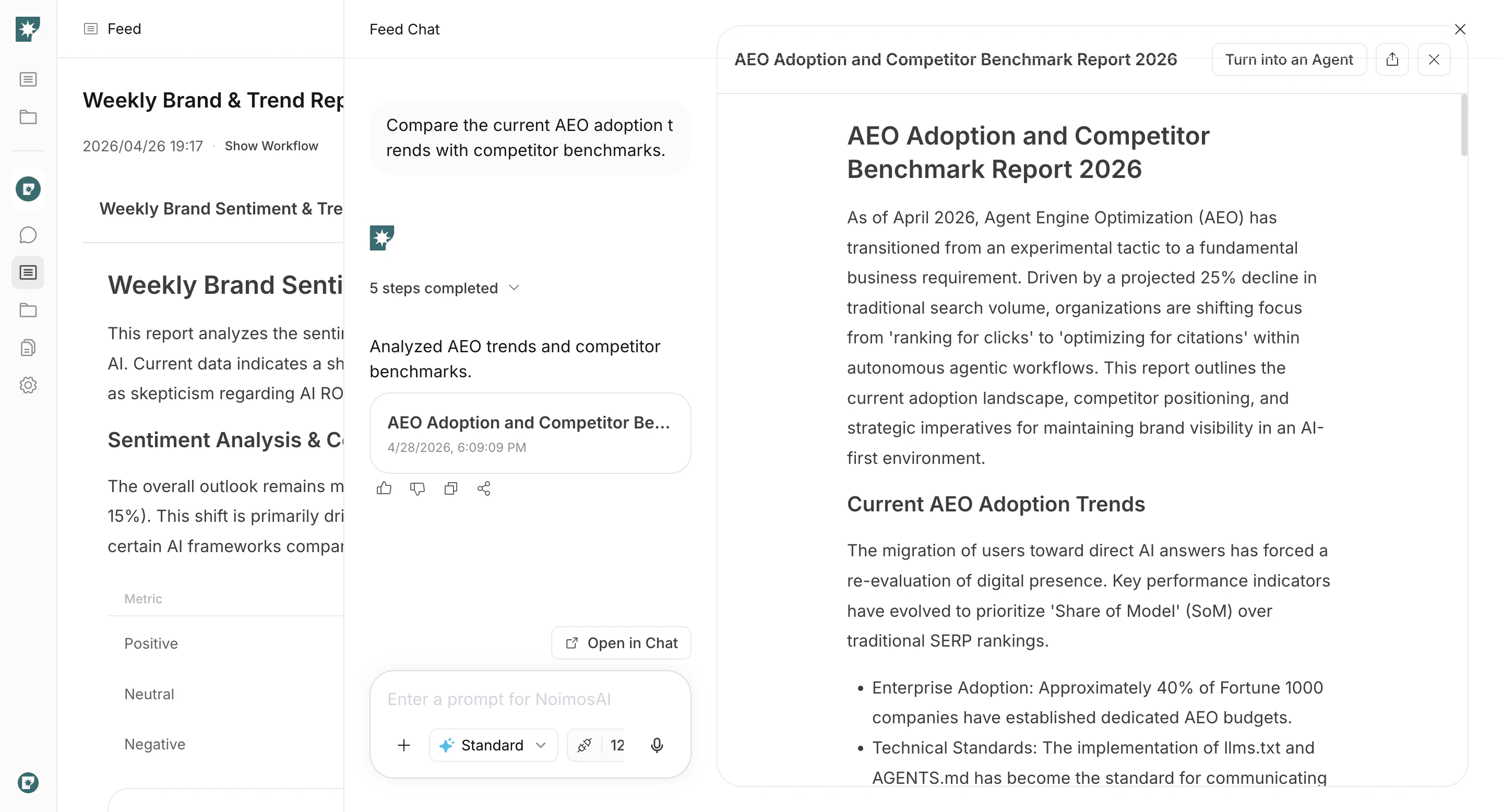
Feed Chat is used from a Feed result detail. It keeps the result context, so you can continue with additional questions, additional instructions, or revisions without starting over.When to Use It
Use the following cases to decide when this is appropriate.- You want to ask a deeper question about the current result.
- You want to add instructions to generate a better next output.
- You want to revise part of the existing output while keeping context.
How to Use It
Follow the steps below to complete this action.- Open a result detail in
Feed.
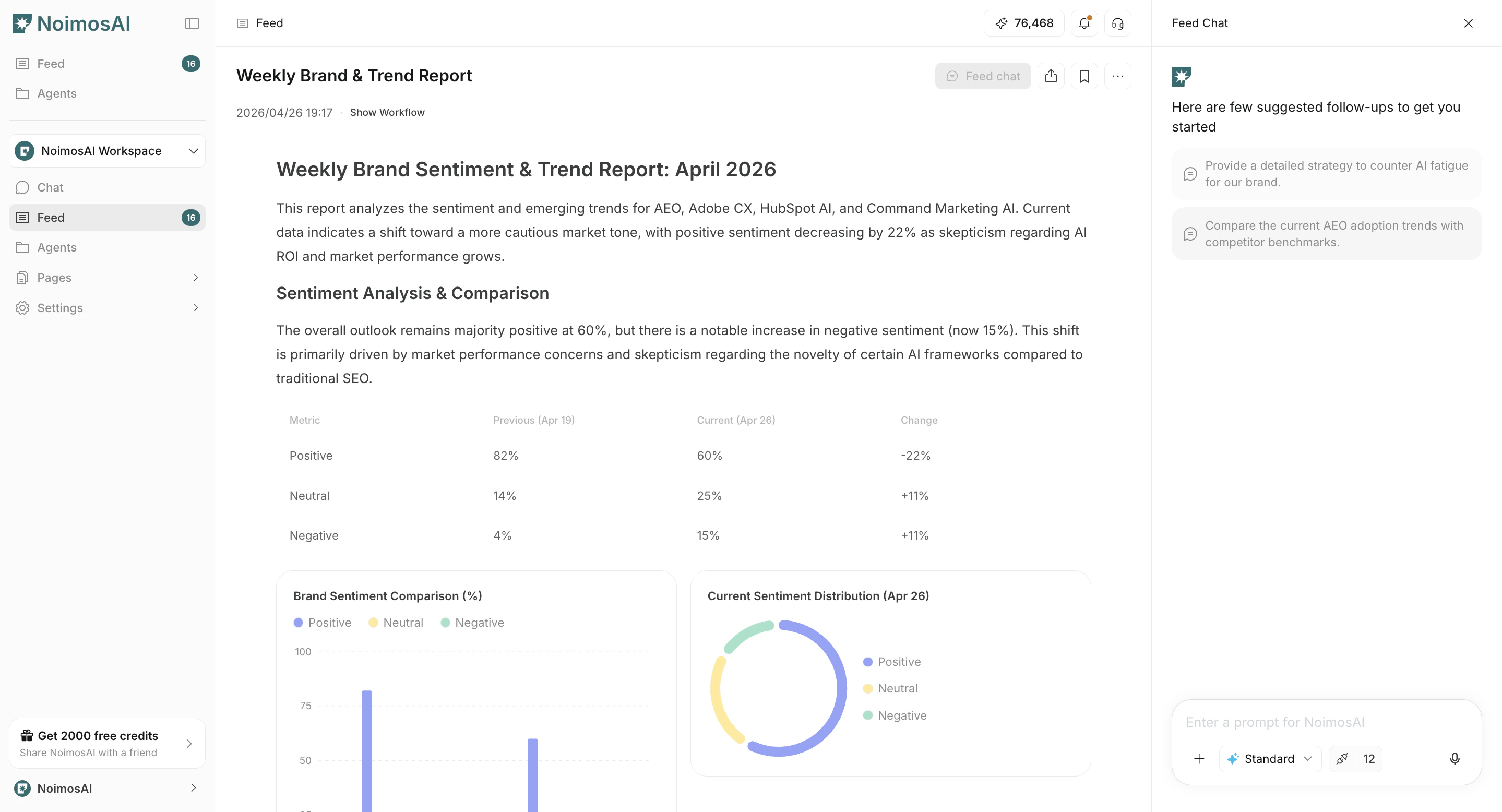
- Enter your question or additional instruction in the Feed Chat input.
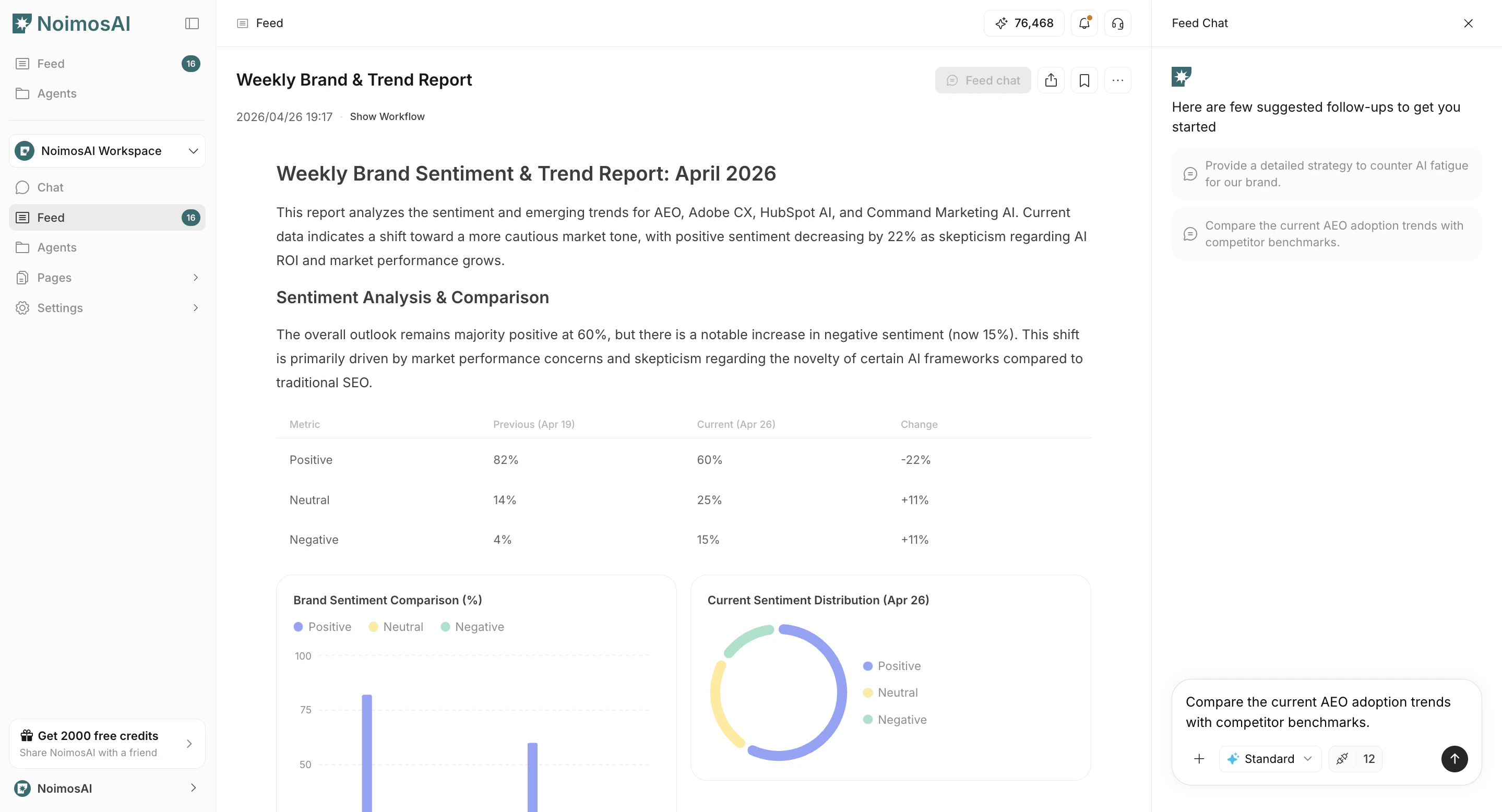
- Review the output and take action.