

Before You Edit
In most cases, you do not need to edit Memory manually. NoimosAI’s memory agents run 24/7 and continuously optimize memory quality. Use manual edits only when:- you want to enforce explicit rules immediately
- outputs drift from your current priorities
- you need to add context that should not wait for automatic updates
Where to Find It
Use the following path to open this area.Workspace Settings -> Memory
Sections You Can Edit
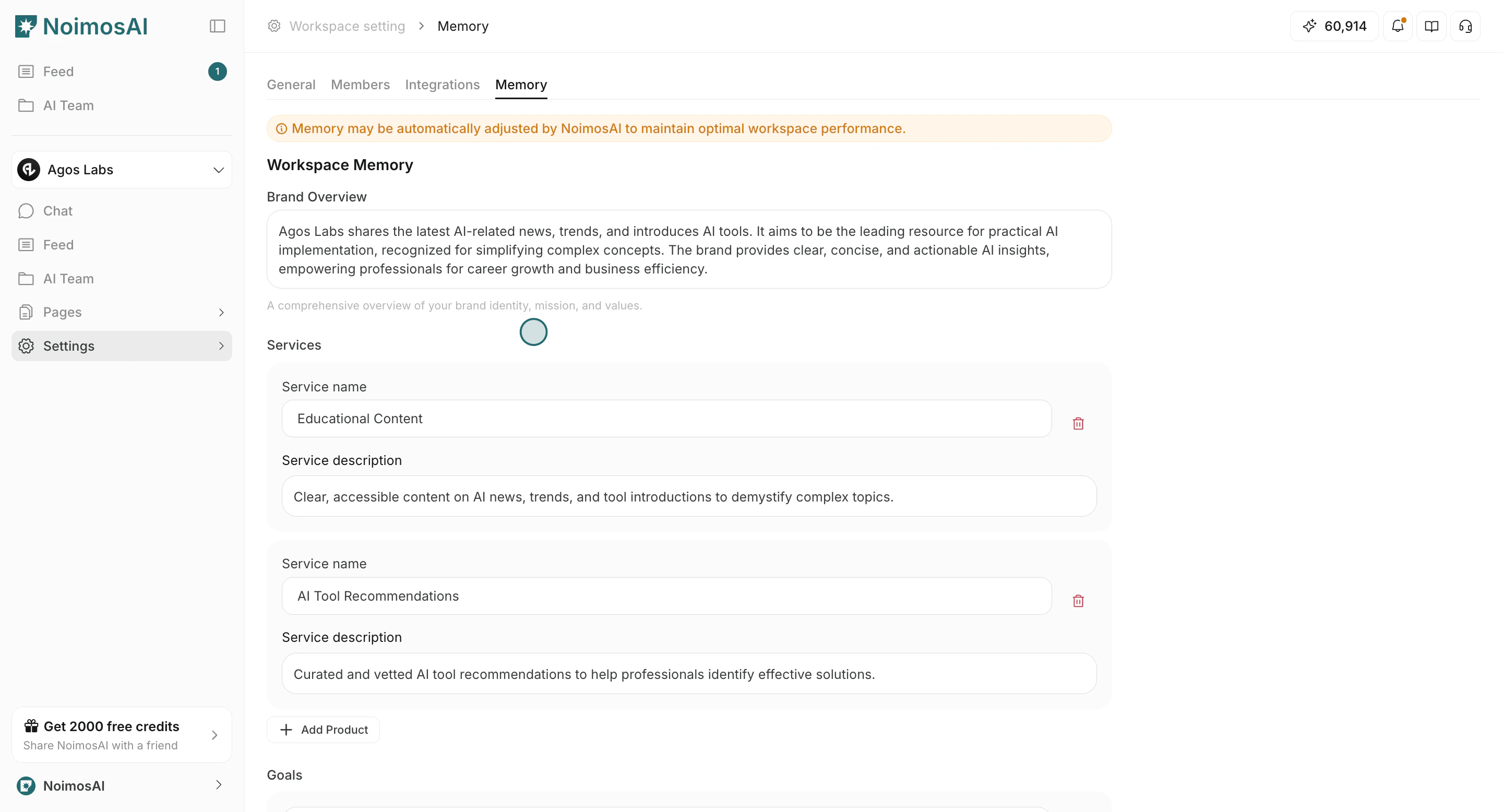
Use this section to understand what to edit in each memory layer.Workspace Memory- Brand overview, services, goals, and key metrics shared across the workspace.
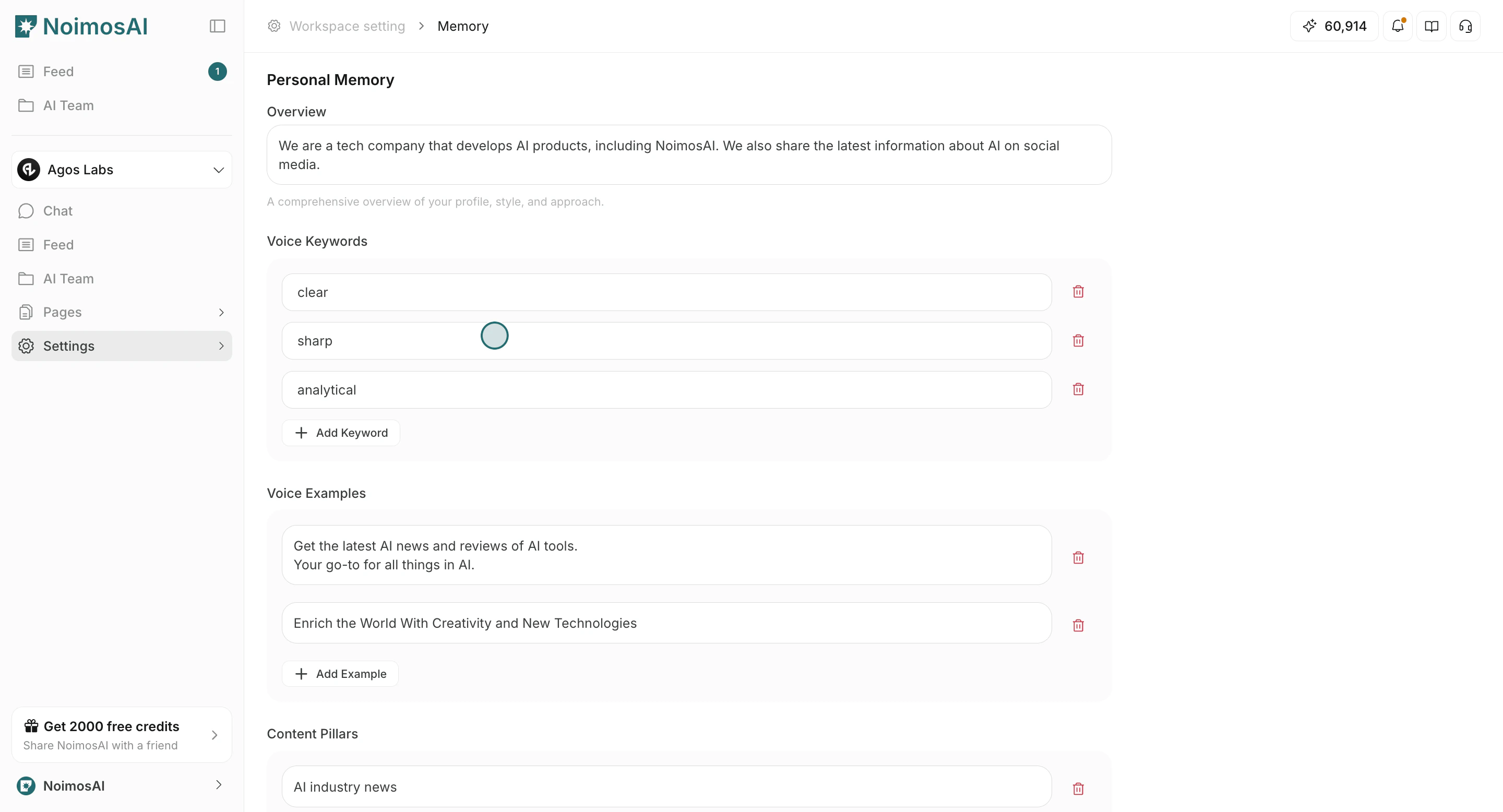
Personal Memory- Your own voice, content preferences, and rule-level guidance.
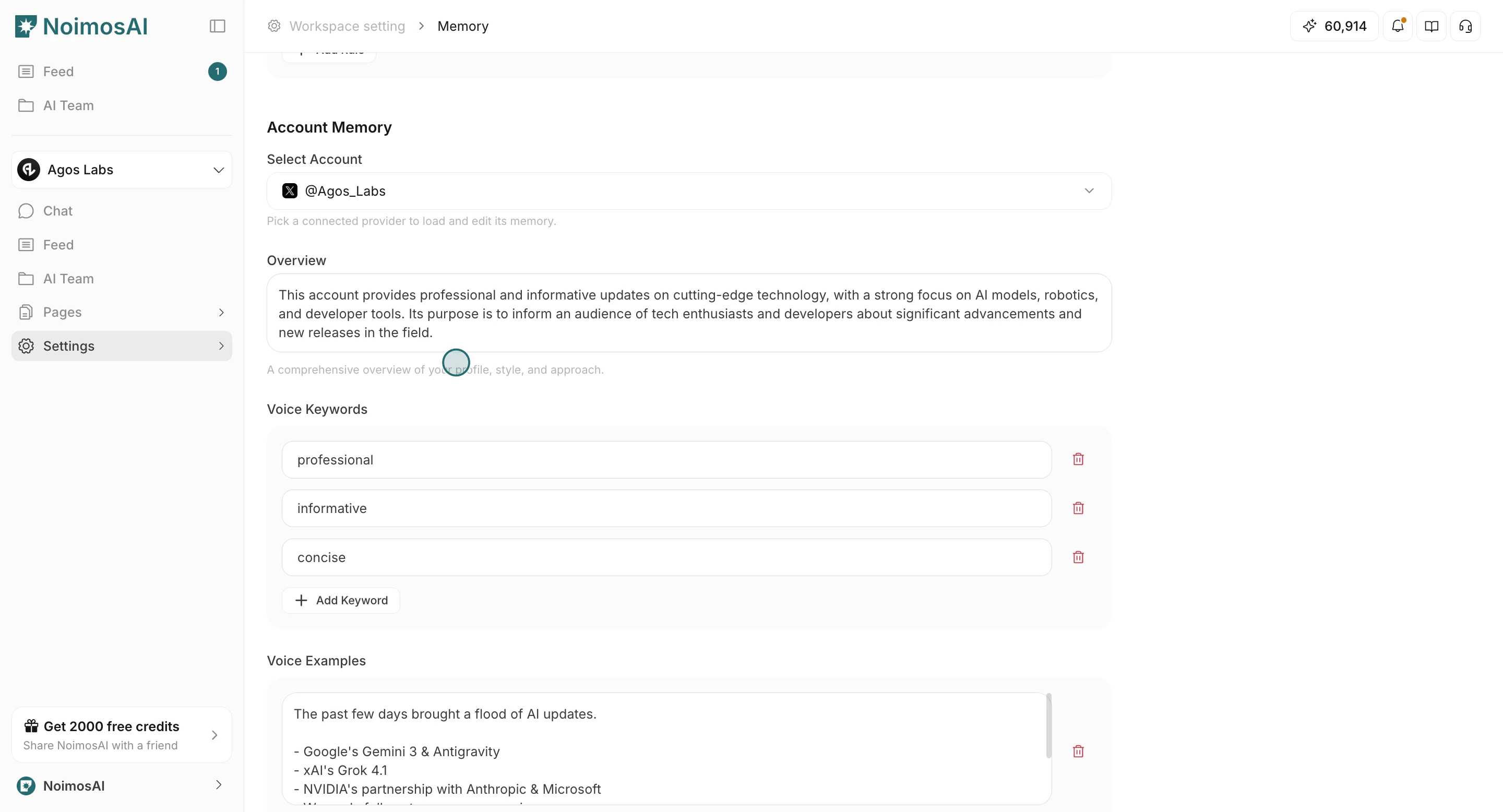
Account Memory- Channel/account-specific voice and performance patterns.
Recommended Workflow
Use this operating loop as the default daily process.- Open the relevant memory section.
- Update entries with short, durable instructions.
- Save changes.
- Validate with a small prompt or trigger run.
- Remove overlaps or conflicts with Knowledge Base guides.
Writing Tips
Use these tips to improve consistency and output quality.- Keep one rule per line where possible.
- Prefer reusable principles over temporary campaign details.
- If guidance is factual source data, put it in Knowledge Base instead of Memory.