

Overview
In agent detail,Estimated usage shows the monthly credit estimate based on active triggers and expected run frequency. Use this value to plan scale before increasing trigger volume.
How to Check and Adjust
Follow the steps below to complete this action.-
Open the target agent in
Agents.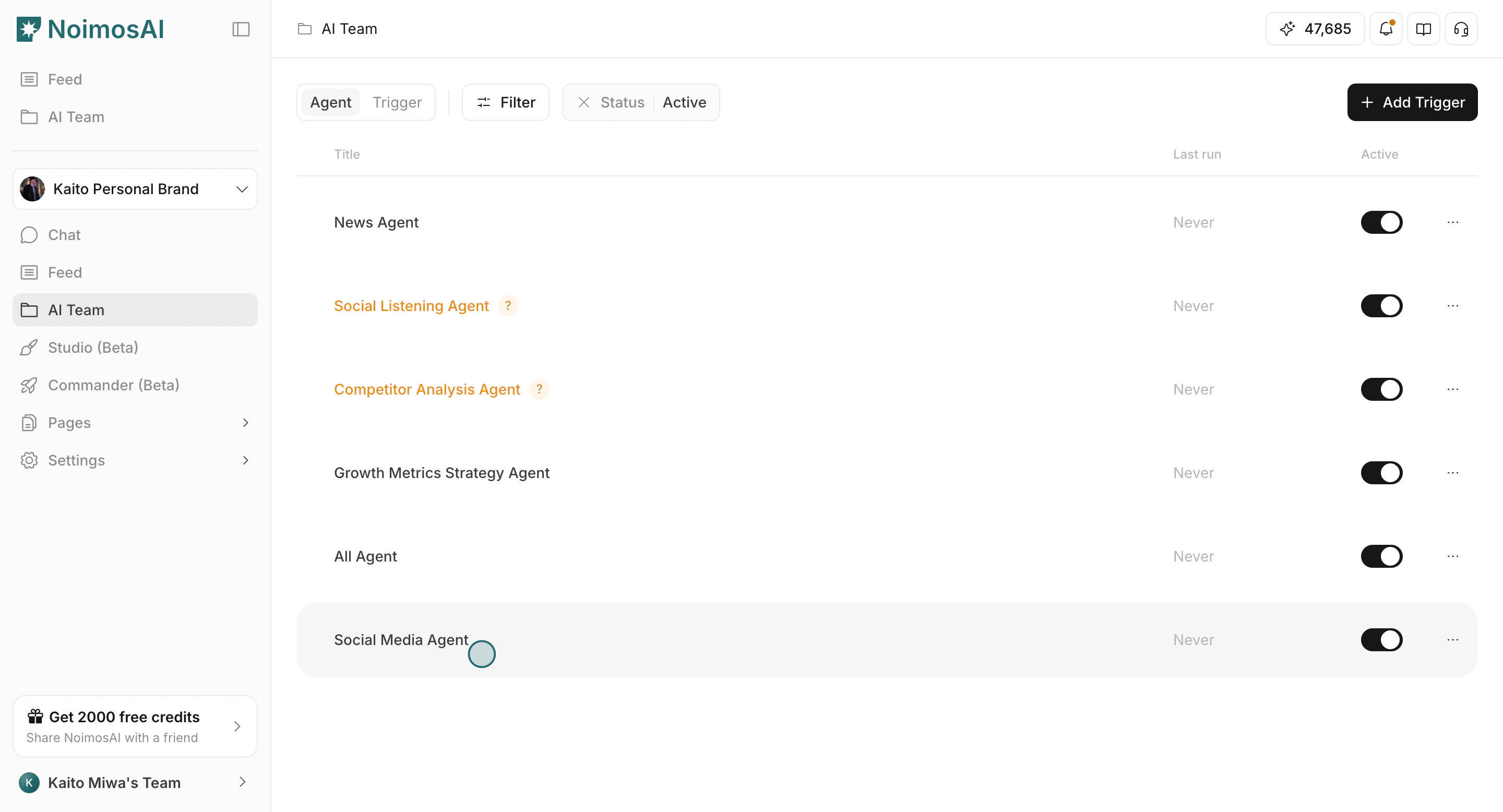
-
Check the estimated usage value near the trigger list.
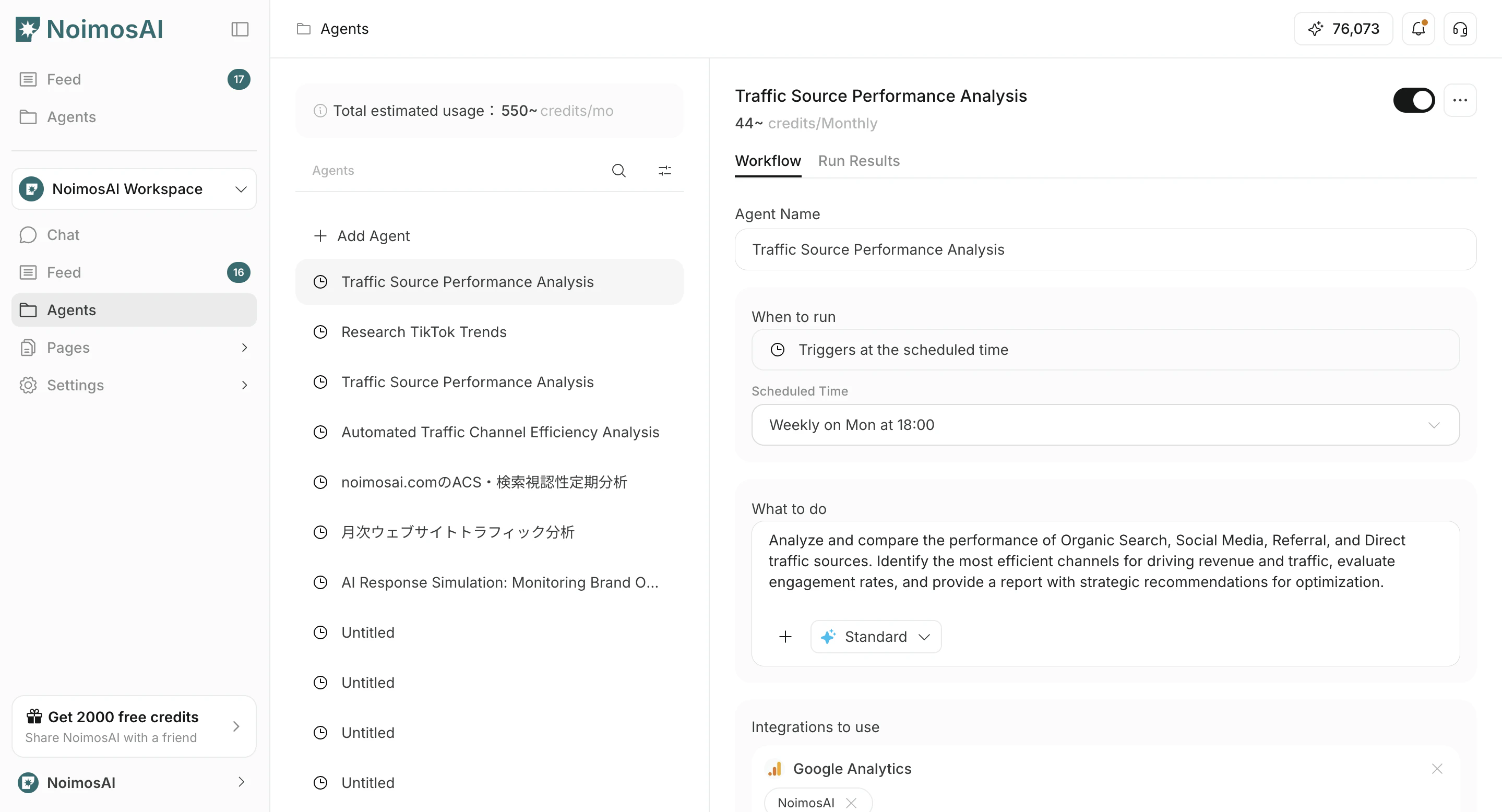
-
Turn executions on/off and confirm how estimates change.
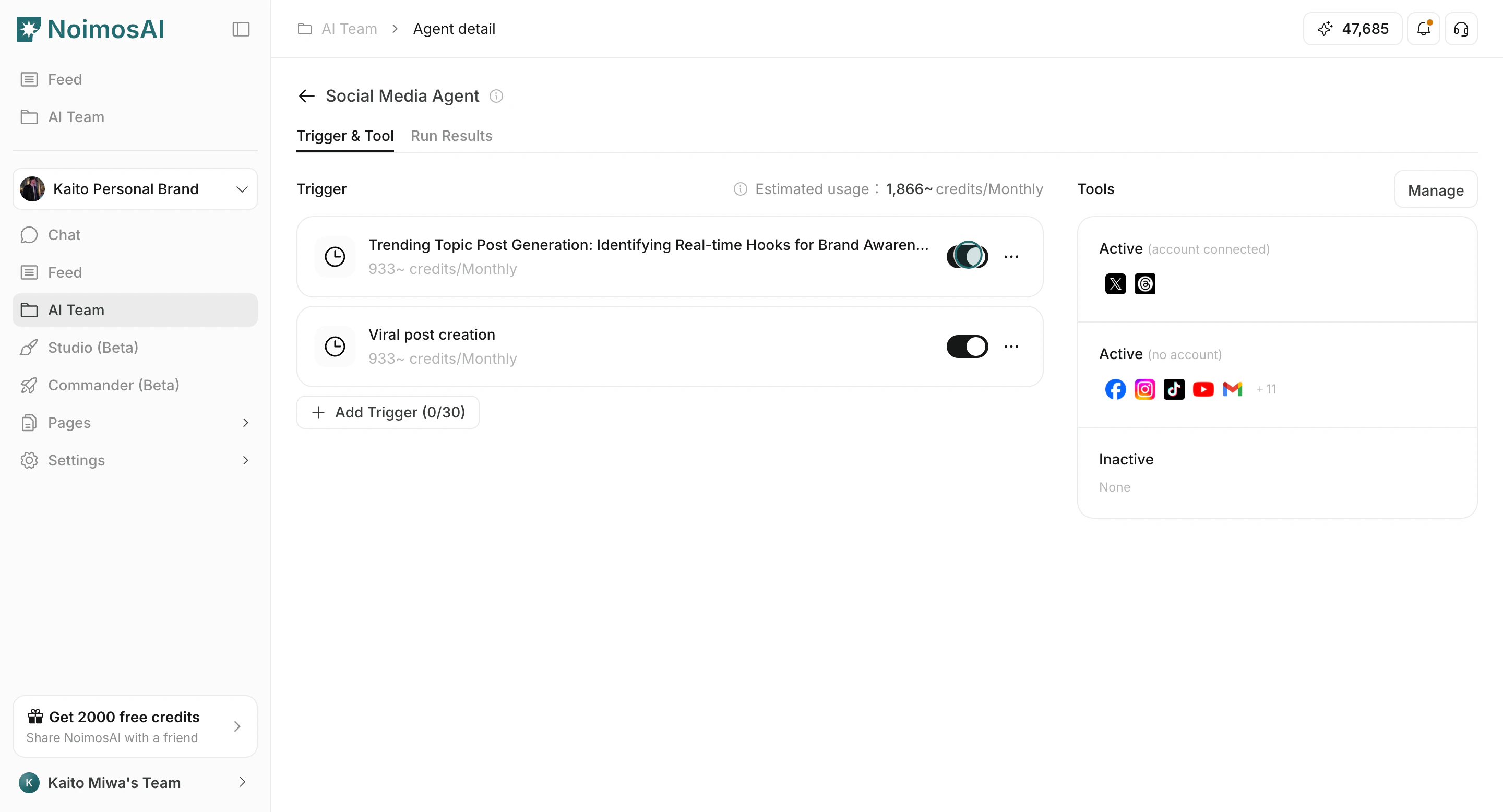
Why Actual Usage Can Differ
Actual usage can vary by:- Connected tools and external data volume
- Trigger type and run behavior
- Prompt complexity and execution details
Cost Control Tips
Use these tips to improve consistency and output quality.- Start with fewer active triggers and scale gradually.
- Disable triggers for paused campaigns.
- Review output quality in
Execution Resultsbefore increasing frequency.