

Overview
Skills are created and edited fromCustomize > Skills.
Save shared instructions and rules as Skills so they can be invoked and reused in Chat.
Ways to Create a Skill
You can create a Skill fromCreate from scratch or Create with chat.
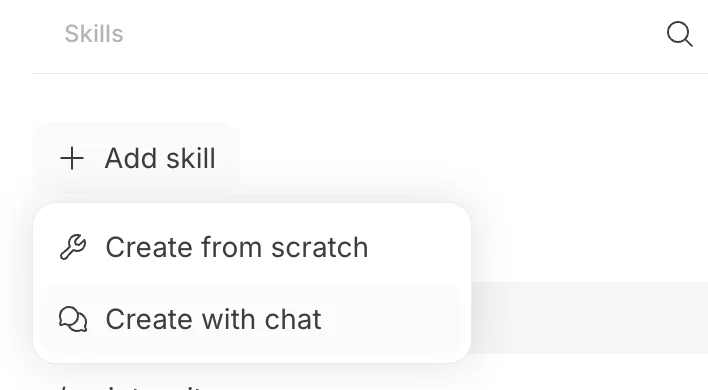
Create from Scratch
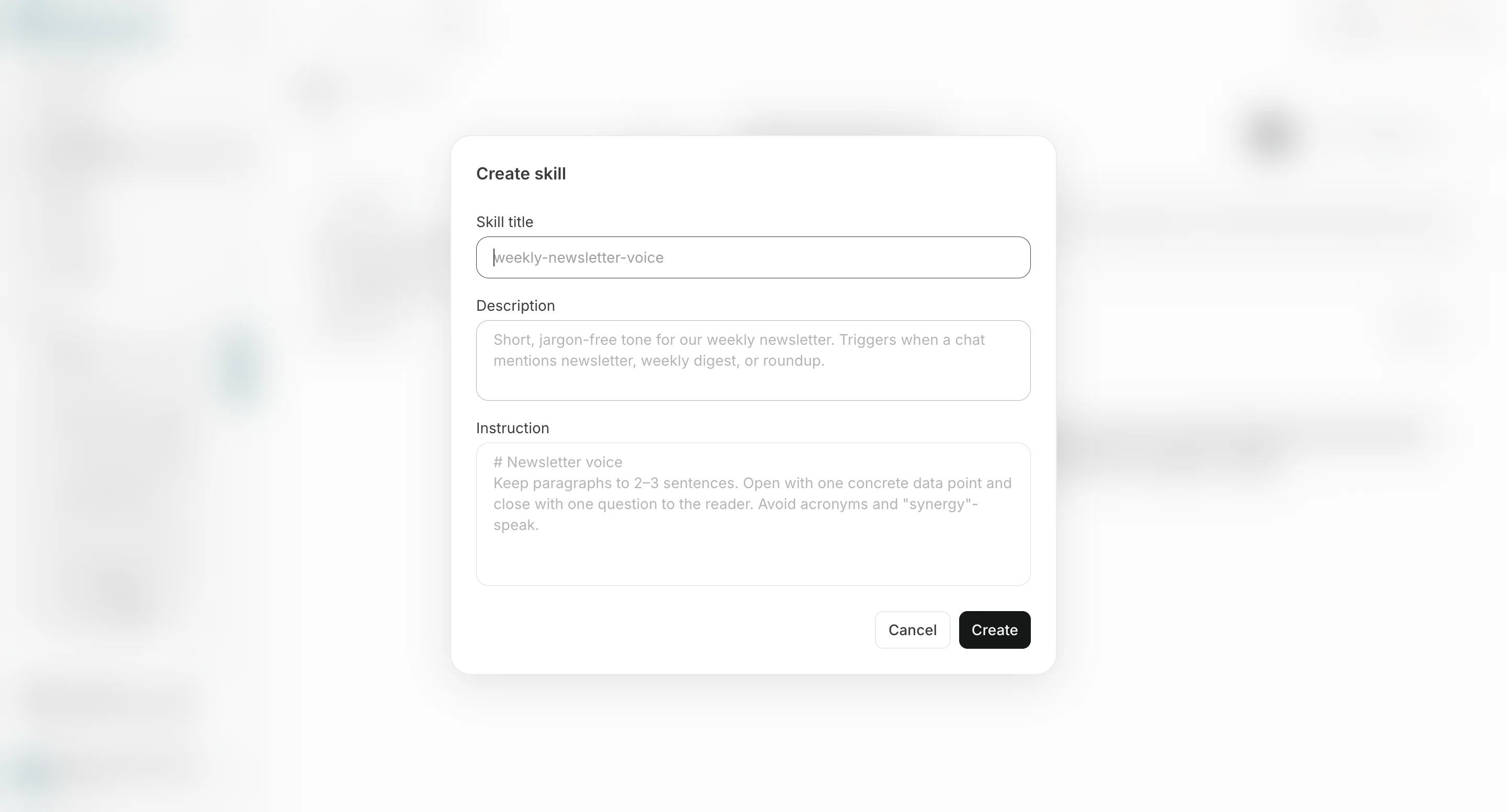
Use this method to create a Skill manually.- In
Customize > Skills, selectAdd Skill, then selectCreate from scratch. - Enter the Skill name, description, and instructions.
- Select
Create.
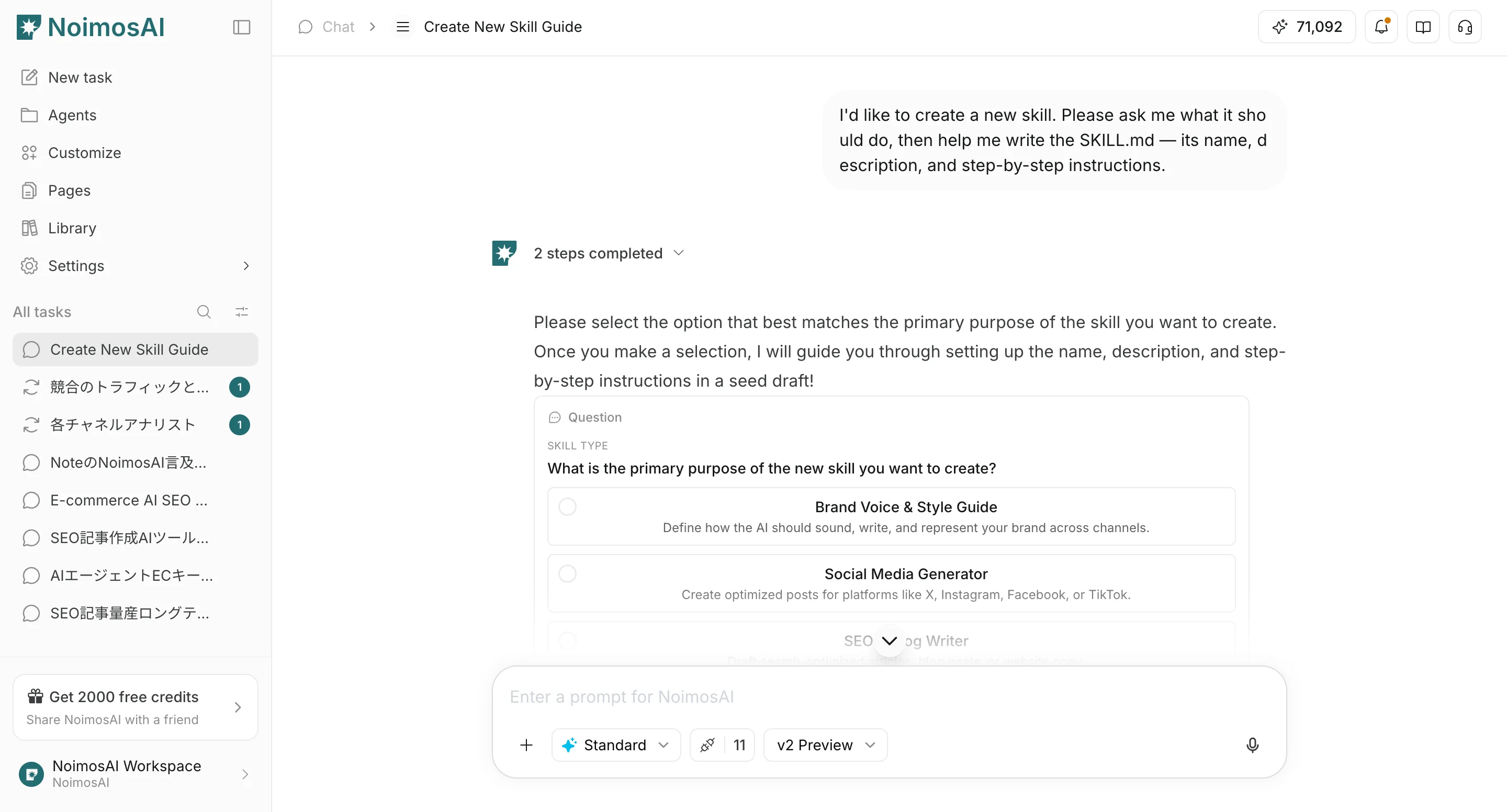
Create with Chat
Use this method to create Skill content by answering questions in Chat.- In
Customize > Skills, selectAdd Skill, then selectCreate with chat. - When Chat opens, describe what kind of Skill you want to create.
- Answer Chat’s questions to clarify the purpose, use cases, rules to follow, and output format.
- Review the Skill draft created in Chat, then save it.
Tips for Writing Skills
Write Skills as reusable instructions for Chat. Like common AI skills, they should make it clear what to do, in what order, and by what standards when invoked.- Keep the Skill name short and purpose-specific
- Use the description to explain what requests the Skill is for
- Define the Skill’s purpose and target task first
- Make required input information explicit
- Write execution steps in order
- Specify constraints, prohibited actions, and tone
- Specify the output format
- Define priorities for ambiguous cases
- Include good output examples or review criteria
Purpose, Review Criteria, Revision Rules, and Output Format so reviews use the same standards every time.
Edit a Skill
Open an existing Skill to edit it. On the Skill edit screen, you can update the Skill name, description, and instructions. You can also update an existing Skill by usingEdit with chat to consult with Chat while revising it.