

Overview
Use Team integrations to connect external app accounts once, then route those accounts to the Workspaces and agents that need them. This is the handoff point between human setup and autonomous execution:- Human: connect accounts and control where they are available.
- AI agents: autonomously use connected accounts to retrieve data and perform permitted actions.
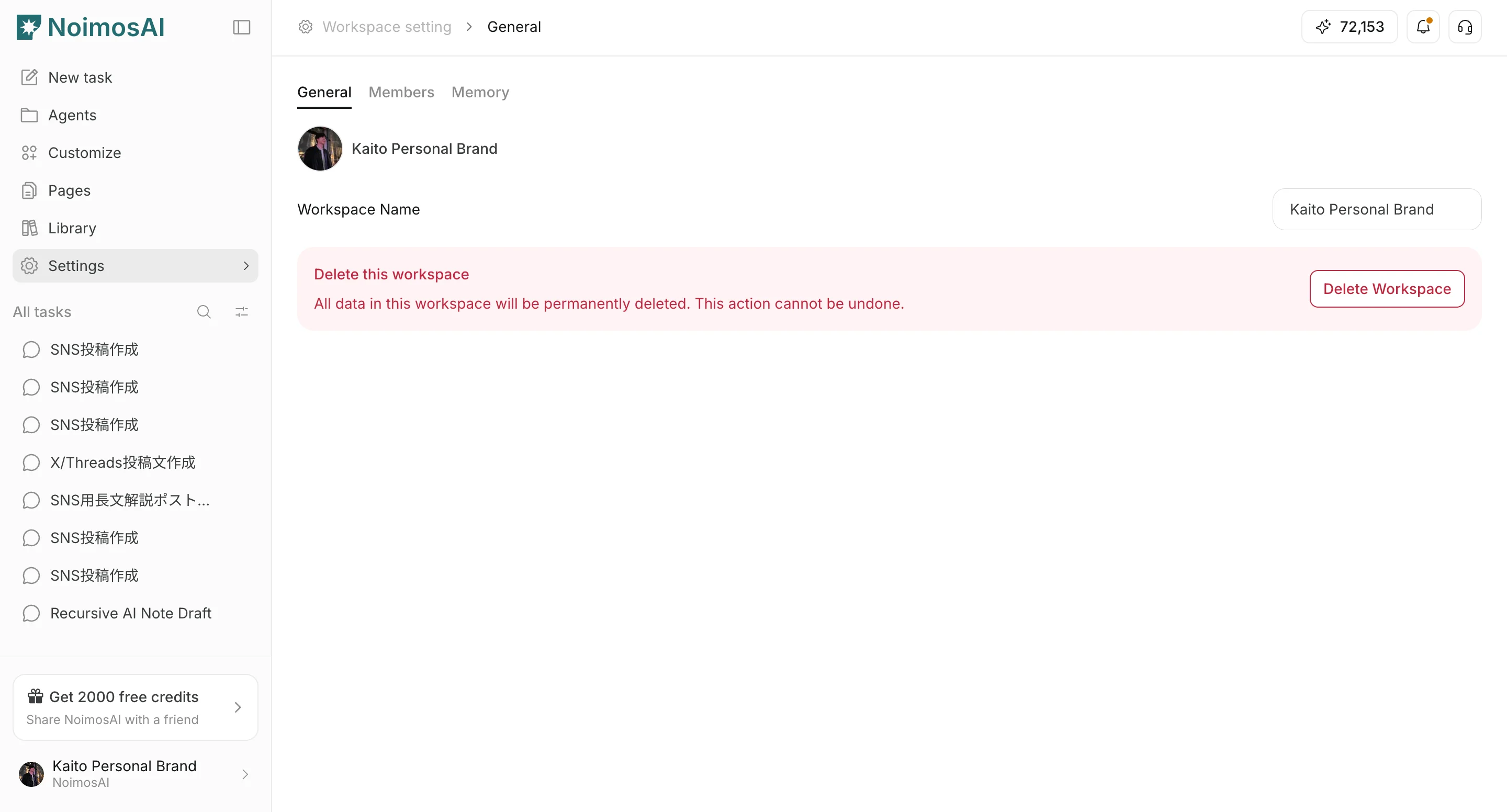
Where To Find
Use the following path to open this area.- Open
Team Settings. - Select the
Integrationstab.
Connect An App Account
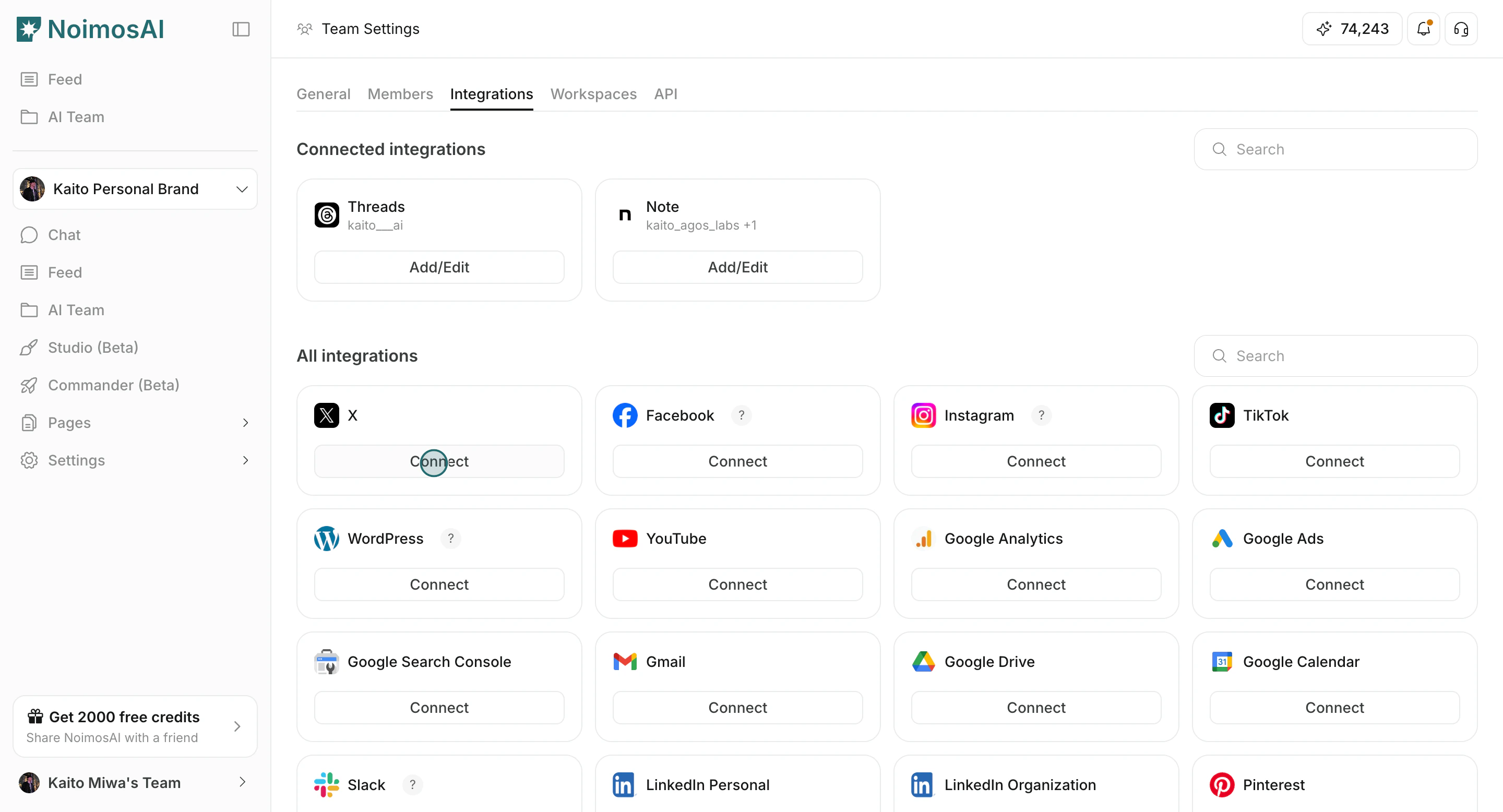
Use this section to understand connect an app account and what to confirm while completing this part.- Choose an app and click
ConnectorAdd another account.
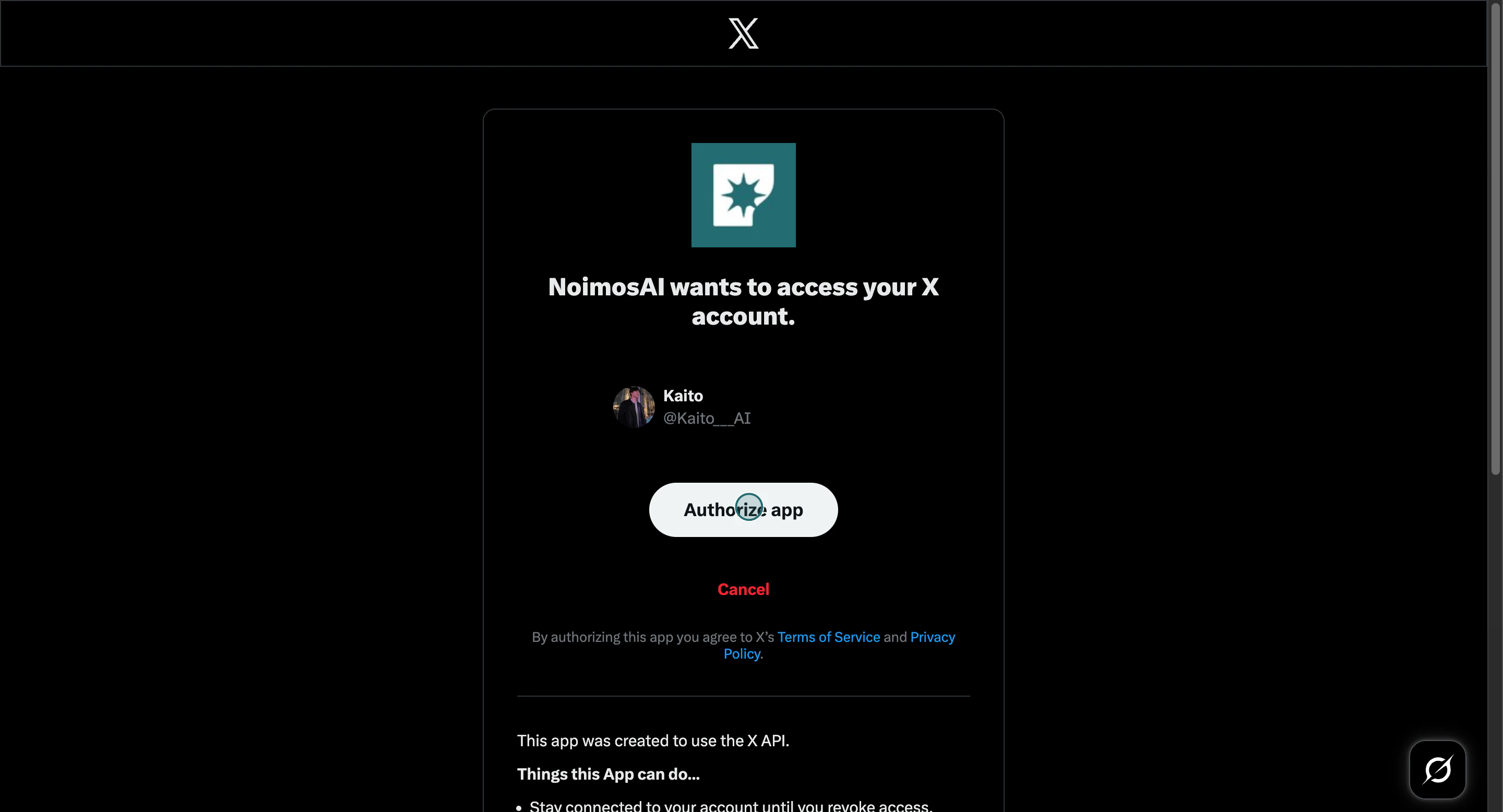
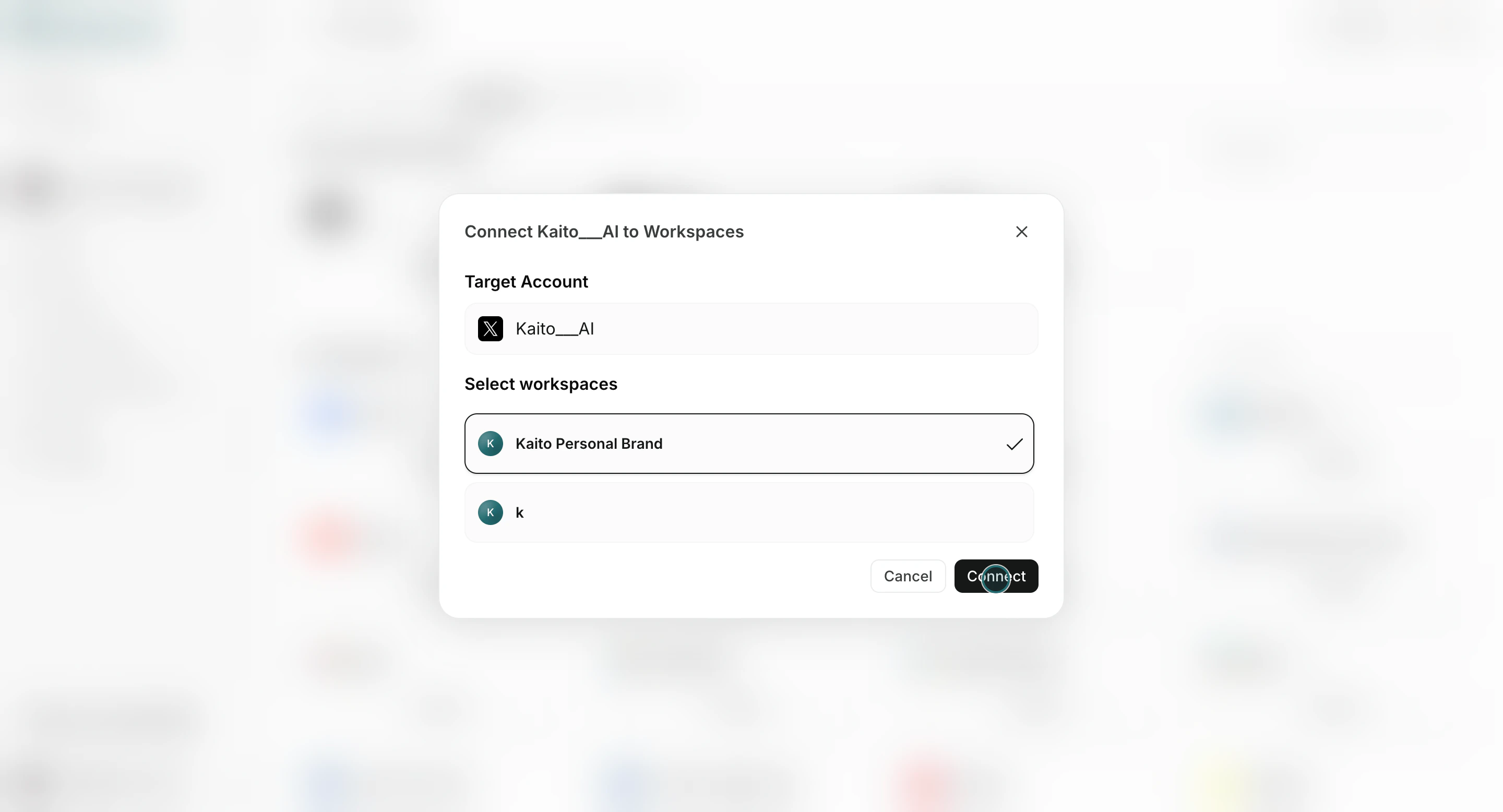
- Complete provider authorization.
- Select one or more Workspaces for that account.
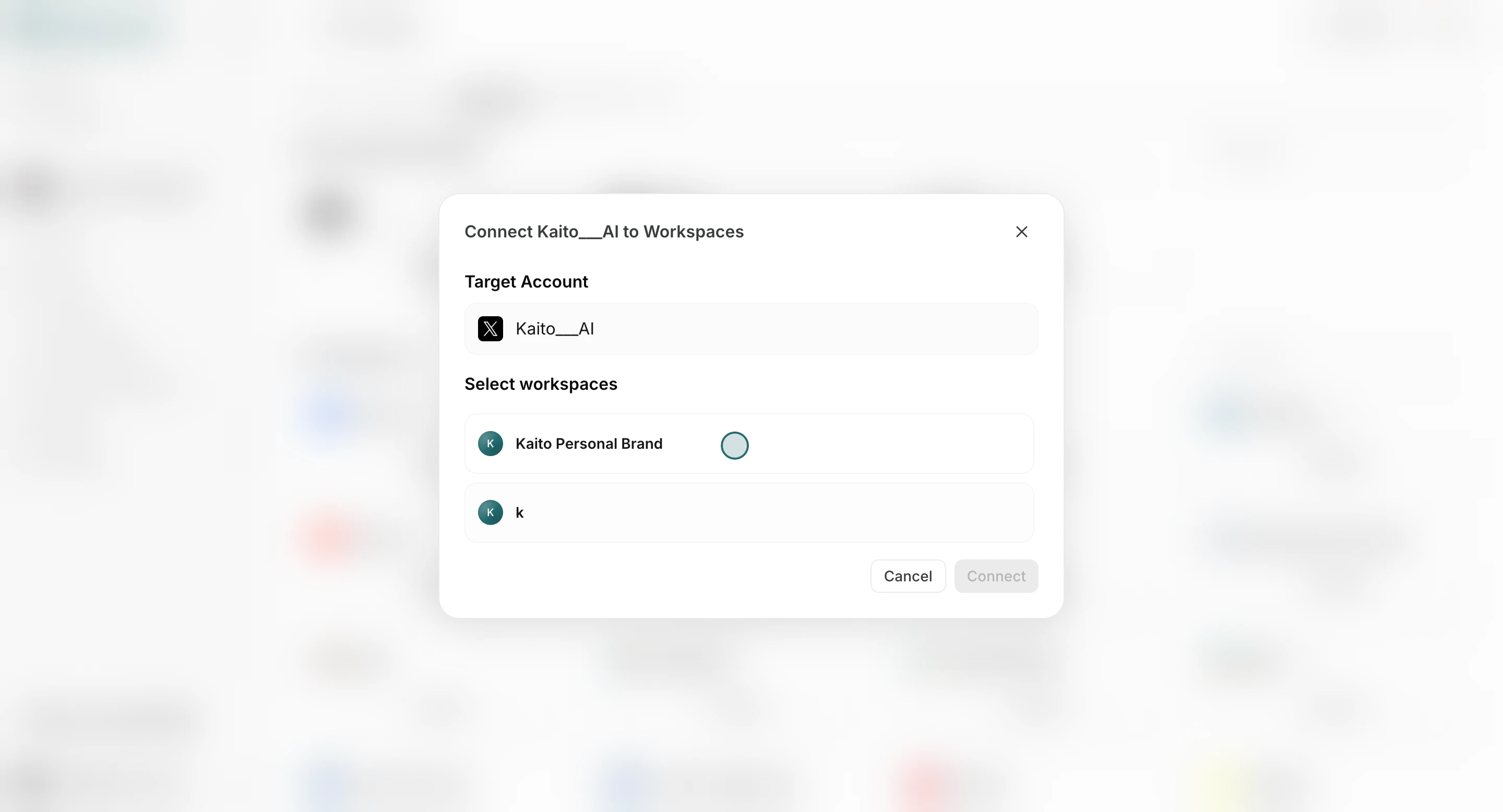
- Confirm with
Connect.
Connect The Account To Agents
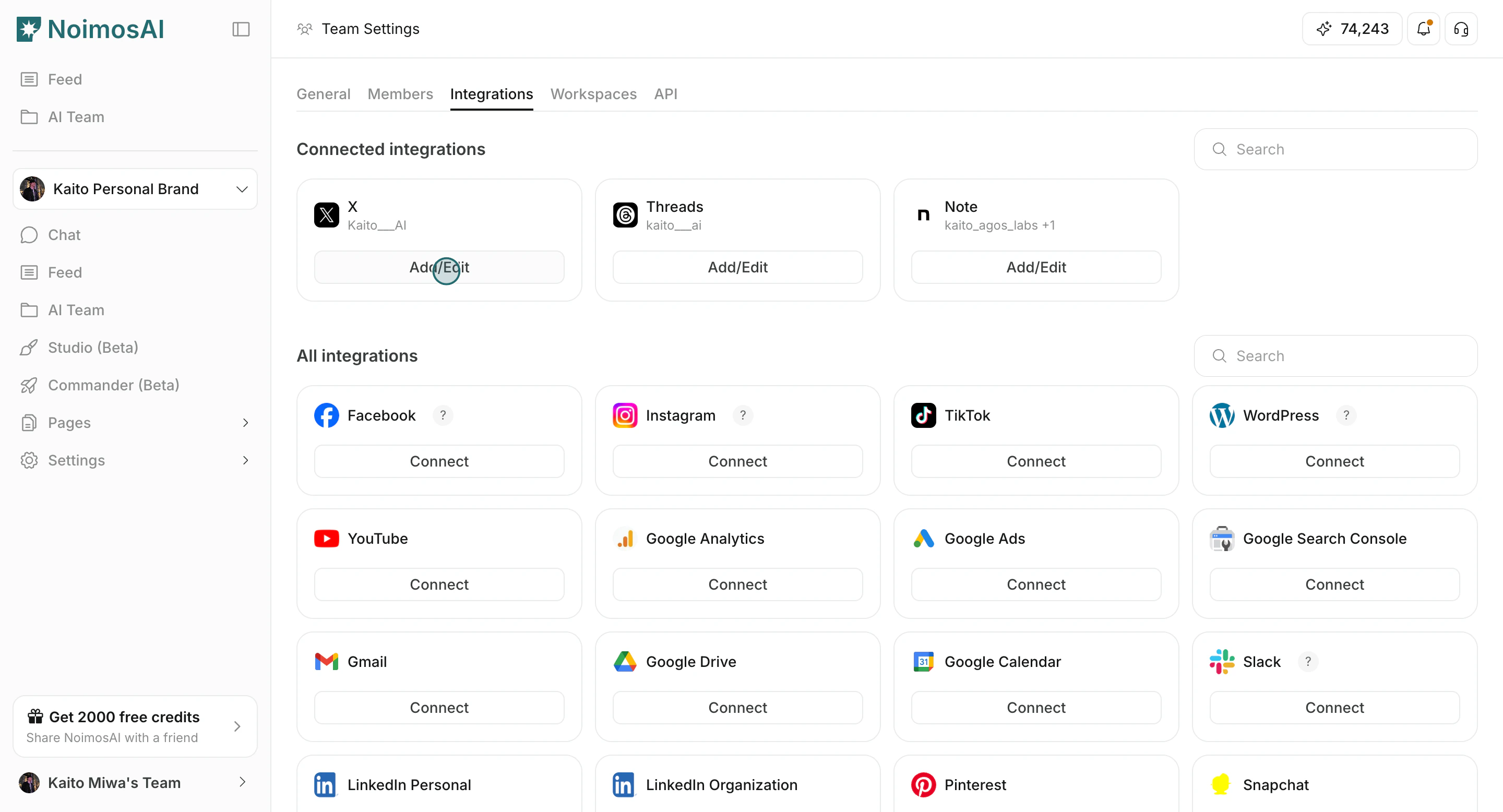
Use this section to understand connect the account to agents and what to confirm while completing this part.- Open
Add/Editfor a connected account.
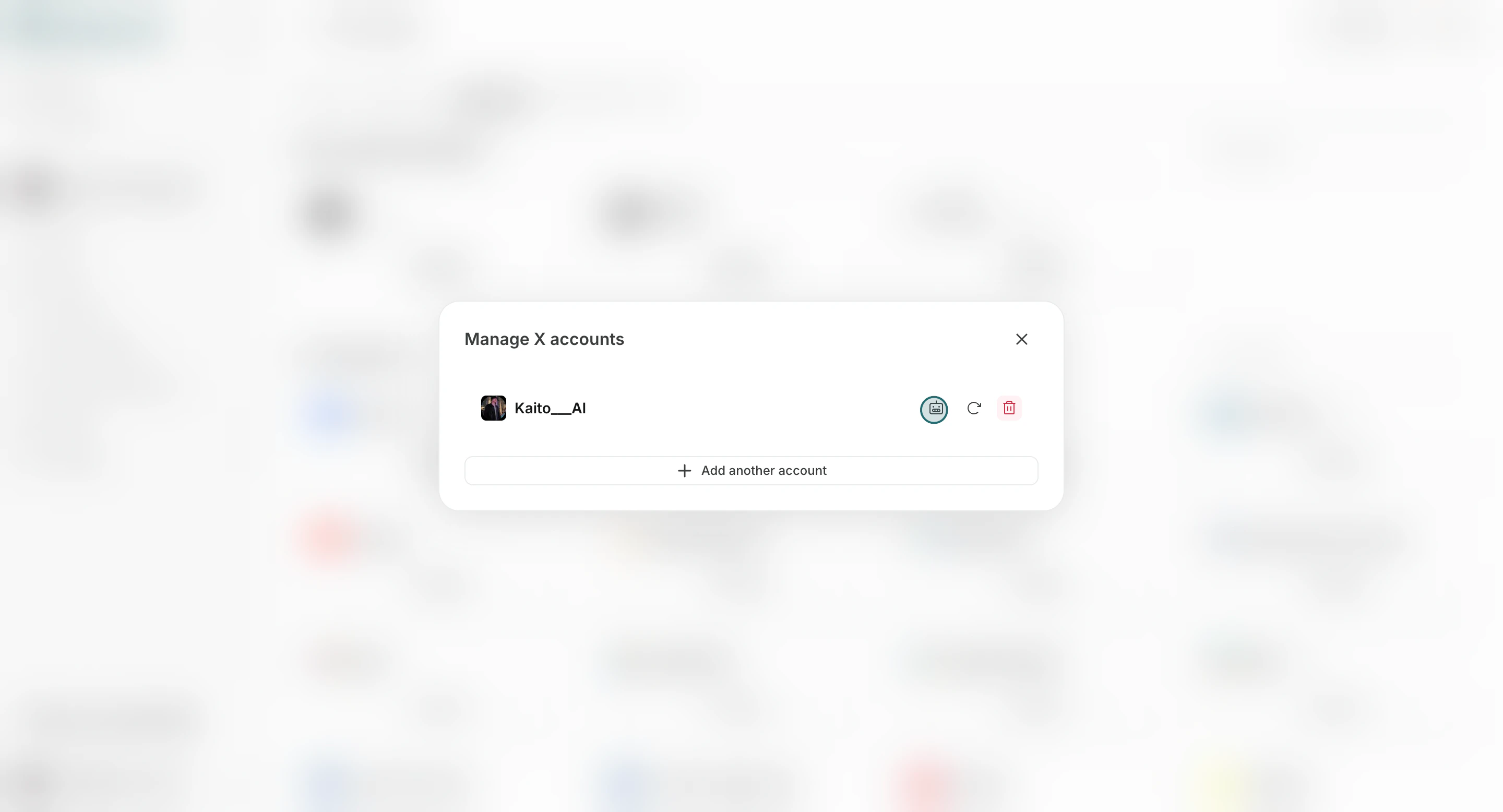
- Click
Connect to Agent.
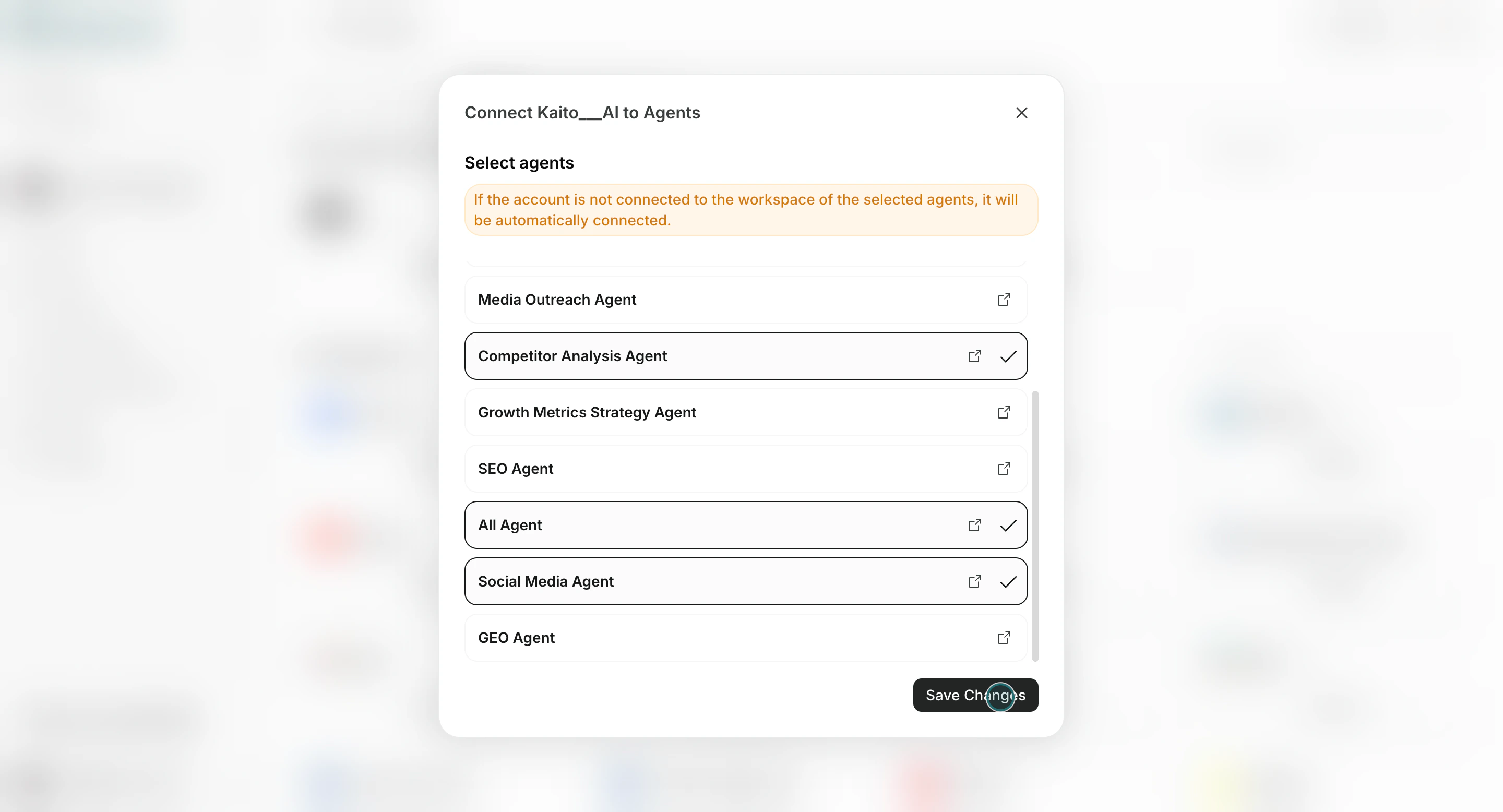
- Select agents and save.
Ongoing Management
Use this section to understand ongoing management and what to confirm while completing this part.- Use
Add/Editto update assignments.
- Reconnect accounts when reauthorization is required.
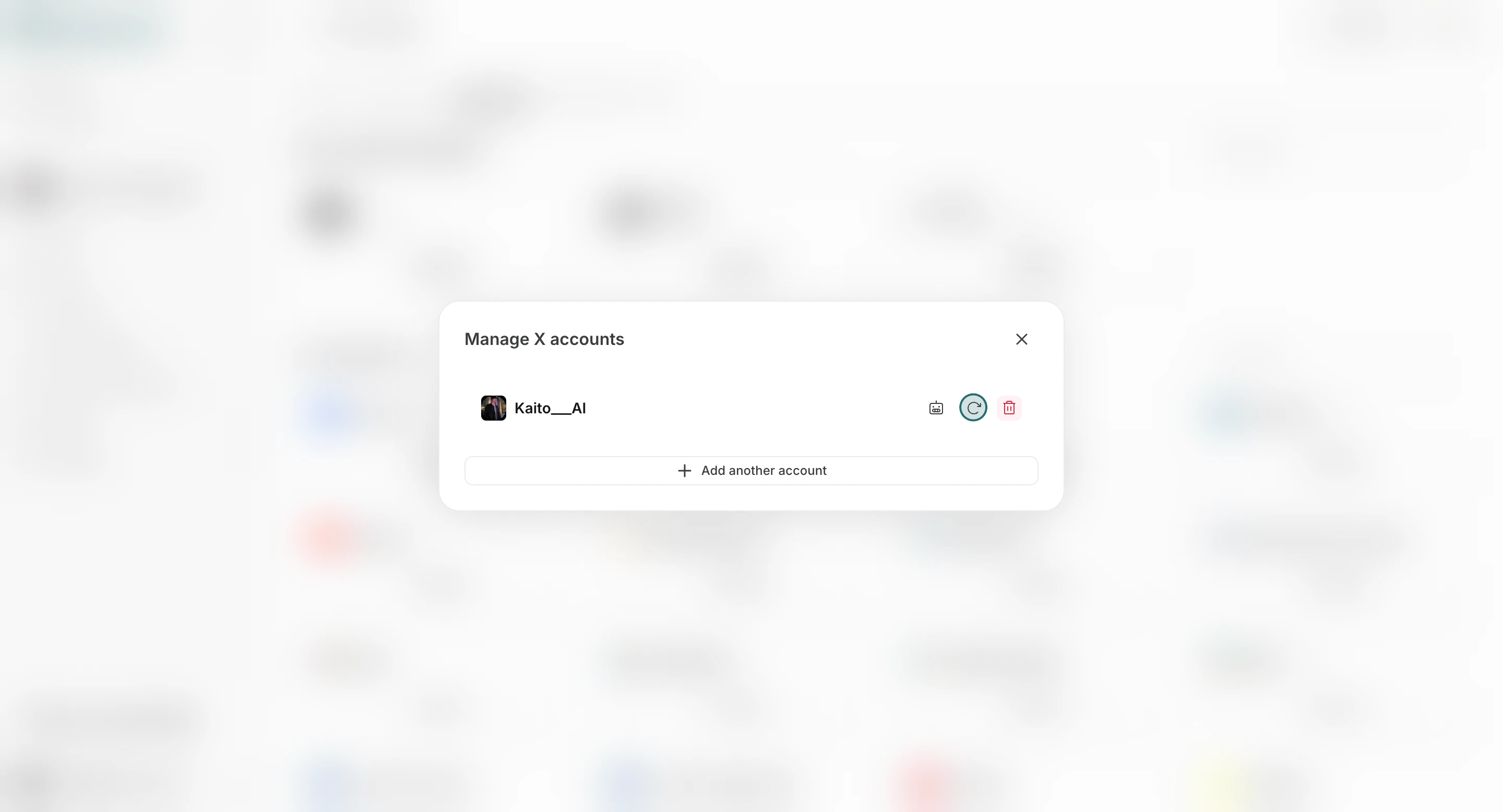
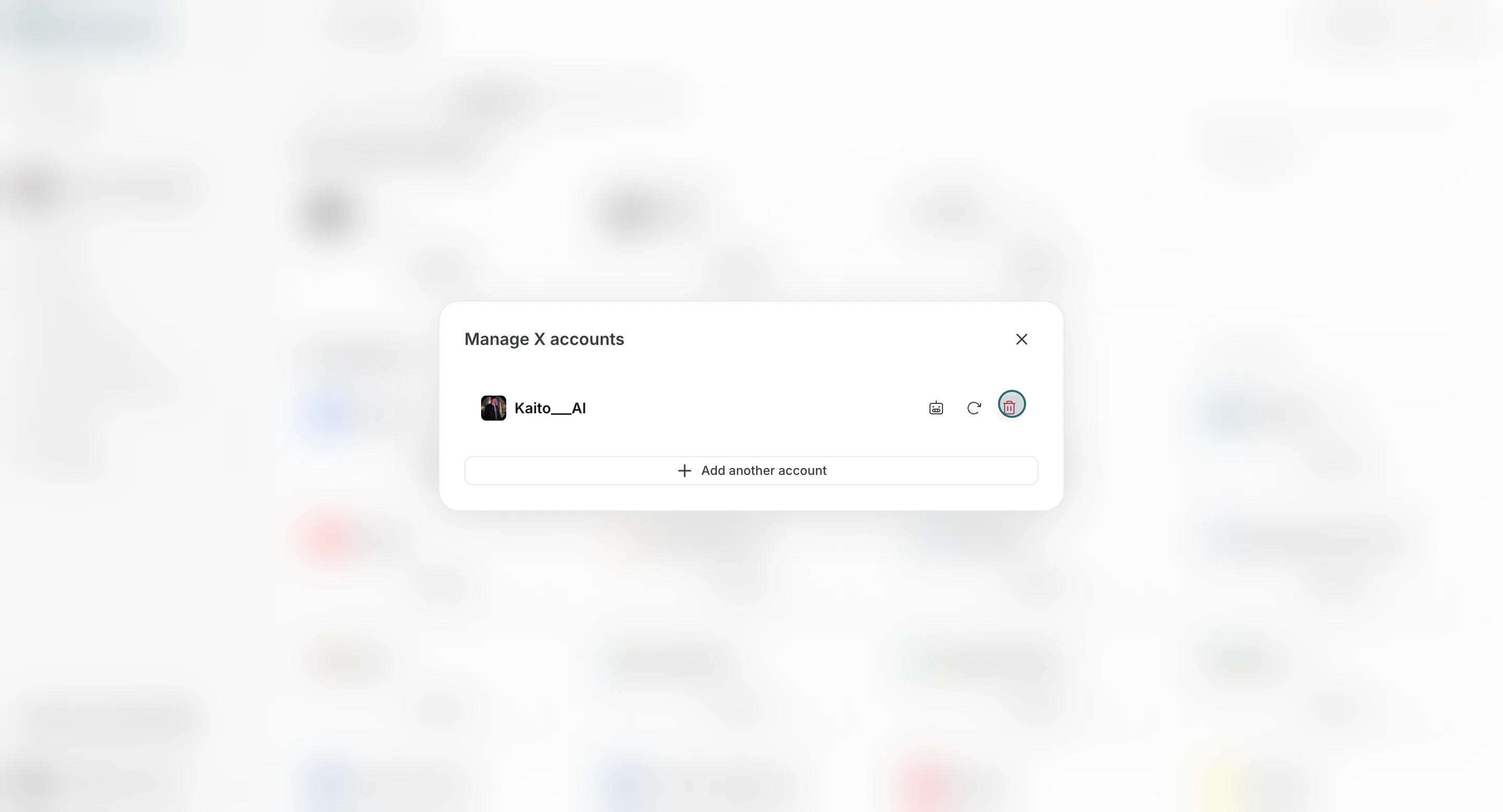
- Remove accounts that are no longer needed.
Notes
Review these notes before you proceed.- Integration connection limits depend on your current plan.
- Team-level account connection does not automatically grant access to every Workspace or every agent until you assign it.