

Overview
Skills are saved settings for work procedures, decision criteria, and output rules that you use repeatedly in a workspace.
When you invoke a Skill in Chat, you can ask NoimosAI to follow the same process and quality standards without typing the same instructions every time.
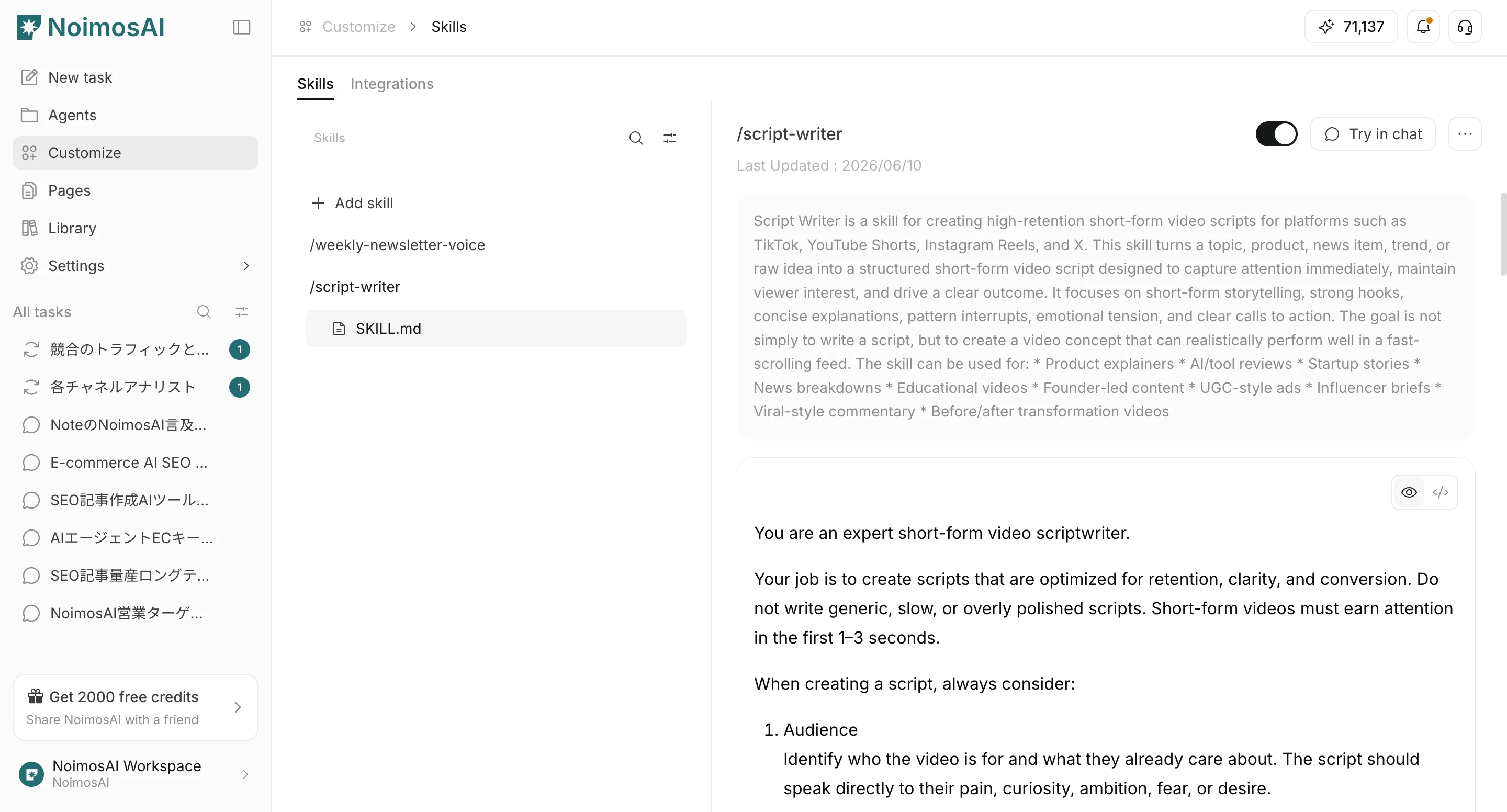
What Skills Manage
Skills can store:- The purpose of the task
- Rules that must be followed
- Background information to reference
- Output format and tone
- Quality criteria to check
When to Use Skills
Skills are useful when you want to:- Standardize rules for creating posts or articles
- Switch writing rules by customer or brand
- Avoid entering the same instructions in Chat every time
- Reuse a specific workflow across the team
Use Skills in Chat
Skills are invoked from the Chat input.Select from the + Button
- Select the
+button in the Chat input. - Select
Skills. - Select the Skill you want to use.
/{Skill name} format.
Type / to Select
When you type/ in the Chat input, available Skill suggestions appear.
Select a Skill from the suggestions to add /{Skill name} to the input, then continue typing your request.