

Short Answer
Use the support icon in the top-right corner of the app and submit the support form.Step-by-Step
- Click the support icon in the top-right corner.

- Select the issue category in the support form.
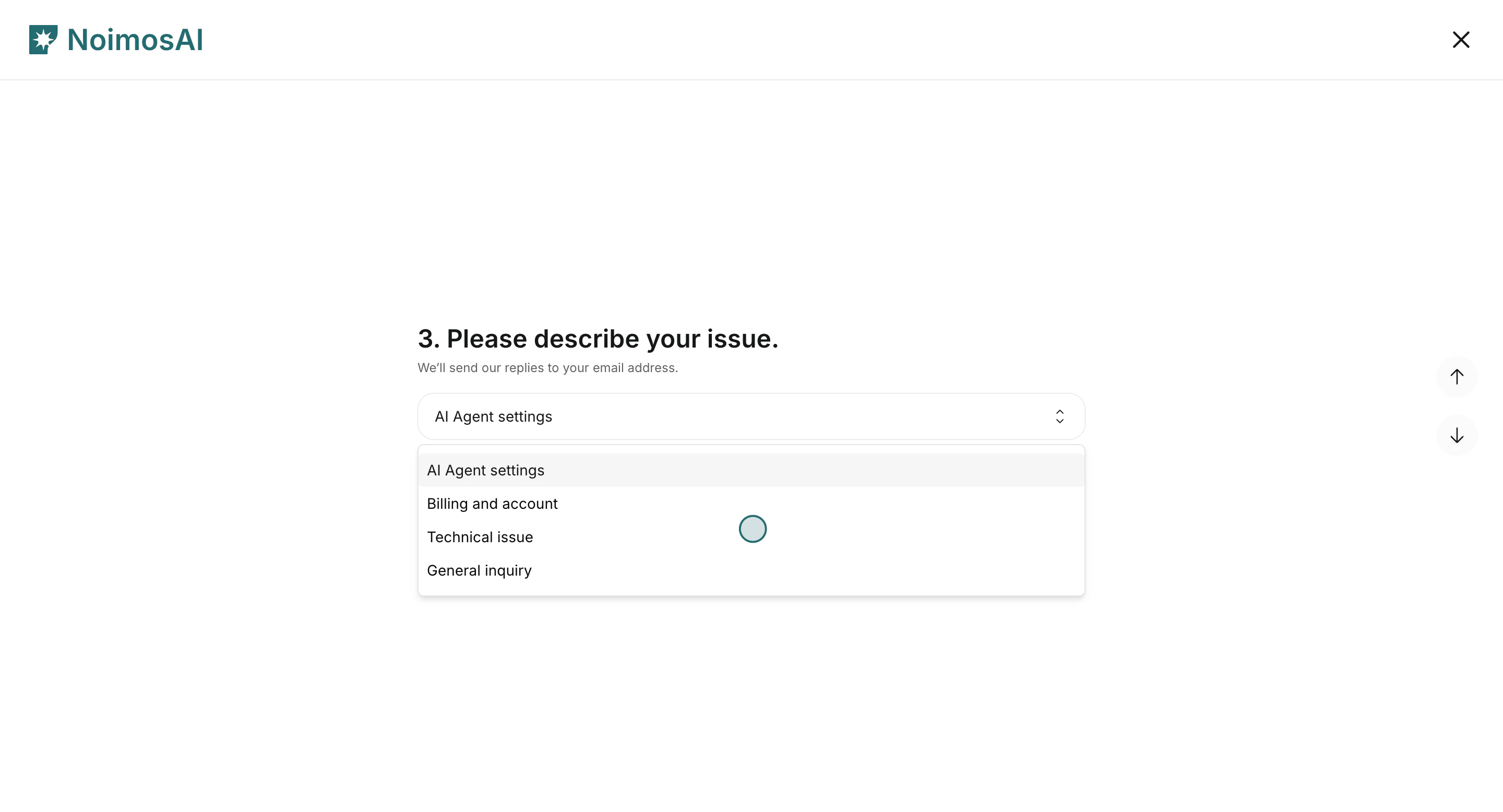
- Fill name, email, issue details, then submit.
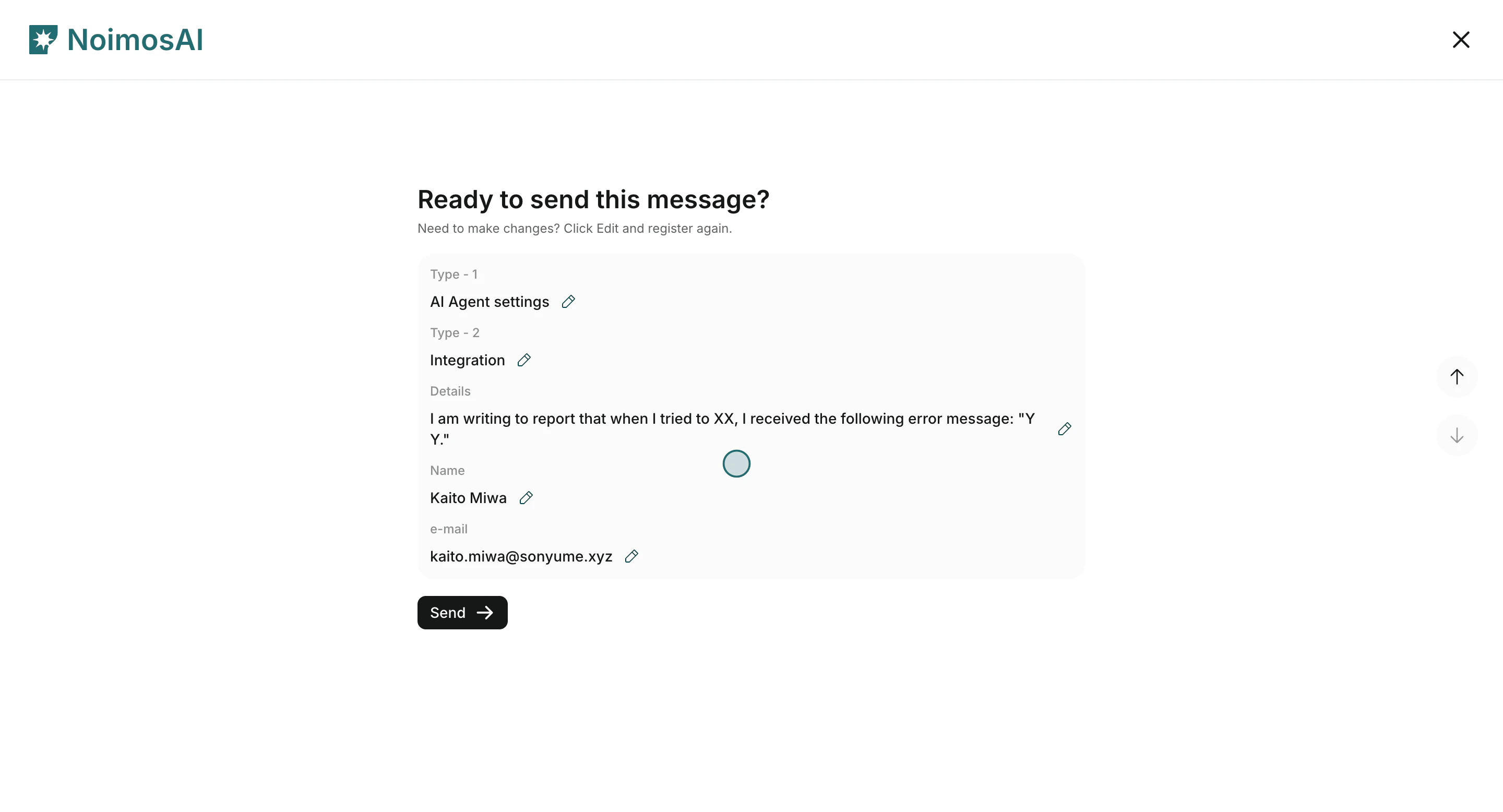
What You Will Fill In
- Name and email
- Issue
Type 1(AI Agent settings, Billing and account, Technical issue, General inquiry) - Issue
Type 2 - Details (what happened, when, and where)