

Key point
Sensitive billing details, including registered payment methods and payment history, are visible only to teamAdmins.
If you are signed in as a Member or Guest, the screen may say No payment method or show an empty payment history even when a payment method is registered. This does not mean that the payment method was deleted.
What to check
- Select the team whose payment information you want to view.
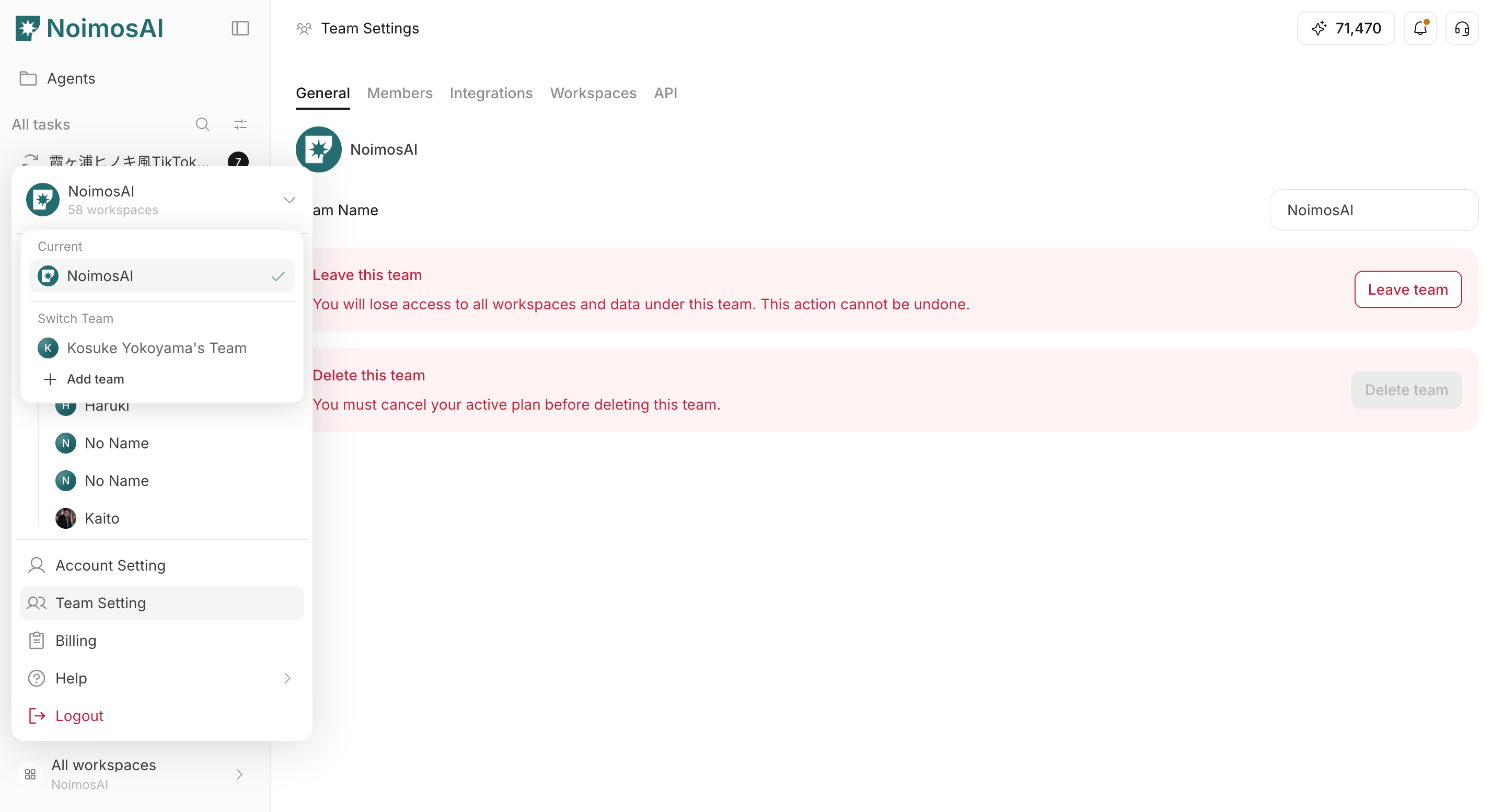
- Open
Team settings -> Membersand check your team role.
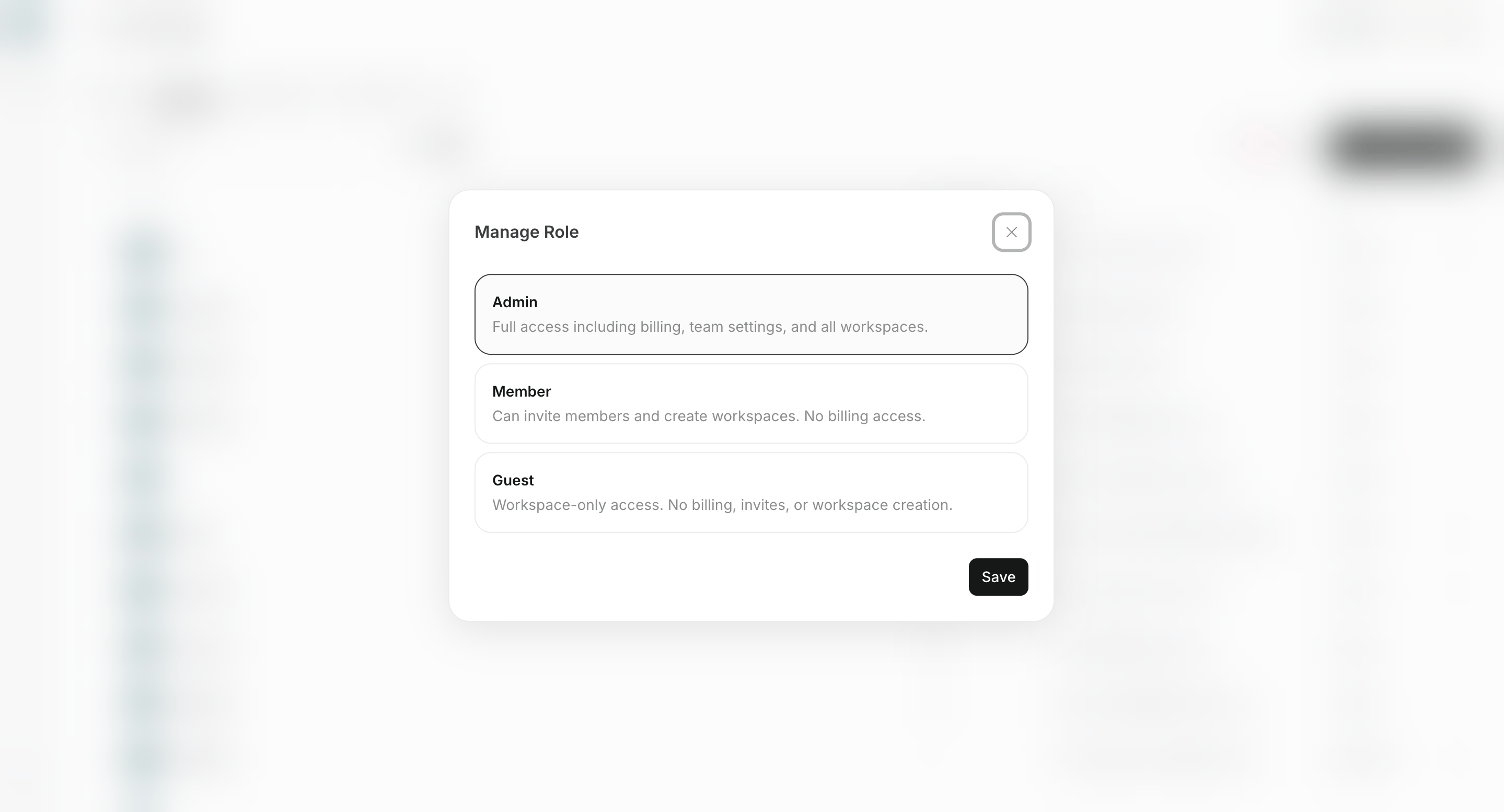
- If you are a
MemberorGuest, ask a teamAdminto review or update the payment information.