

Short Answer
OpenTeam -> Billing -> Usage and edit the seat quantity from the plan management area.
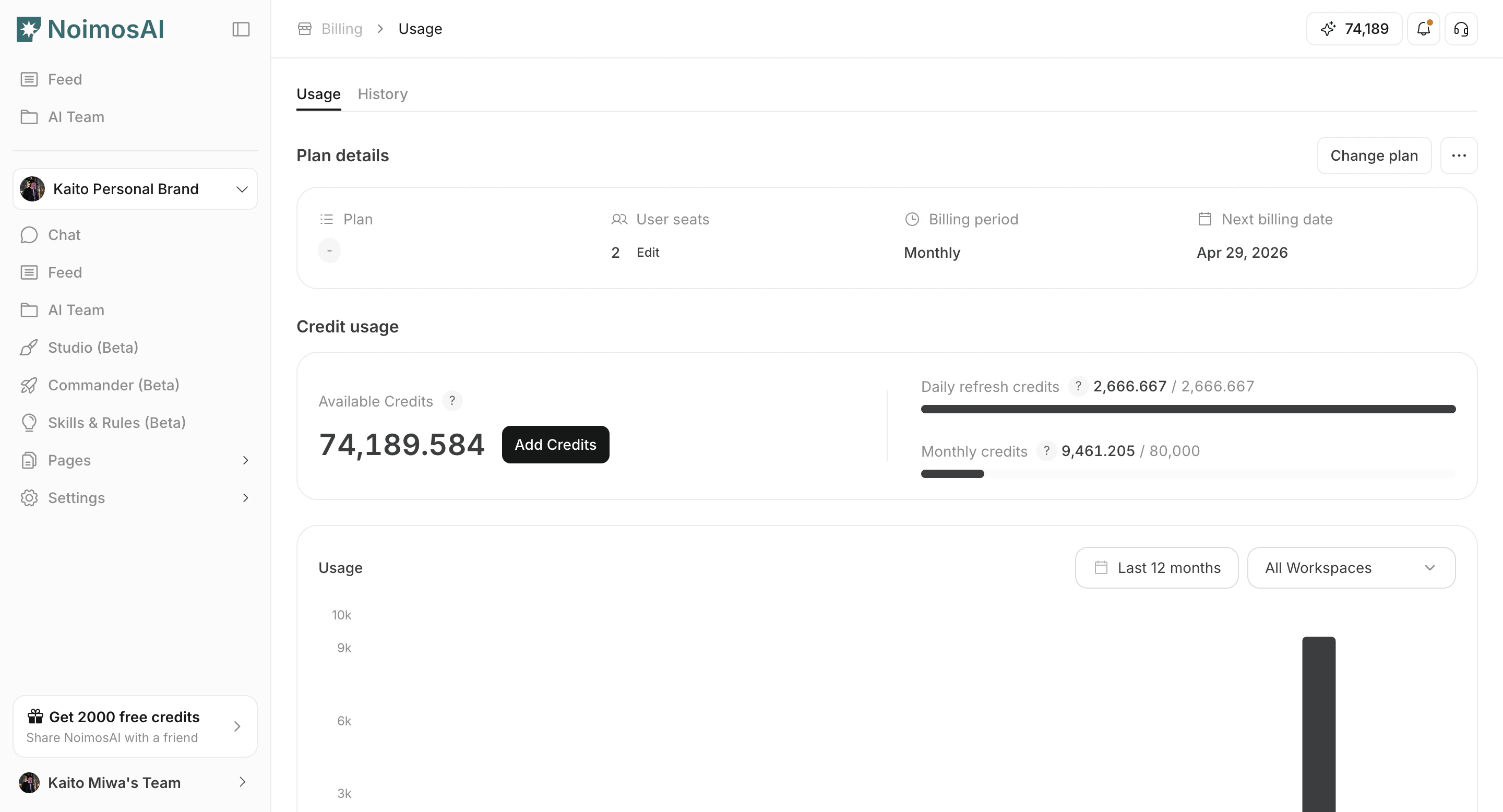
Before You Reduce Seats
Before reducing seats, please check the following:- Seat count cannot be reduced below your current active team member count.
- Remove extra members first if needed, then retry seat reduction.
If the Change Does Not Apply
- Refresh Billing Usage after a short wait.
- Confirm you are using an Admin account.
- Verify payment status is not overdue.