

Short Answer
Create one Workspace per client, and connect only that client’s social accounts to that Workspace.Recommended Structure
Workspace A: Client A brand context + Client A connected accounts.Workspace B: Client B brand context + Client B connected accounts.Workspace Internal: your own agency/company marketing accounts.
Setup Steps
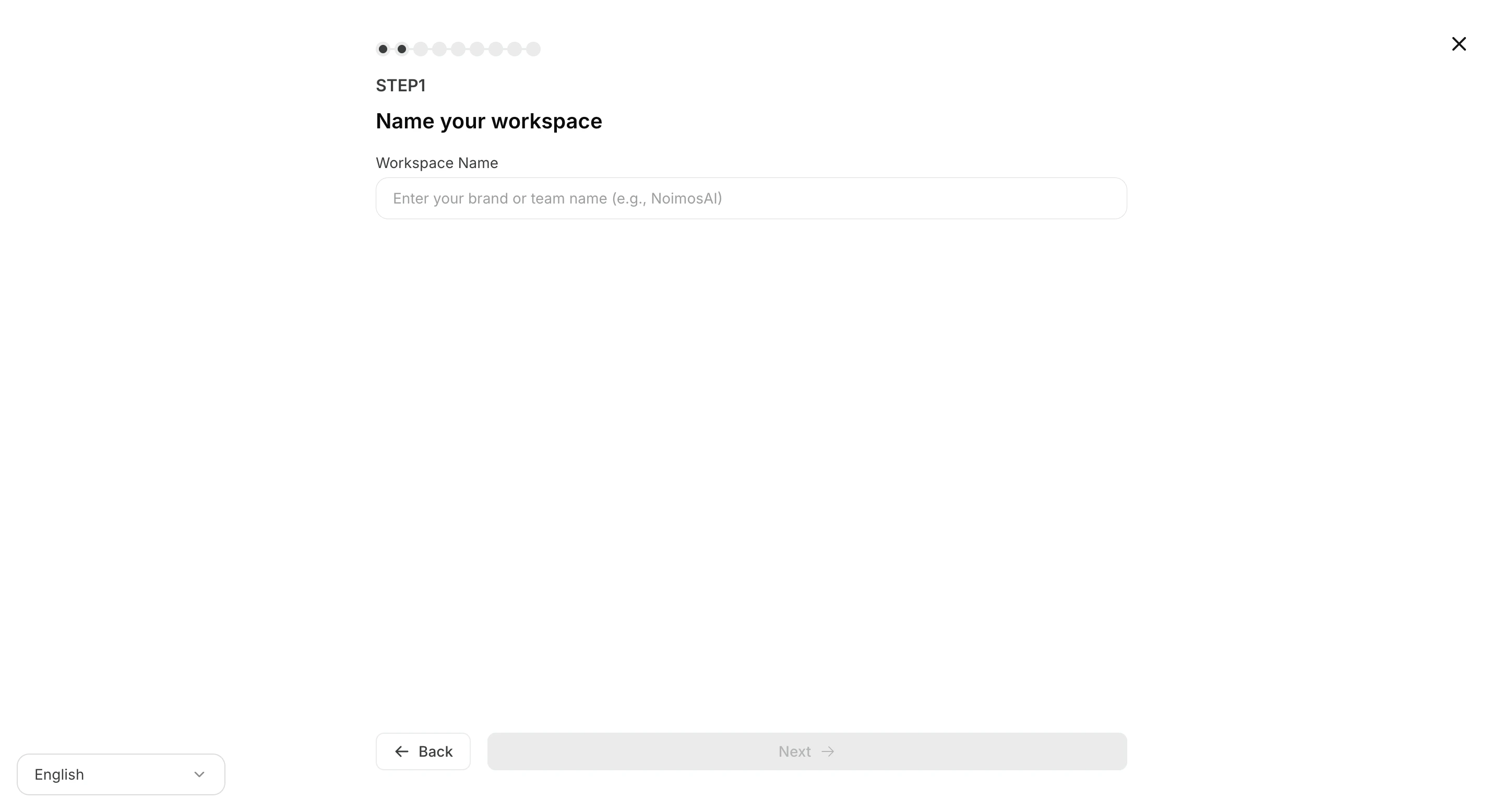
- Create a dedicated Workspace for each client.
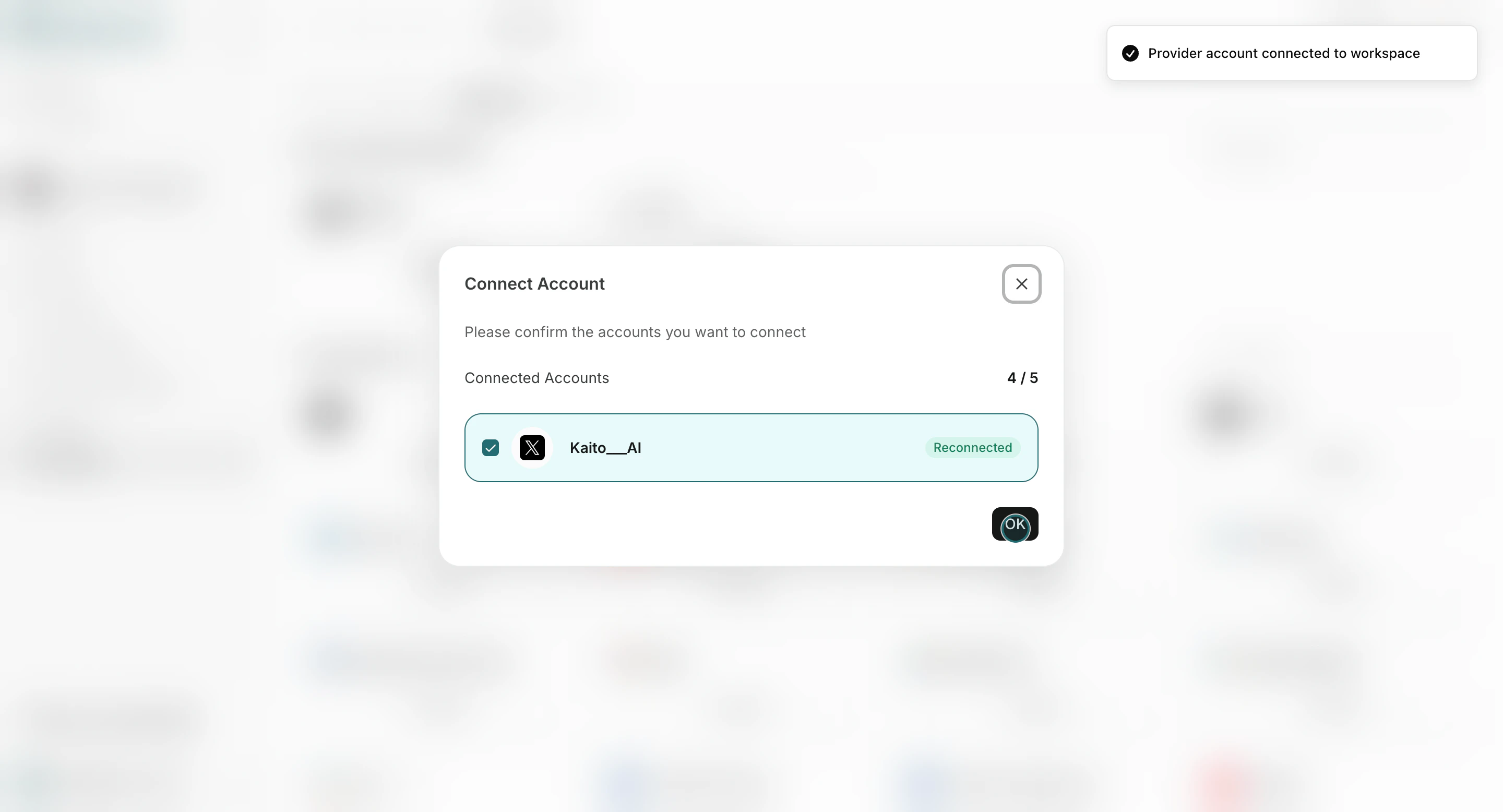
- Connect client social accounts in that Workspace.
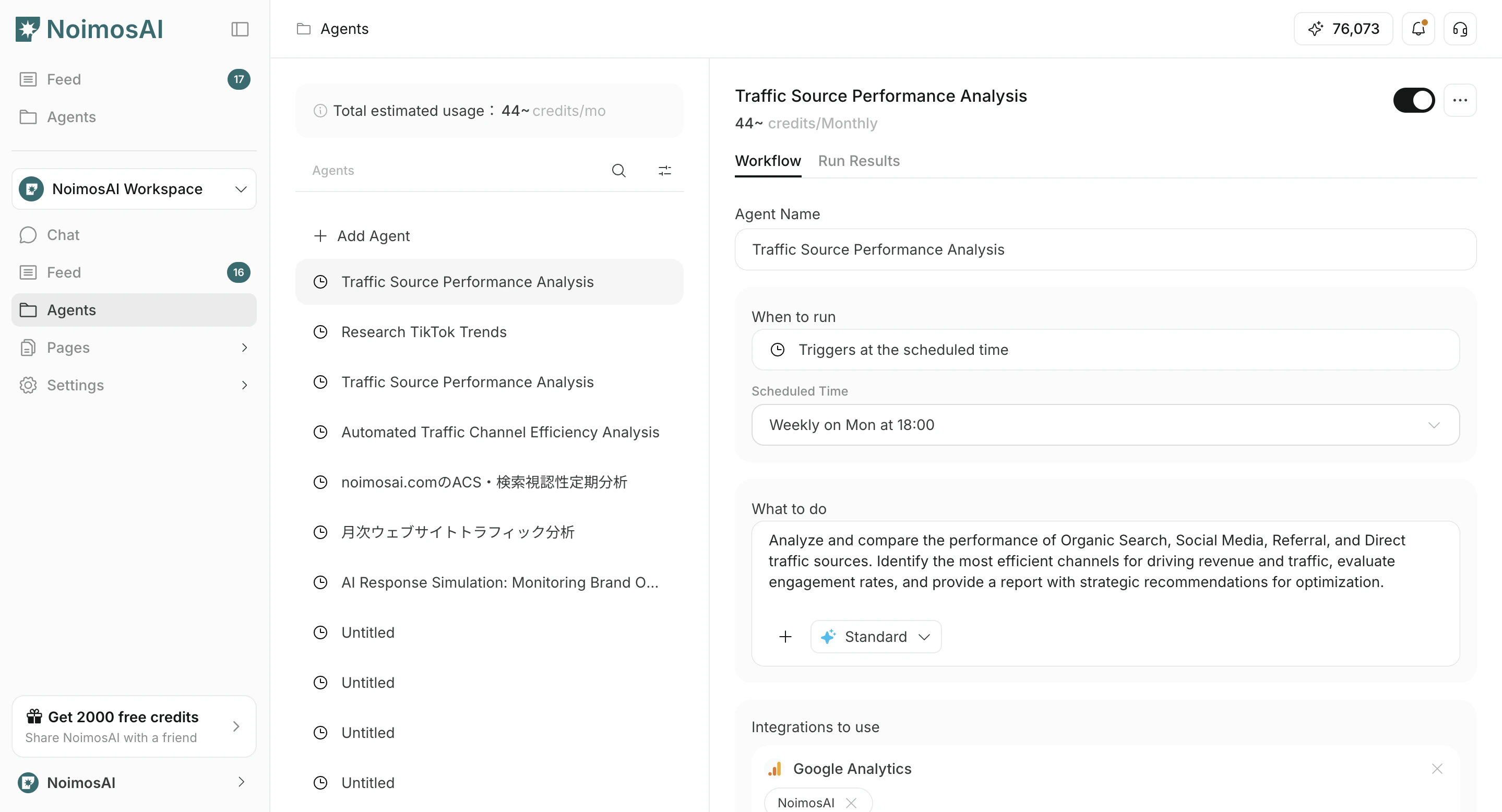
- Assign connected accounts to the right agents.
- Repeat for each client.