

Short Answer
Check five areas in order:Trigger type condition, ON/OFF state, connected account, execution timing, and credit balance.
Step-by-Step Checklist
- Confirm trigger type conditions are met (
Schedule,Gmail,X,RSS,Tracking Link).
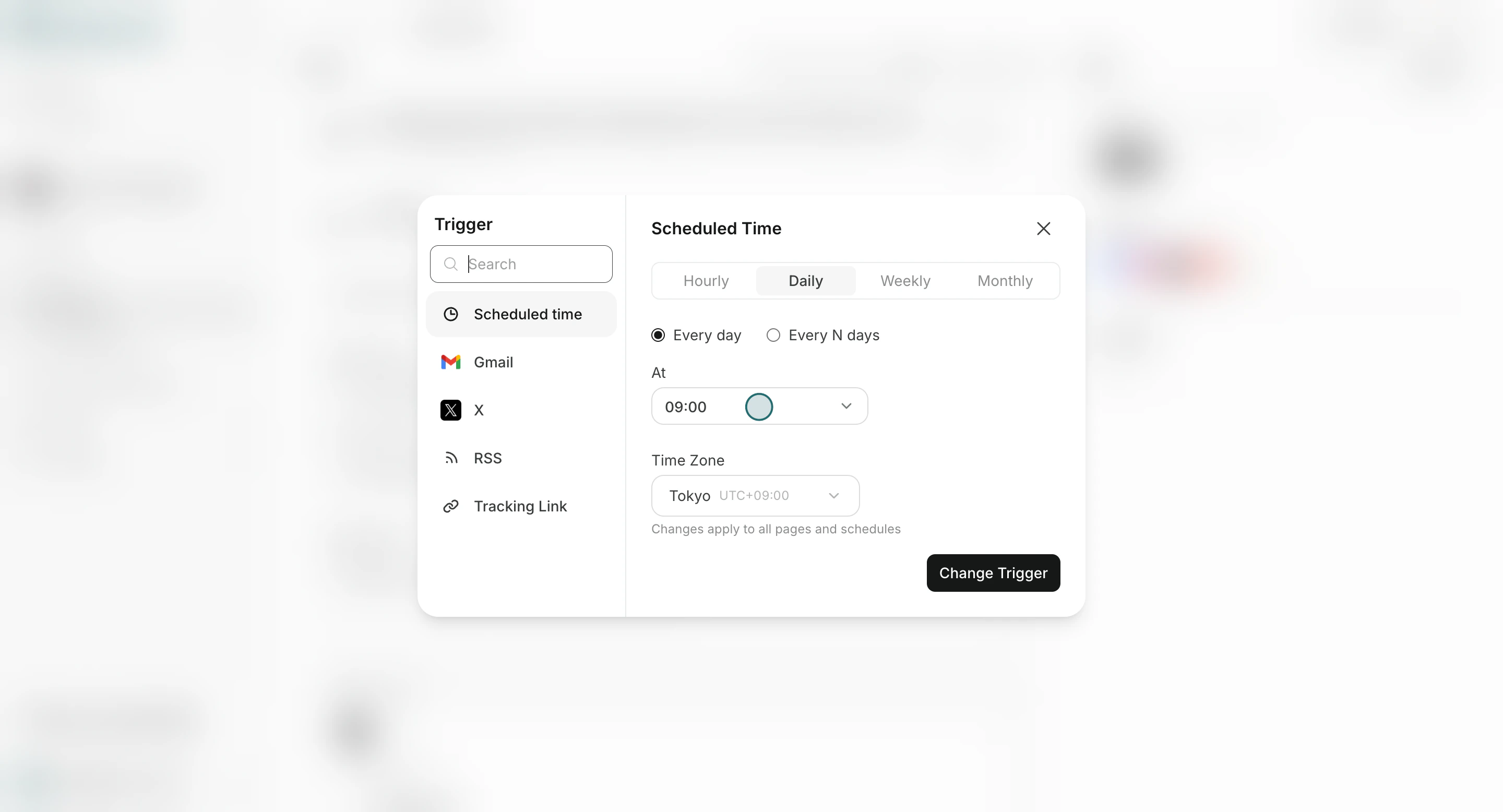
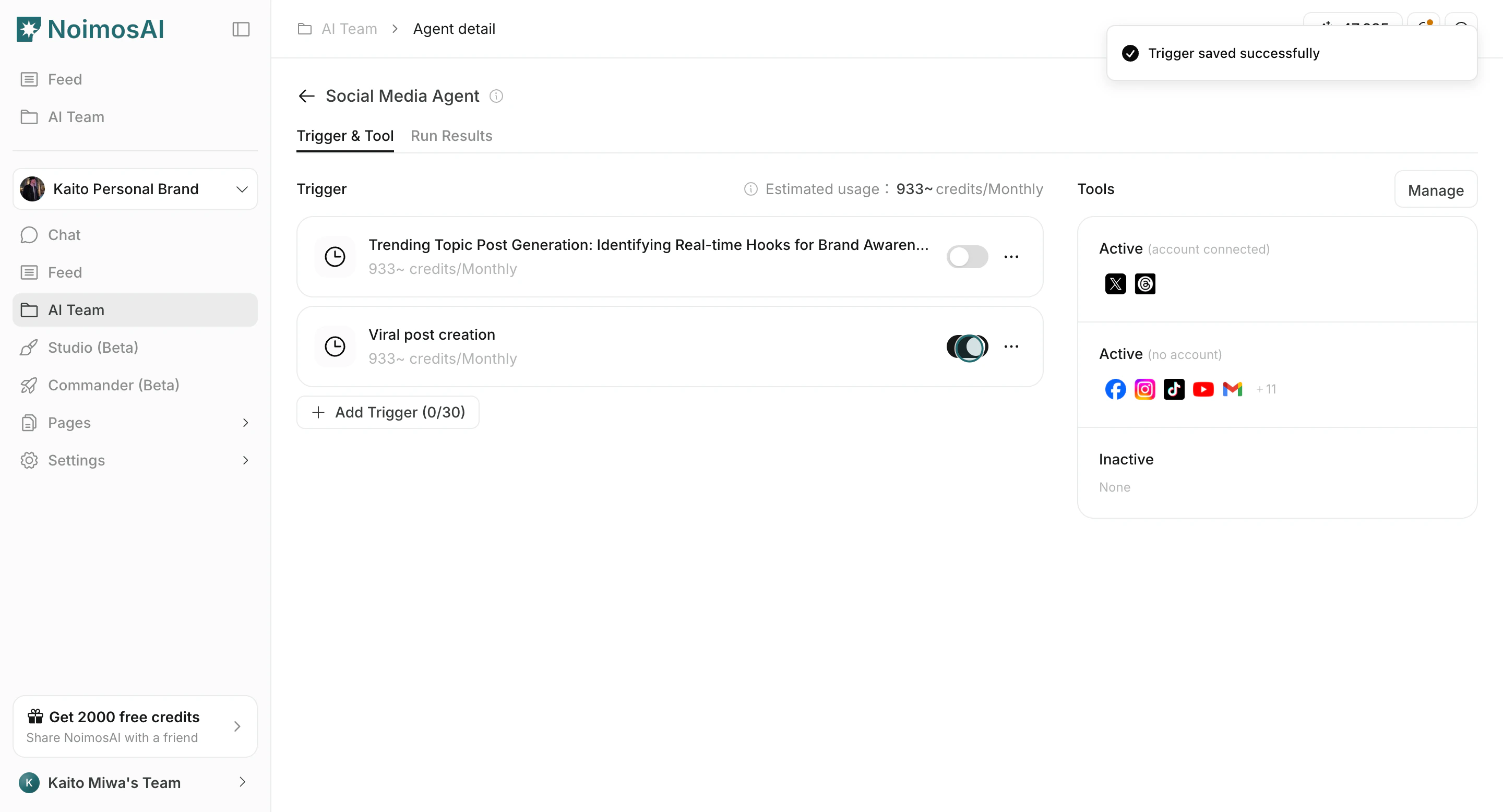
- Confirm trigger toggle is ON.
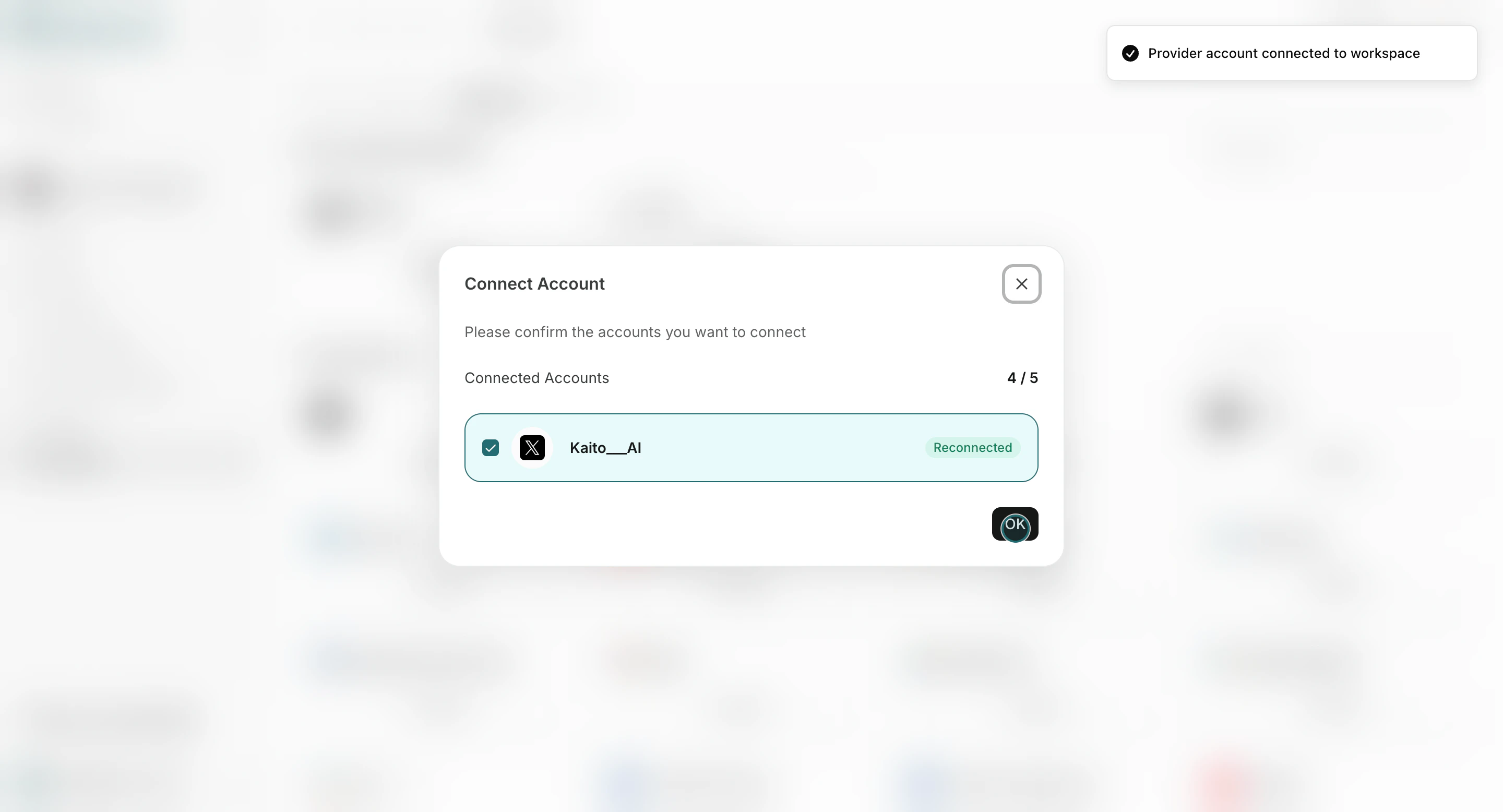
- Confirm required tools/accounts are connected and authorized.
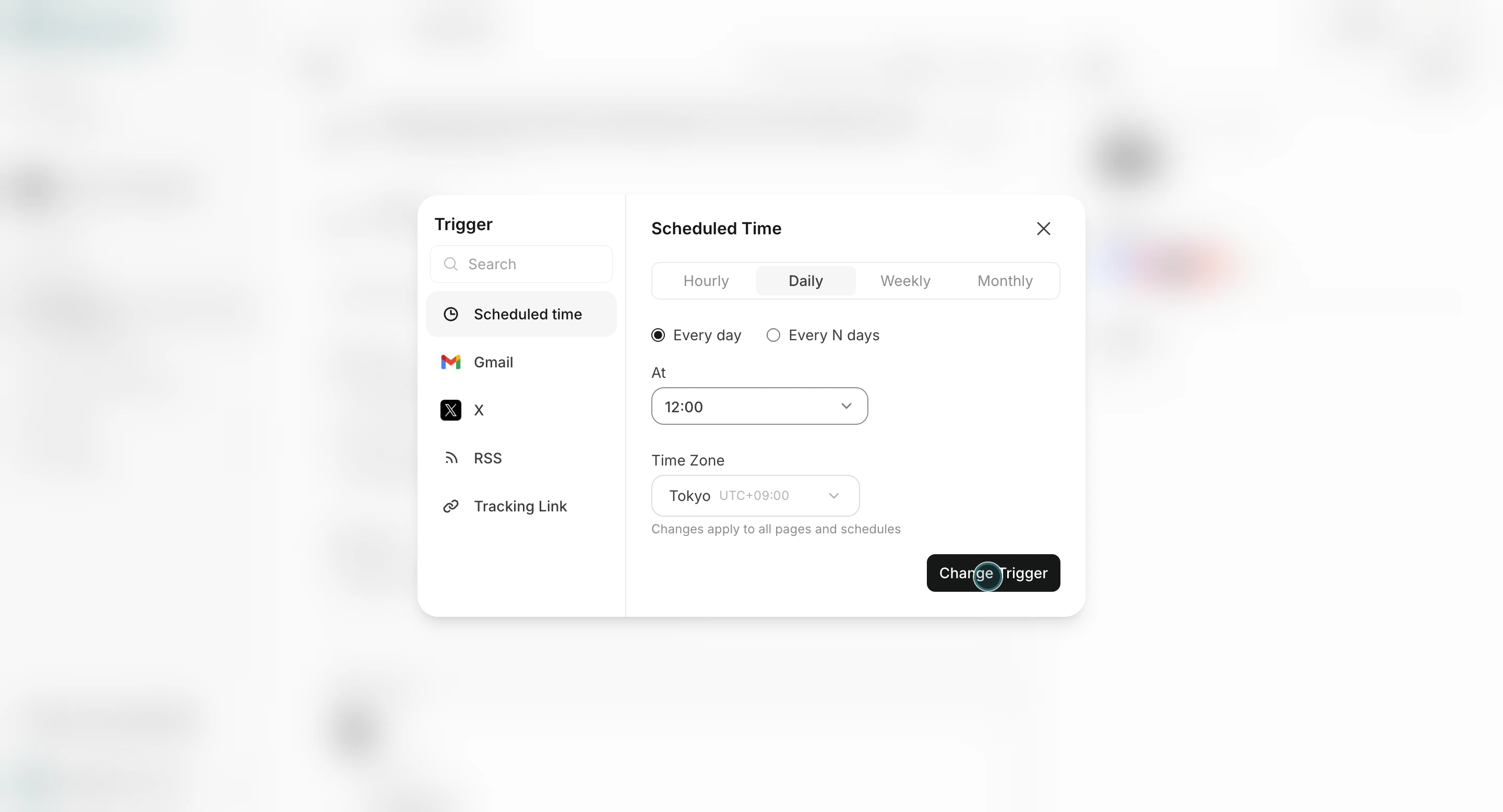
- Confirm schedule frequency/timezone settings.
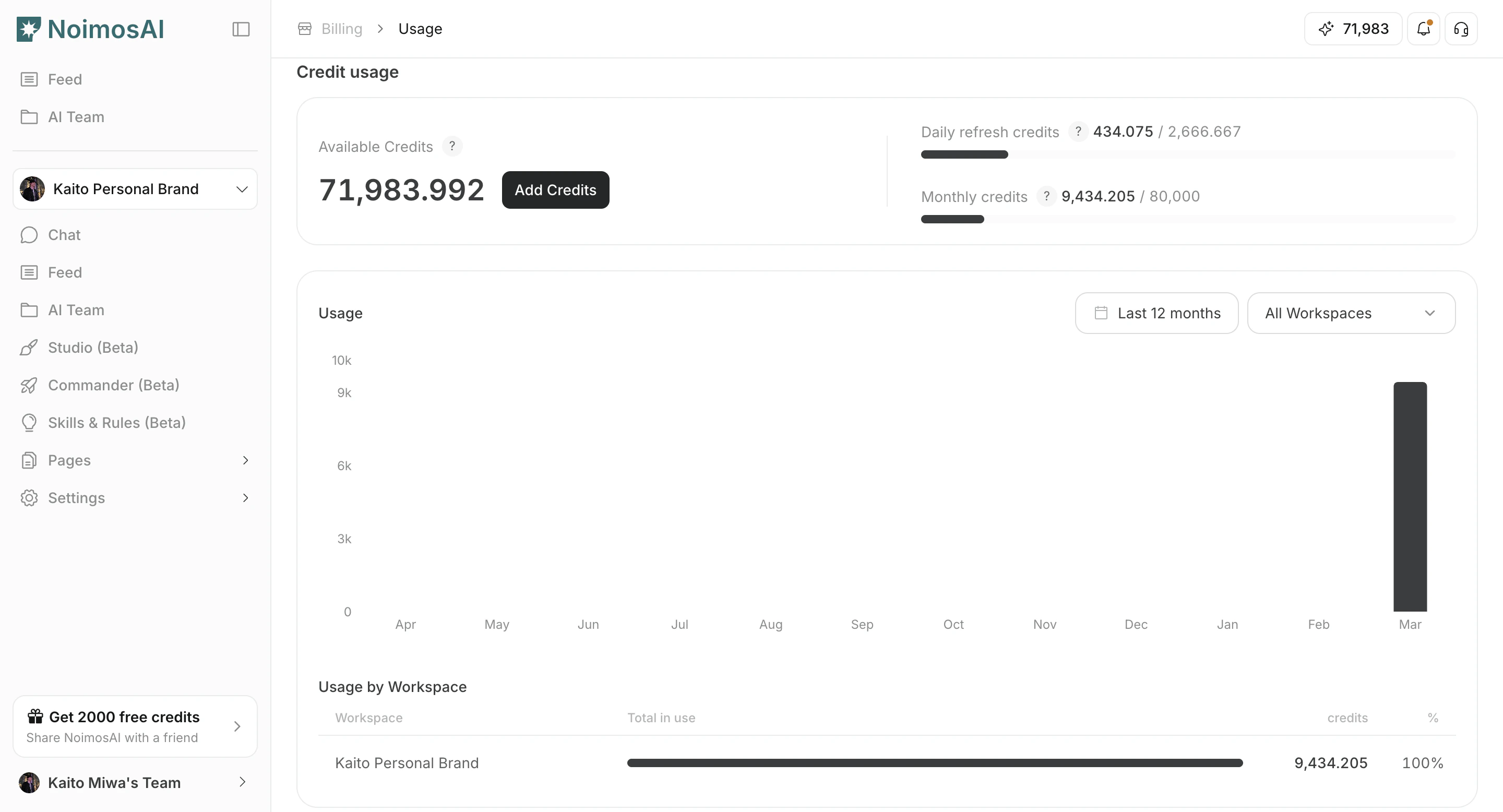
- Confirm you still have available credits.
Where to Inspect Results
All Tasksfor chronological execution history.Team -> Agents -> [Agent] -> Run Resultsfor agent-specific history.