

Overview
This page explains how to configure senders for emails and notifications, and event tracking that records actions such as sign-ups and purchases in NoimosAI. Available channels depend on connected sending services and settings on your website or app. Prepare the following for each channel.
To use push notifications, prepare a
VAPID key, which identifies the notification sender. The target website also needs a Service Worker, which lets the browser receive notifications in the background.
Use Gmail or a Sending Domain as an Email Sender
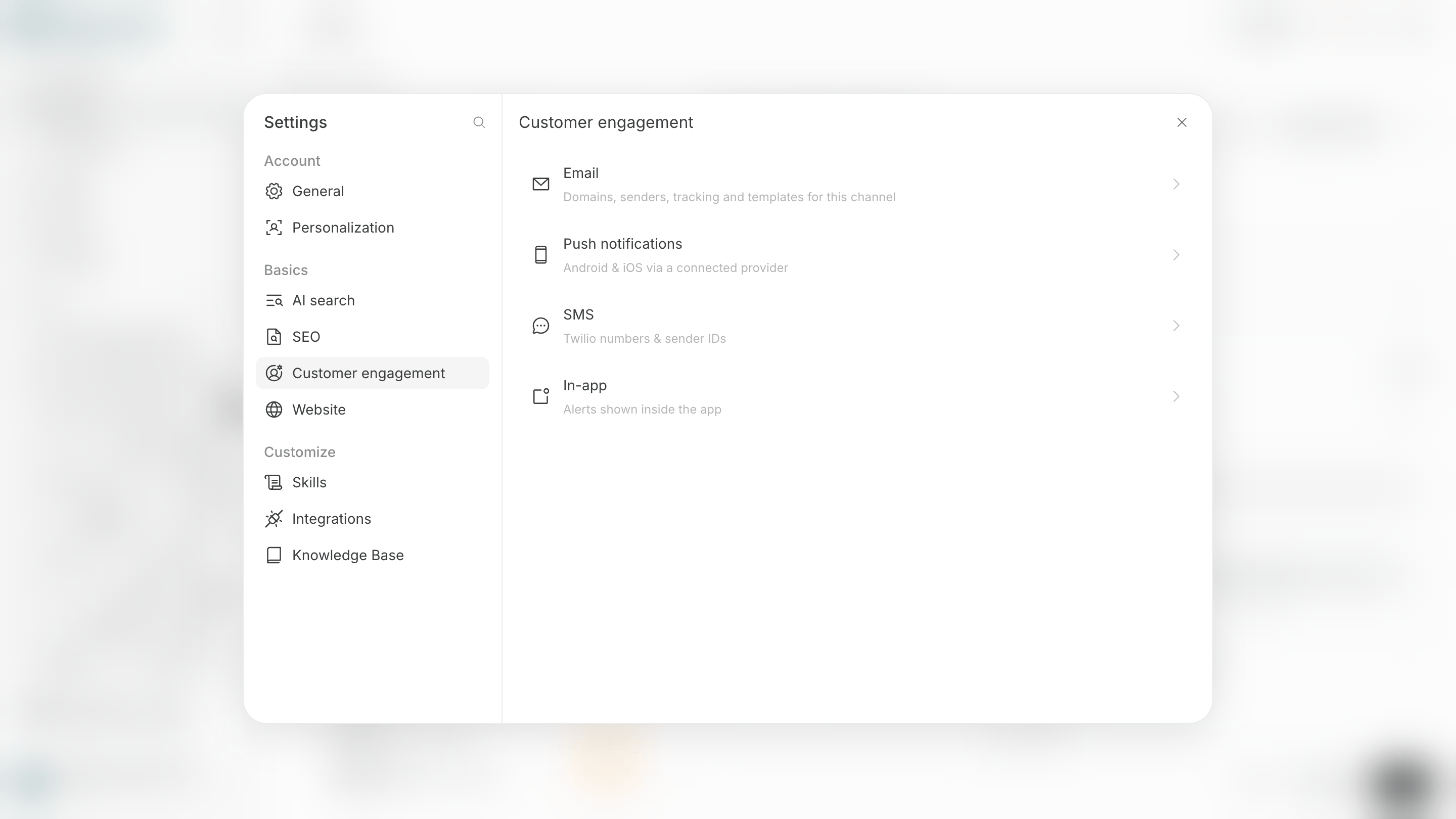
To send email, connect a Gmail account or configure a domain your organization manages so that it can send email. There are two main ways to prepare an email sender.- Connect Gmail: Select the connected Gmail account as the campaign sender.
- Register a sending domain: Add authentication DNS records, information that identifies a domain owner and email sender, to your organization’s domain, then create a sender address.
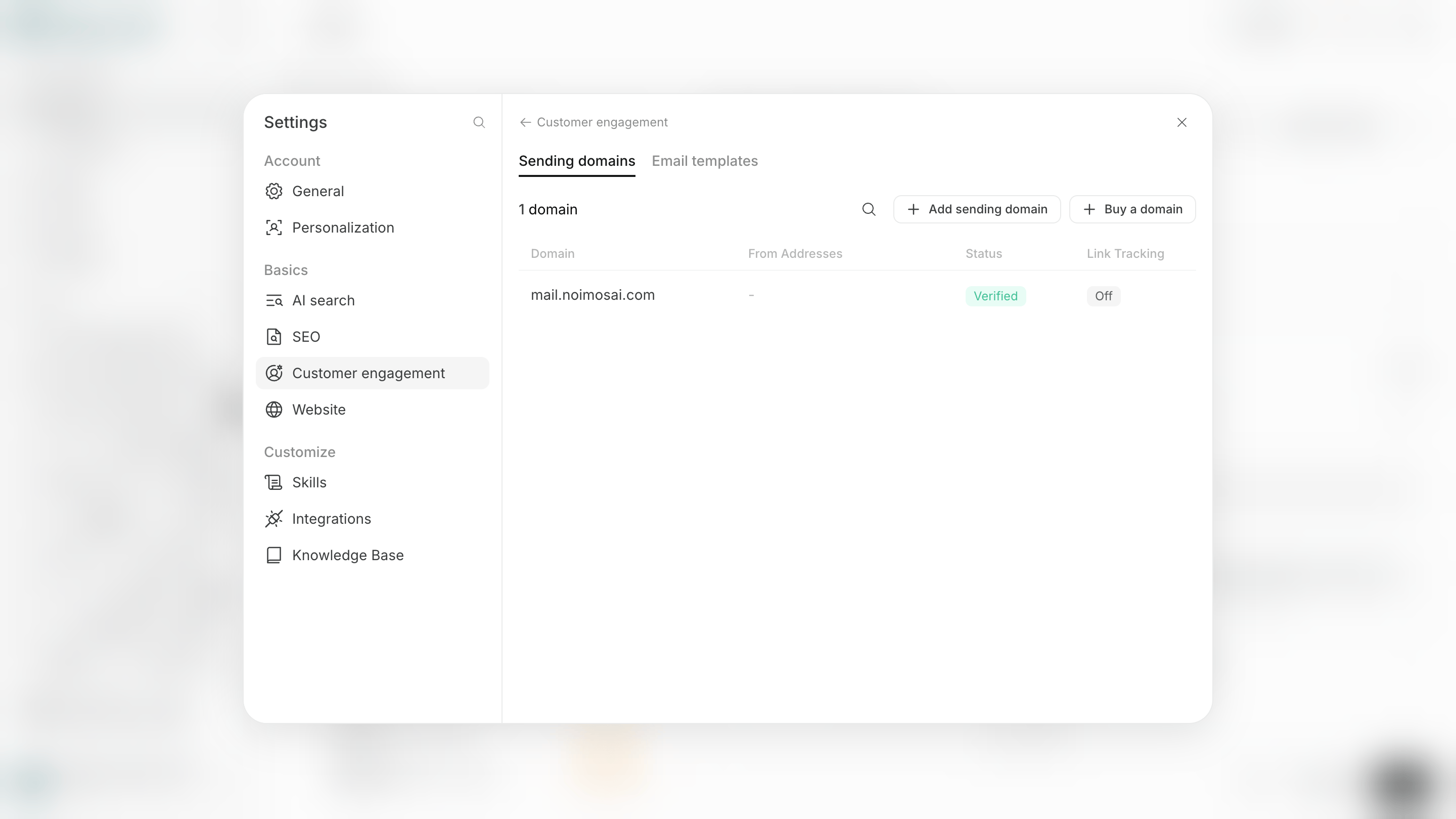
Verified.
- Open
Customer engagementin workspace settings. - Open
Sending domainsinEmail. - Select
Add sending domain, then enter the root domain or subdomain to use. - Add the displayed DNS records with the service that manages your domain.
- Select
VerifyorRecheckin NoimosAI. - When the status becomes
Verified, use the domain as a sender.
Prepare to Record Website Activity
Configure event tracking on the target website when you want to use actions such as sign-ups or purchases as a campaign entry condition or goal. Event tracking sends actions that occur on a website to NoimosAI. Event tracking adds these two operations to your site.- Identify the customer: Tell NoimosAI who performed the action and link it to customer data.
- Send the event: Send actions such as sign-ups, purchases, and feature use to NoimosAI.
Install Tracking for Your Website
Choose how to install tracking code based on how your website is managed. The main available methods are as follows.- A website created with NoimosAI: Ask the agent to install it. The change is applied the next time you publish the site.
- A website managed in GitHub: Ask the agent to create a pull request that adds the code.
- A website managed by your organization: Have your engineer install the displayed code.
Send a Test Event from a Published Site
When you use an event as an entry condition, send a test event from the published website and make sure NoimosAI displays the received result in the event list. If an event is not received, review these four items in order.- The tracking code is included in the latest version of the site.
- The customer is identified before the event is sent.
- The event name matches the name selected in Campaign steps.
- The event list displays a most recent received time.