

Overview
Campaigns are initiatives in which an agent continues the actions needed for one goal and helps you review and improve the results. A campaign is a general concept for an initiative that continually engages customers, prospects, external partners, or another audience to work toward a goal. Customer engagement is the feature for creating and running customer-facing campaigns. It sends emails or notifications based on each customer’s situation to support outcomes such as activation and repeat purchases. This page explains how to create and run customer-facing campaigns from text instructions in NoimosAI. The right message differs from customer to customer. The agent uses customer information and actions such as sign-ups and purchases to optimize message content, timing, and sequence. Sending the needed guidance to the customers who need it supports activation, continued use, and repeat purchases.Get Started in the Right Order
When you create your first customer-facing campaign, read the following five pages in order. Create a draft in chat, prepare customer data and sending, adjust campaign steps as needed, then test and start the campaign.Ask to Create a Campaign in Chat
Describe the campaign you want to create in chat, and the agent creates the required settings and messages together. For example, to guide newly signed-up customers until they start using your service, you can ask:
Review and revise the campaign draft as needed. After you approve and start it, the agent sends messages according to the settings. Once it is running, analyze results and describe any changes you want in chat.
Set the Conditions for Delivering Messages
Use customer information and activity records to decide who receives which message and when. Use the following three types of customer data when setting conditions.
For example, send the first email when you receive a
New sign-up event, then send the customer to the goal when you receive an Initial setup completed event. You can also use entry into a Within 7 days of sign-up segment as the entry condition instead of an event.
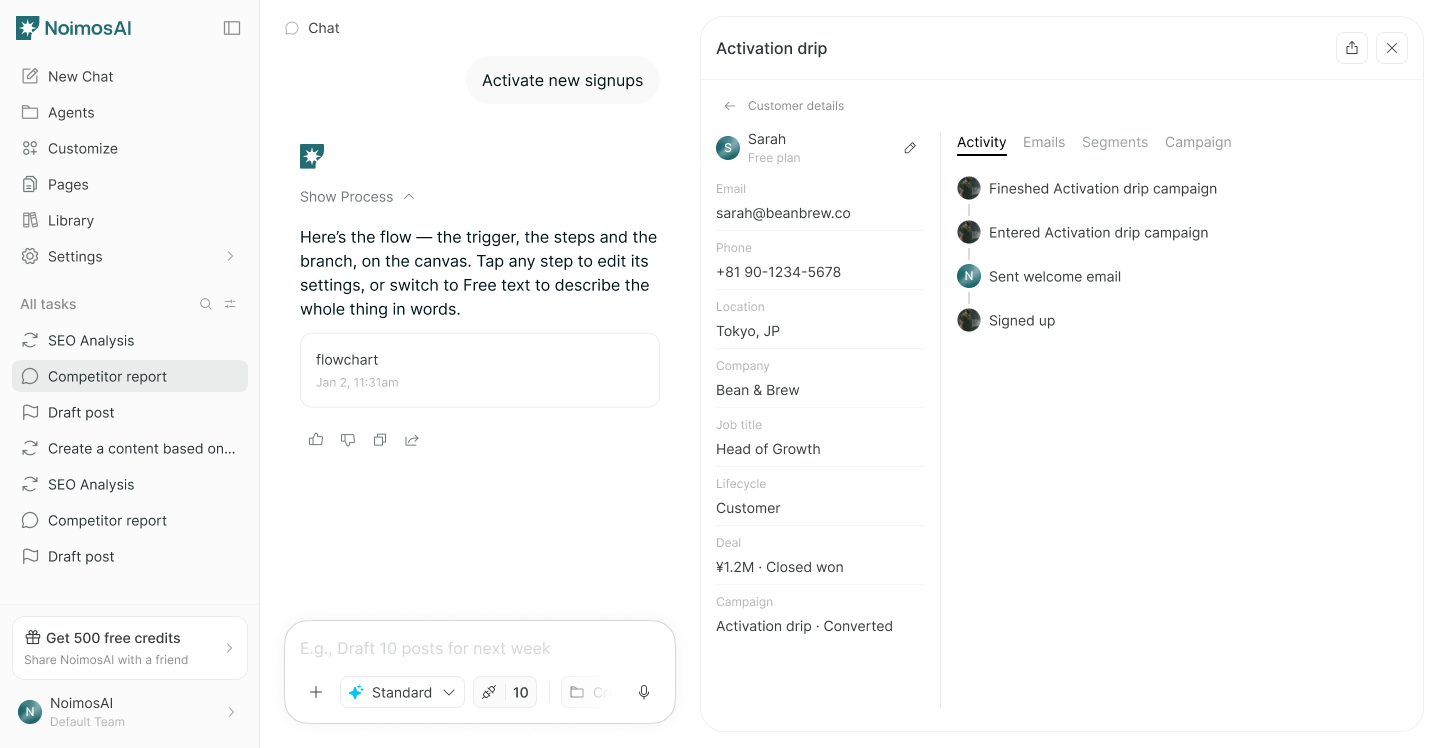
Campaign steps. Each step can also include wait times, conditional branches, and goals.
Outcomes You Can Achieve with Customer Engagement
Customer engagement can help you pursue the following outcomes at different points in the customer relationship.- Help customers who are unsure about initial setup begin using your service.
- Send needed information after a purchase to increase satisfaction and encourage repeat purchases.
- Show inactive customers how to get more value from the service to encourage continued use.
- Gather customer responses to improve products and services.